

Kenworth W900L v 1.0

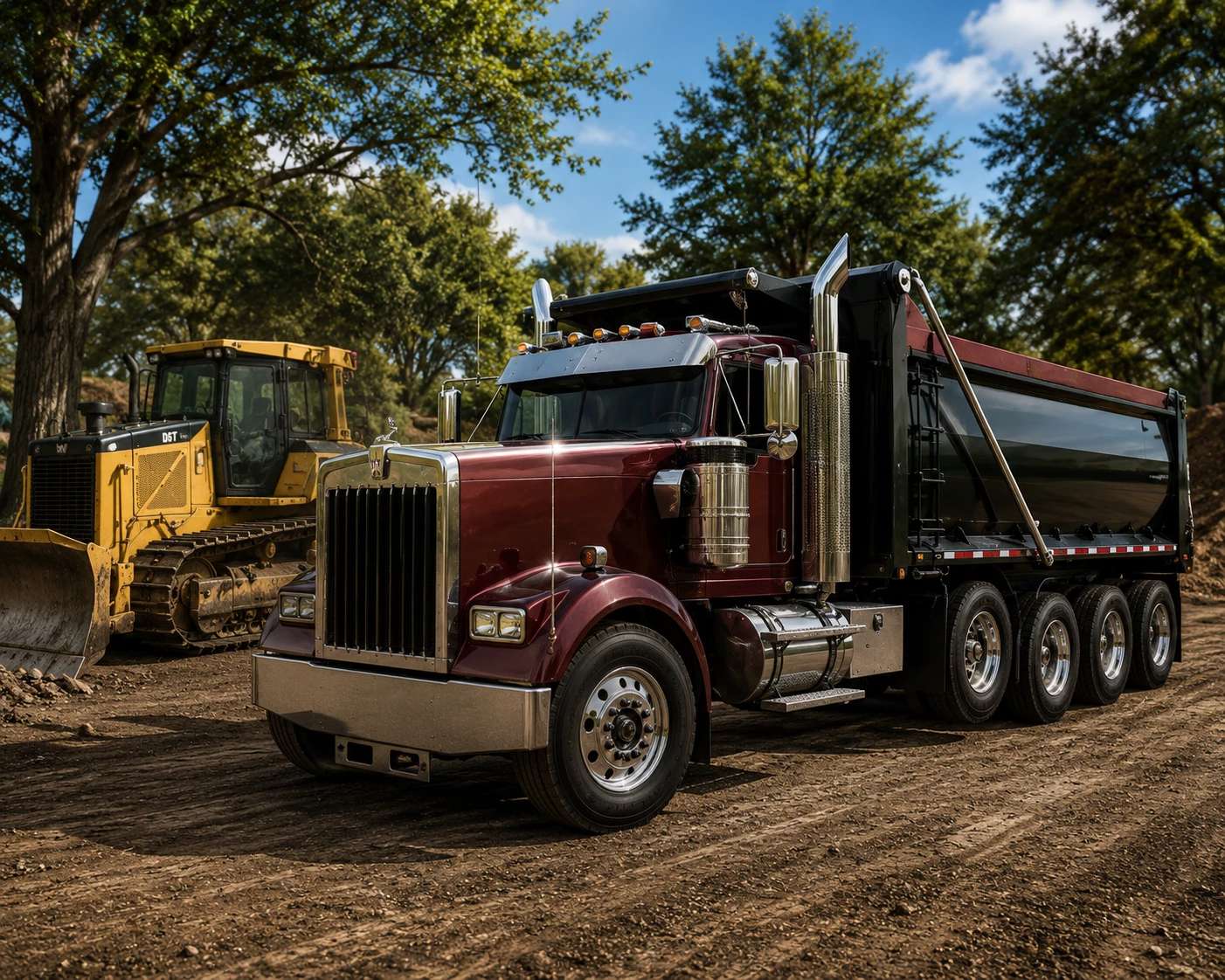
Kenworth W900L v 1.0
Hit the road in style with the Kenworth W900L Custom Truck for Farming Simulator 25.
Featuring the iconic long hood American design, this highly customizable truck is built for hauling heavy loads while delivering classic looks, powerful performance, and impressive attention to detail.
Features:
Fully detailed Kenworth W900L
Multiple engine configuration options
Realistic transmission choices
Authentic custom engine and exhaust sounds
Functional trailer hitch compatibility
Working lights and detailed animations
High-quality interior and exterior models
Multiplayer compatible
Perfect for hauling trailers, equipment, and construction materials
Whether you’re transporting cargo across the map or building the ultimate American trucking fleet, the Kenworth W900L combines legendary styling with dependable performance for every job.