Kirikouano Menu HUD v 1.2

FS25 mods

Kirikouano Menu HUD v 1.2
1 Star2 Stars3 Stars4 Stars5 Stars
About mod:

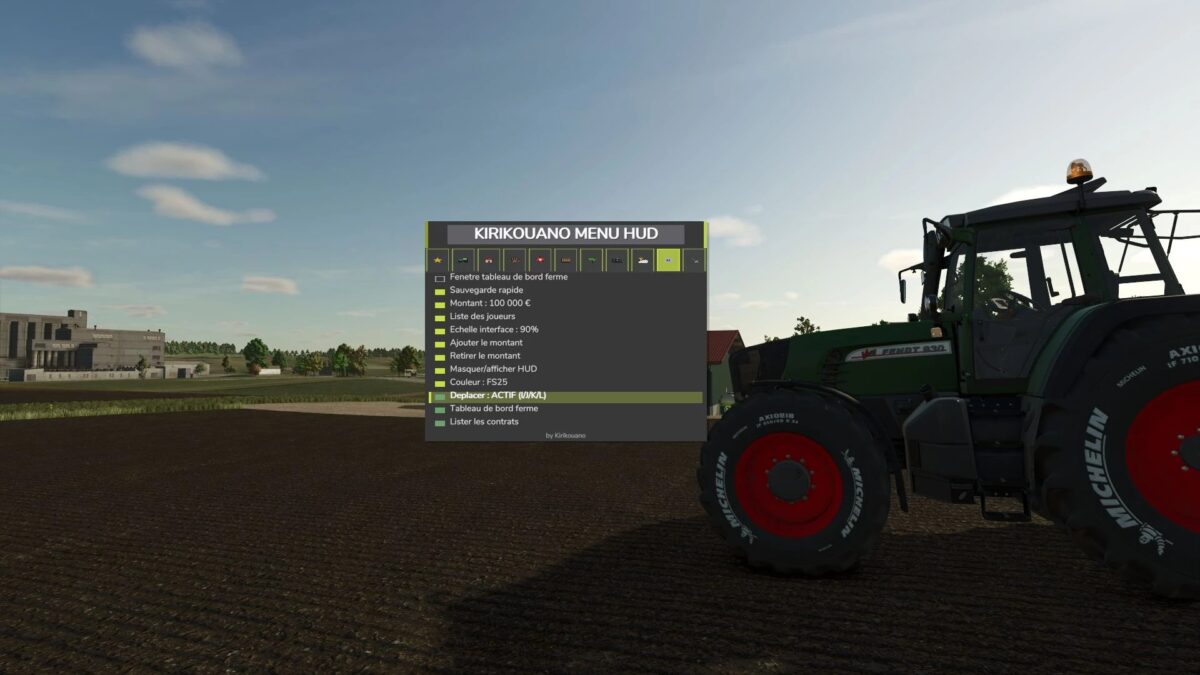
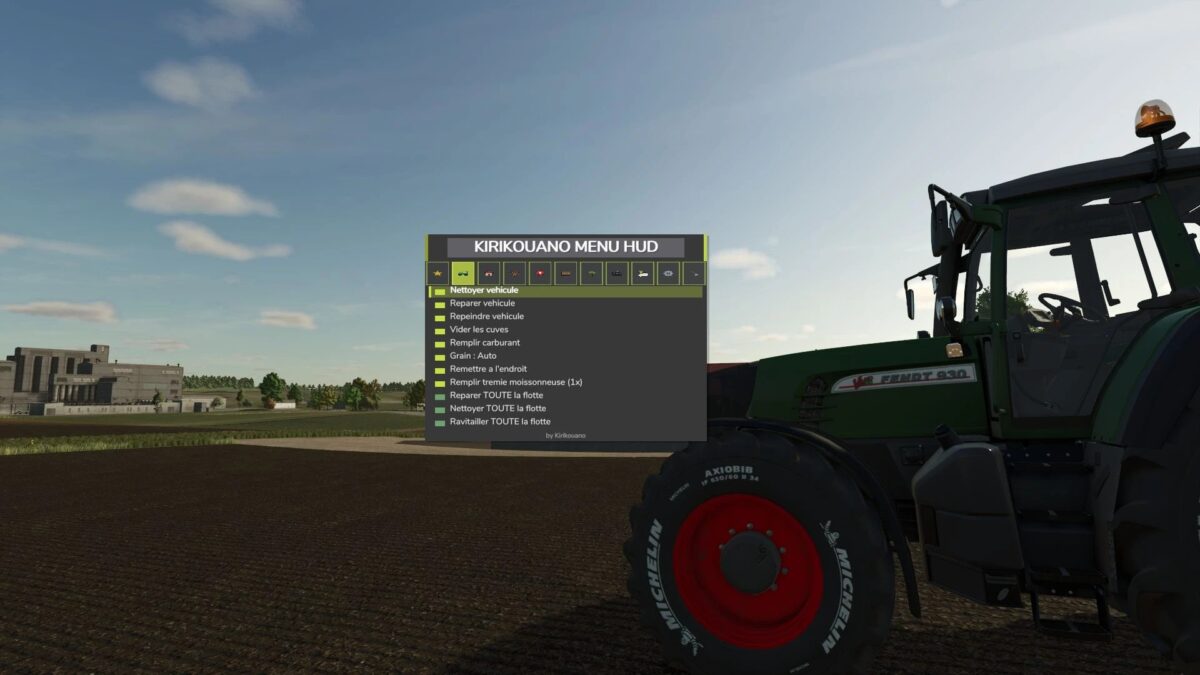
F12 opens/closes a modular and compact panel.
Includes silver, full fill, no wear, flight, fast speed, strength, automatic doors/barriers and free terraforming (toggles): clean/repair/empty vats, choose grain, spawn pallets/bales, buy all terrain, field status editor, right overturned vehicle, quick save, movable and recolorable panel.
Keyboard navigation (wheel/click or Up/Down/Enter) by default.
Controller: no buttons automatically assigned (to avoid any conflict with your own settings) — assign the “KM_MENU_*” actions yourself in Options > Controls > Controller if necessary.
The panel moves with the dedicated I/J/K/L keys (not the arrows, to avoid conflicts with the camera).
Note: Time and Weather actions use game developer console commands and require the “cheats” launch option: all other features work without it.

Version 1.2:
* Complete visual overhaul real colors sampled on the game, custom icons for tabs and animals
* Vehicle repaint + new wash/repair/paint sounds
* Real floating window for firm dashboard
* Fixed menu movement bug (I/J/K/L)
* Removed DEBUG tab (development tools, not intended for normal gaming

Credits:

KIRIKOUANO59

* By clicking [Download this mod from filehost] button you agree to leave this website. The link opens in the new tab. File is hosted in the external website. We are not responsible for the content of the external page and the possibility of free download of the file.

How do I install Farming Simulator mods?
Find a mod that you like and want to download first. Then, on your PC, download a mod. Mods are typically in.zip format. However, it is sometimes in.rar format. If the mod file is in.zip format, no additional actions are required. If a file is in.rar format, you must unarchive it using software such as WinRar or Zip7. Windows 10 users do not need to use archive software; Win10 includes an unarchive feature.

The next step is to locate the mods folder on your computer. It is typically found in Documents/My Games/Farming Simulator [Your FS game version, e.g. 2022]. Open the "mods" folder and place the downloaded.zip archive or unarchived.rar file there.

The final step. Have fun with Farming Simulator mods!

Leave a Reply

Your email address will not be published. Required fields are marked *