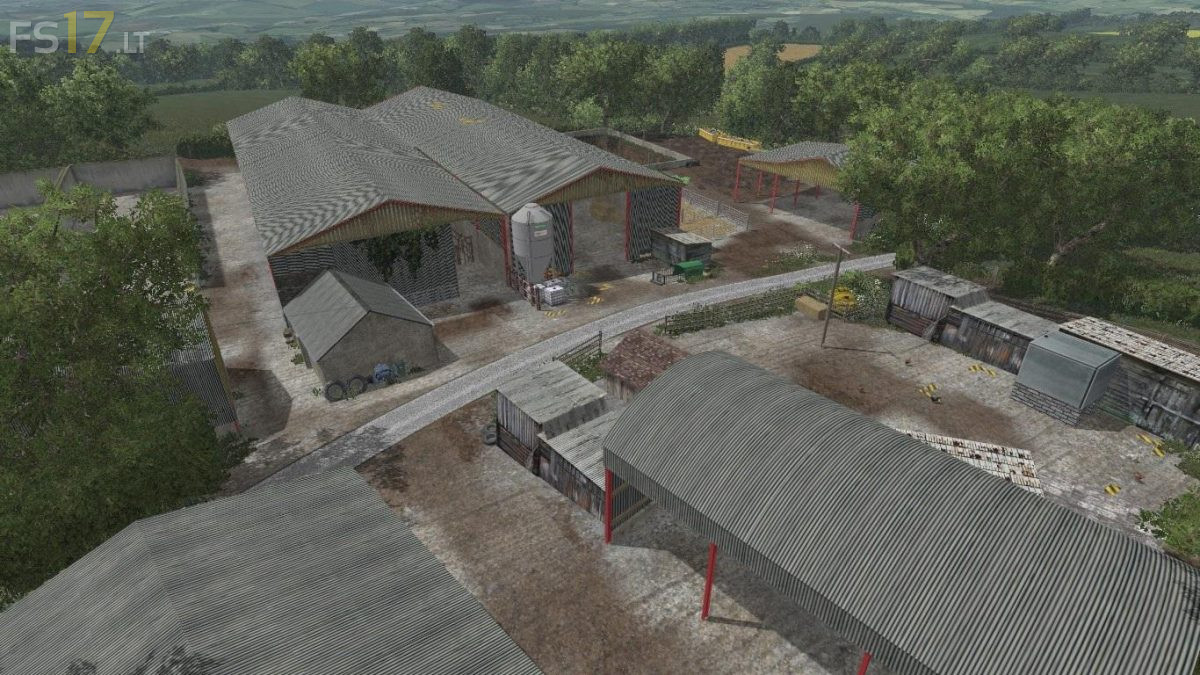
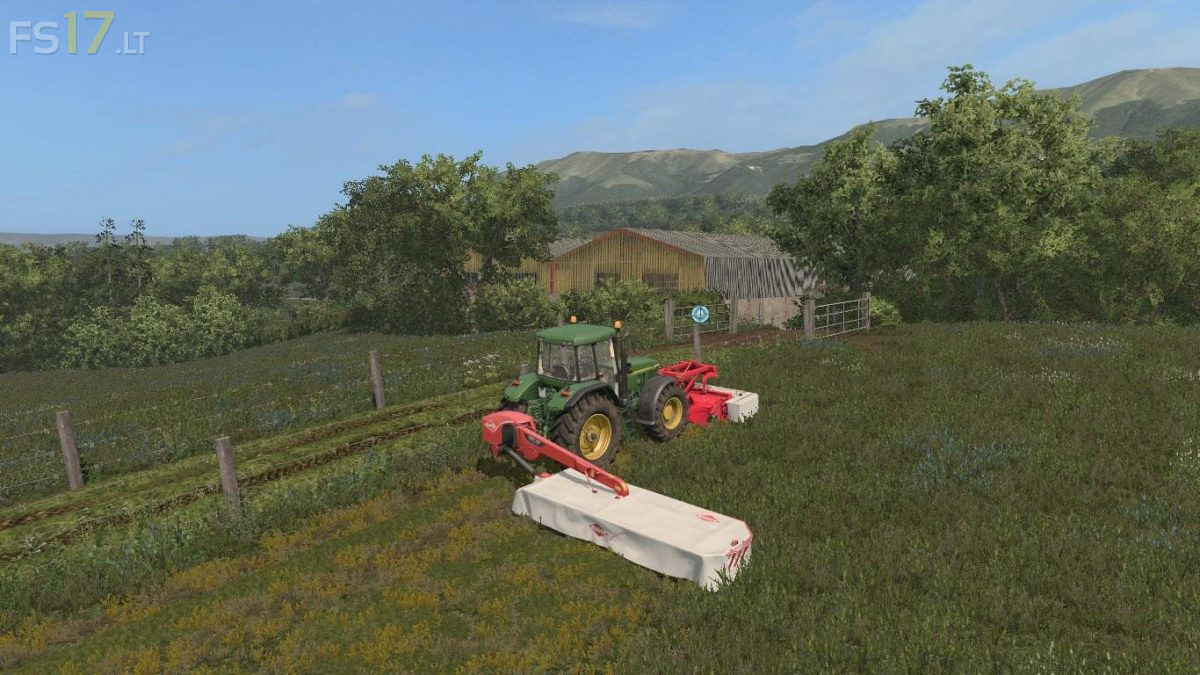
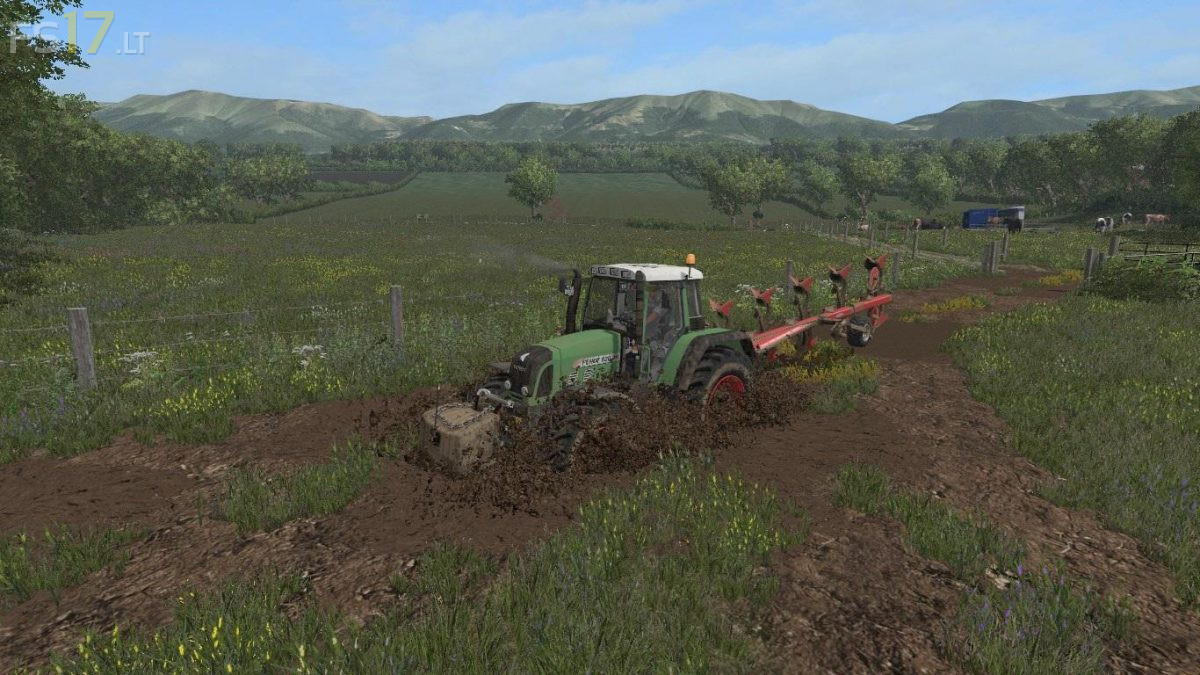
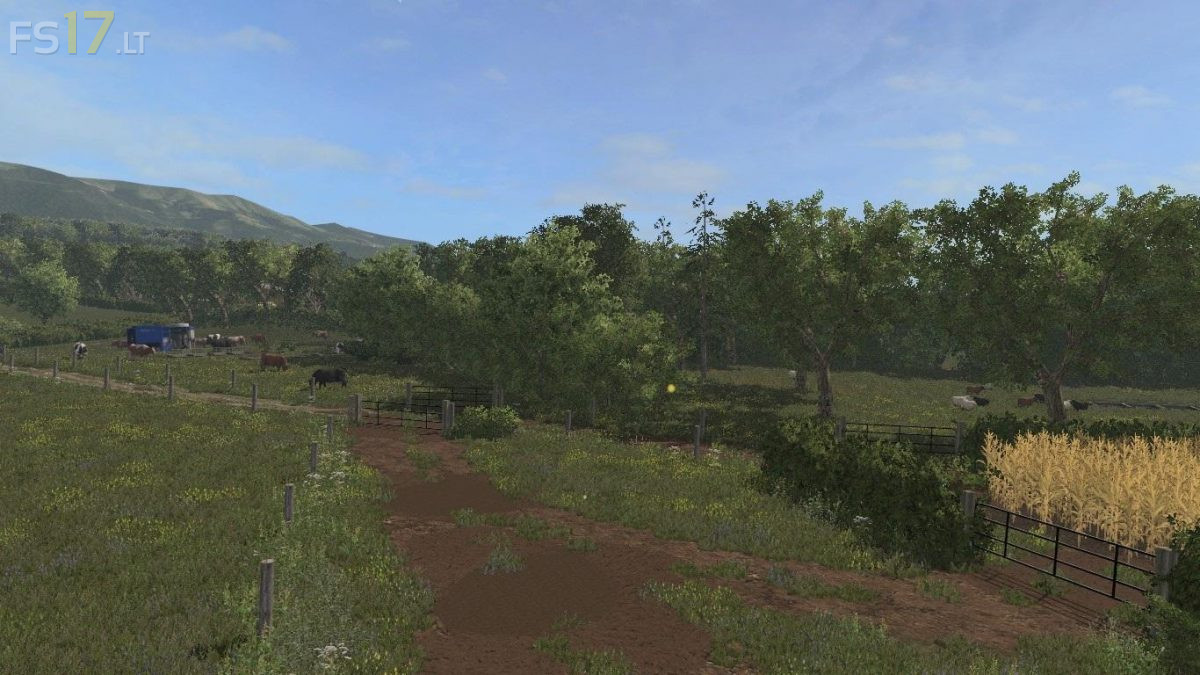
Knaveswell Farm Map v 1.0

FS19 mods

About the mod:

– BGA
– 1 Farm
– Terrain Angles
– Realistic Mud

Credits:
Daviec NI Modding Chief86 Decker_MMIV (FMC Modding) Steffen30muc Sandgrouper getawfmoiland Giants willjsavage Agi martinbigM500 Germany Community Group KIK Ifan Javier007 MMB Modding mailman Farmari99 ZeFir Claasjaguar890 Tessmann85 jakub227 Marhu Daviec enzosnext BulletBill83 LJW modding fatian javieroo7 juanathan lsm modding chriss 1988 kolbenfresser zefir mafia73 csmc jauchebpaule kazura creative modding imschonenwildcott coufy vanillaice87 Larsen modding webalizer sandgroper vertex designs noddy_16v Coreyc63 Massey8110 Bowmander Mappers Paradise Giants Marhu Farmer Andy Igor29381 Daggerwin Landykid Benw11

How to install FS17 mods?

Firstly find a mod which you like and want to download. Then download a mod to your PC. Mods are usually in .zip format file. But sometimes it can be in .rar. If a mod file is a .zip format no needed additional actions. If a file is in .rar, then you must unarchive mod with software like WinRar or Zip7. Windows 10 users no need to use software for archives, Win10 itself has a feature to unarchive files.

The next step is to find mods folder in your PC. Usually, it is in Documents/My Games/Farming Simulator 17/2017. Open the "mods" folder and put downloaded .zip archive or unarchived .rar file to this folder.

Last step. Enjoy of FS17 mods!

5 thoughts on “Knaveswell Farm Map v 1.0

  • Hazza says:
    2017-05-30 at 16:22

    When i try to open the zip file, it says its corrupted?
    any help?

    • Eli says:
      2017-05-31 at 13:06

      It never fully downloaded p, try redownloading it.

  • HansandGreatell says:
    2017-05-30 at 20:37

    I Don’t think this one is from Tommx55

  • Hazza says:
    2017-06-05 at 15:44

    nah+it+isnt,+its+a+convert+from+fs15

  • Manuel says:
    2017-06-07 at 22:57

    No shop the animal in the map

Leave a Reply

Your email address will not be published. Required fields are marked *