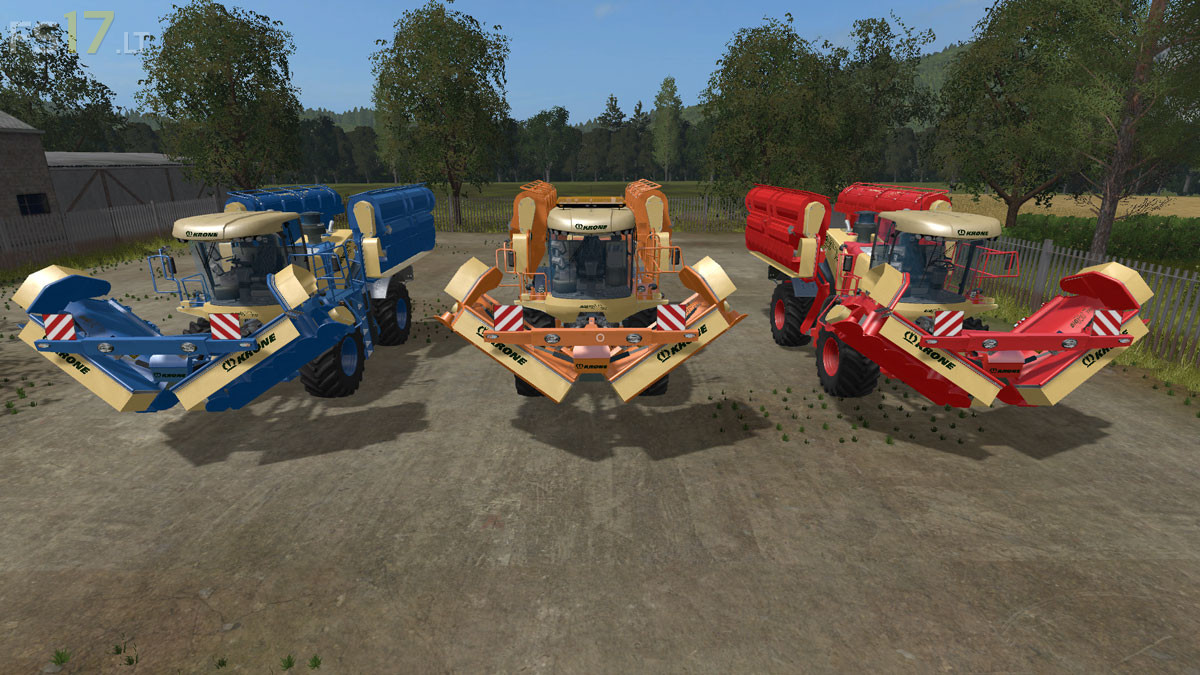
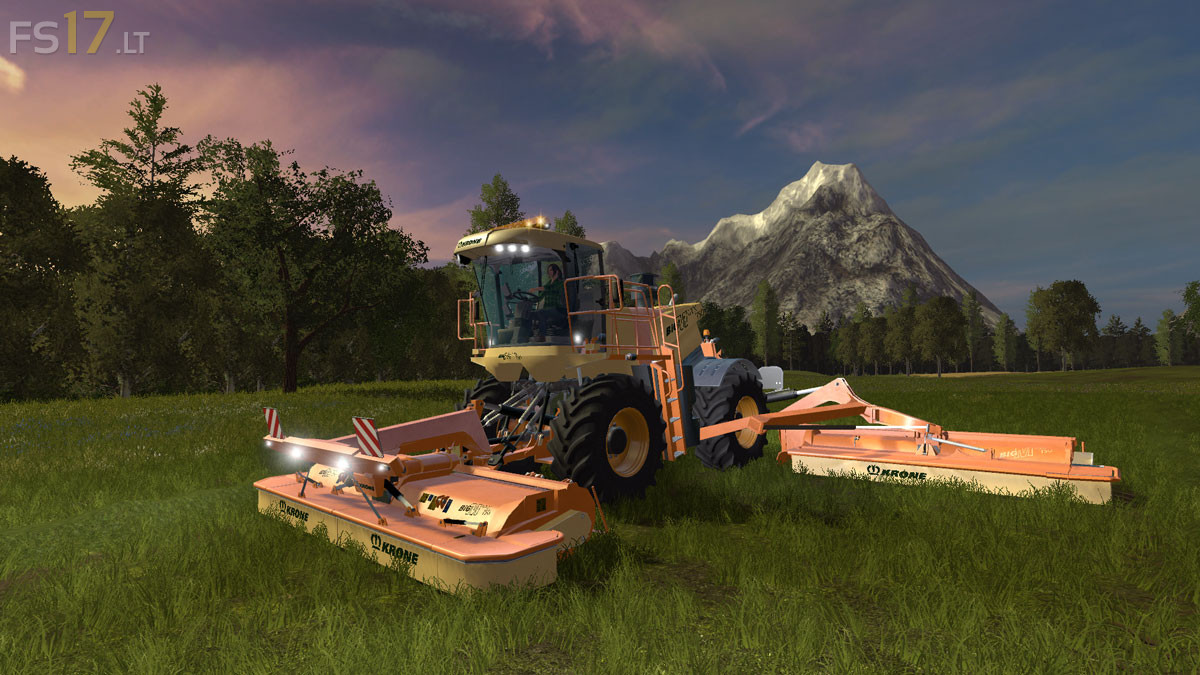
Krone Big M v 1.0.10 Multicolor

FS19 mods

krone-big-m-1 krone-big-m-2

About the mod:

– Engine Setup: 520 hp, 775 hp
– Wheels Setup: 800 x 65 R32, 800 x 70 R38 Auto Hubs
– Attachers: Standard, Extended Hitch Mount
– Choice of Color
– Selectable Rim Color
– Design: Standard, Beacon Light Bar

Price: 180.000 €

Credits:
Giants, Timber131, FS17 GTX Mods

How to install FS17 mods?

Firstly find a mod which you like and want to download. Then download a mod to your PC. Mods are usually in .zip format file. But sometimes it can be in .rar. If a mod file is a .zip format no needed additional actions. If a file is in .rar, then you must unarchive mod with software like WinRar or Zip7. Windows 10 users no need to use software for archives, Win10 itself has a feature to unarchive files.

The next step is to find mods folder in your PC. Usually, it is in Documents/My Games/Farming Simulator 17/2017. Open the "mods" folder and put downloaded .zip archive or unarchived .rar file to this folder.

Last step. Enjoy of FS17 mods!

One thought on “Krone Big M v 1.0.10 Multicolor

  • Buddha187 says:
    2016-11-30 at 07:08

    You need to take a look at the inside cab camera, when using trackhat/trackIR its looking behind. and not forward. i’v tried to edit it to see what causes it and i cant seem to find it. pls fix cus other then that the mod is good. // B^

Leave a Reply

Your email address will not be published. Required fields are marked *