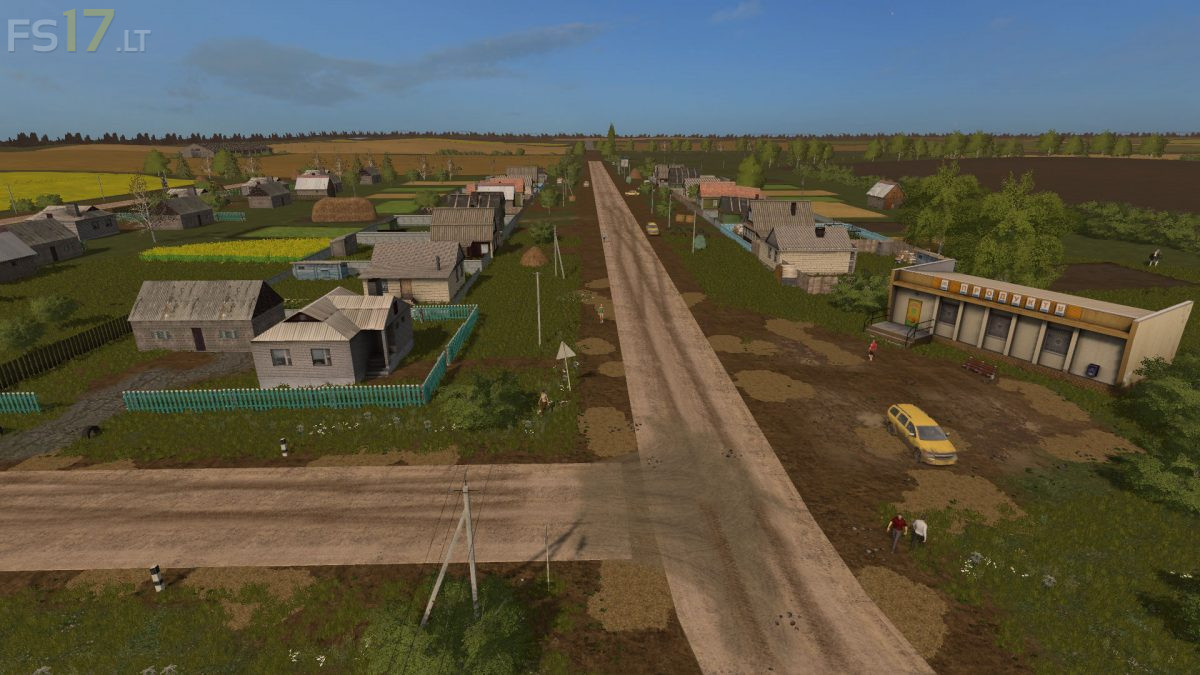
Kuliki Map v 1.0
About the mod:
– There is dirt on the Map
– Support for Seasons Mod
Credits:
Bogdan98 Modding
How to install FS17 mods?
Firstly find a mod which you like and want to download. Then download a mod to your PC. Mods are usually in .zip format file. But sometimes it can be in .rar. If a mod file is a .zip format no needed additional actions. If a file is in .rar, then you must unarchive mod with software like WinRar or Zip7. Windows 10 users no need to use software for archives, Win10 itself has a feature to unarchive files.
The next step is to find mods folder in your PC. Usually, it is in Documents/My Games/Farming Simulator 17/2017. Open the "mods" folder and put downloaded .zip archive or unarchived .rar file to this folder.
Last step. Enjoy of FS17 mods!





I would like to see an overview of the map showing field sizes and layout.
Great map! The only thing i don’t like is that you start with only 25000 money with now machinery.
Vlada entra a documentos busca my games y te saldra farming simulator 17 le das clic les das donde dice savegame 1 luego donde carrersavegame bajas asta donde dice money quita solo los numeros y pone la cantidad de dine que quieras
si no te aparece me avisas