

Kuray Map v 1.3

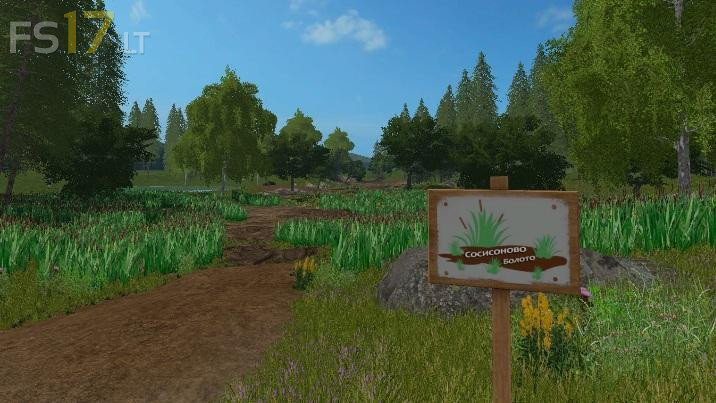
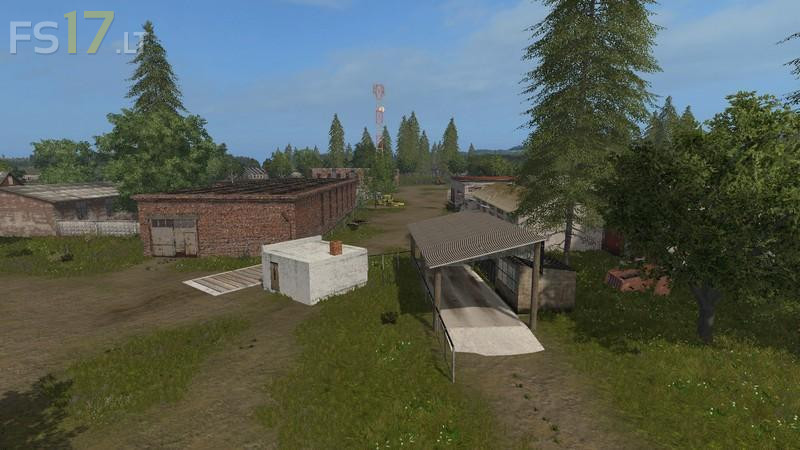
Kuray Map v 1.3
Version 1.3:
Added / modified:
– Fish farm, produces fresh fish on pallets
– Mill, produces flour on pallets
– Bakery, produces bread on pallets
– BGA produces digestate
– Production of compost
– Seed production
– Production of dry manure
– Production of dry and liquid fertilizers, fuel from digestate
– Sale of pallets at railway station and quay
– Boards are now sold as a separate product
– Bearded beet and potato warehouse moved
– Added another large garage on the base
– Warehouses of seeds and fertilizers (dry and liquid)
– Greenhouses producing vegetables on pallets
– Plates indicating the necessary raw materials
– Animated Animals
– Gates on the base open manually
– All gates and doors can be opened from machinery
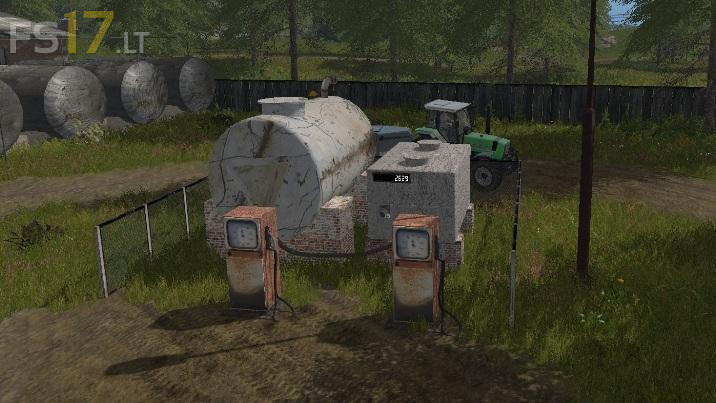
– Sale of fuel at a gas station
– Near the barn you can drain any liquid
– Many small additions and changes
Corrected:
– Fixed collision on animal feeders
– Fixed tree crowns
– Many small fixes