

Kyffhauser Map v 1.1

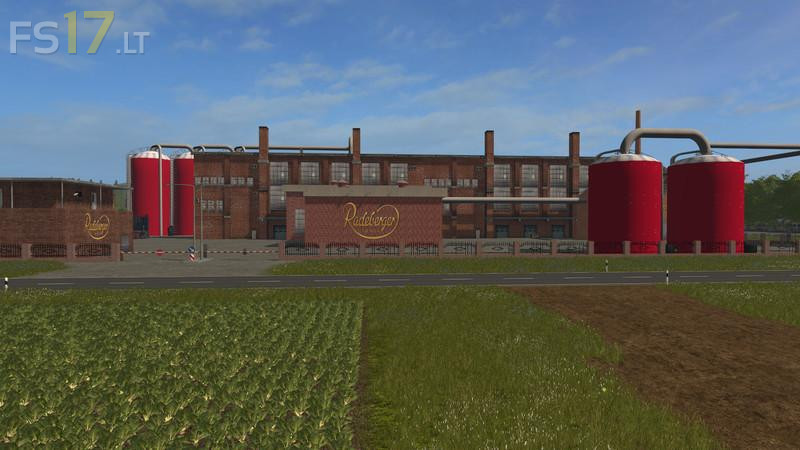

Kyffhauser Map v 1.1
Version 1.1:
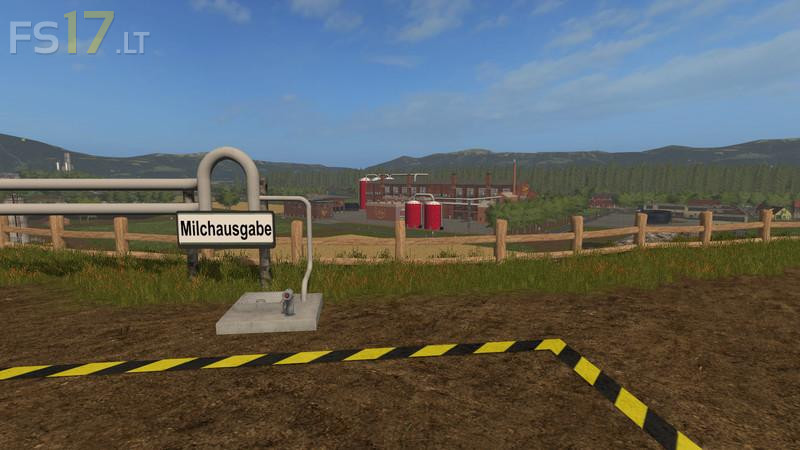
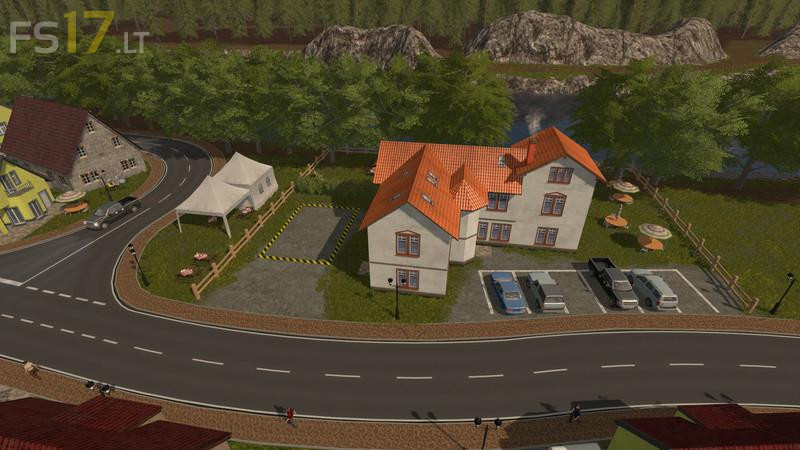
* Buyable properties for a total of more than € 15million
* Butchery: as a product there are meat pallets
* Pallet Warehouse: here you can store all the pallets that are on the card and wait for a good price to sell them
* 2x KünzelGrainMaster: stand in the pigsty for the production of cereal meal. Silo for storing wheat stands in front of the pigsty. Production has been adjusted
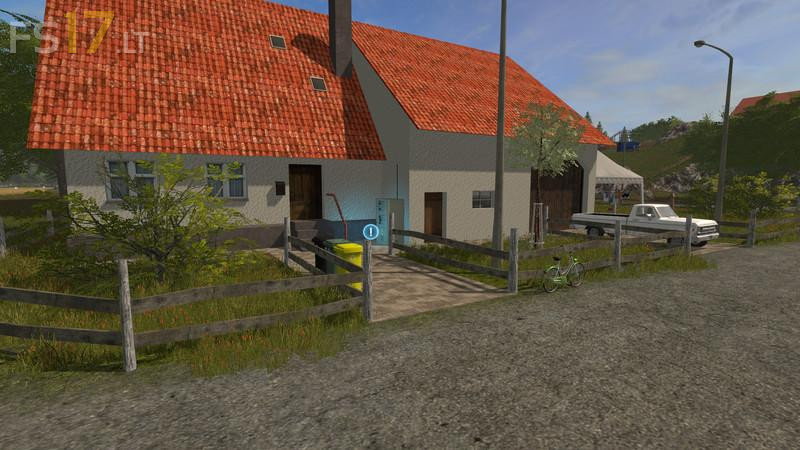
* LiquidFertilizerMaster: stands on the farm, producing the liquid fertilizer from water and fertilizer. Liquid fertilizer storage is also available at the farm
* At Tierhof a shelter + a filling station was placed. Silage silo for the cows was exchanged. Silo capacity for compound feed, porridge and pig feed has been increased
* Grass was removed from the intersection at CompostMaster to place the hall from the Straw Recovery Add-On, but first the trees have to be removed first
* BGA silos have been redesigned
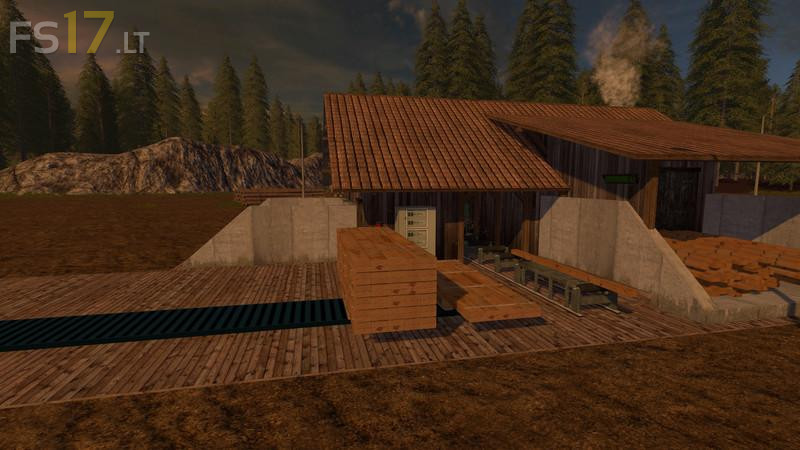
* GMK Mod was installed, lime is available at the garden center to buy and at the farm there is a lumber warehouse
* Map was prepared for Season Mod
* Map was prepared for the tube system (function in the cows, pigs and at the BGA)
* Map was prepared for the Farming tablet
* Map has been prepared for the mCompanyGraphic Mod (Graphicmod for purchasable objects and productions)
* Here and there were also some blemishes eliminated. Productions have been adjusted. Railway tracks were lowered. The night was brightened. Field mission progress is now displayed. Dispaly am Hof was expanded for lime and liquid fertilizer
Well, not everyone speaks German…