La Mancha Map v 1.0
About the mod:
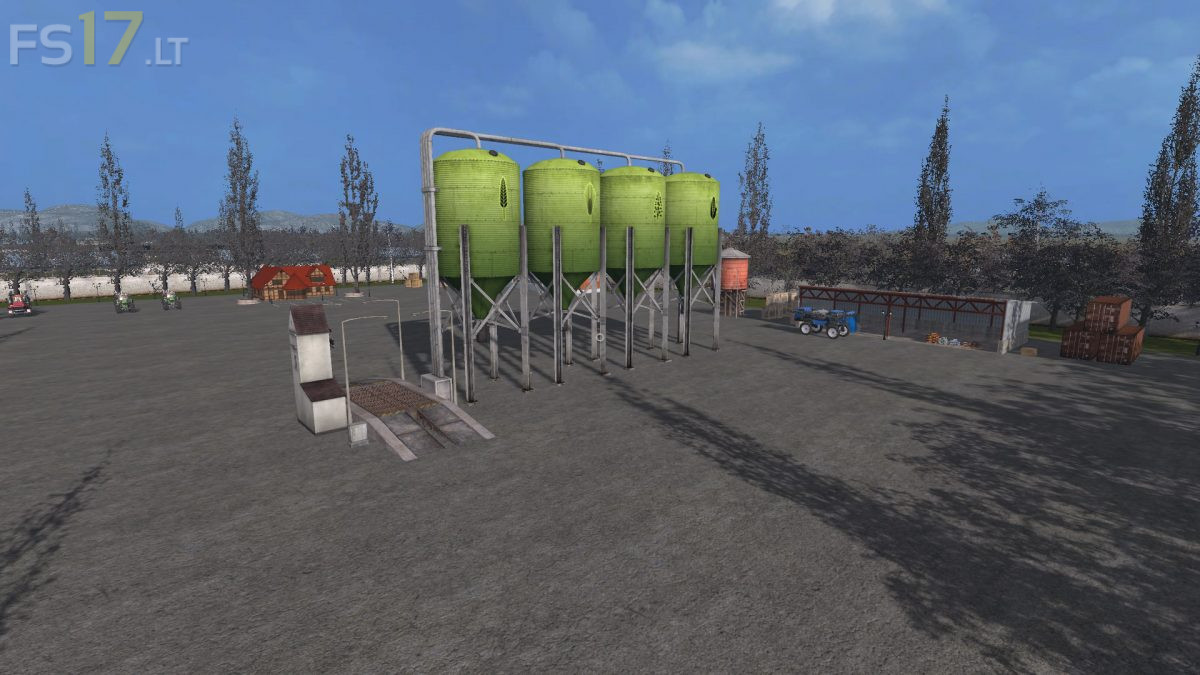
La Mancha is a Map that contains the original cultures of the game, with some modifications like capacity of the silos and the size of the Map.
Credits:
viseño45
How to install FS17 mods?
Firstly find a mod which you like and want to download. Then download a mod to your PC. Mods are usually in .zip format file. But sometimes it can be in .rar. If a mod file is a .zip format no needed additional actions. If a file is in .rar, then you must unarchive mod with software like WinRar or Zip7. Windows 10 users no need to use software for archives, Win10 itself has a feature to unarchive files.
The next step is to find mods folder in your PC. Usually, it is in Documents/My Games/Farming Simulator 17/2017. Open the "mods" folder and put downloaded .zip archive or unarchived .rar file to this folder.
Last step. Enjoy of FS17 mods!




In my opinion, one the BEST map. It’s a huge map (4 411 Ha) Good job. Thanks man
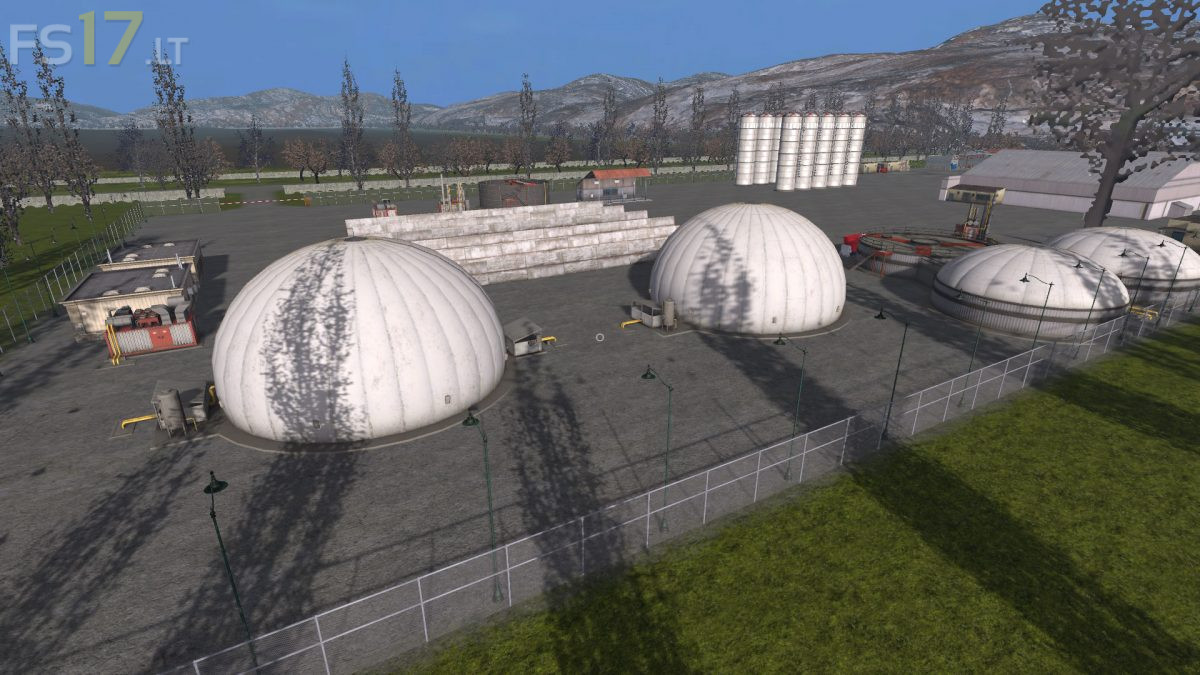
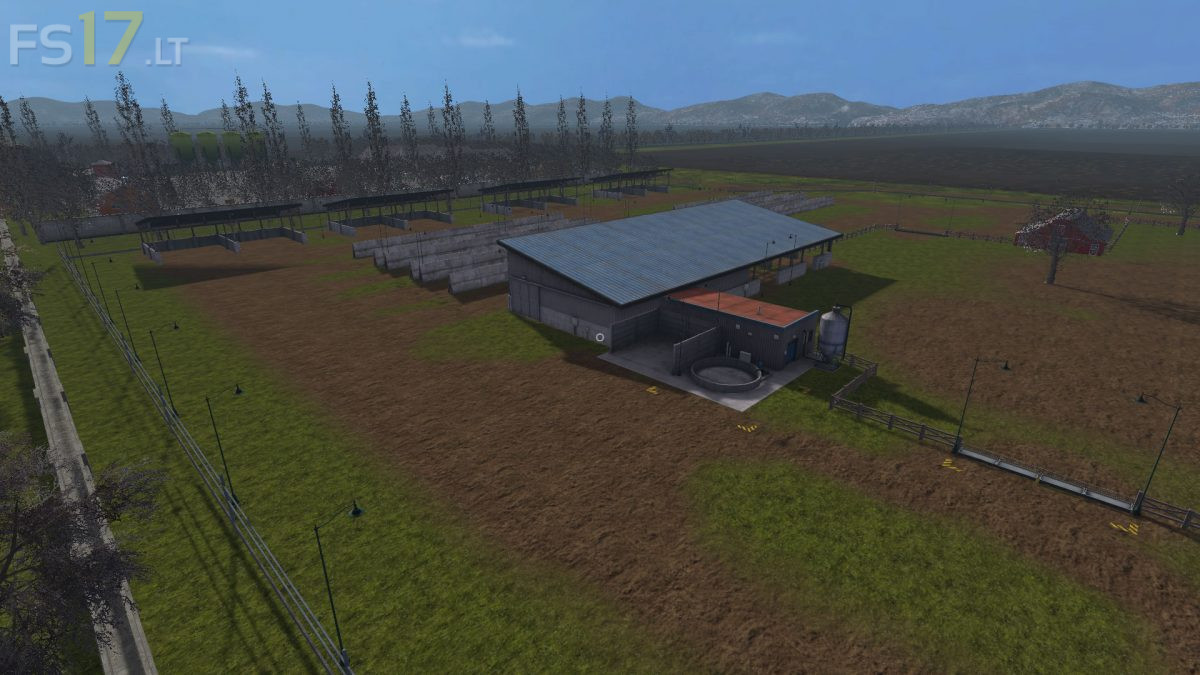
This map really is huge. Hopefully the owner/maker of this map sees this. At the Biogas, I can’t just unload my grass there. No matter what trailer I use I don’t get the option to unload. It’s the “forced” unload here option. This makes it harder to compact the stuff to then cover it to ferment it. Also have a problem behind the animal area in that field. Grew grass there and when I cut it, it stops leaving the grass clippings in a trail and then all of a sudden there is a small mountain of grass. I thought it was the “extra straw” mod but uninstalled that and it’s still happening. If you could fix the Biogas though that would be awesome. Like I said, doesn’t seem to be a trigger for unloading at the Biogas.