

Lawfolds, Aberdeenshire Map v 1.3

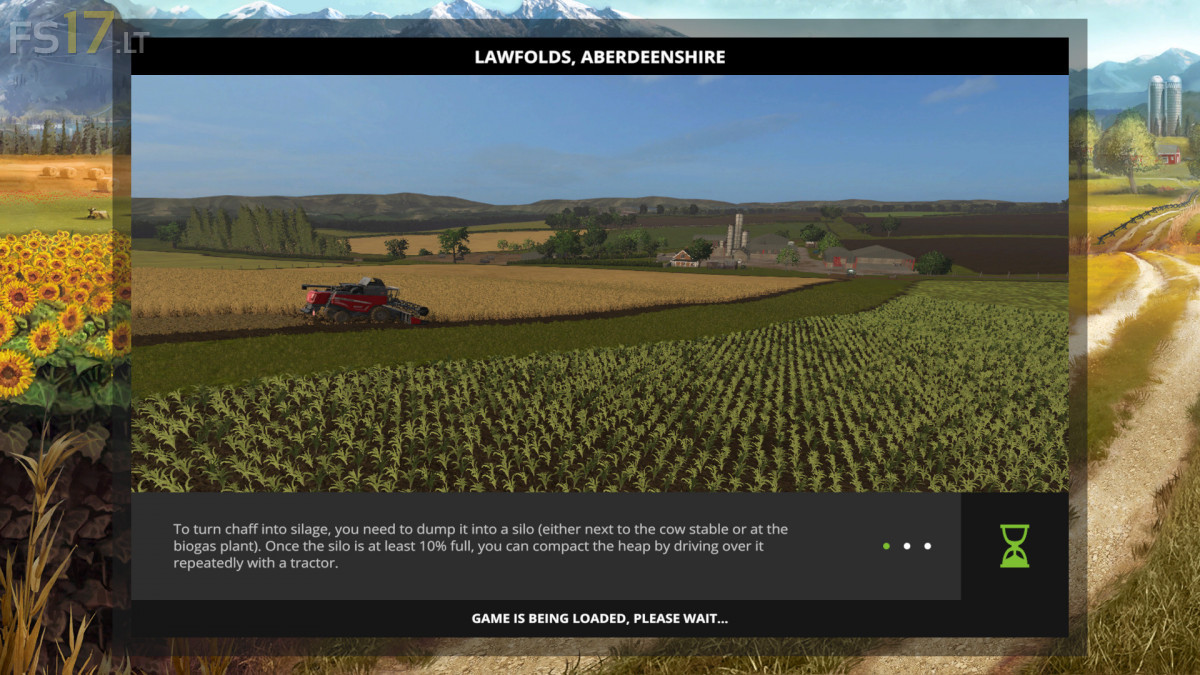
Lawfolds, Aberdeenshire Map v 1.3
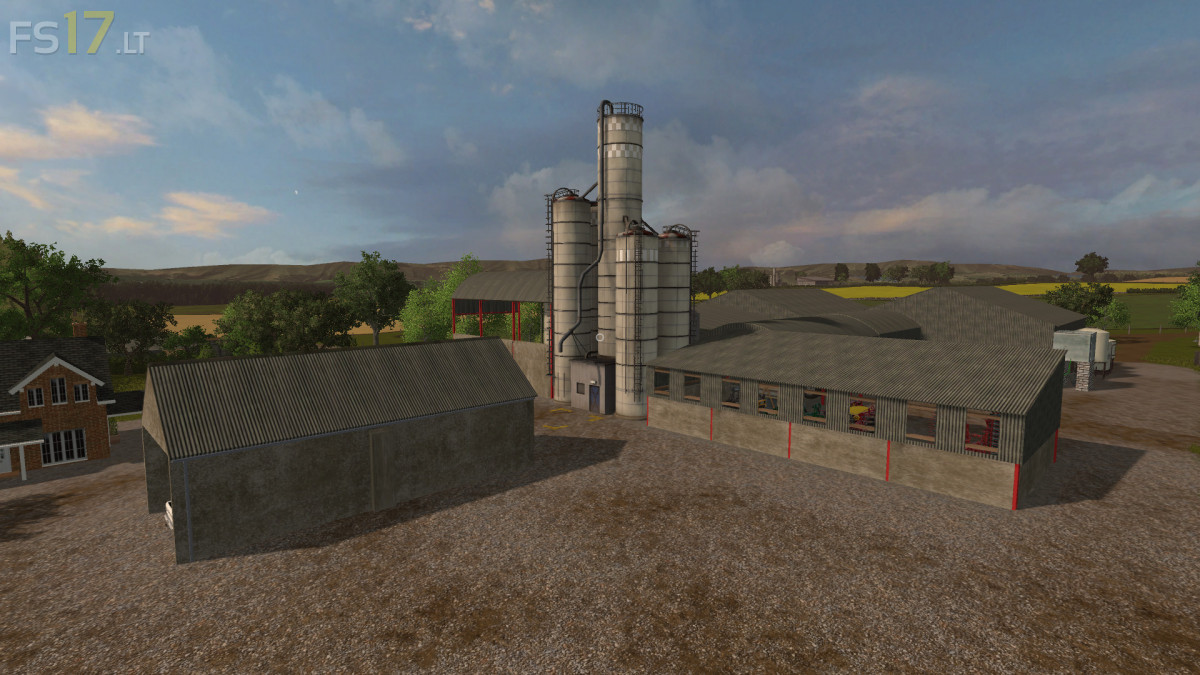
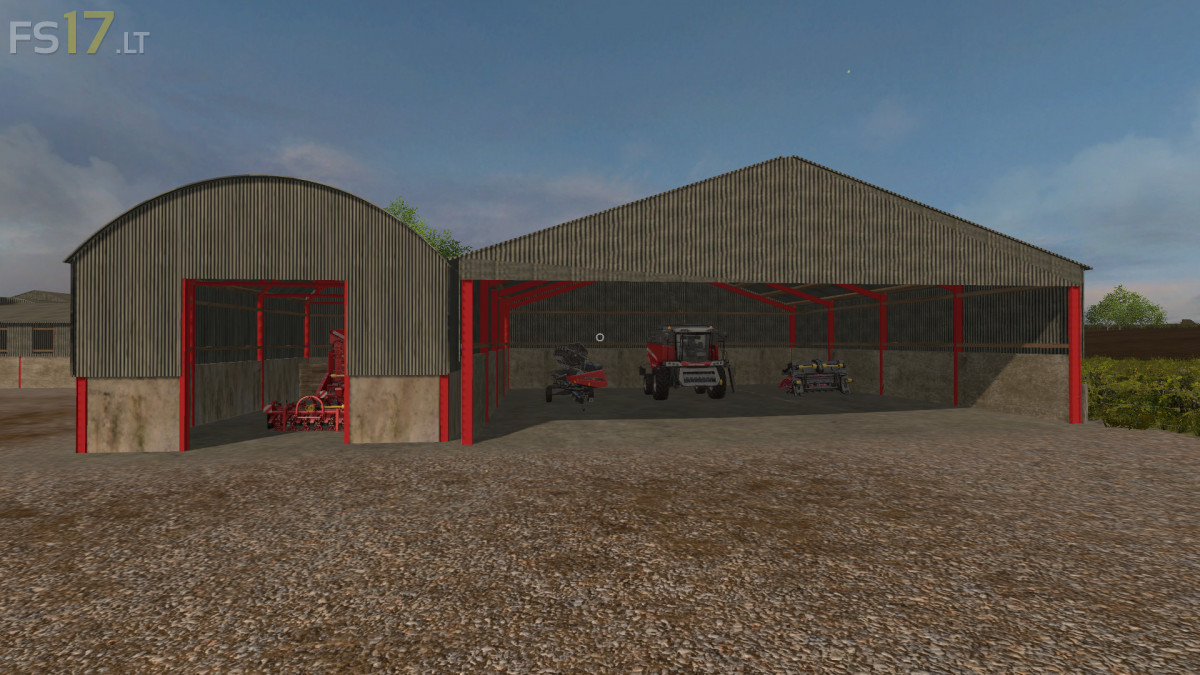
– Three Working Farms, two which have independent Grain Silos. Three Forestry Areas around the map
– Three Different Sell Points (Aberdeen Grains, Highland Grains and Aberdeen Northern Marts Group) for the various crops
– High Capacity Storage at Highland Grains so you can store those crops waiting for the right price, but it will cost to use the facility
– Prices have been increased slightly higher than base game. Missions on all fields not owned, to help get those prices down
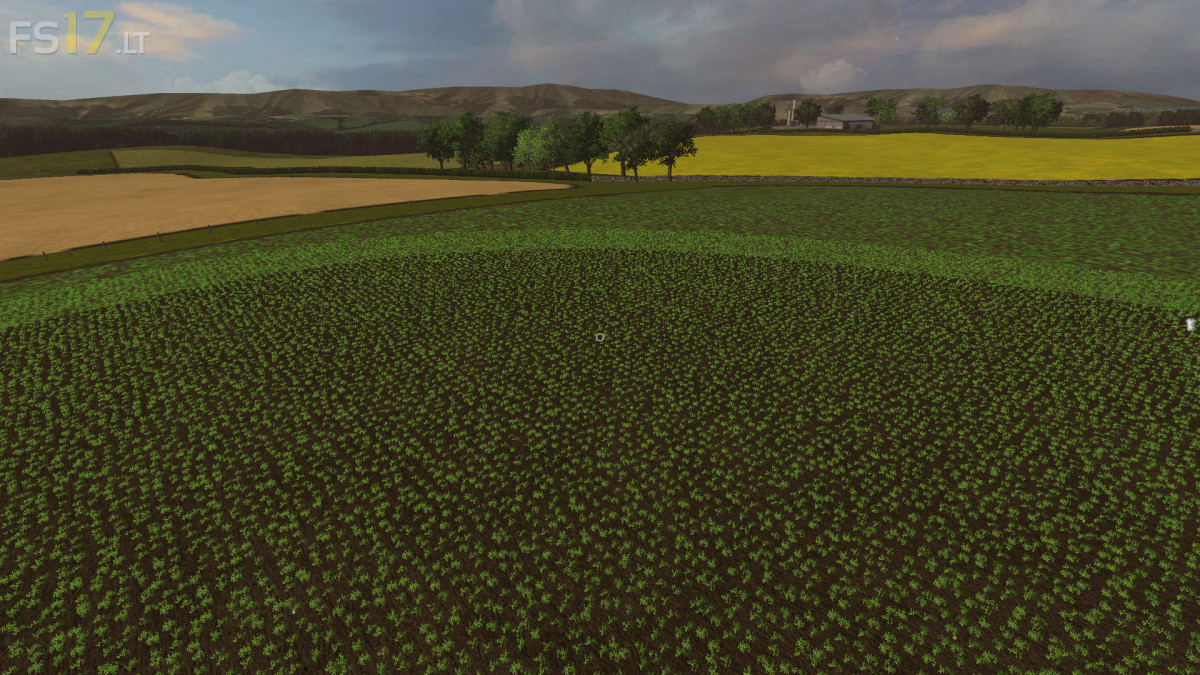
– Please be aware all hedges, fences and walls have collisions, however there are sizeable grass headlands around the fields to help those workers out
– Seed and Fertiliser points on the Farms and at two sell points, as well as storage for the pallets on the farms for those who prefer to use them
– Animated Gates and Lights to most of the Farm Buildings. Automatic Lights at the sell points
– Chopped Straw Installed (PC Only)
Just started playing this, great map I’m really enjoying it. the only problem I have found is, I’ve noticed that the cows sometimes walk in mid air. Is it possible this can be sorted out please.