

Le Haut Grimois v1.1.0.0

Le Haut Grimois v1.1.0.0
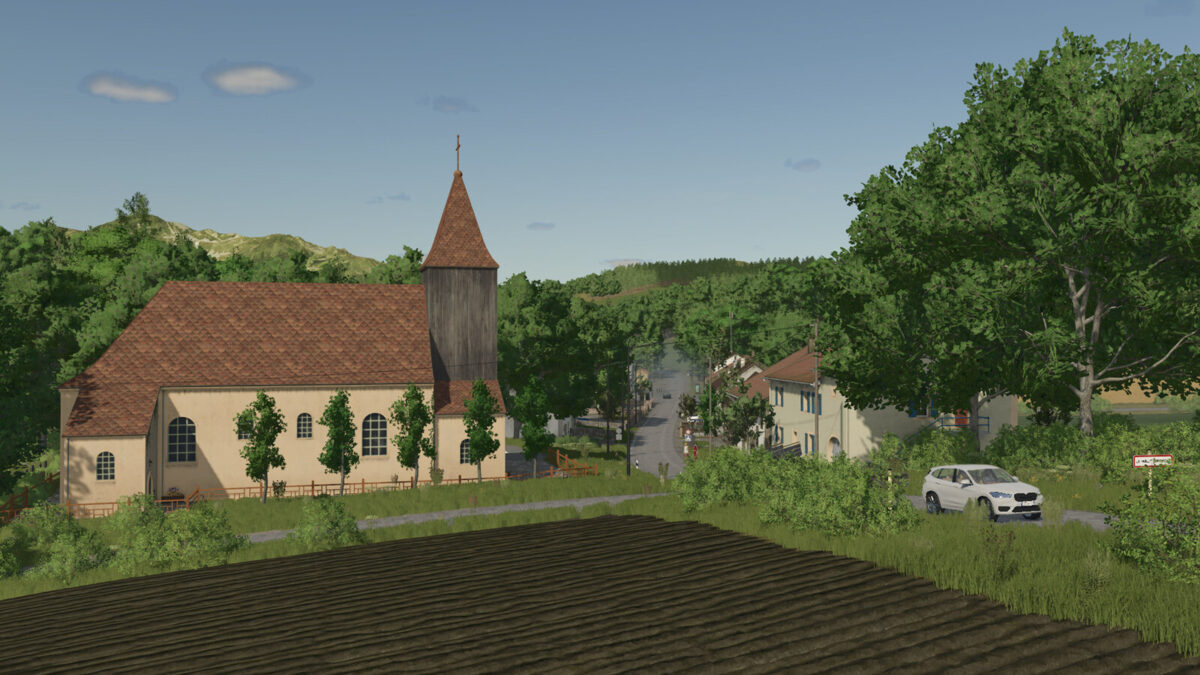
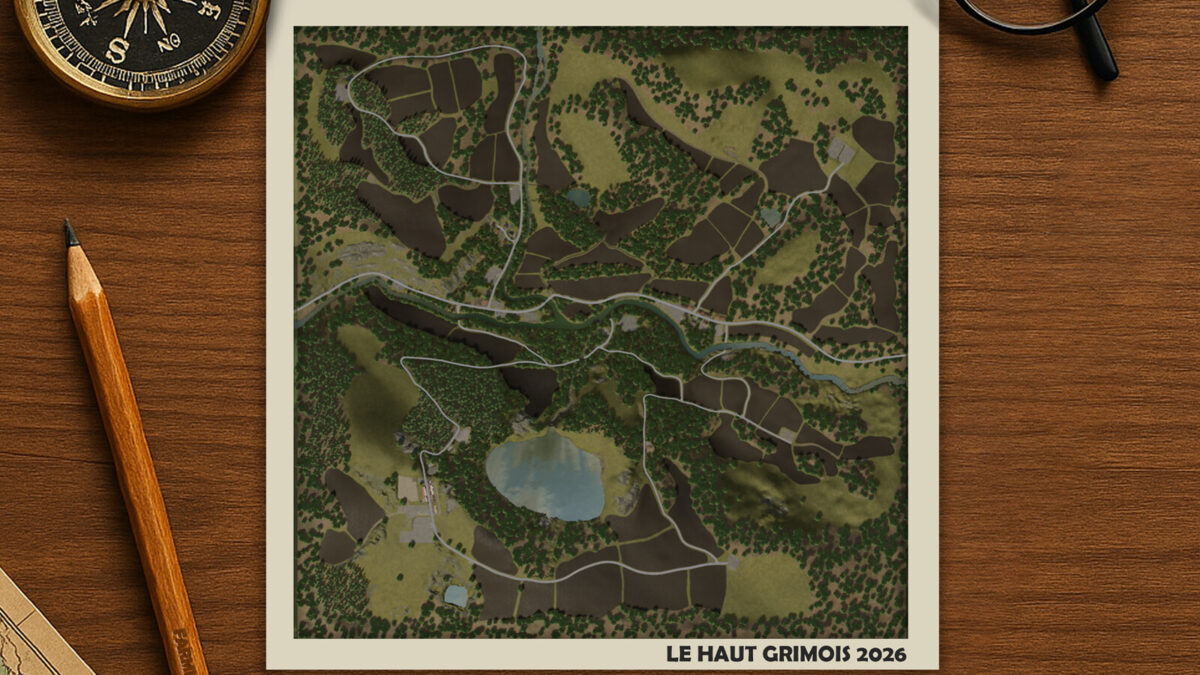
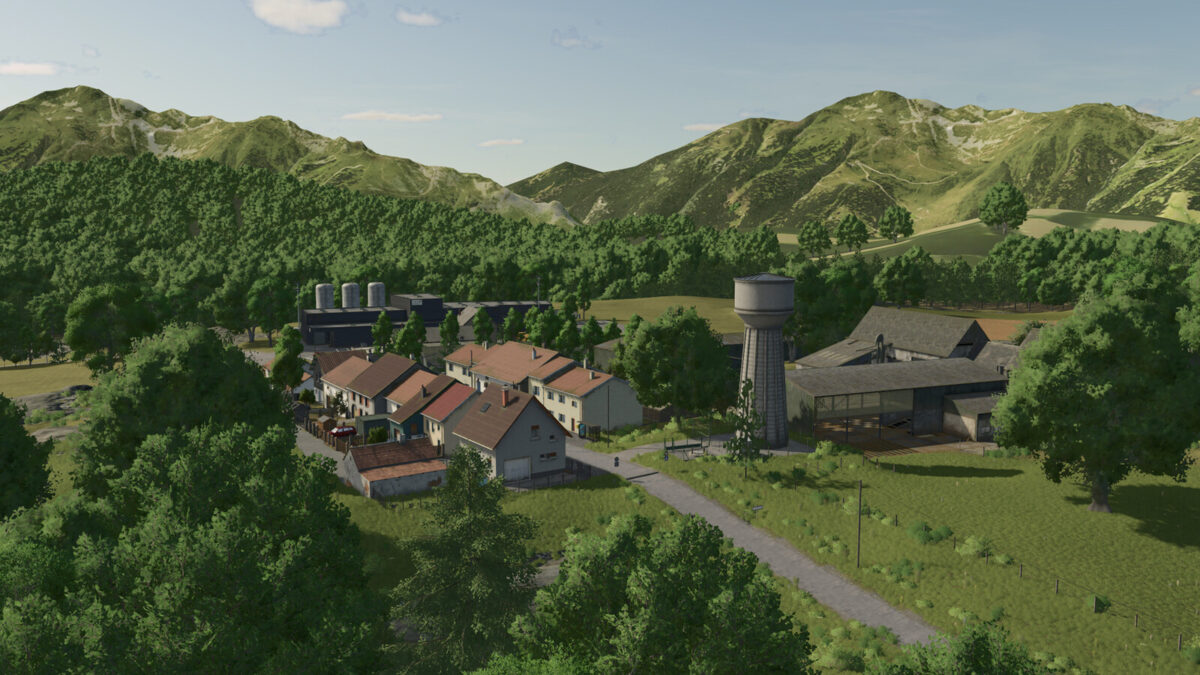
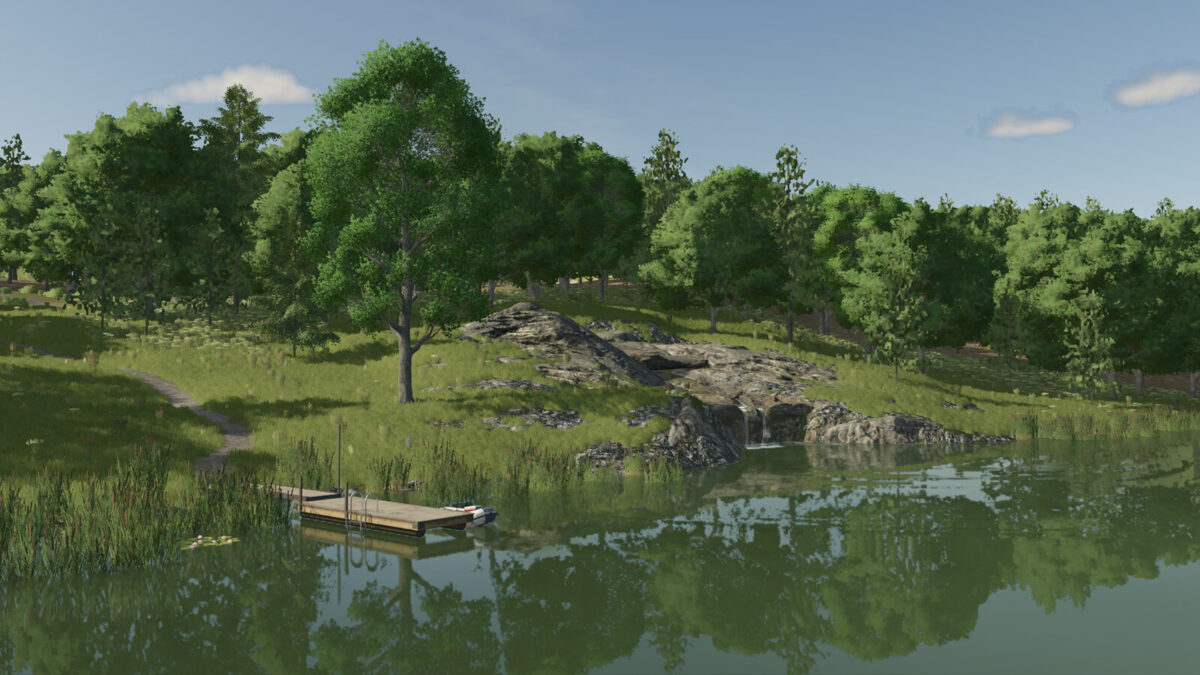
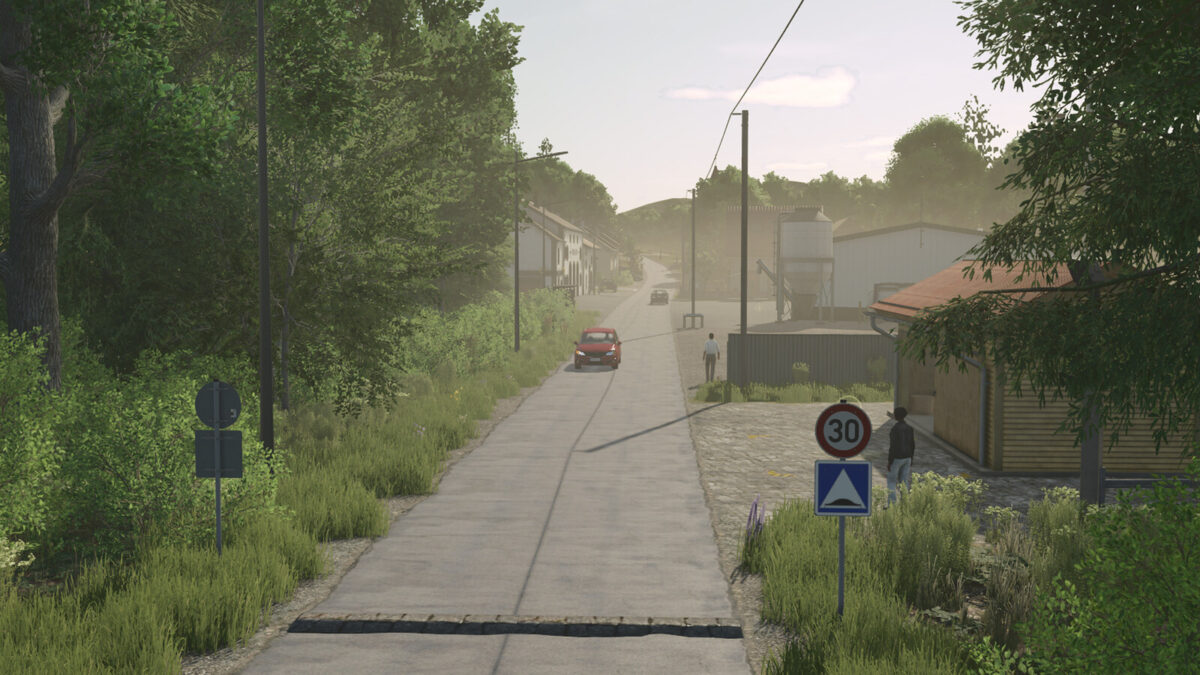
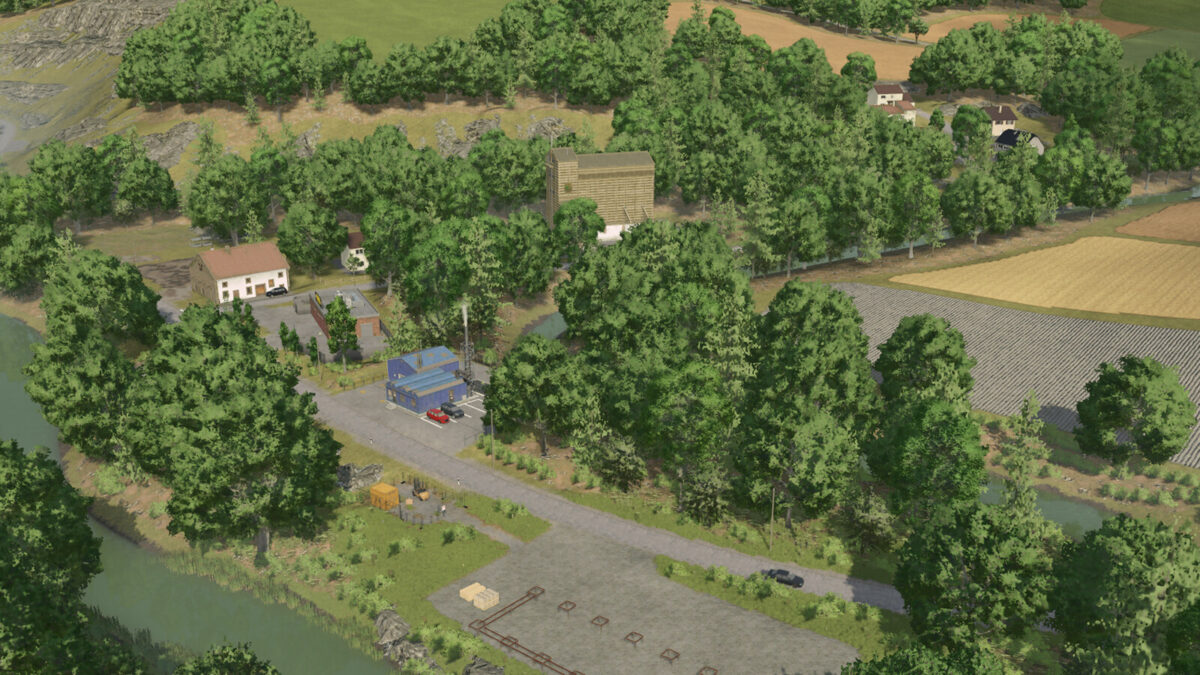
Le Haut Grimois is a map in the style of the French mountains.
If you start as a new farmer, you’ll have a farmstead with several buildings.
You’ll also have three pastures: two for cows and one for sheep.
Several other farmsteads will allow you to expand or settle in another part of the map.
On this map, you’ll find several factories, buying and selling points, forests of varying sizes, and even specific forests composed solely of fir trees.
You’ll also find 13 additional crops, such as rye, triticale, winter wheat, and mustard.
Le Haut Grimois contains:
– 89 fields ranging in size from 0.37 ha to 3.99 ha.
– Many forest plots of varying sizes
– Free areas for building your farms
– 25 collectible items
– Several factories and selling points
Have fun and make Haut Grimois your new home.
Changelog Version 1.1.0.0:
-Improved rain effects while traveling at high speeds
Changelog 1.0.0.1:
Cross-platform compatible version