

Lightning Shock v 1.1.0.6

Lightning Shock v 1.1.0.6
What if the storm were no longer just a visual effect?
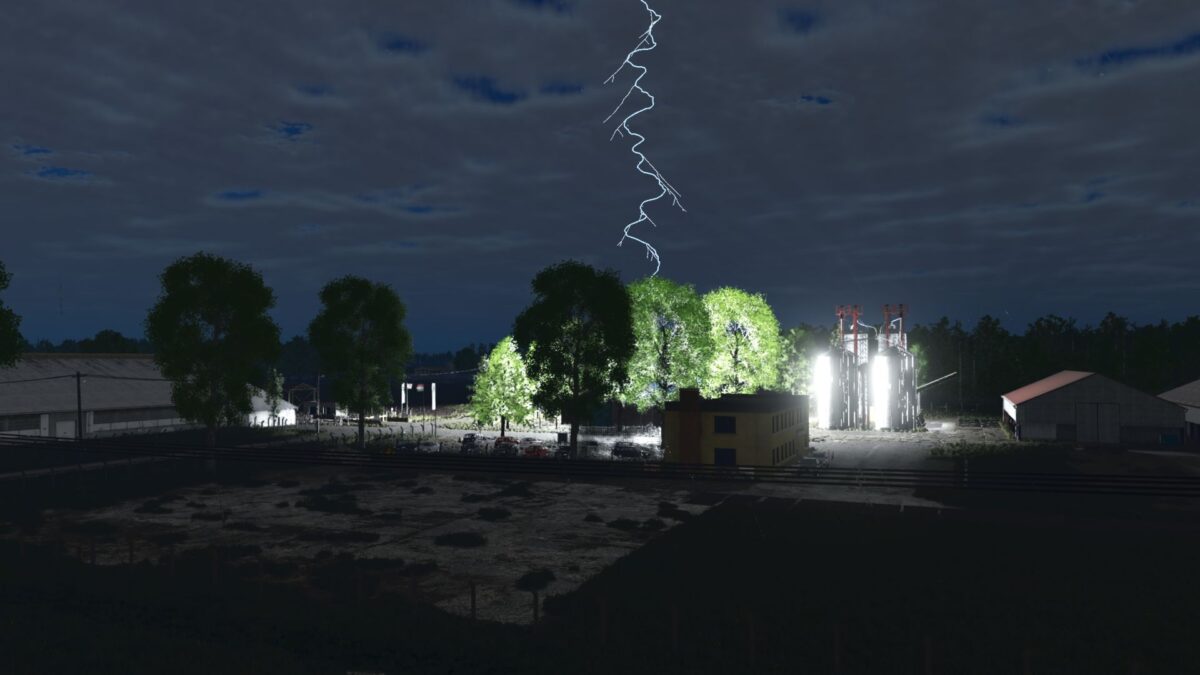
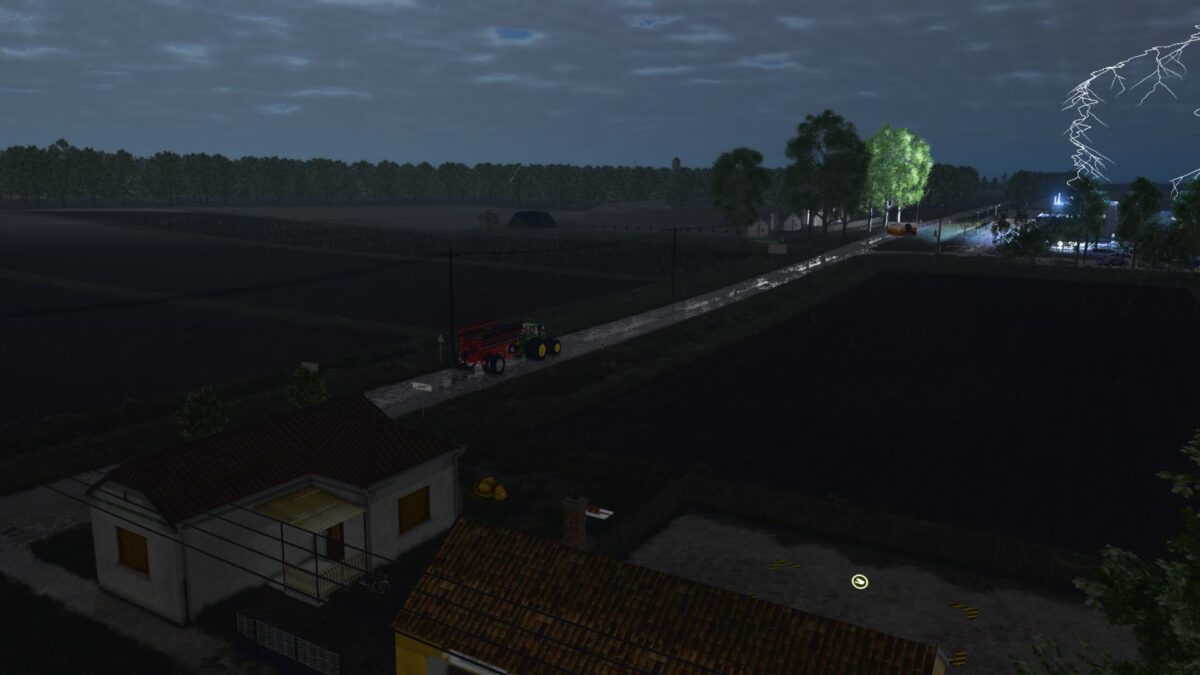
Lightning tears across the sky and thunder shakes the countryside, but this time, something else is happening.
This mod goes beyond lights and sounds: the storm actively interferes with the gameplay, forcing you to adapt.
Version 1.1.0.6:
* Main channel: 96 control points and 520 segments
* 15€ 20 densely curved side branches
* 190€ 260 searching steps per side branch
* 76€ 112 steps per child branch
* Branches repeatedly alternate their turning direction
* Branches cannot travel parallel to their parent channel
* Faster side and child branch growth
* Branch endings progressively fade to transparency
* Wandering main channel has a 40% activation chance
* Breaks out from the lower third at 80 for 30€ 40 metres
* Must continuously move away and cannot turn back
* Target priority: power pole, elevated structure, building
* Cannot strike terrain, trees or vegetation
* Develops 7€ 11 side branches with child branches
* Secondary impact occurs after a random 220€ 420 ms delay
* Both impacts receive separate flashes, particles, thunder and gameplay effects
* Primary target search radius: 250 metres
* Active view vehicle strike chance: 10%
* Other AI vehicle strike chance: 25%
* Updated power outage, LED, barrier and production shutdown documentation
* Documented performance caching and signed manifest verification