

Limeworks AFT v1.0.0.0

Limeworks AFT v1.0.0.0
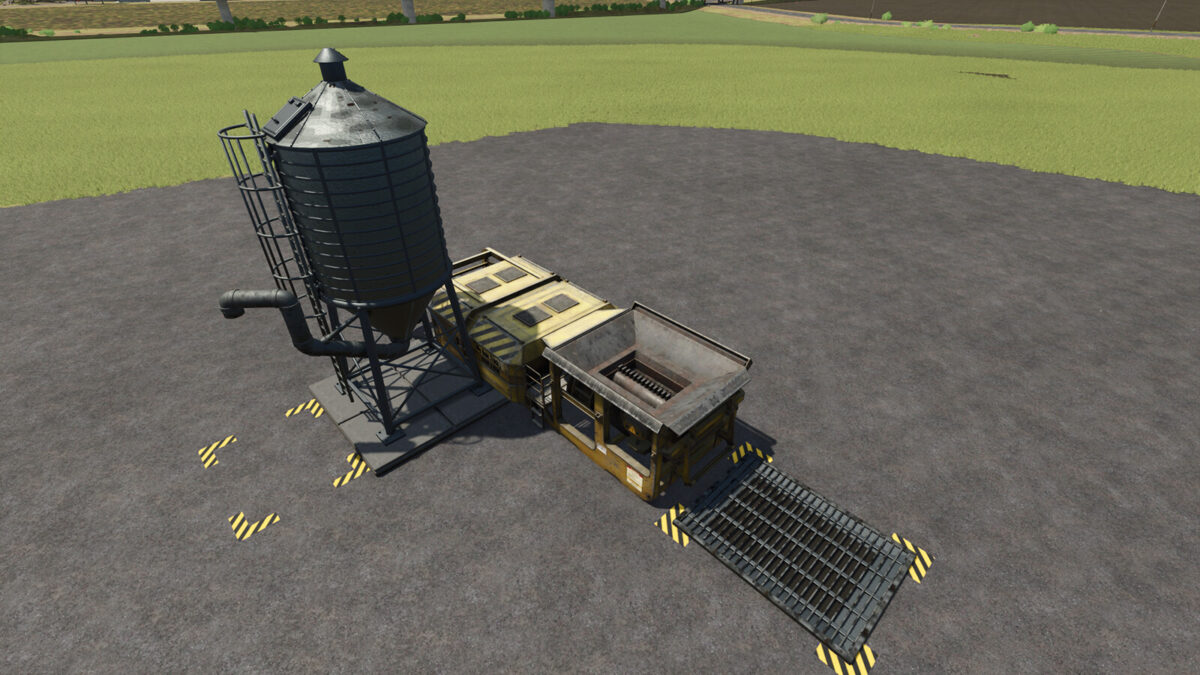
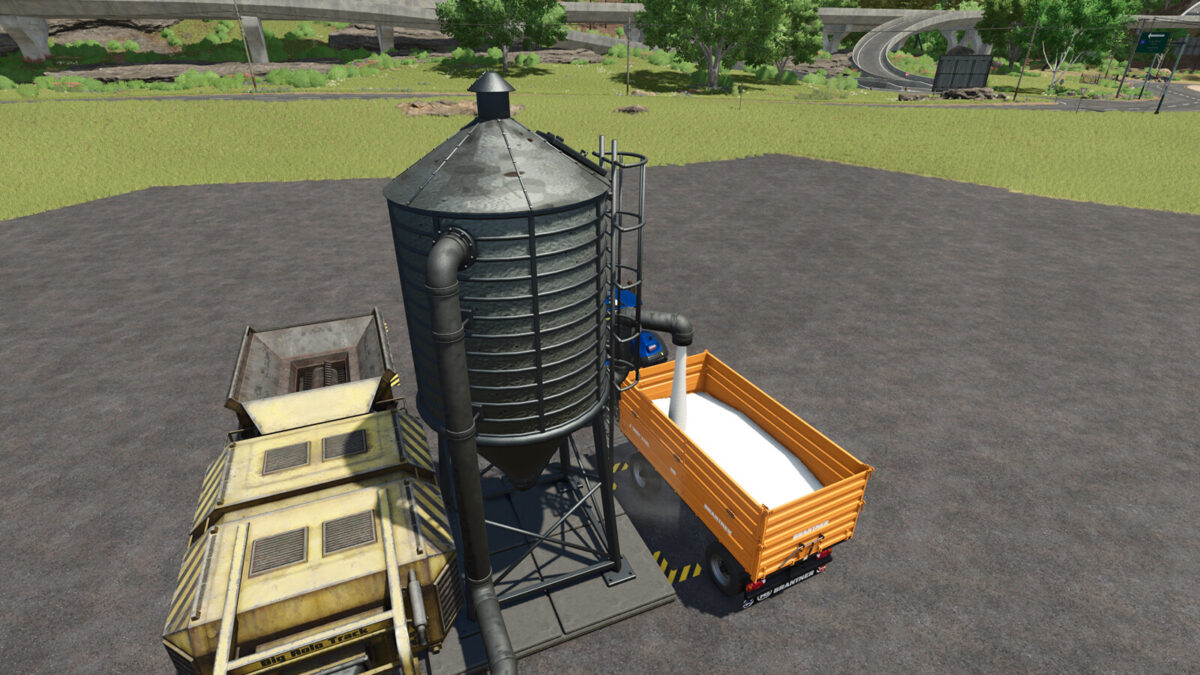
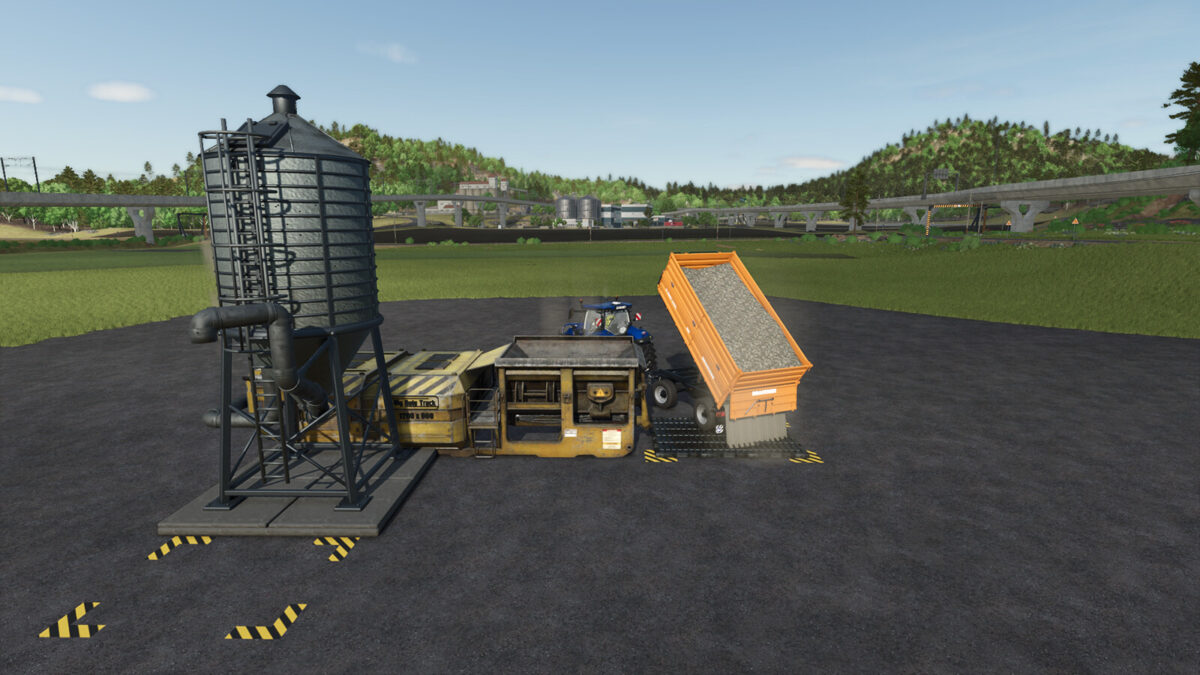
Turn stone and bulk materials into useful lime with the Limeworks AFT production.
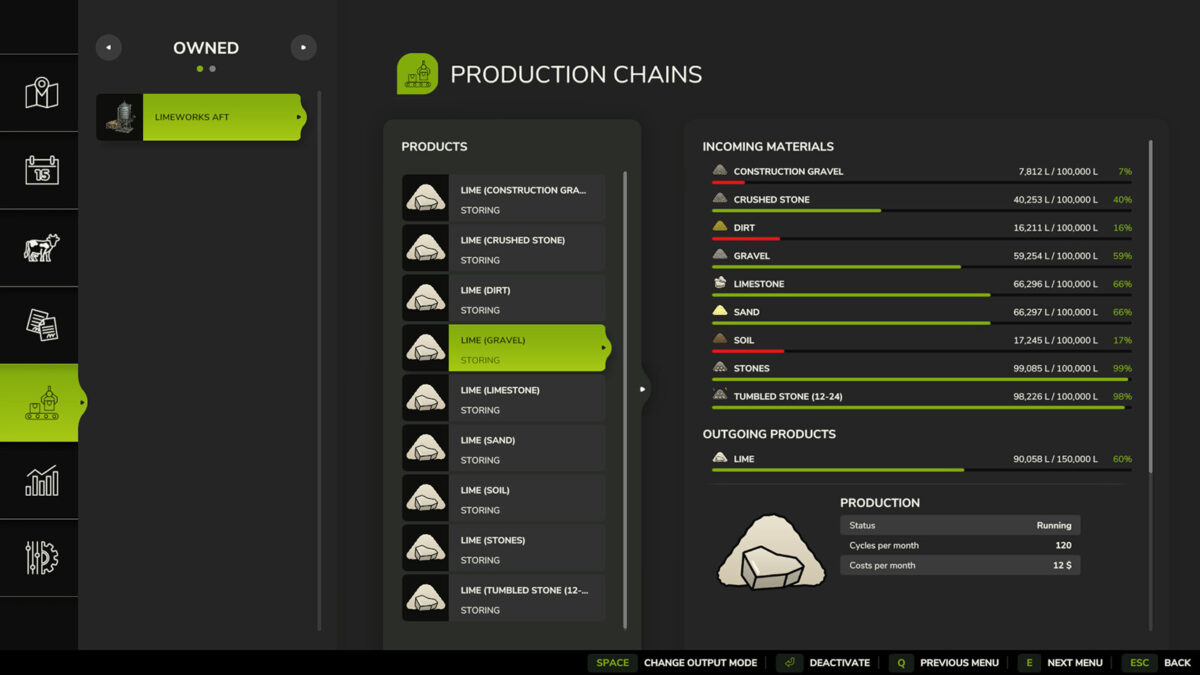
This production processes base-game Stone and eight materials from the Additional Fill Types mod.
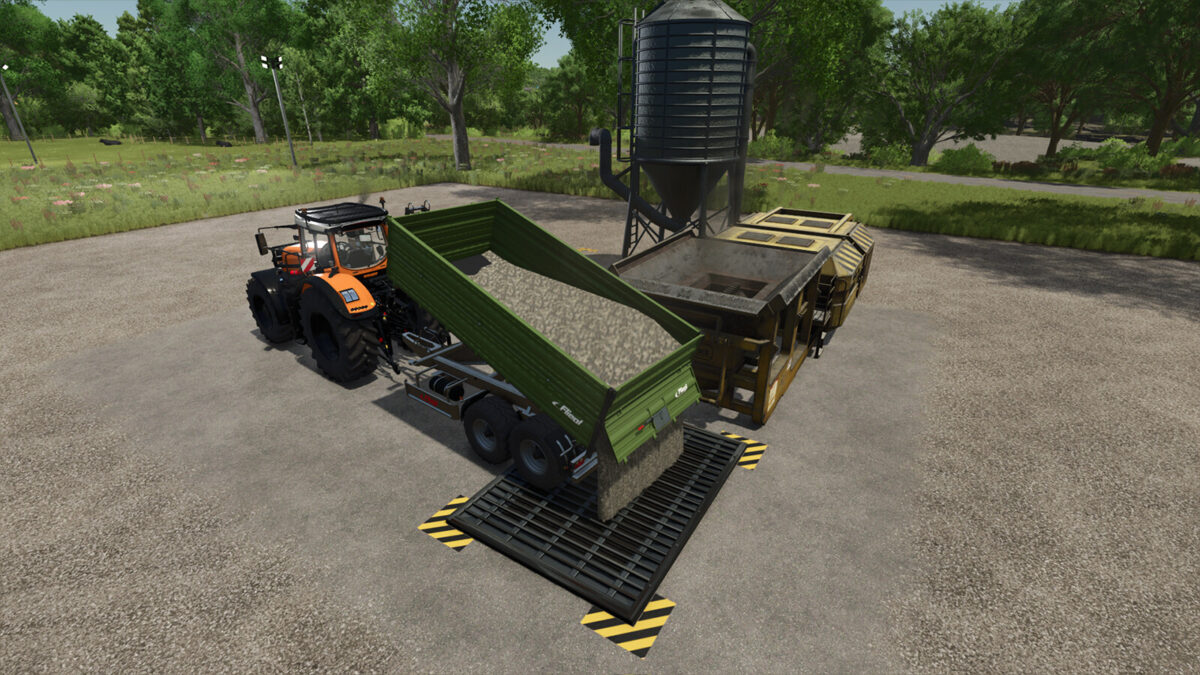
Deliver material through the crusher hopper or ground-level grate. The production can also receive material through the distribution system from compatible productions.
Load finished lime—or retrieve any stored input material—from the silo outlet pipe.
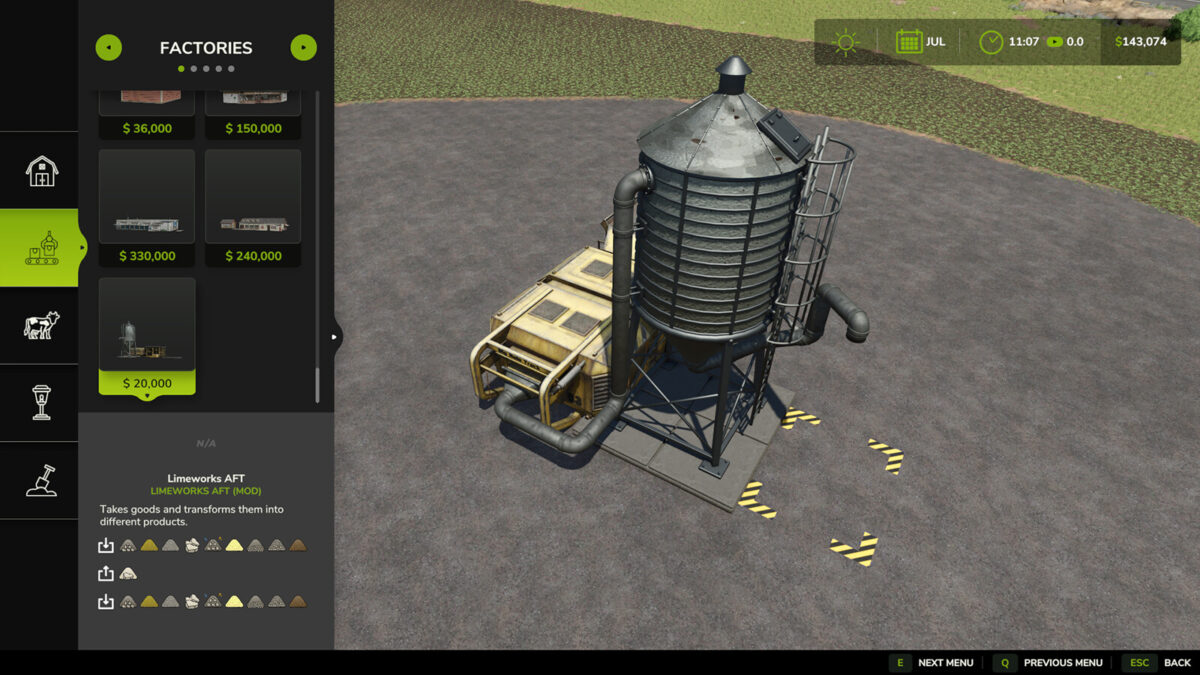
Category: Production Sites
Price: $20,000
Daily Upkeep: $10
Operating Cost: $0.50 per hour for each active recipe
Storage:
– 100,000 L per input material
– 150,000 L of Lime
Production Recipes:
– 1,000 L Limestone → 900 L Lime
– 1,000 L Stone → 800 L Lime
– 1,000 L Construction Gravel → 750 L Lime
– 1,000 L Tumbled Stone (12-24) → 750 L Lime
– 1,000 L Crushed Stone → 725 L Lime
– 1,000 L Gravel → 700 L Lime
– 1,000 L Sand → 300 L Lime
– 1,000 L Dirt → 150 L Lime
– 1,000 L Soil → 100 L Lime
Each active recipe can process up to 5,000 L of input per hour.
Required Mod:
Additional Fill Types (ModHub ID: 311740)