

Lincolnshire Climate Edition v 1.0

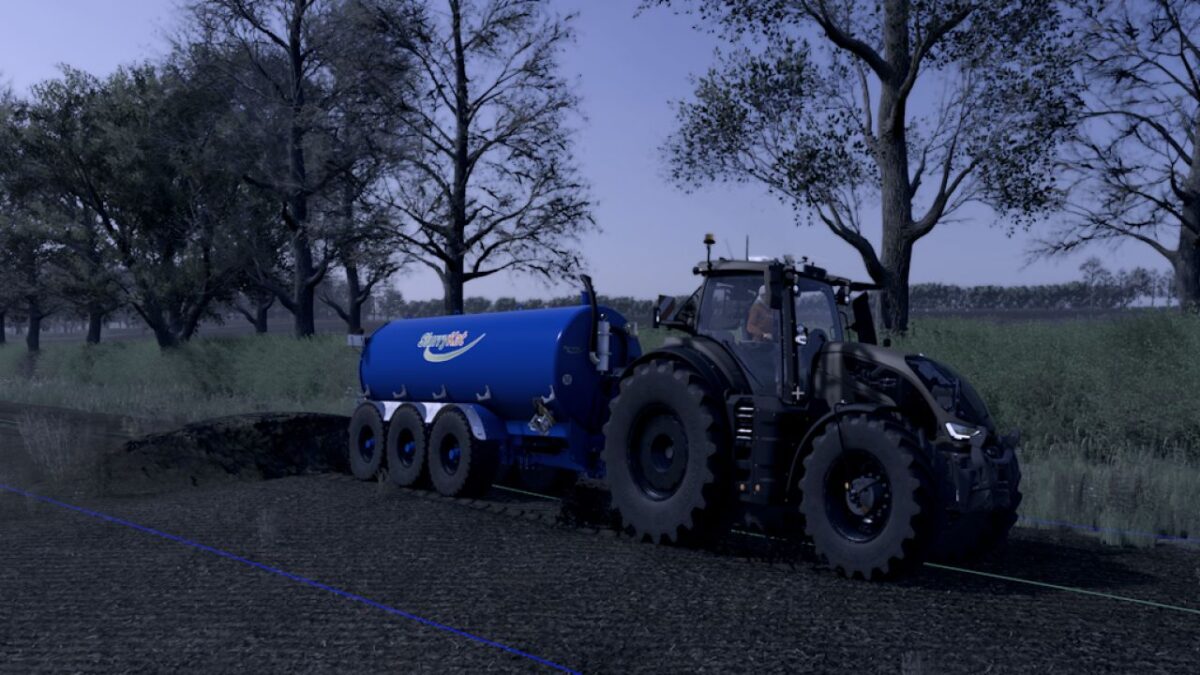
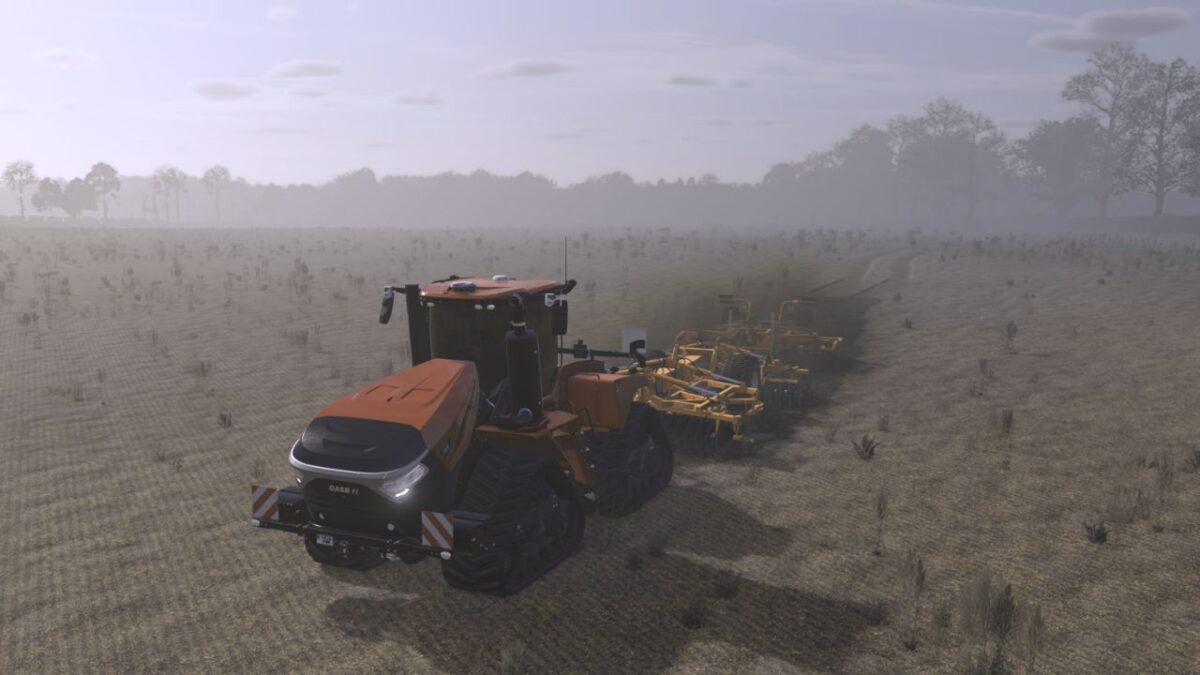
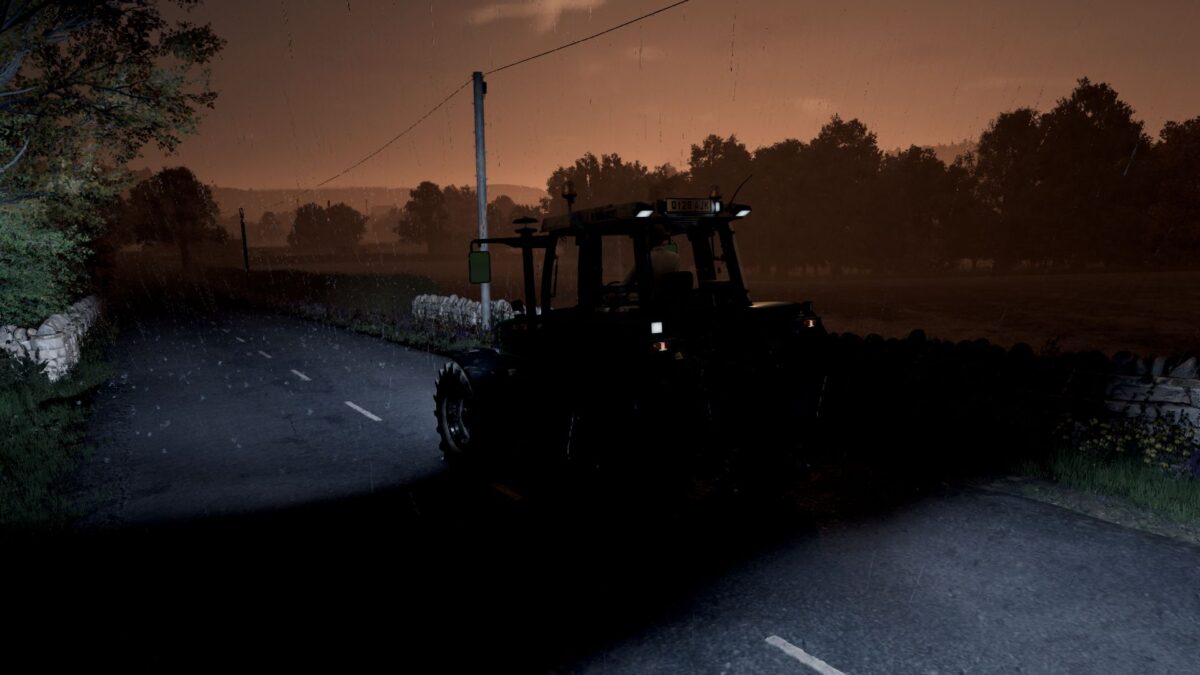
Lincolnshire Climate Edition v 1.0
A Realistic UK Weather & Atmosphere Overhaul for Farming Simulator 25
Bring your UK maps to life with the Lincolnshire Climate Edition V7. This weather overhaul has been designed to recreate the atmosphere of the British countryside, inspired by the changing conditions of Lincolnshire and the east of England.
Rather than simply increasing rainfall, this pack completely transforms the feel of the environment with natural weather transitions, darker skies, stronger winds, realistic lighting and authentic UK weather patterns.
Features
Realistic UK weather cycles
Slightly increased rainfall frequency
Longer weather fronts and natural transitions
No direct sunshine while it’s raining
Darker, moodier storm clouds
Stronger, more realistic winds
Reduced fog for improved visibility
Cooler UK colour grading
Darker rainy atmosphere
Improved morning and evening lighting
More authentic overcast days
Designed specifically for UK-style maps
Perfect For
UK Maps
Lincolnshire Maps
Realistic Gameplay
Roleplay
Content Creators
Screenshot & Cinematic Projects
Installation
Replace the supplied files in your map with the included versions. Always make a backup of your original files before installing.
Compatibility
Farming Simulator 25
Designed for custom maps
Works best on UK-based environments
Version 7 Highlights
Completely rebalanced UK weather.
More realistic rain and cloud behaviour.
Rain now creates a genuinely dark, overcast atmosphere.
No bright sunshine during rainfall.
Authentic Lincolnshire inspired climate.
Fine-tuned colour grading for a cooler, moodier British look.