
Livestock Flies v1.0.0.0

FS25 mods

Livestock Flies v1.0.0.0

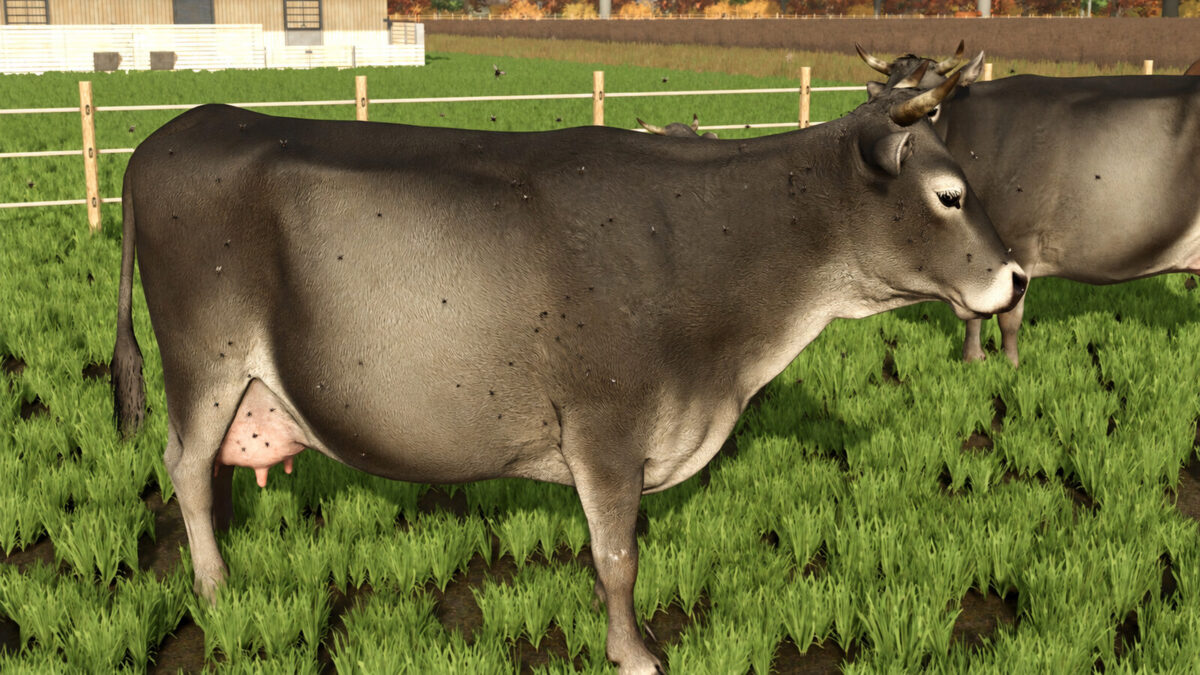
Livestock Flies v1.0.0.0
Livestock Flies v1.0.0.0
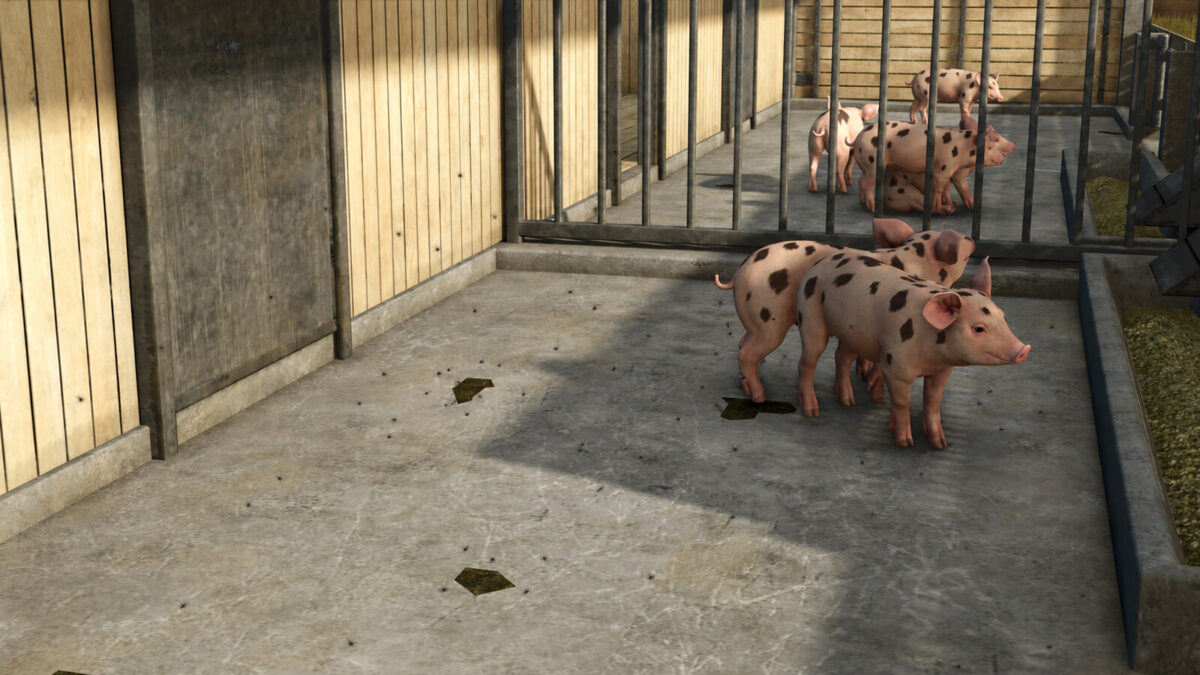
Livestock Flies v1.0.0.0
About the mod:

Bring a little more life to your livestock areas with Livestock Flies.
Small clouds of flies randomly appear around some animals and follow them as they move, accompanied by subtle 3D buzzing.
Not every animal is affected, keeping the effect natural and varied. Flies can appear around cows, pigs, sheep, goats and other compatible livestock, while chickens are excluded.
The effect is purely visual and audio-based and has no impact on animal health, productivity or welfare.
Features:
– Animated fly clouds around livestock
– Randomly affected animals
– Flies follow moving animals
– Subtle 3D buzzing
– Smooth distance-based fade in and out
– Compatible with standard husbandries and many modded barns
– No gameplay impact
Scripted mod: PC/Mac only.

Credits:
Univers Simu Modding

How to install FS17 mods?

Firstly find a mod which you like and want to download. Then download a mod to your PC. Mods are usually in .zip format file. But sometimes it can be in .rar. If a mod file is a .zip format no needed additional actions. If a file is in .rar, then you must unarchive mod with software like WinRar or Zip7. Windows 10 users no need to use software for archives, Win10 itself has a feature to unarchive files.

The next step is to find mods folder in your PC. Usually, it is in Documents/My Games/Farming Simulator 17/2017. Open the "mods" folder and put downloaded .zip archive or unarchived .rar file to this folder.

Last step. Enjoy of FS17 mods!

Leave a Reply

Your email address will not be published. Required fields are marked *