

Livestock Visibility v1.0.1.0

Livestock Visibility v1.0.1.0
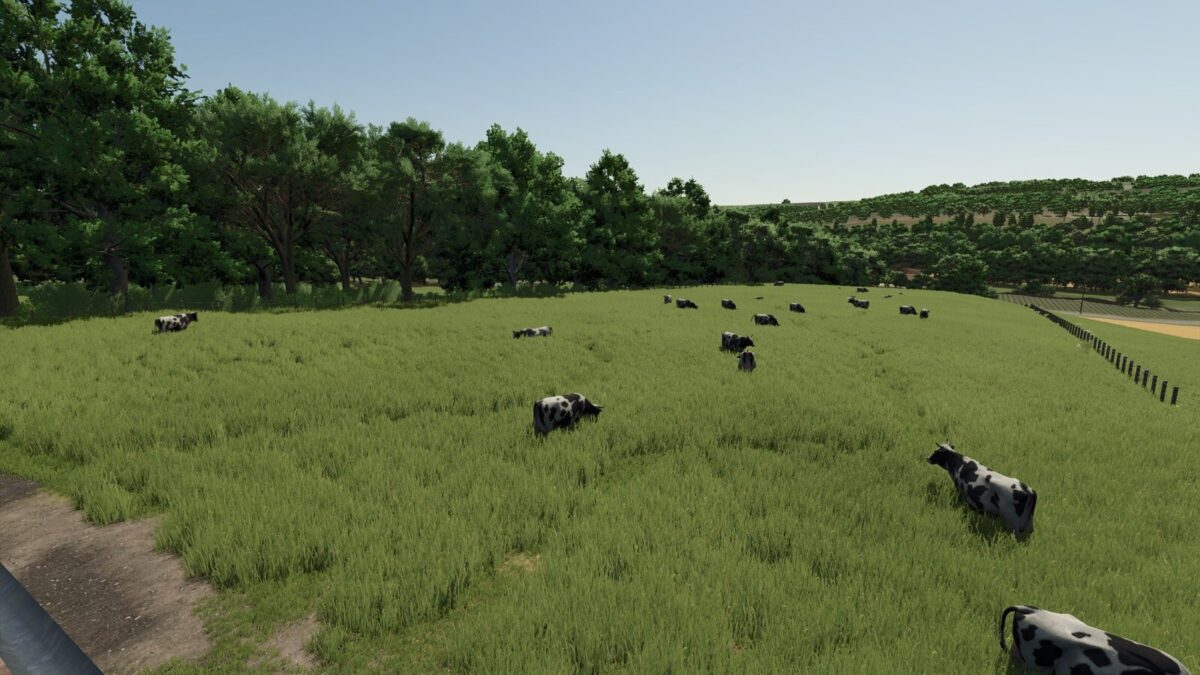
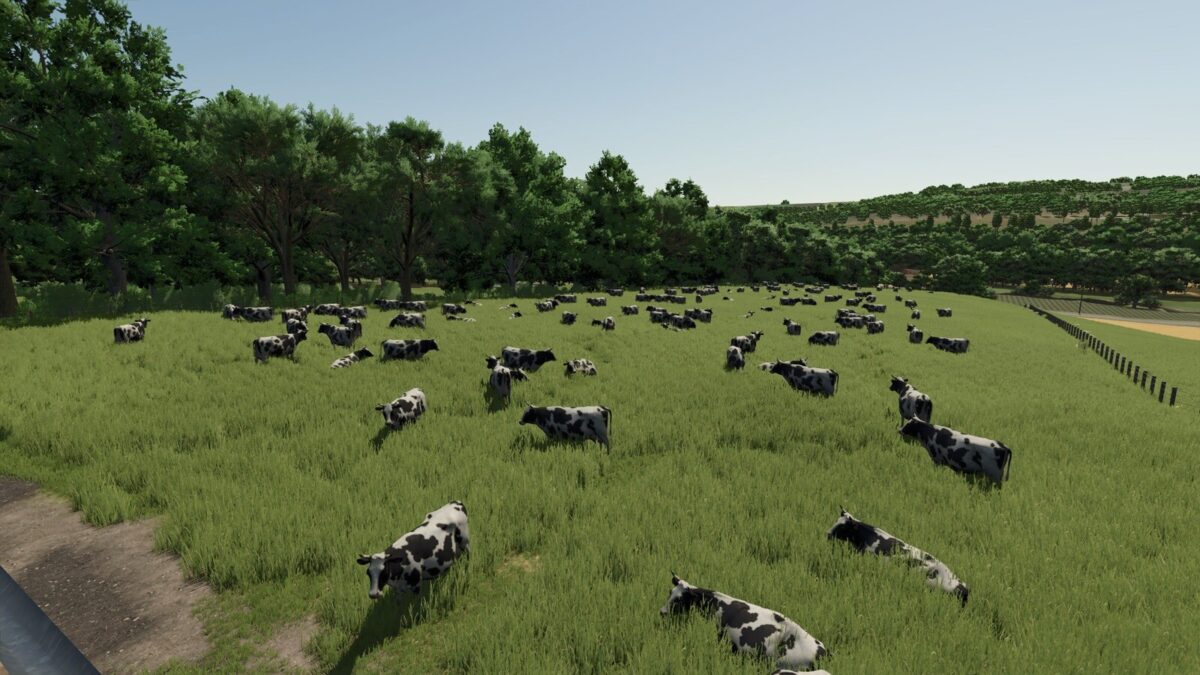
Livestock Visibility shows more of the animals a barn holds. In the base game a husbandry shows at most about 25 of its animals, and some chicken coops only 5, however many it holds. With this mod it shows up to a limit you choose, and never more animals than are there.
FEATURES:
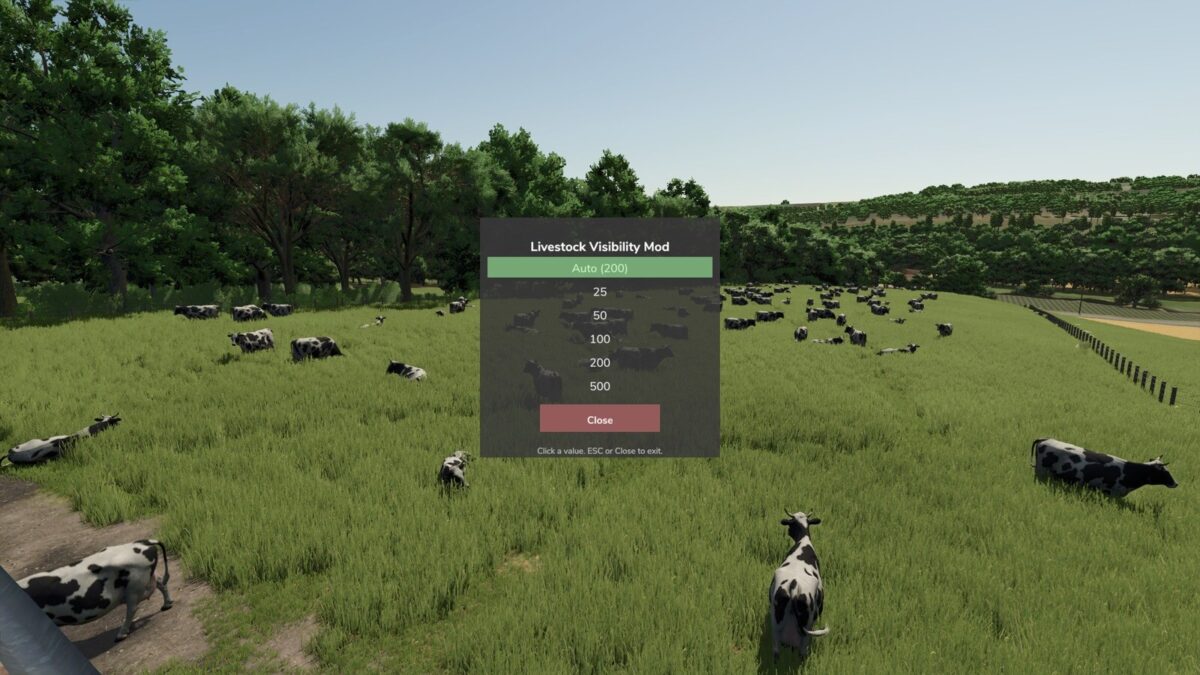
– Each player sets the limit: Auto, which follows the graphics quality, or 25, 50, 100, 200 or 500.
– Poultry has its own limit, so a large coop can show fewer birds while herds show more.
– A husbandry never shows more animals than it holds: a barn built for 140 cows with 40 in it shows no more than 40.
– Works for cows, sheep, goats, pigs and chickens. Horses keep the game’s own display, so they can still be ridden and brushed.
– Covers barns, barns with attached pastures and standalone pastures, including ones placed during play.
– Right Ctrl + T (default) opens a small panel to change the limit, and the change shows at once.
– Right Ctrl + F12 opens the Kijbev help panel with the keys of every active Kijbev mod.
This mod switches itself off when another mod that manages barn animal visuals is loaded, such as To Pasture And Back.
Changelog v1.0.1.0:
– Right Ctrl + F12 opens the Kijbev help panel.
– The key that opens the limit panel can be changed in the controls menu.
– Horses keep the game’s own display, so they can be ridden and brushed.
– Poultry has its own limit in the panel, next to the limit for herd animals.
– When another mod handles how barn animals are shown, the panel key shows a note that this mod stays off.
This mod may only be hosted on the official GIANTS ModHub. Redistribution on other websites is not permitted without the author’s written consent.