

Lizard Cistern v 1.0.0.1

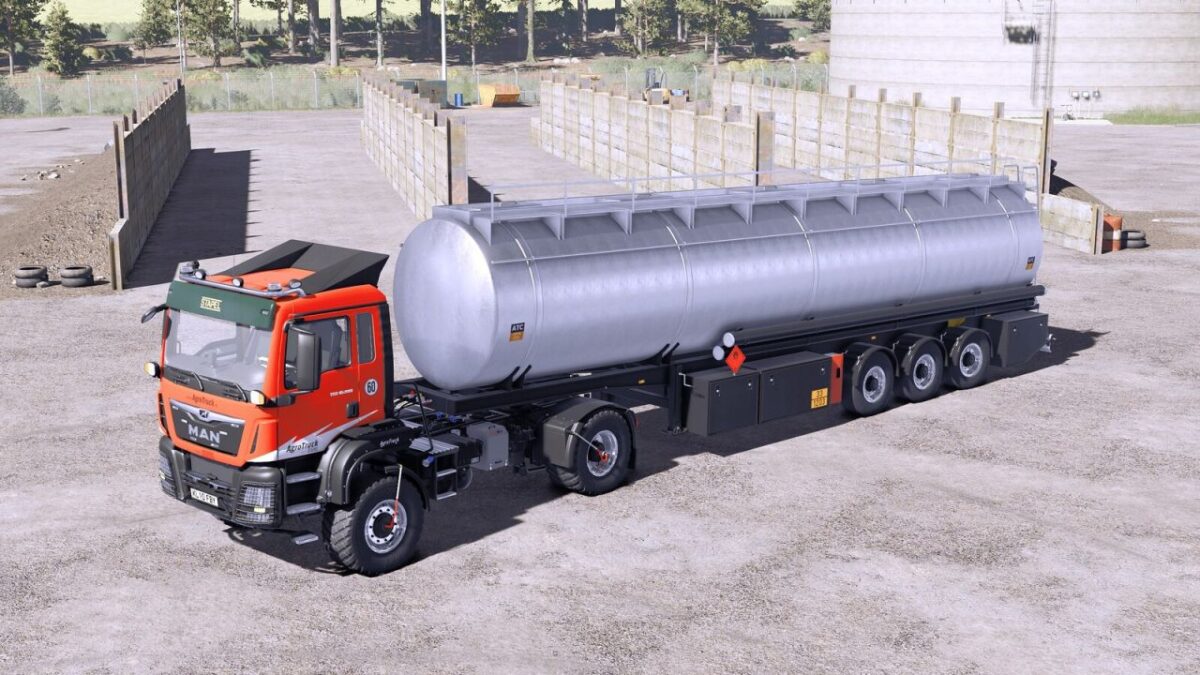
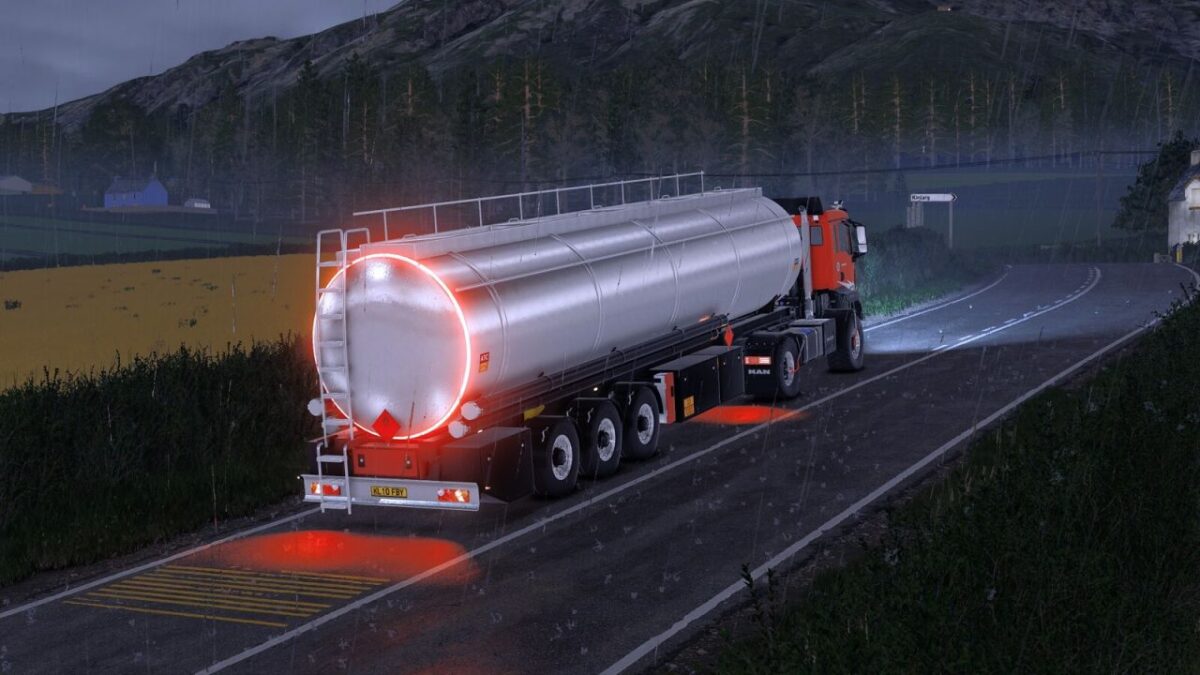
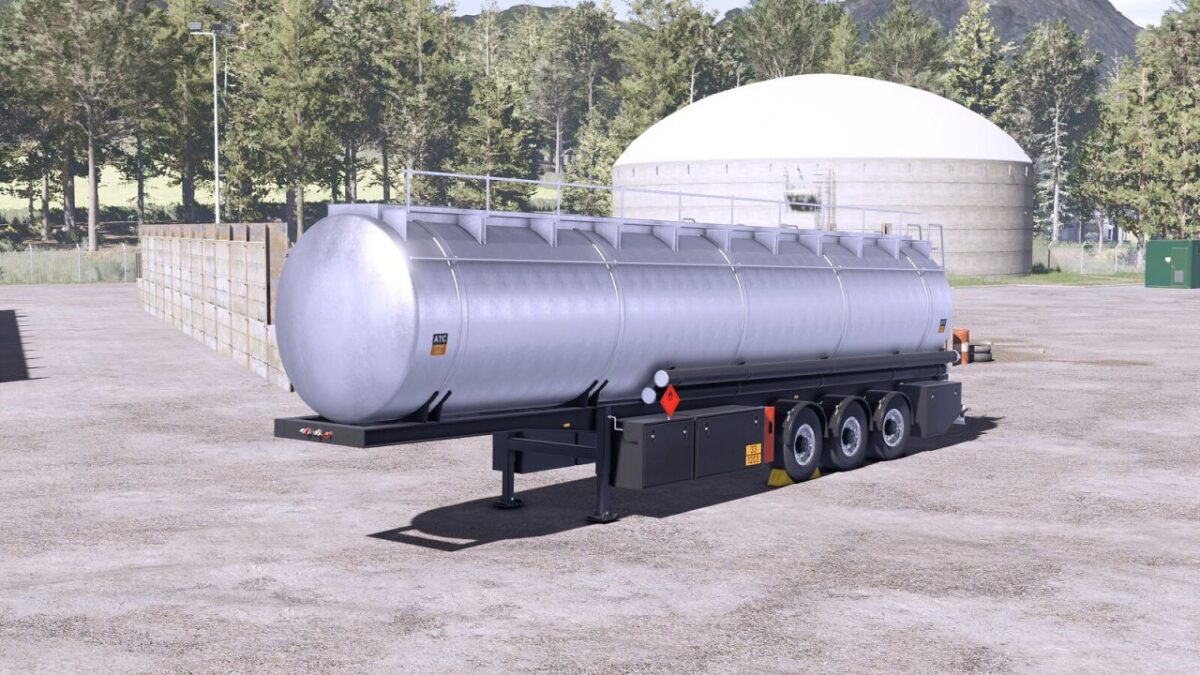
Lizard Cistern v 1.0.0.1
About the mod:
Category: Barrels
Price: $65,000
Capacity: 42,000L
All Base Liquid Types supported:
– Milk
– Buffalomilk
– Goatmilk
– Water
– Diesel
– Def
– Liquid Fertilizer
– Herbicide
– Liquid Manure
– Digestate
– Sunflower Oil
– Canola Oil
– Olive Oil
– Rice Oil
– Grapejuice
– Silage Additive
– Methane
Version 1.0.0.1:
* Added new Liquid Types: Goatmilk, Diesel, Def, Liquid Manure, Digestate, Sunflower Oil, Canola Oil, Olive Oil, Rice Oil, Grapejuice, Silage Additive
* Updated base color configuration title to use localization
* Fixed diffuse color on animated parts
* Added missing connection points for hoses and cables
* Added continental wheels configuration
* Increased modDesc for match to patch 1.19
Credits:
Sadneess24, Kooper 3d