

Lizard F150 v 1.0

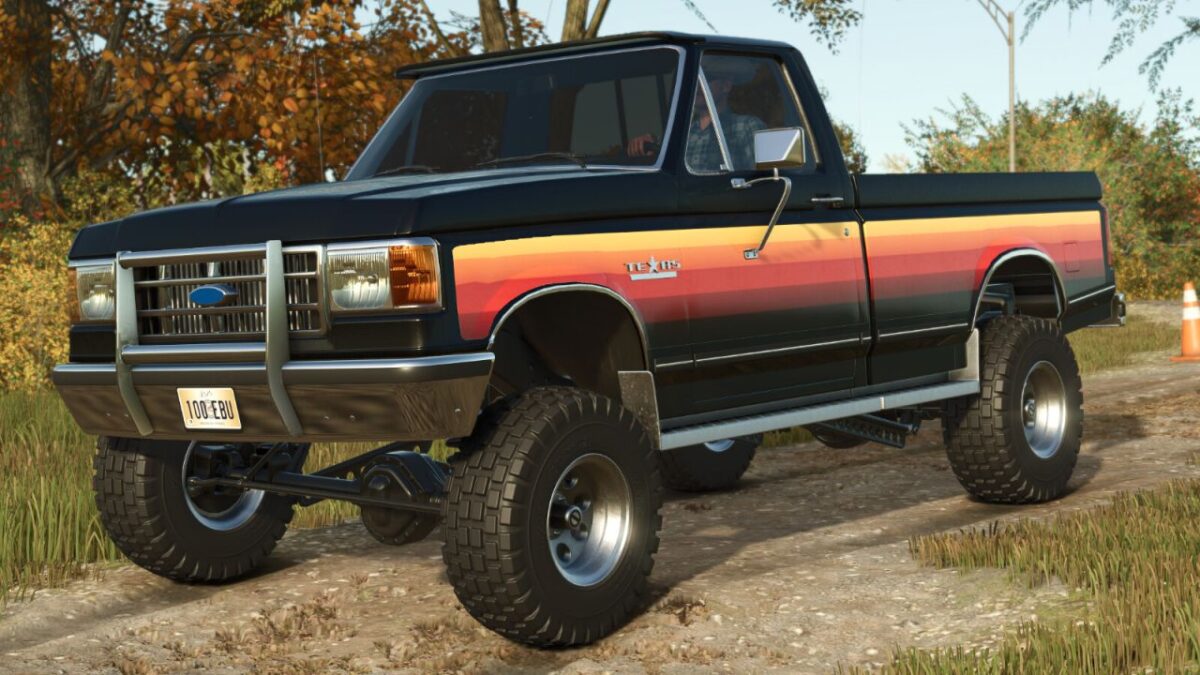
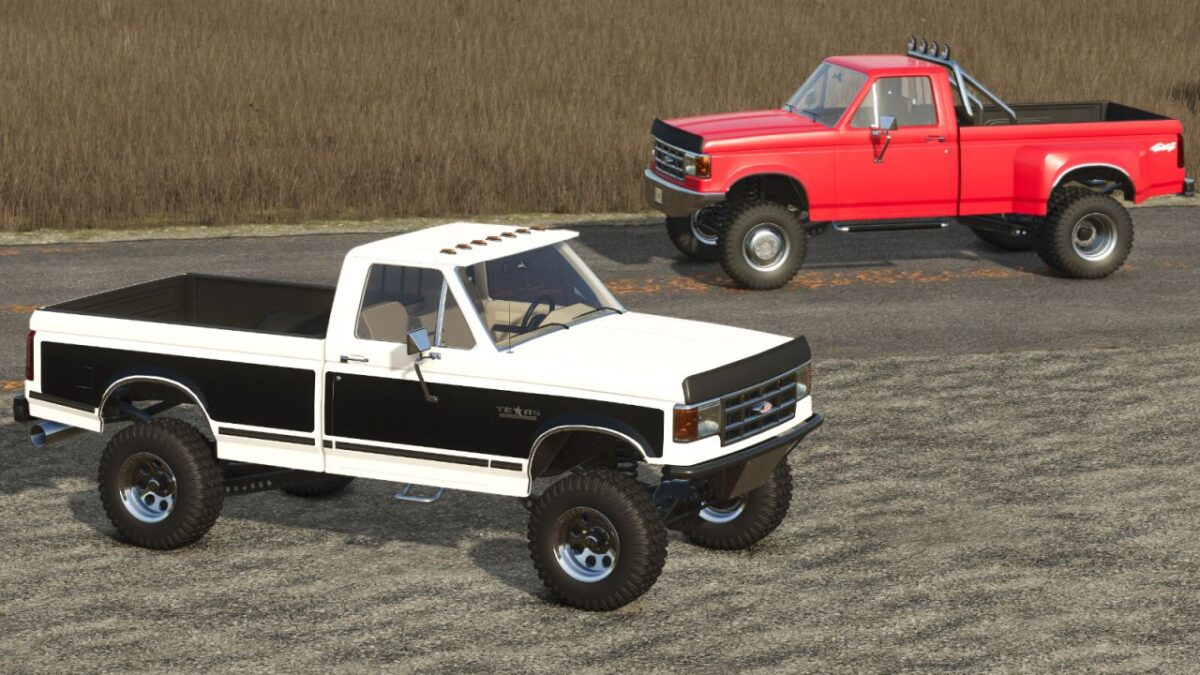
Lizard F150 v 1.0
Category: Cars
Price: 14.500 $
Power: 179/230 hp
Maximum speed: 120 km/h
This model is widely valued by collectors for its mechanical robustness and classic boxy style that defines pickup trucks of the time.
Settings:
– Original bodywork
– Service body (2,000 L capacity)
– Farm cart
– Flat body
– Basic flat body
– Customized flat body
– Standard and adjustable rear hitch
– Gooseneck hitch
– Fifth wheel hitch
– Customized wheels
– Bumpers
-Capo
– Cabin roof
– Glass
– Side logo (F-150, F-250, TEXAS, F-1000)
– Front grille
– Stirrups
– Side skirt
– Stickers
– Short and long rear view mirror support
– Exhausts
– Tool box (original bodywork)
– Antennas (original bodywork)
– Closed bodywork (original bodywork)
– Roll Bar (original bodywork)
– Lights in the wheel well
– Beacon Lights
– Pops sound
– Front grille materials
– F-150 5.0L GAS engine
– F-250 7.5L DIESEL engine
– Optional colors in the model
– Optional interior colors
– Optional color on wheels
– Agree to leave the chainsaw and spray cans in the cabin