

Lizard Grain Storage And Animal Food Mixer v1.3.0.0

Lizard Grain Storage And Animal Food Mixer v1.3.0.0
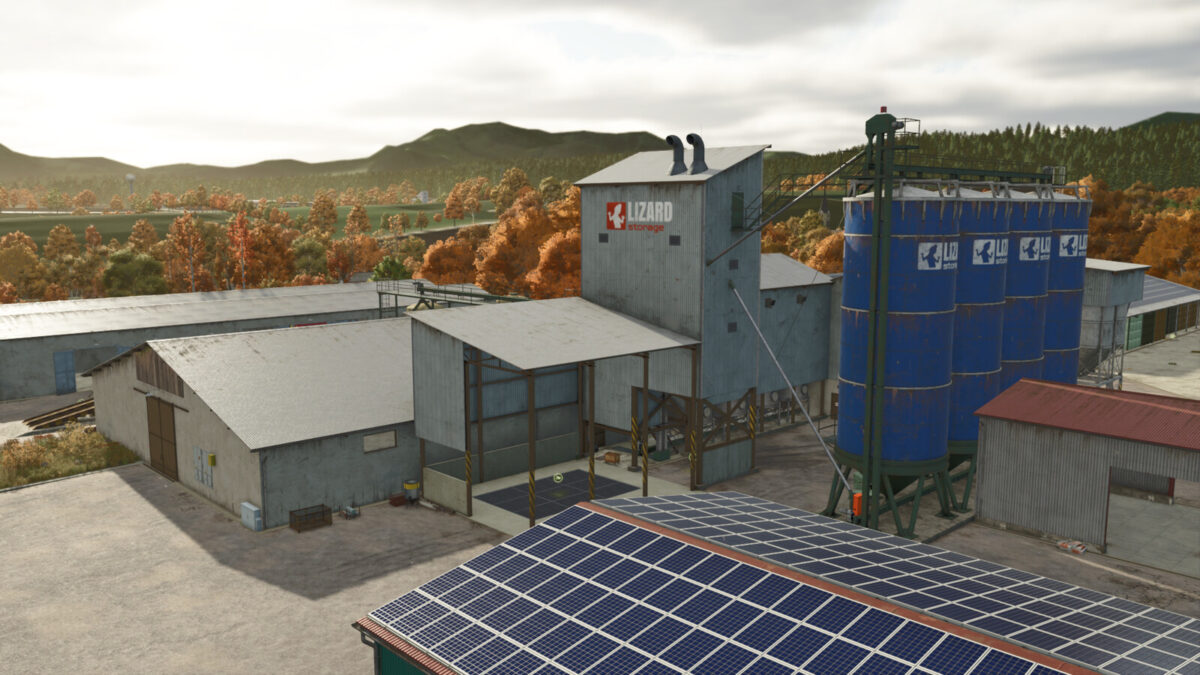
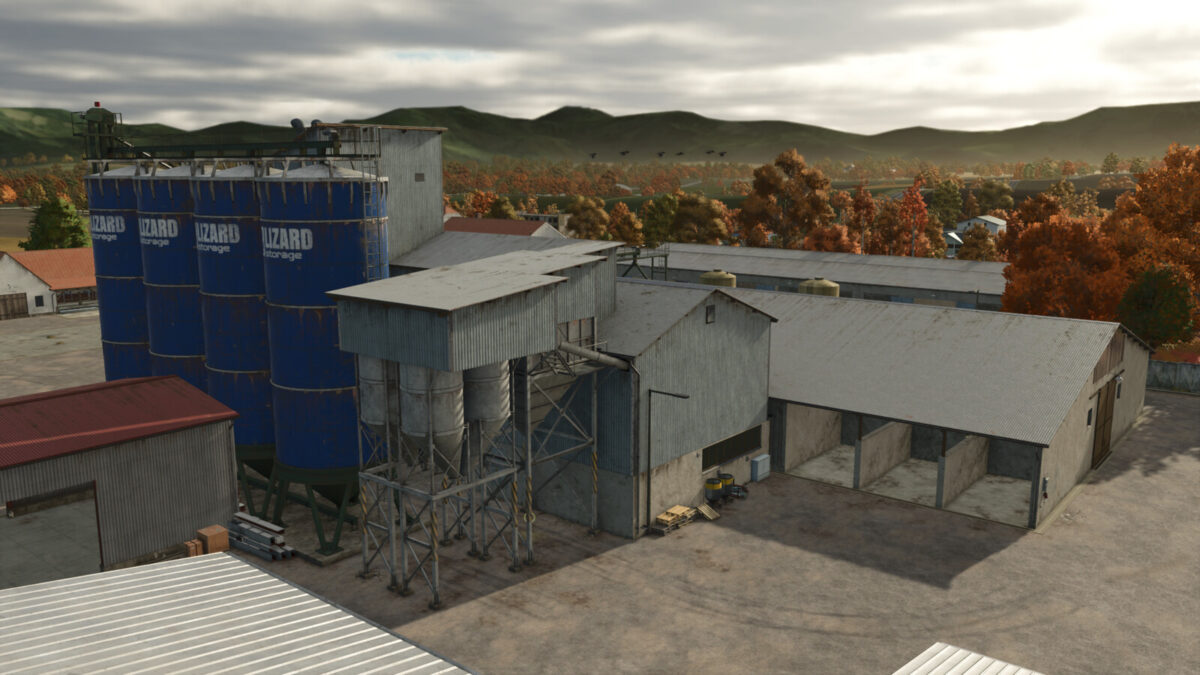
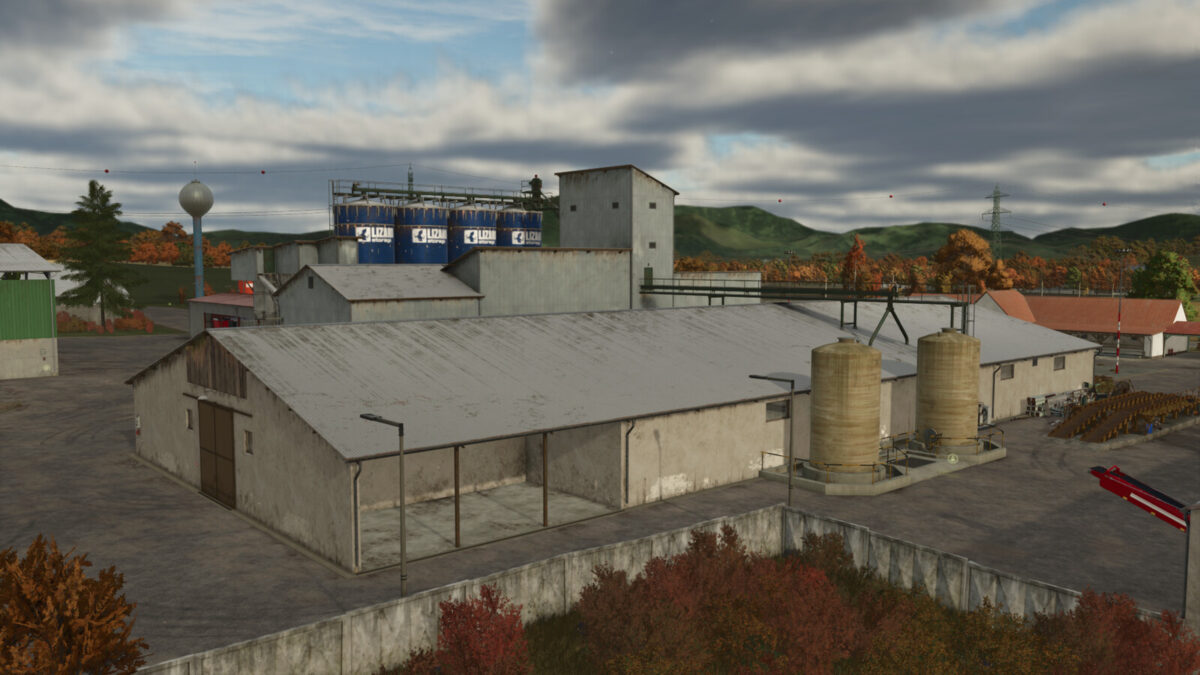
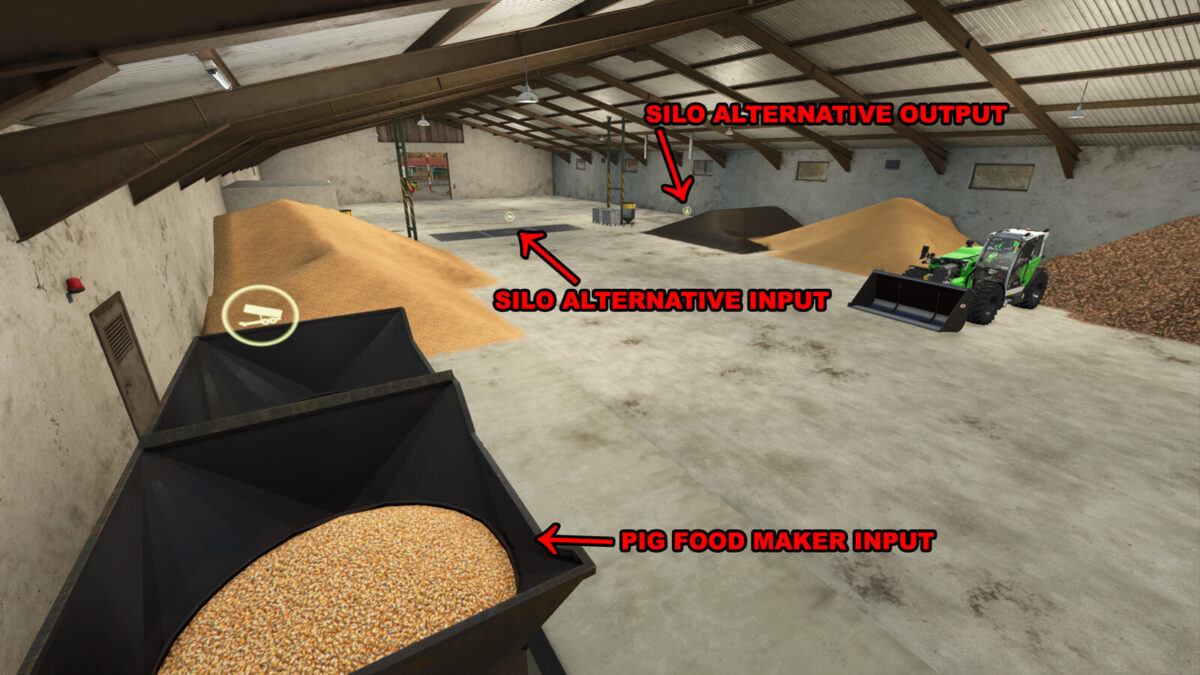
This multi purpose facility has big storage hall allowing you to store crops on ground or keep before they are processed by shredder.
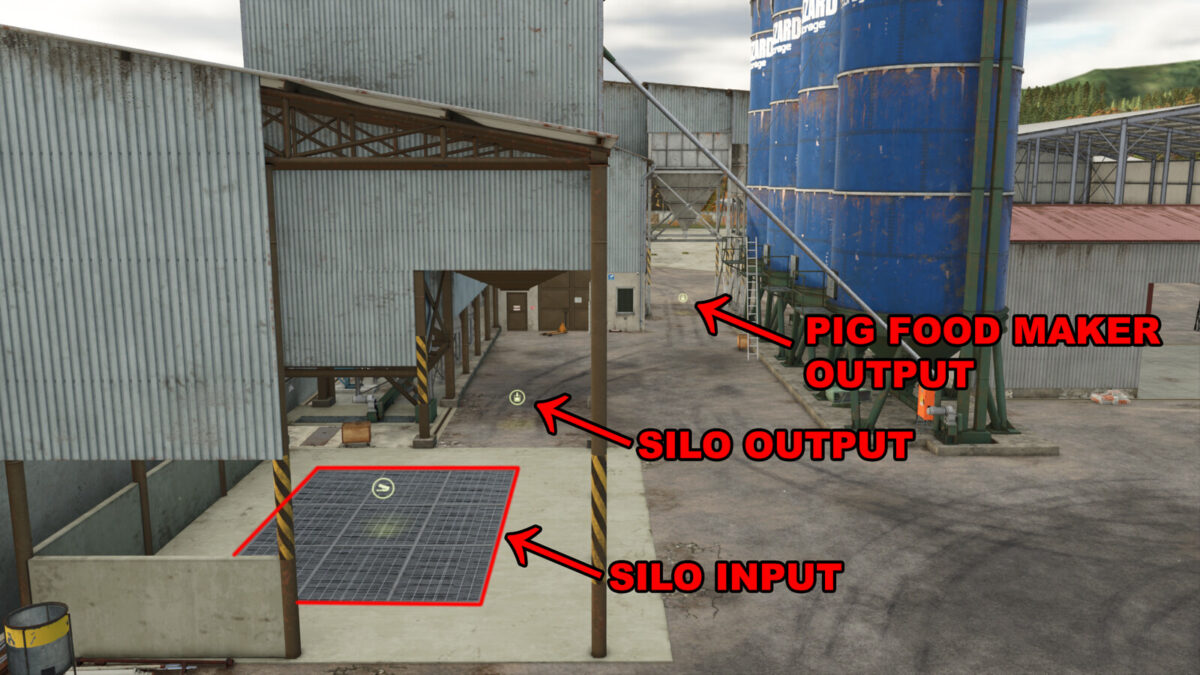
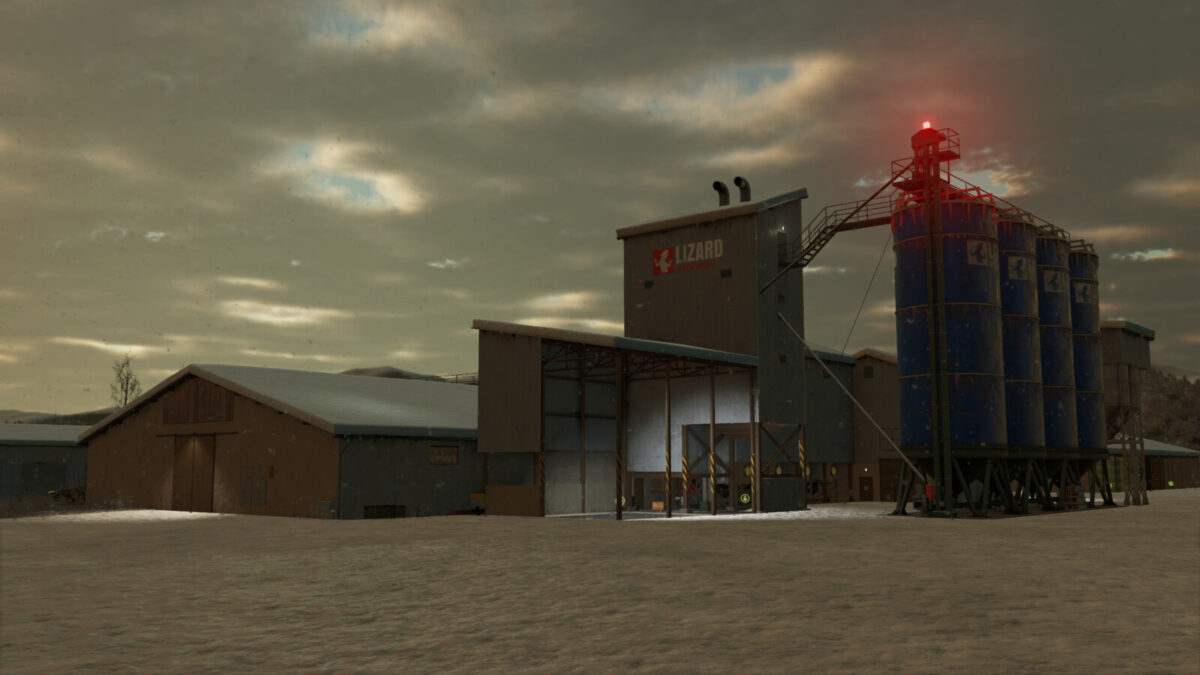
Grain can be stored also in large capacity storage silos.
Plenty of room also for vehicles or for pallets storing.
Shredder makes food for your pigs.
2 recipes:
1) maize + barley + canola + potato
2) sourghum + wheat + sunflower + sugarbeet
Lights inside of the shed are controlled manually, anywhere inside of the building. Lamps outside, above the gates are switched on automatically during night.
An option to add solar panels on roof. Price per panel: 265 $. Income per panel, per month: 21,6 $ (with adequate weather conditions).
Price: 487,000 $
Daily upkeep: 250 $
FillType category: FARMSILO
Silo capacity: 1,700,000 l
Shredder pig food production speed per in-game month: 90,000 l
Functional and non-functional – decorative building variants available.
Changelog 1.3.0.0:
– Added a decorative building variant for map creators wishing to use it for other purposes. (Silo and production point functionality removed – so they do not conflict or cause issues if building is used for other purposes. Lighting, doors functionality, and the option to install solar panels remain.)
Changelog 1.2.0.0:
– Increased processing speed and ingredients storage capacity for pig food maker.
Changelog 1.1.0.0:
– Fixed tip collisions generating insde of the buildings. Lamps will no longer generate tip blocking under them on places where they should not be, for newly placed buuilding.
If you have problem with this, on PC you can use console command: gsTipCollisionsUpdate to updae the problematic area. On consoles the easiet way is to sell the building and place it again.