

Lizard HLF 20 v 1.0

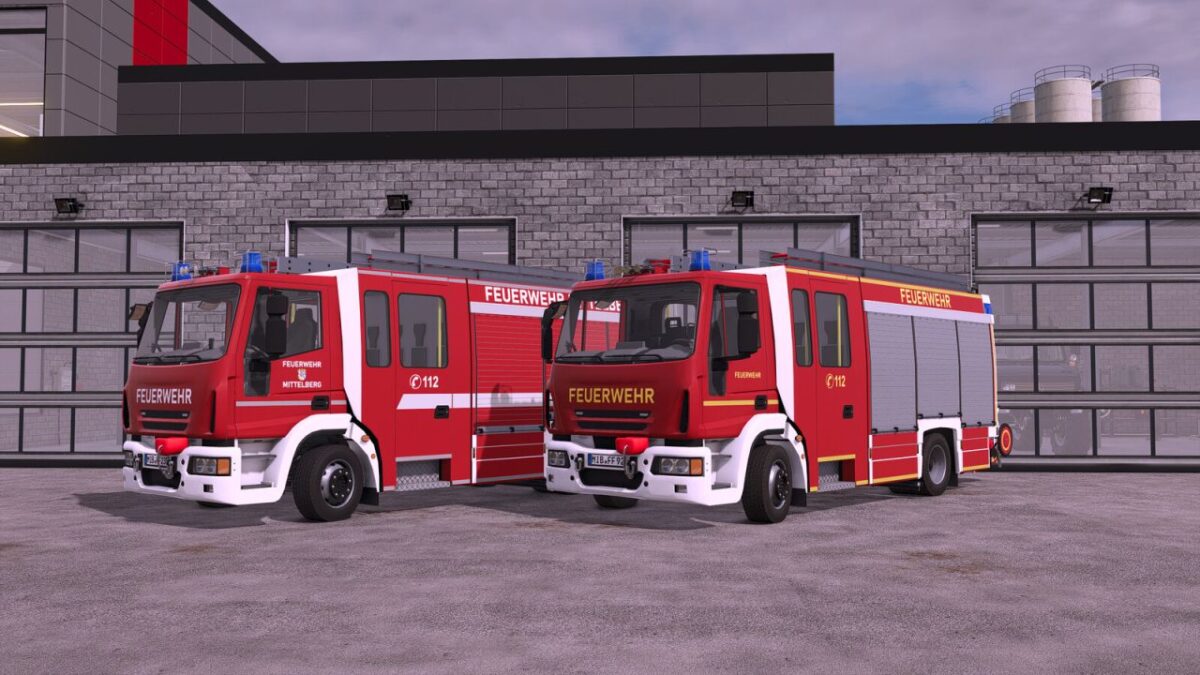
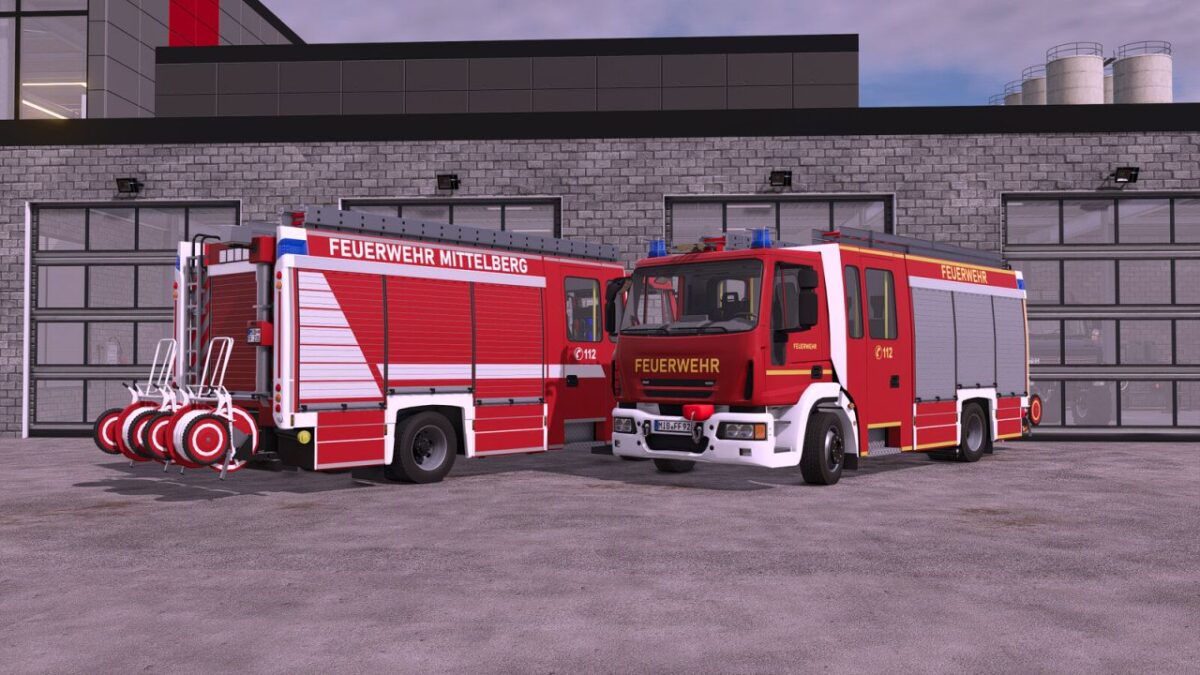
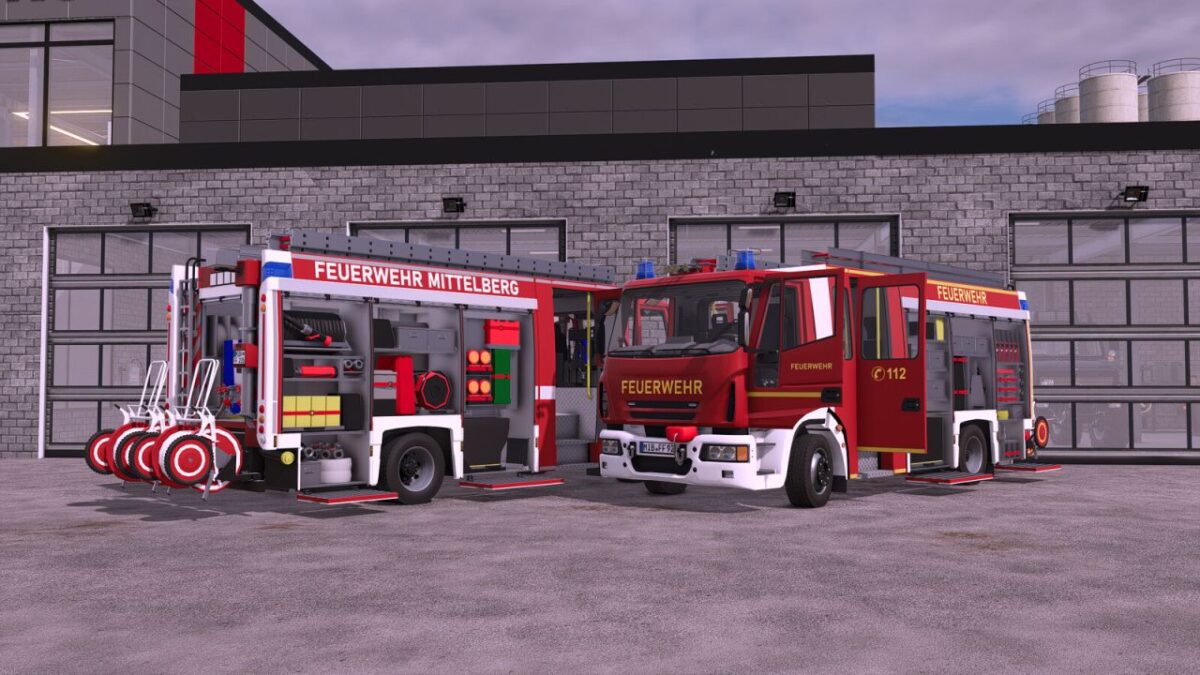
Lizard HLF 20 v 1.0
About the mod:
Shop category: Miscellaneous
Price: $259,000
Power: 320 hp
Top speed: 110 kph
Water tank: 1600 l
Features:
Animated speedometer
Animated doors
Animated roller shutters and steps
Detailed interior
Rear view camera (Mercedes DLC only)
Trailer hitch
Blue lights
Emergency siren via button “Open cover” or via VehicleAssistanceSystem (PC-only mod)
Light mast via button “X”
Rear warning system via button “B” or via VehicleAssistanceSystem (PC-only mod)
Mounting point for hose reels
Functional individually removable nozzle
Functional winch
If the EmergencyPack becomes available again, these functions will be added in the future.
Configurations:
Reflector color (gold/silver)
Main color (red tone)
Rim color
Roller shutter color
Design selection
Credits:
SoSi-Modding