

Lizard Unifire LF16/12 v1.2.0.1

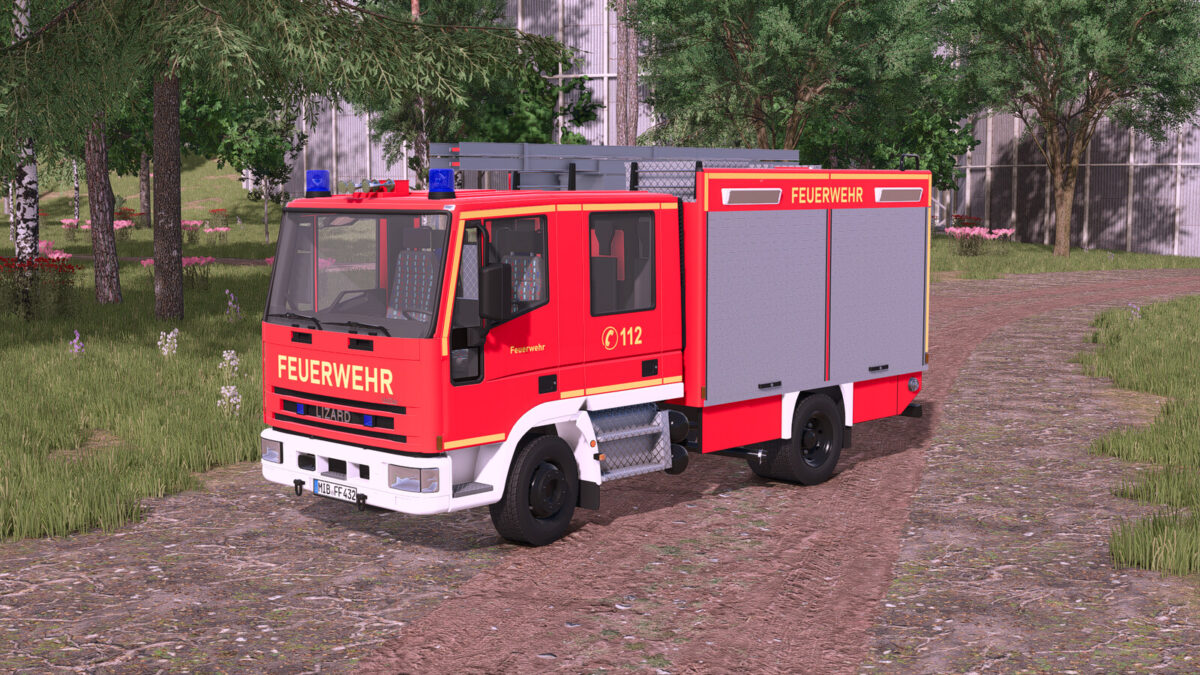
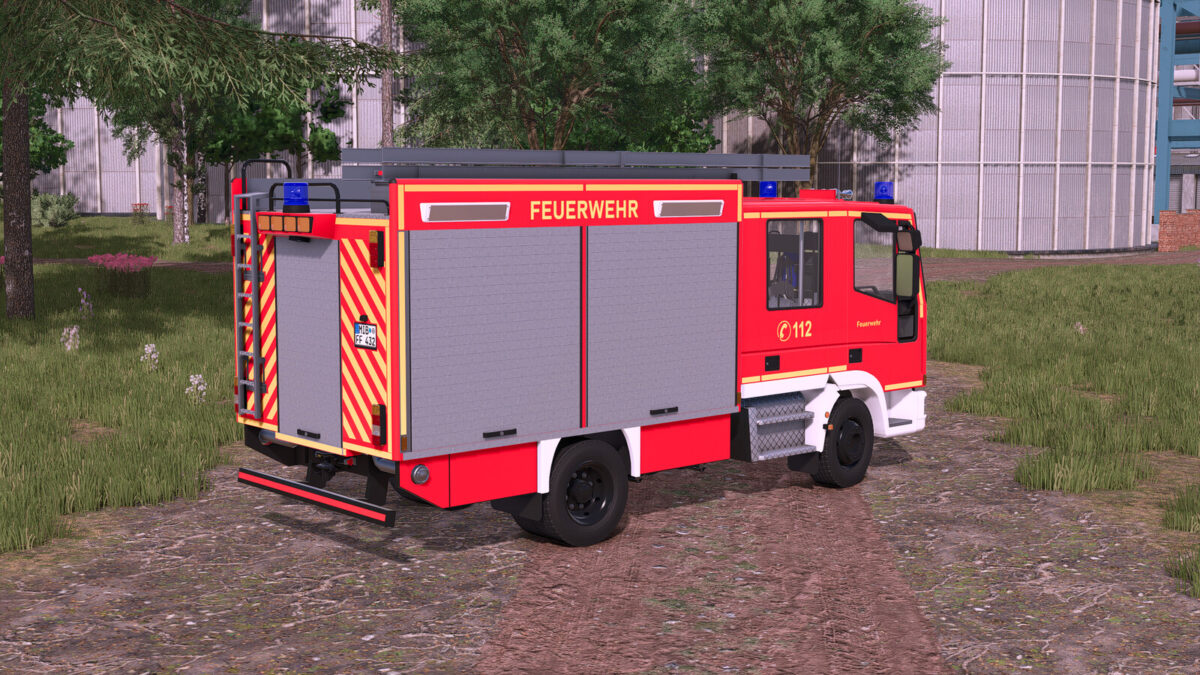
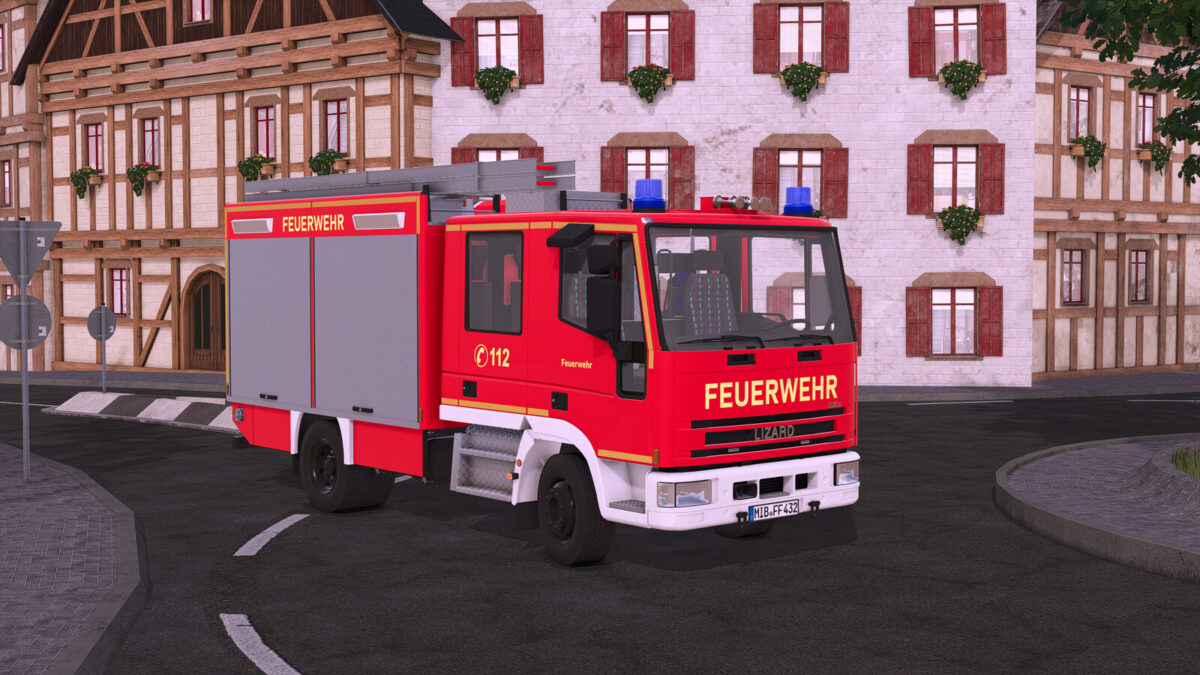
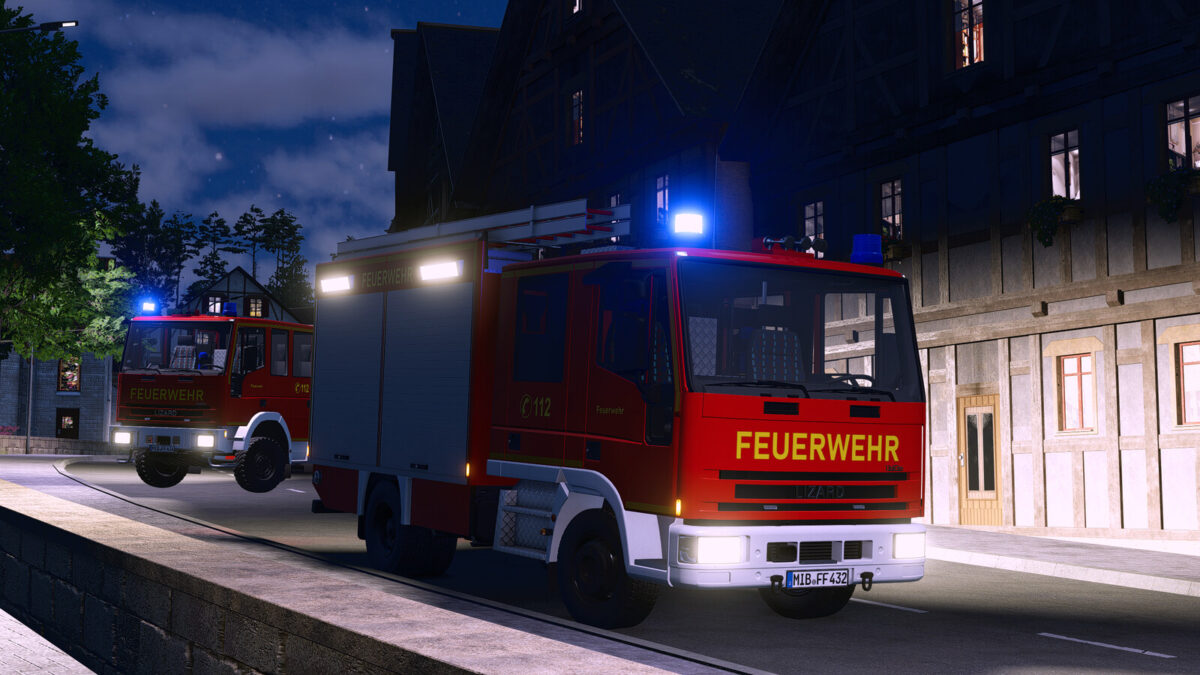
Lizard Unifire LF16/12 v1.2.0.1
The Lizard Unifire LF16/12 is a compact fire engine for in-game use.
It is equipped with a 1200-liter water tank and an equipment compartment for additional gear.
With 180 hp and a top speed of 85 km/h, the vehicle is powerful enough to reach the scene quickly.
The Unifire LF16/12 is especially suitable for players who want to integrate fire service vehicles into their gameplay.
Shop category: Misc
Price: $75,000
Power: 180 hp
Top speed: 85 km/h
Water tank: 1200 l
Features:
– Animated speedometer
– Trailer hitch
– Blue lights
– Full Emergency Pack support:
+ Start and edit missions
+ Horn and tail warning via Emergency Pack
Configurations:
– Beacons (rotating mirror/xenon)
– Reflector color (gold/silver)
– Main color (red tone)
– Rim color
Changelog 1.0.0.1:
– Fixed: Passenger seat position adjusted
Changelog 1.1.0.0:
– Added: Extra design options
– Added: Roller door color is now configurable
– Added: Fire department lettering is now available in yellow and white
– Added: Functional, individually removable nozzle
– Added: Ladder is now foldable
Changelog 1.2.0.0:
– Added: Emergency Pack support
– Changed: Horn and rear warning lights now controlled via the Emergency Pack
– Removed: Vehicle Assistance System support (PC-only mod)
Changelog 1.2.0.1:
– Compatibility with Emergency Pack v1.3.0 (the water tank is now recognized correctly)