

Lumary Illuminator 200 L8182 (Prefab) v 1.0



Lumary Illuminator 200 L8182 (Prefab) v 1.0
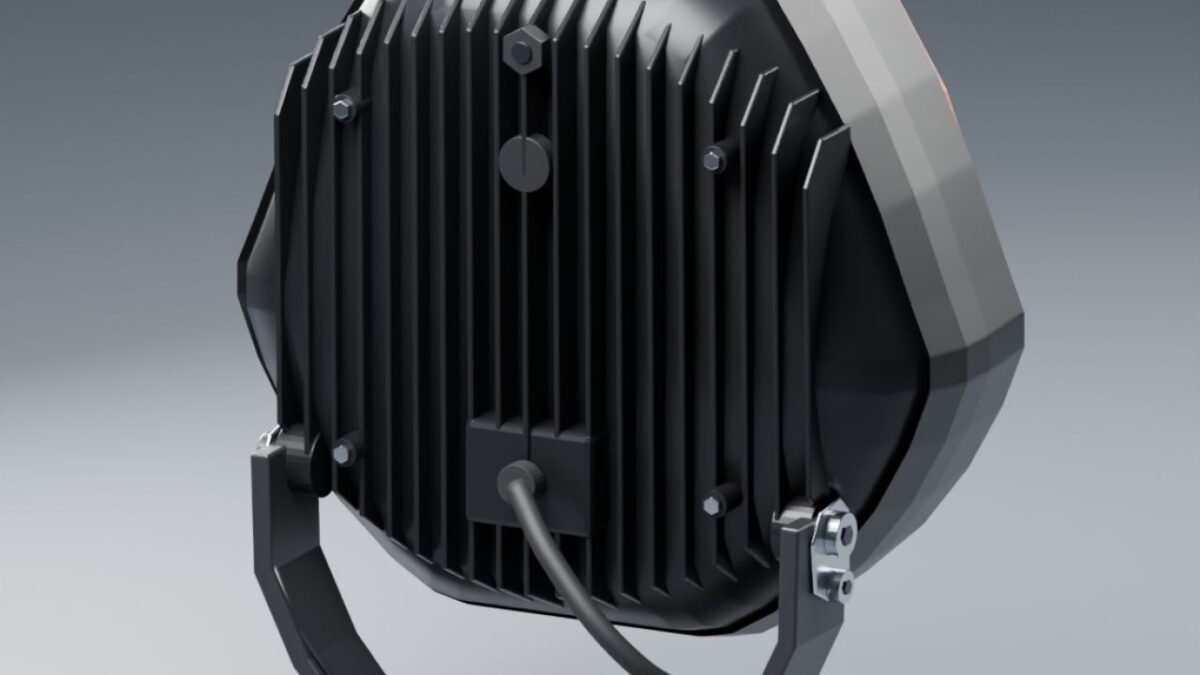
A detailed recreation of the Lumary Illuminator 200 9-inch L8182 auxiliary light for Farming Simulator 25, modeled from product photographs and manufacturer dimensions.
Features:
White high beam with side illumination.
Amber or white A-shaped position light.
Separate amber warning lights with double-flash effects and pulsing ground illumination.
Adjustable lamp housing with a fixed mounting bracket.
Short black cable stub.
Two levels of detail for distance rendering.
Includes I3D files, textures, XML integration examples, an XML helper, Blender sources and installation instructions in English and Swedish.
Lighting uses native FS25 functions.
This prefab is intended for integration into vehicle mods using GIANTS Editor.
Follow the included README to connect the lights.
Please note: amber position lighting illuminates the A-shaped element.
Amber reflector backlighting is not included.