

Malviny 1992 Map v 1.0

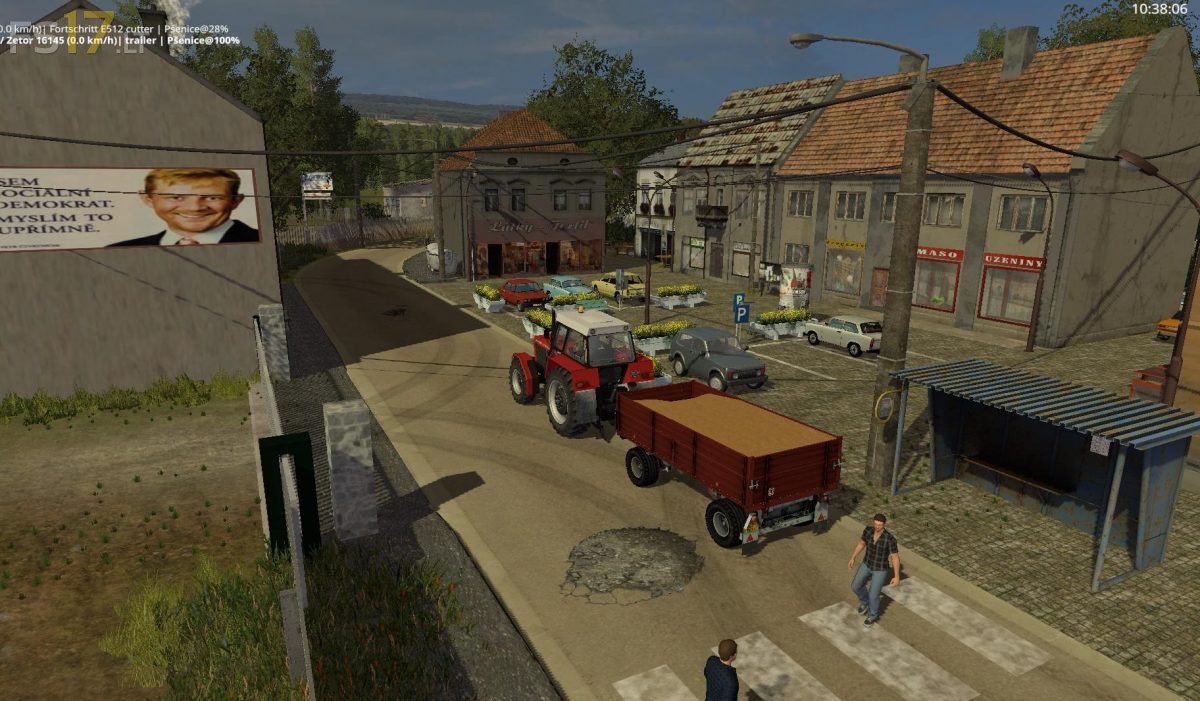
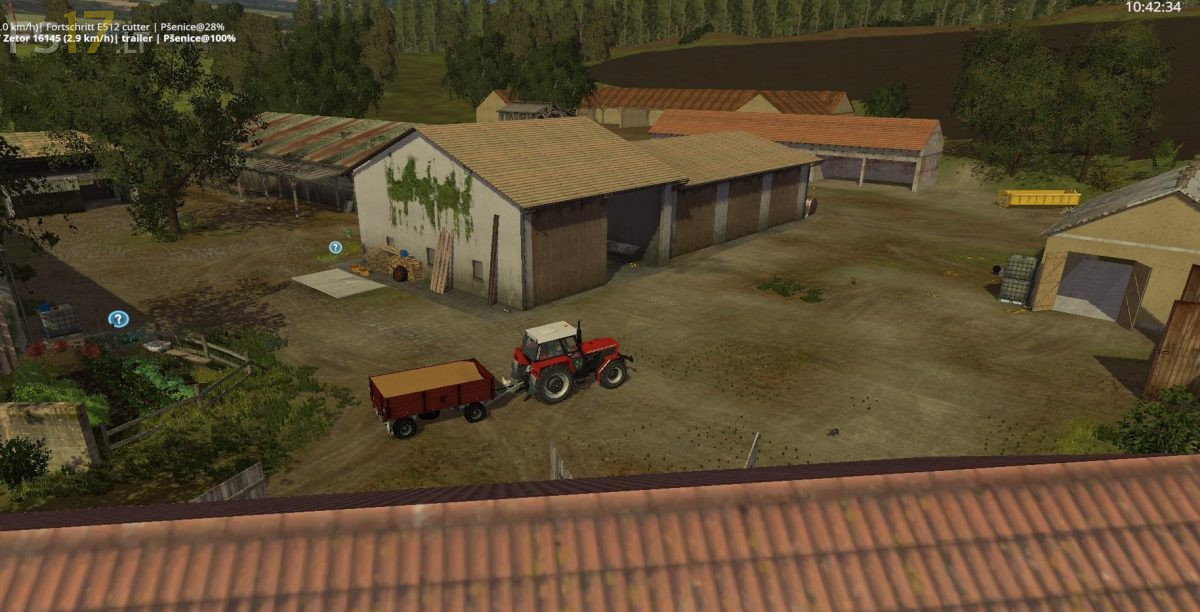

Malviny 1992 Map v 1.0
About the mod:
– 5 villages + 28 fields and large forests
– Cows, Sheep, Sheep 2, Pigs, Sows, Hen, Hens – Breeding, Pony, Geese (all animated)
– Basic crops
Production:
– Pallets
– Cartons
– Beer
– Scrap
– Feeding for pigs
– Feeding for cows
– Saw – Wooden boards, prisms and chips
– Sheep’s milk
– Dairy – yoghurt, condensed milk, butter, kefir
– Production of seed
– Diesel
– Liquid fertilizer
– Powdered fertilizer
– Sipping feeding pigs
– Seed packing, Egg production and packing, Hazelnut
– Sugar – sugar, beet pulp, molasses (can be fed cows)
– Composter
Cultivation:
– Greenhouses – strawberries, raspberries, currants
– Apple orchard
– Vinohrady – barrels and bottles
Credits:
ARTmods Czech Republic
anyone+got+a+vid+for+this+map+?+wanna+take+a+look
It is an enhanced “Old Streams” map, with several features added. Sounds good. It still suffers from lack of space for placeables at the farm, just like “Old Streams” did.