
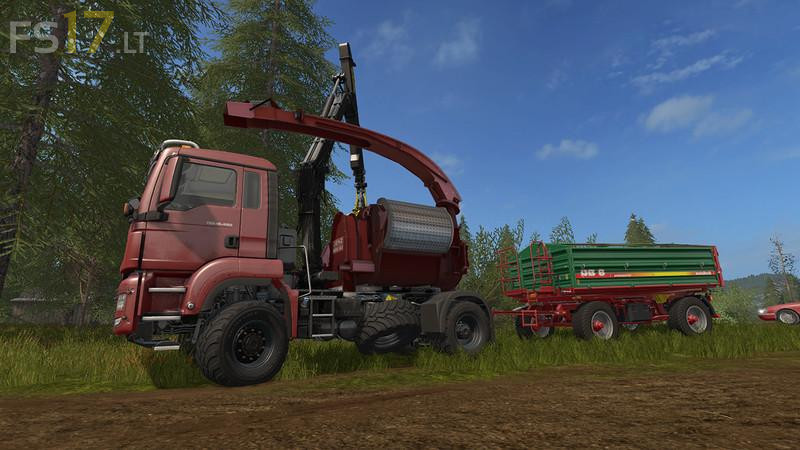
MAN Jenz 690 v 1.0

FS19 mods

About the mod:

– Support feet added. These have their own flash linker and a separate control group. This switch through and then extend the legs to the desired setting
– Store Description adapted
– Replaces turn truck turn by chopper
– The problem with the pipe can not be solved. It folds in to the side on which it is currently located. Thereby it can happen that it goes through the fold by the crane. However, provides no problems, since it has no collision
– First crane boom can be a small set slightly higher
– Minor bug fixes

Credits:
sdfe4t4tert

How to install FS17 mods?

Firstly find a mod which you like and want to download. Then download a mod to your PC. Mods are usually in .zip format file. But sometimes it can be in .rar. If a mod file is a .zip format no needed additional actions. If a file is in .rar, then you must unarchive mod with software like WinRar or Zip7. Windows 10 users no need to use software for archives, Win10 itself has a feature to unarchive files.

The next step is to find mods folder in your PC. Usually, it is in Documents/My Games/Farming Simulator 17/2017. Open the "mods" folder and put downloaded .zip archive or unarchived .rar file to this folder.

Last step. Enjoy of FS17 mods!

Leave a Reply

Your email address will not be published. Required fields are marked *