

MAN TGS 8×8 HKL v 2.0 Multicolor

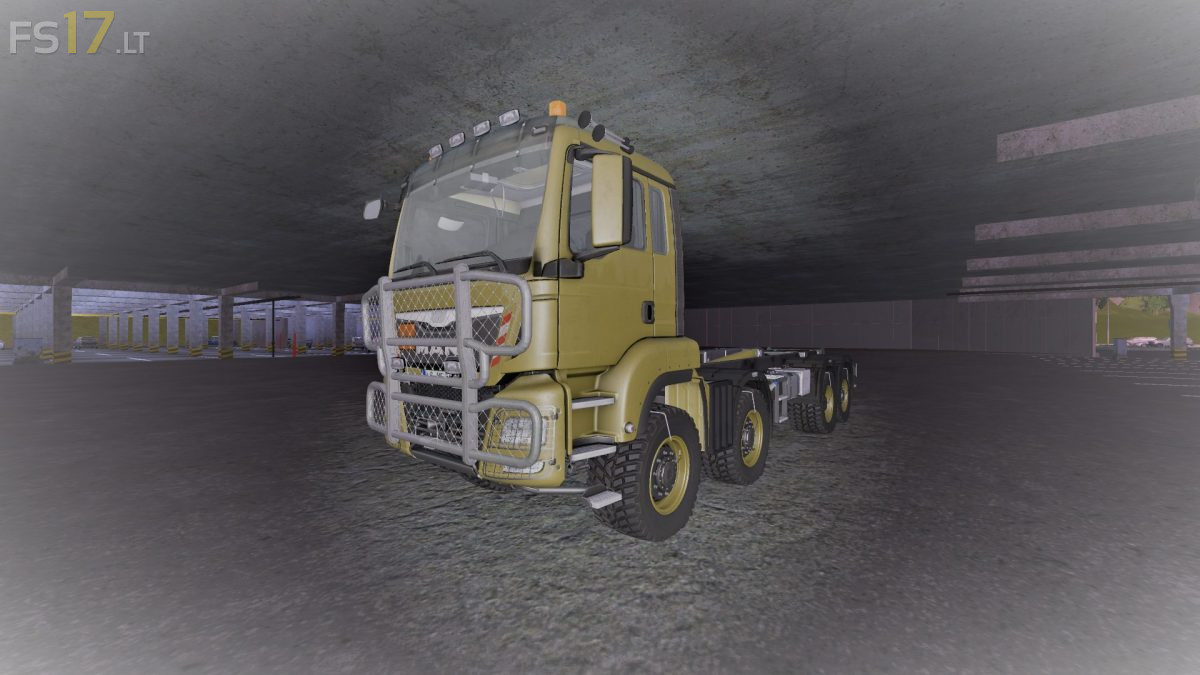
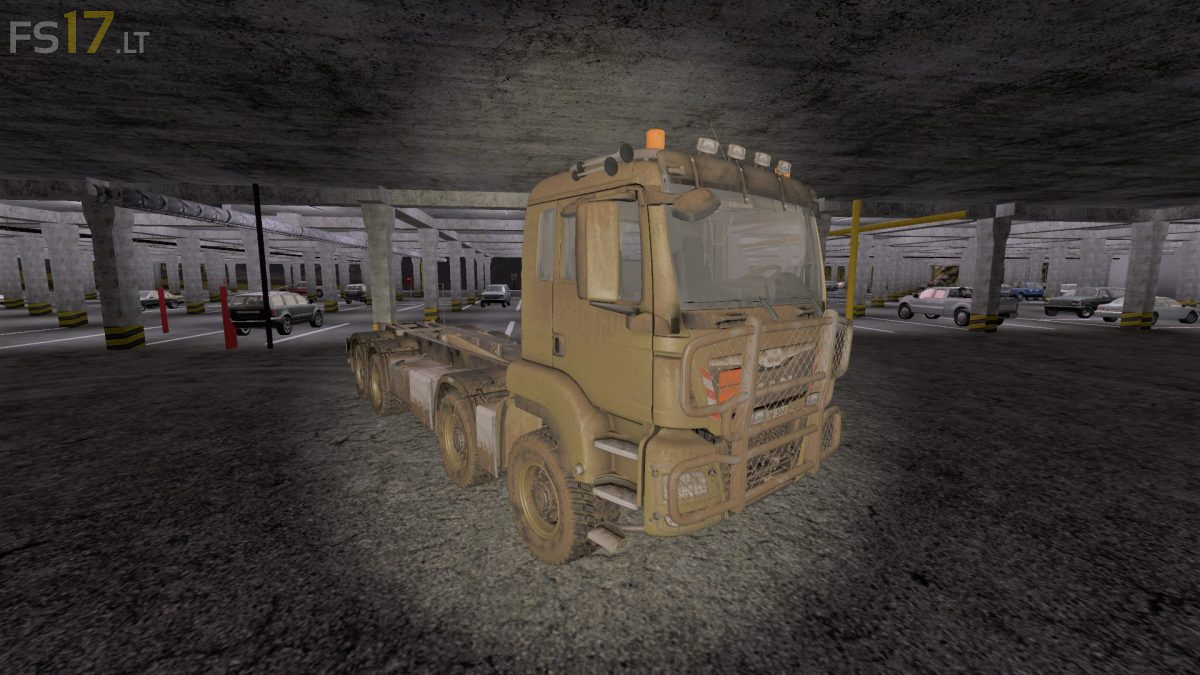
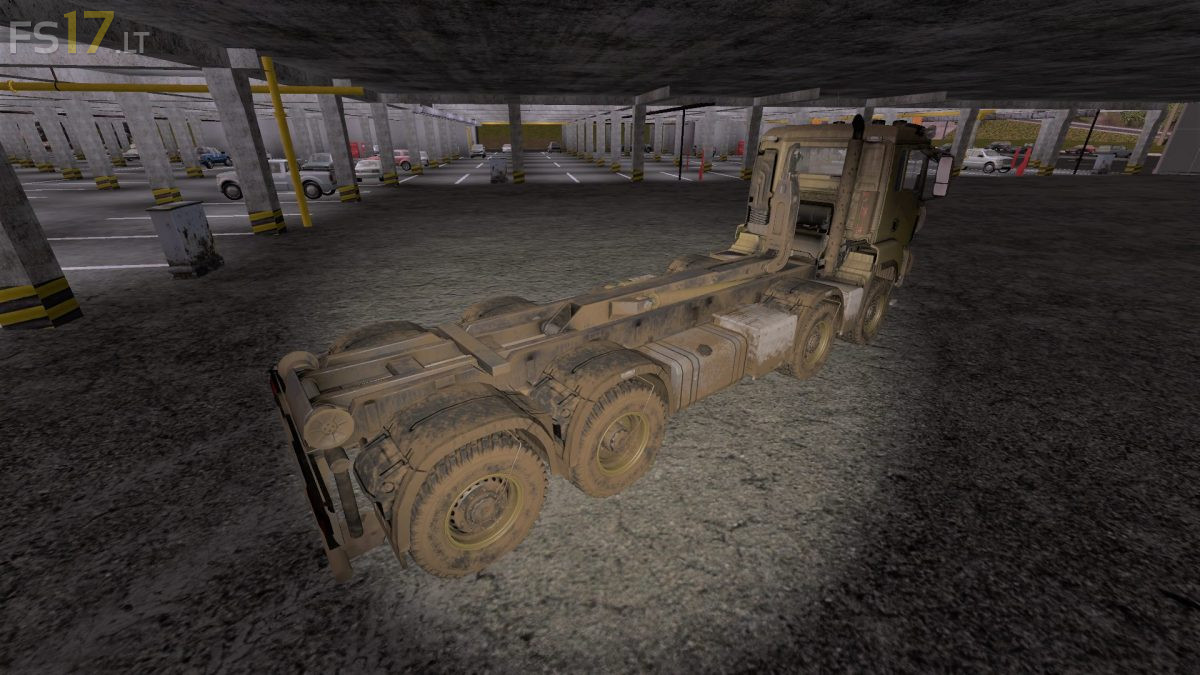
MAN TGS 8×8 HKL v 2.0 Multicolor
– Engine Setup: 440 hp, 480 hp, 520 hp
– Wheel Setup: Street Wheels, Agrar Wheels, Tatra Agrar Wheels, Tatra Offroad Wheels, MAN Agrar Wheels, MAN Offroad Wheels
– Design: without Bumper, Flat Bumper, Small Bumper, Medium Bumper, Large Bumper
– Standard and Back Attacher
– Selectable Rim Color
– Choice of Color
– Dirt / washable
Version 2.0:
* The lighting decals on the buttons of the fittings and steering wheel have been reworked
* The work was implemented from the sides to the stern
* The support feet now have a colli. In addition, they can now be switched on / off and up / down with the right mouse button
* There is now something like a compatibility with the Railtrailer. The arm can now be inserted and extended with the button (standard “y”)