Manual Refueling v 1.0
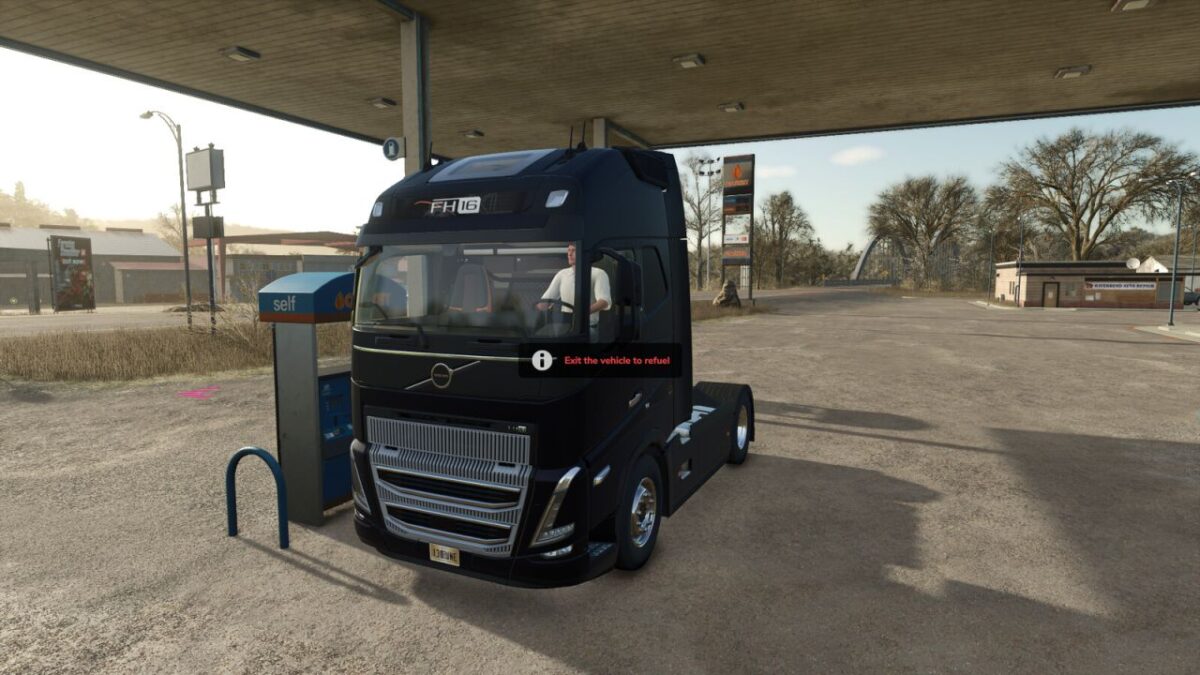
Manual Refueling FS25 adds a manual refueling system to Farming Simulator 25.
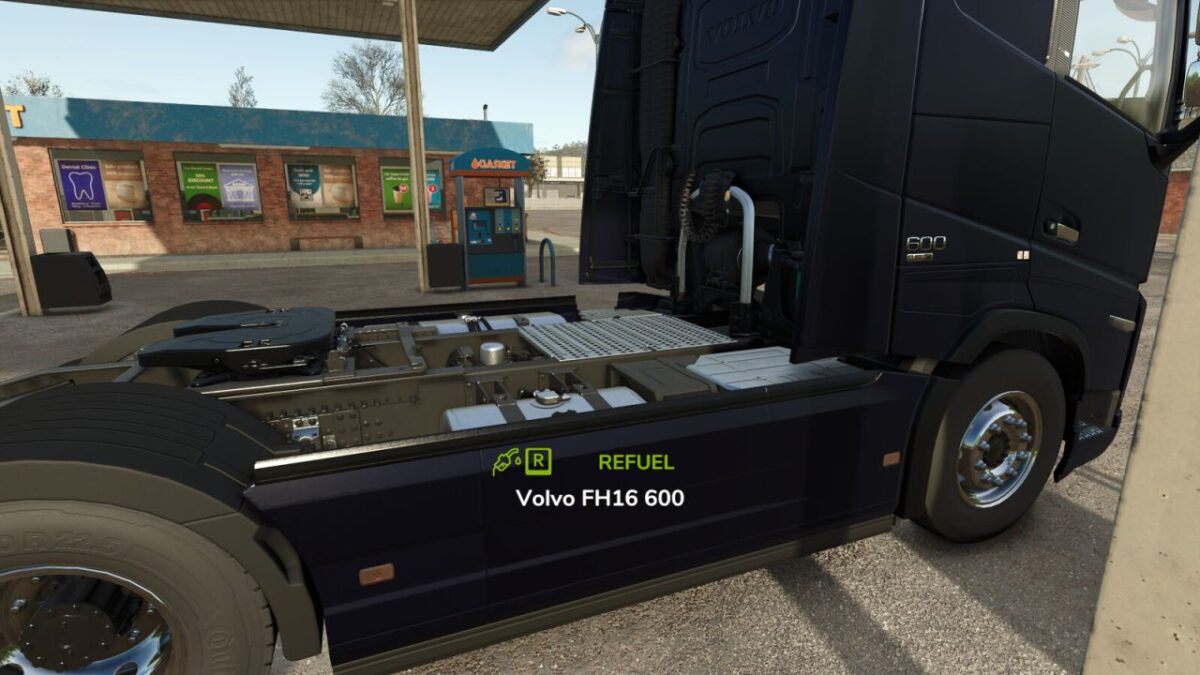
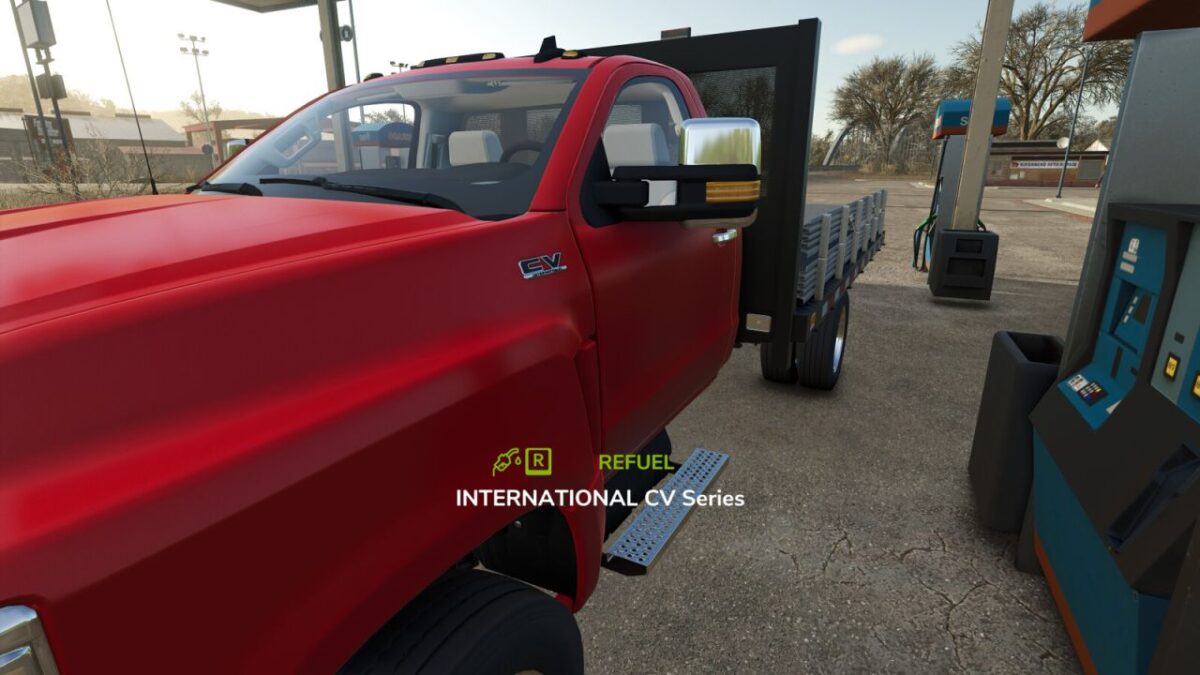
Vehicles can no longer be refueled from inside the cab. To refuel, the player must leave the vehicle and interact with it while standing nearby.
Features:
Manual refueling outside the vehicle.
Supports map fuel stations.
Supports diesel storage tanks and placeables.
Supports fuel trailers.
Custom refueling HUD.
Automatic fuel cost calculation based on the map economy.
Multiplayer support.
This mod improves realism by requiring the player to leave the vehicle before refueling.
JKAzevedoMods
How do I install Farming Simulator mods?
Find a mod that you like and want to download first. Then, on your PC, download a mod. Mods are typically in.zip format. However, it is sometimes in.rar format. If the mod file is in.zip format, no additional actions are required. If a file is in.rar format, you must unarchive it using software such as WinRar or Zip7. Windows 10 users do not need to use archive software; Win10 includes an unarchive feature.
The next step is to locate the mods folder on your computer. It is typically found in Documents/My Games/Farming Simulator [Your FS game version, e.g. 2022]. Open the "mods" folder and place the downloaded.zip archive or unarchived.rar file there.
The final step. Have fun with Farming Simulator mods!