

Manure Ground v 1.0.2.0

Manure Ground v 1.0.2.0
About the mod:
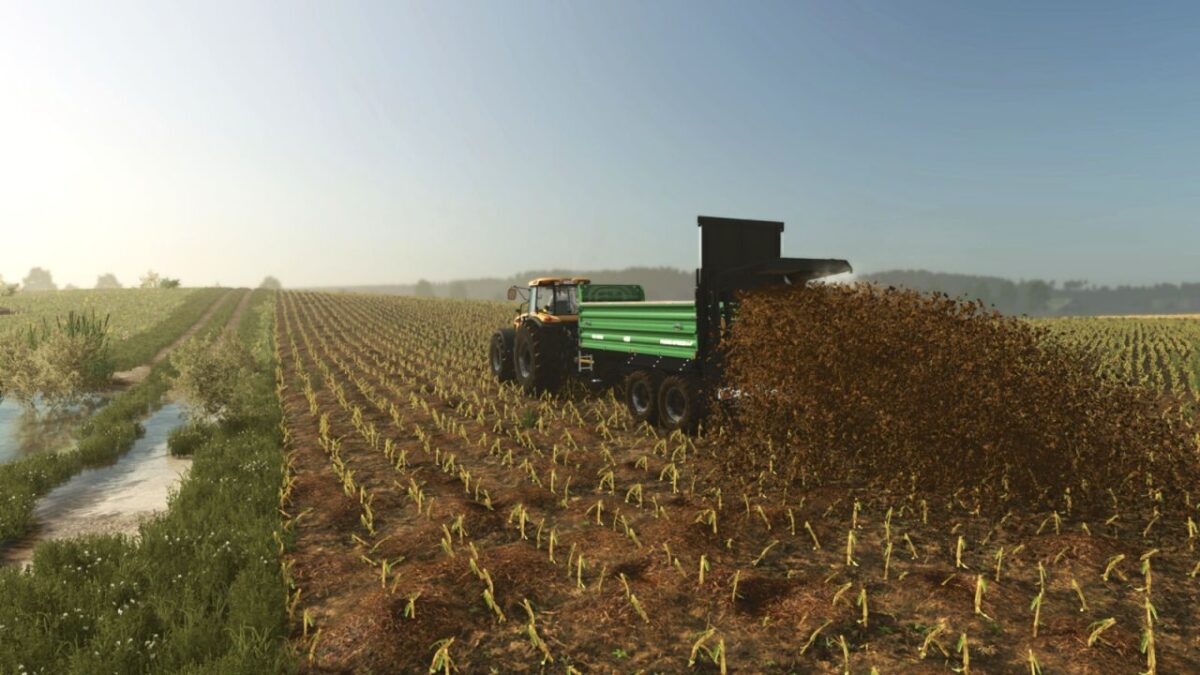
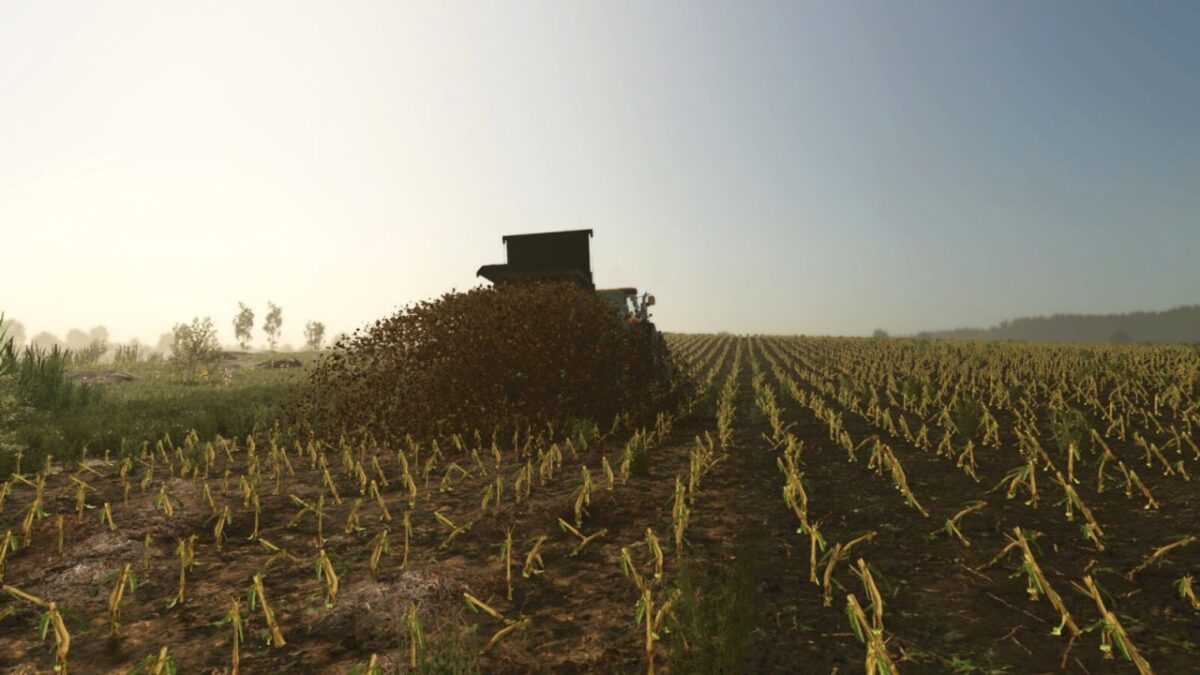
Adds deposited manure to fields when using manure spreaders. Instead of flat ground textures, manure actually lies on the soil.
Features:
– Manure is deposited directly on the field during spreading.
– Higher application rates of manure result in more manure on the ground.
– Deposited manure cannot be collected back from the field.
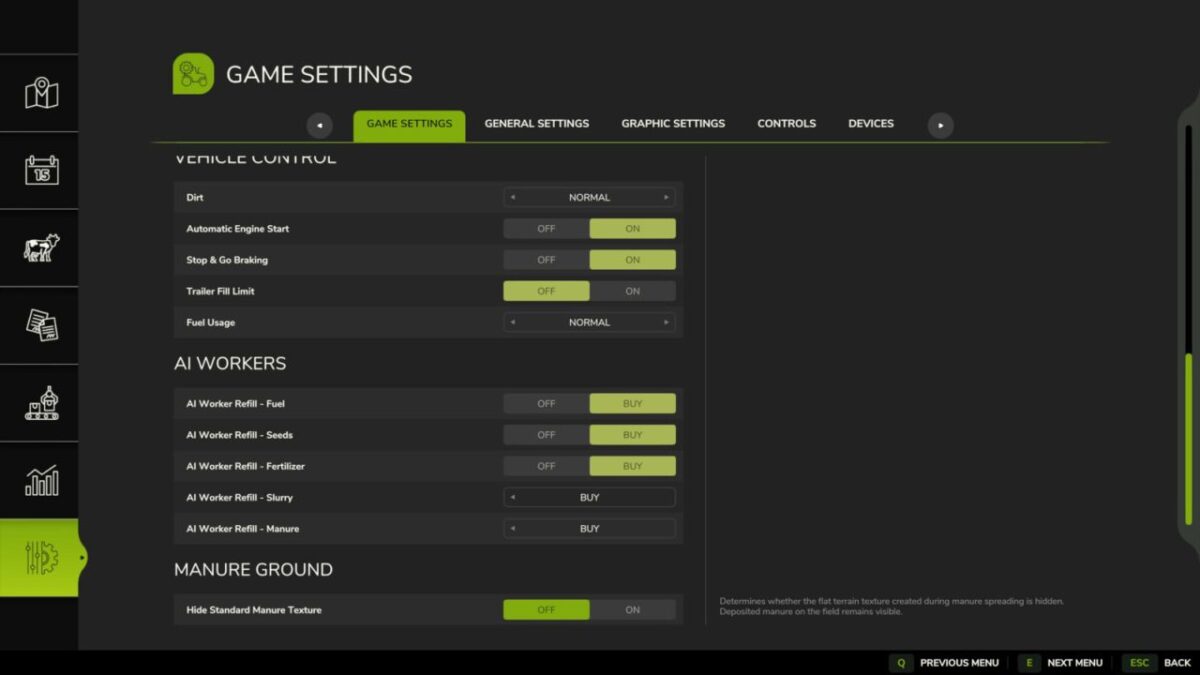
– Option in Game Settings to hide the standard flat manure texture.
The appearance and shape of deposited manure may vary slightly depending on the map’s terrain configuration.
Version 1.0.2.0:
* Removed the option to hide the base-game manure ground texture to improve stability and compatibility with other mods
* Improved manure distribution with 50% more piles for a denser and more natural appearance
Credits:
aaw3k