

Massey Ferguson 5600 v 4.0

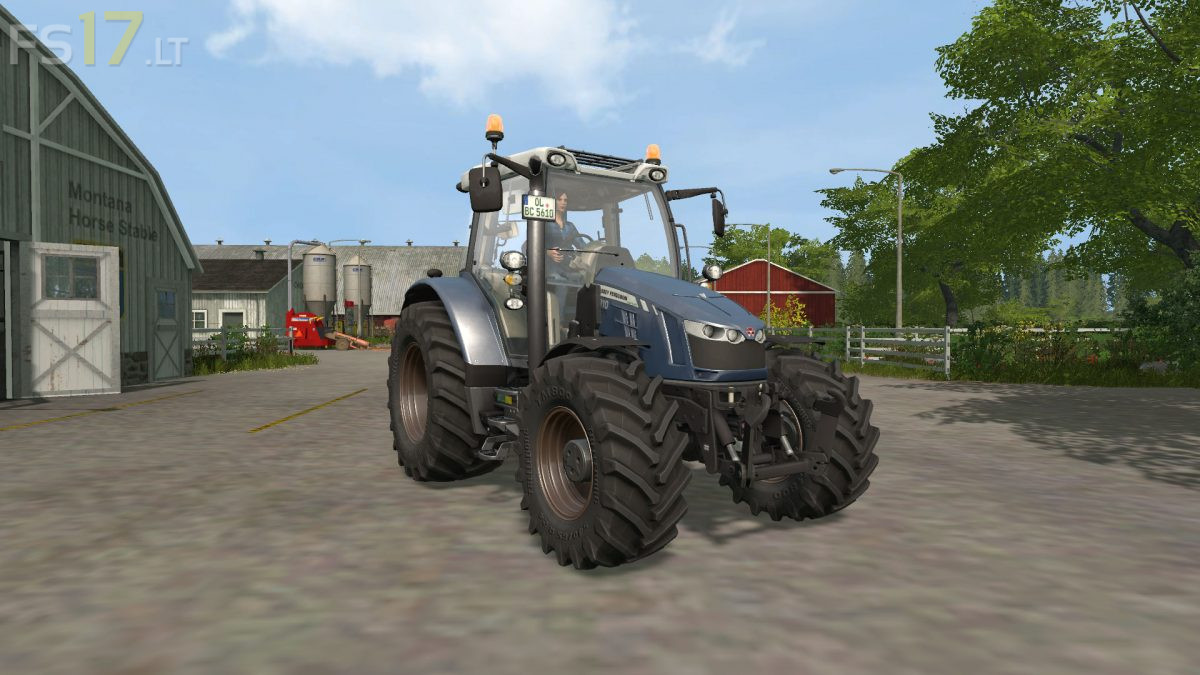
Massey Ferguson 5600 v 4.0
About the mod:
– Engine Setup: 105 hp, 130 hp
– Frontloader Attacher
– Selectable Wheels
– Selectable Rim Color
– Selectable Design
– Choice of Color
– IC Control
– Washable
Version 4.0:
* Color choice
* Rim color choice (colors like the body)
* Terminal selection (16 different ones to choose from)
* Optional interior decoration
* Wide tires (front TM800 540/65 R24 and rear TM900 710/60 R34)
* License plate according to engine variant
* Dynamic Hose front and back
* Animated pedals, joystick and handbrake
* New Storepic
* Other horn entered
* Other schema image
* Various little things
* Preparation for AdBlue-, HandBrake- and OilChange-Mod (Mods do not have to be, goes without)
* Aloe console installed
* Standard frontloader now with DH connections
Credits:
Giants, FarmerSteven, Bonecrusher6