Mavericks Farm Map v 1.0

FS19 mods

About the mod:

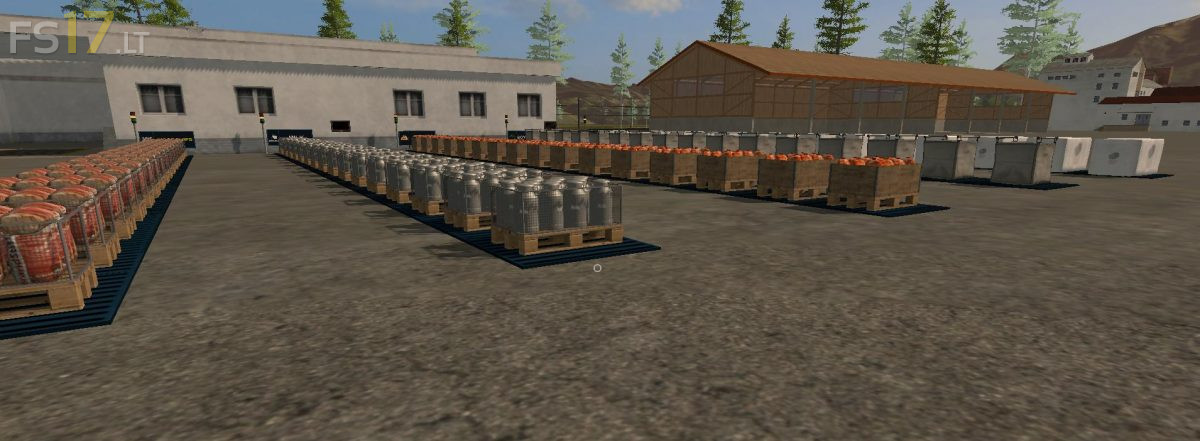
Mavericks Farm is a 4x flat map with 21 large fields and allot of nice flat room for all these nice placebal mods out there.
The map is made with the bigbud in mind,so it became a map for bigtoys.
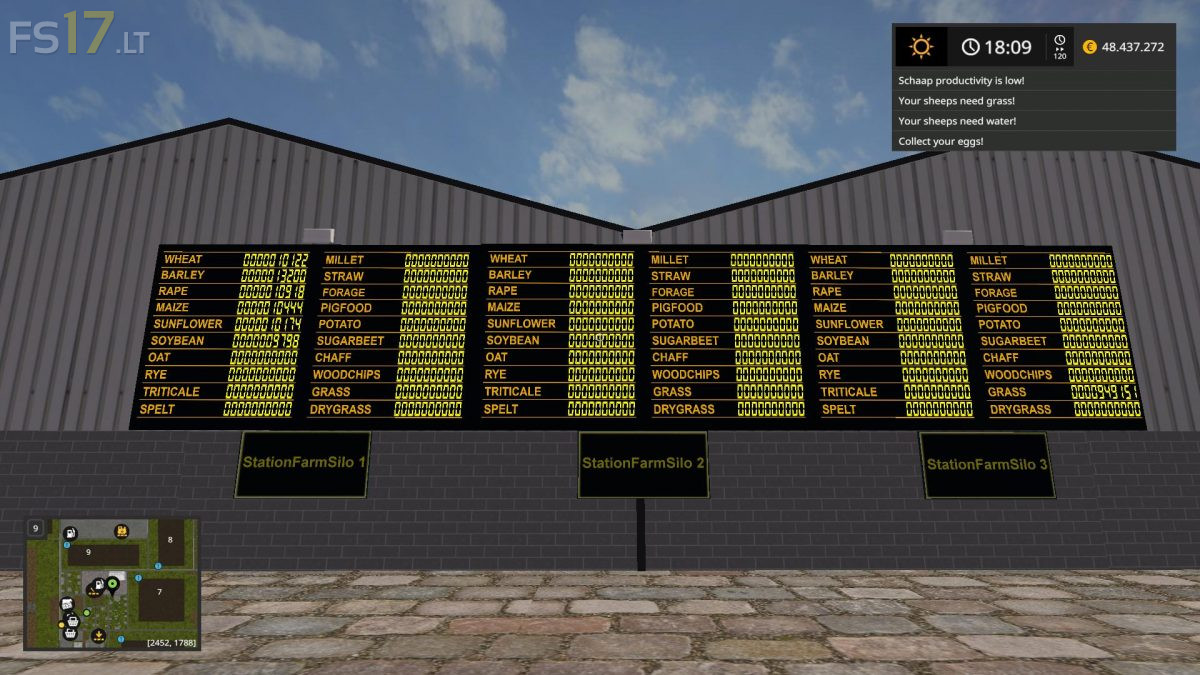
5 additional fruits oat, rye, triticale, spelt, millet.
Greenhouses.
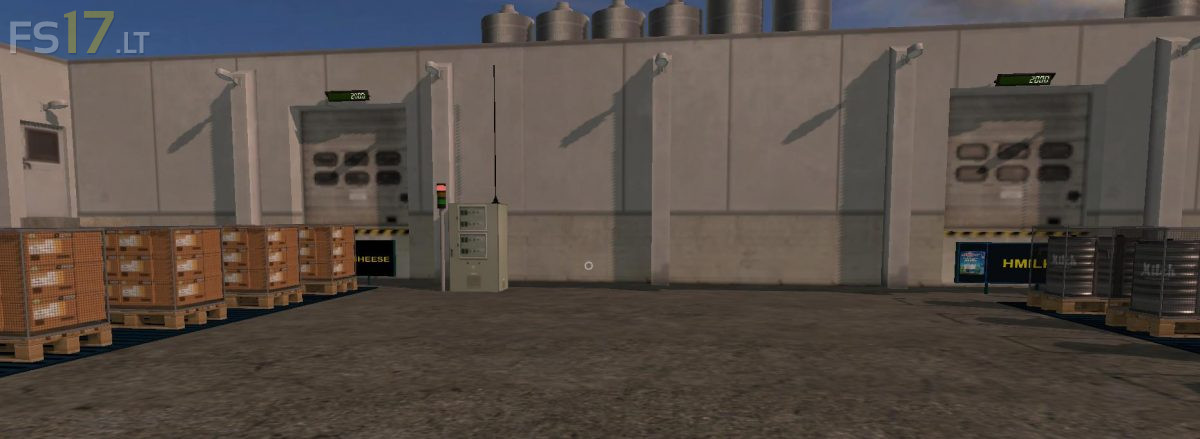
Milk factory.
Biogas.

Credits:
Maverick74

How to install FS17 mods?

Firstly find a mod which you like and want to download. Then download a mod to your PC. Mods are usually in .zip format file. But sometimes it can be in .rar. If a mod file is a .zip format no needed additional actions. If a file is in .rar, then you must unarchive mod with software like WinRar or Zip7. Windows 10 users no need to use software for archives, Win10 itself has a feature to unarchive files.

The next step is to find mods folder in your PC. Usually, it is in Documents/My Games/Farming Simulator 17/2017. Open the "mods" folder and put downloaded .zip archive or unarchived .rar file to this folder.

Last step. Enjoy of FS17 mods!

3 thoughts on “Mavericks Farm Map v 1.0

  • Bilakos Xatzis says:
    2017-06-26 at 10:13

    Awesome!
    Please help
    Can you make a real sound for welger baler up730
    Thanks
    🙂

    • jacob says:
      2017-06-26 at 11:50

      maybe you should ask the orginal maker of the mod which is ARM Team

  • bald eagle says:
    2017-07-10 at 10:13

    Great Map But There Is a problem With Field 8 Wont Let You Buy It and If you Try It Crashes The Game, also wont let you quit the game without using CTRL-DEL

Leave a Reply

Your email address will not be published. Required fields are marked *