

Mavericks Multifruit Map v 1.0.6


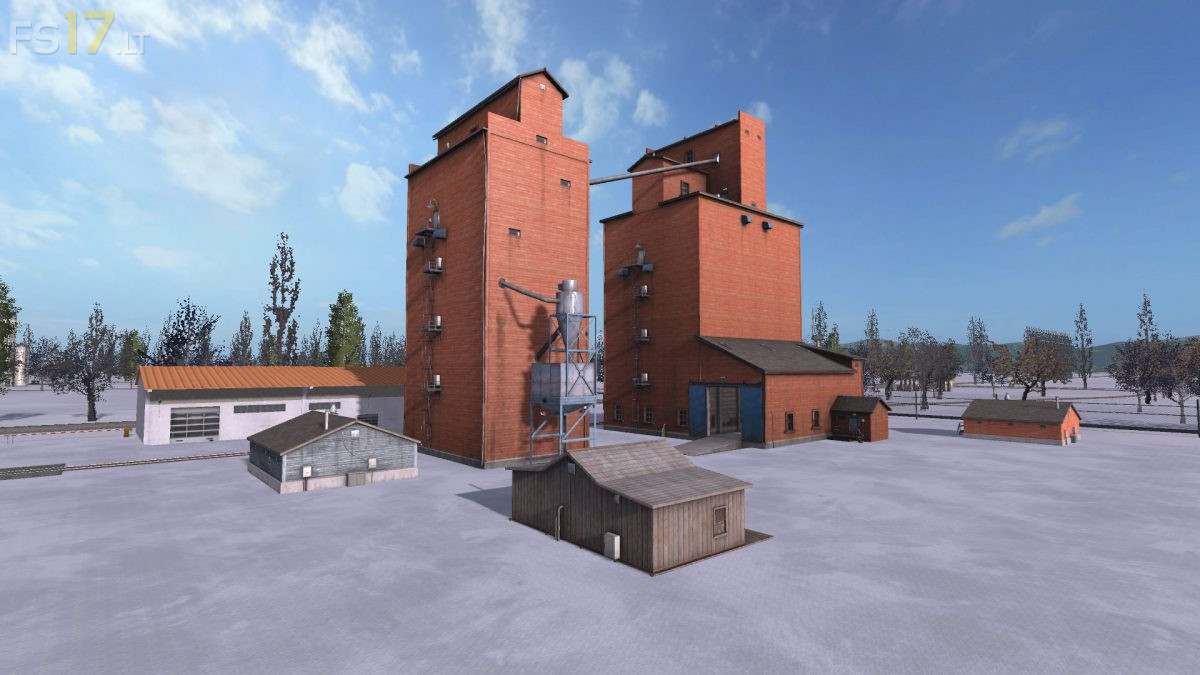
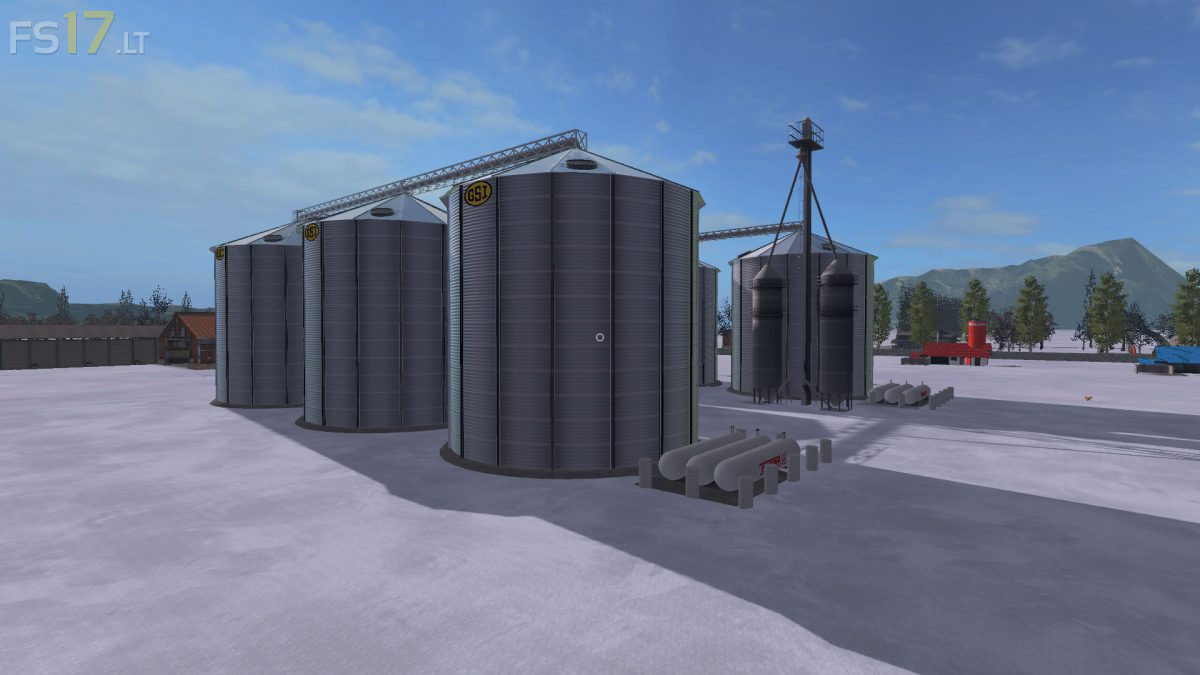
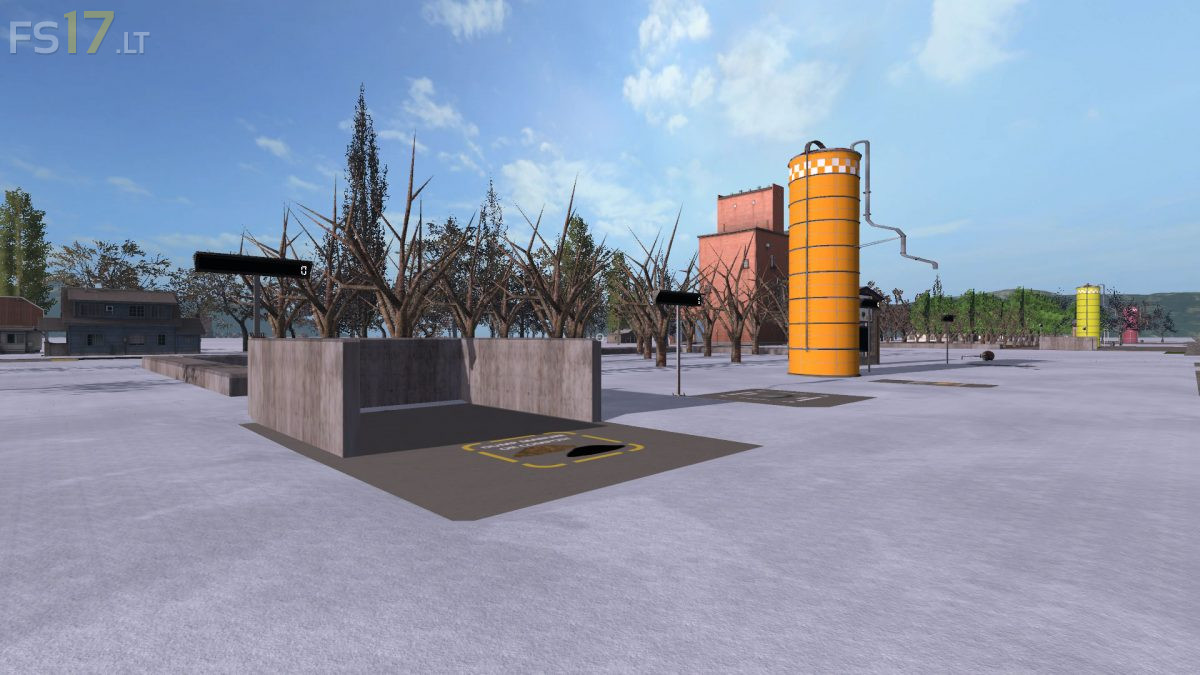

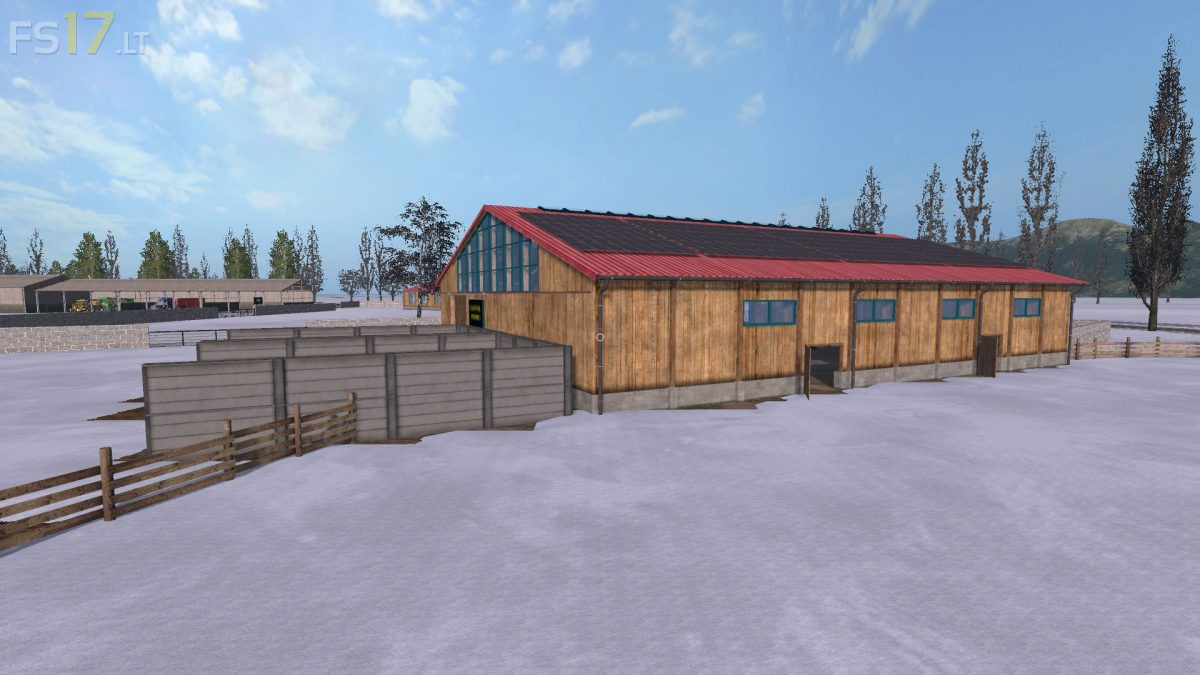
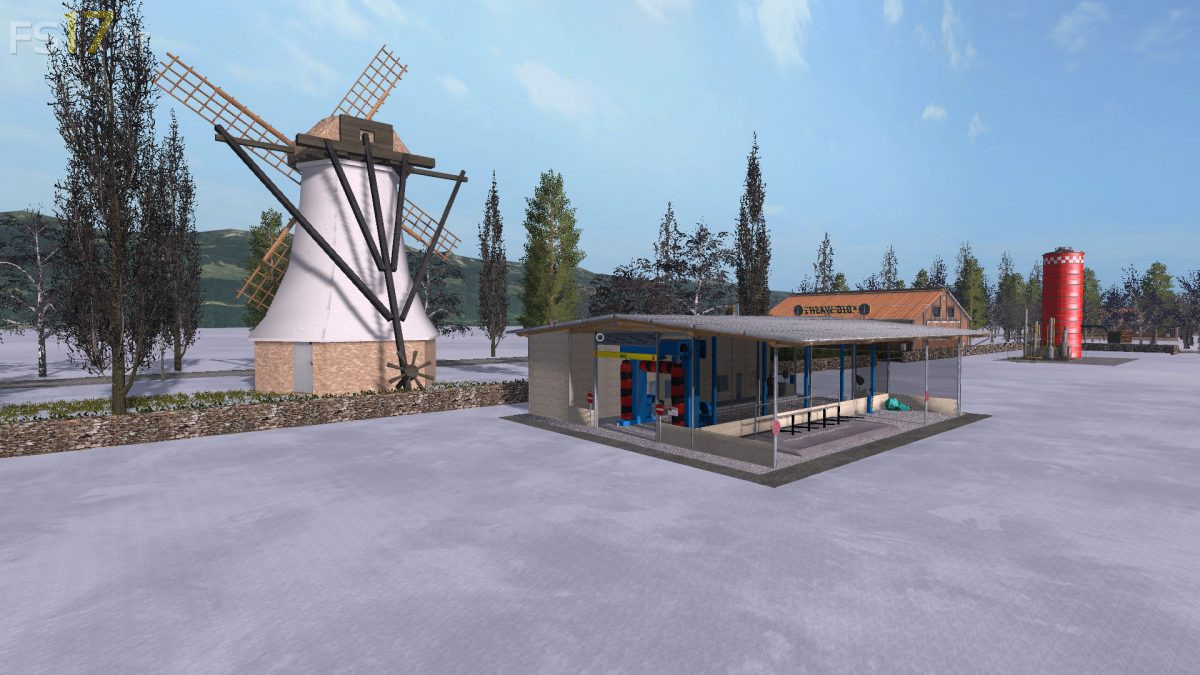

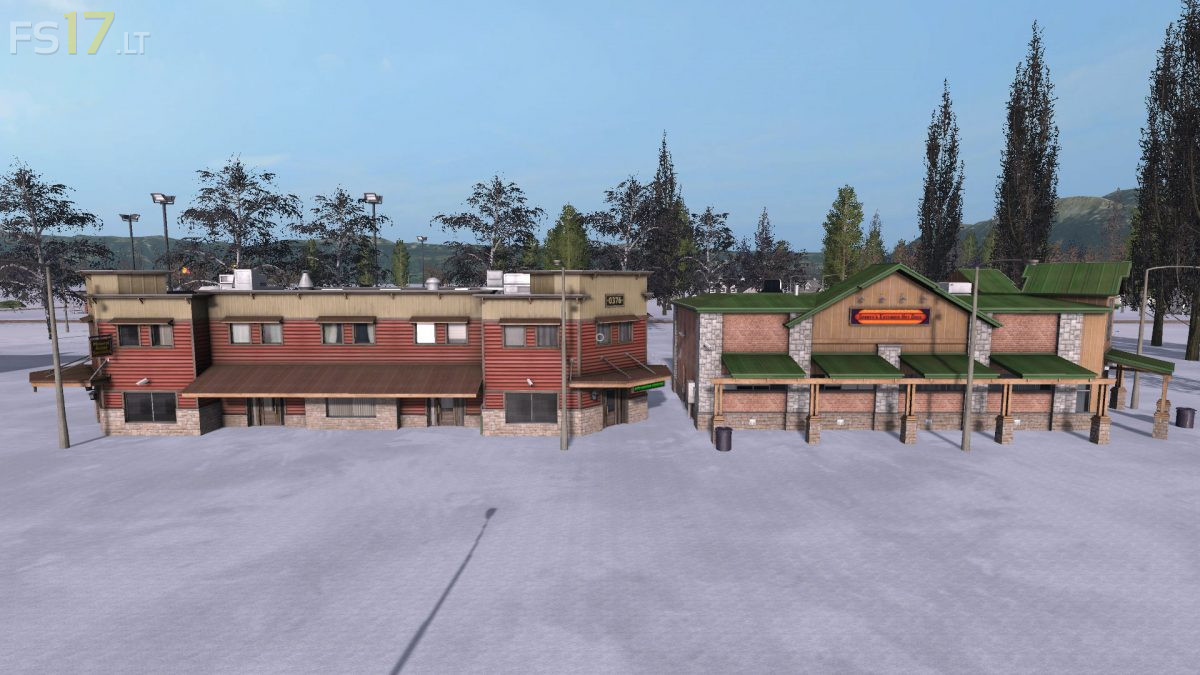
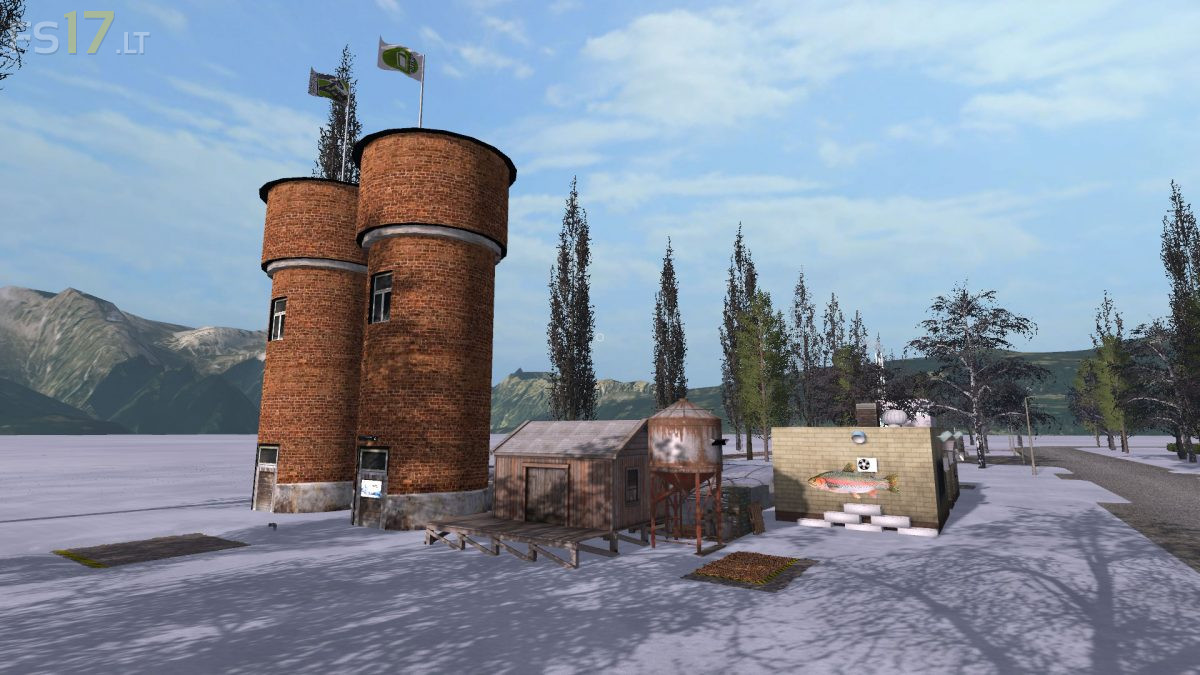
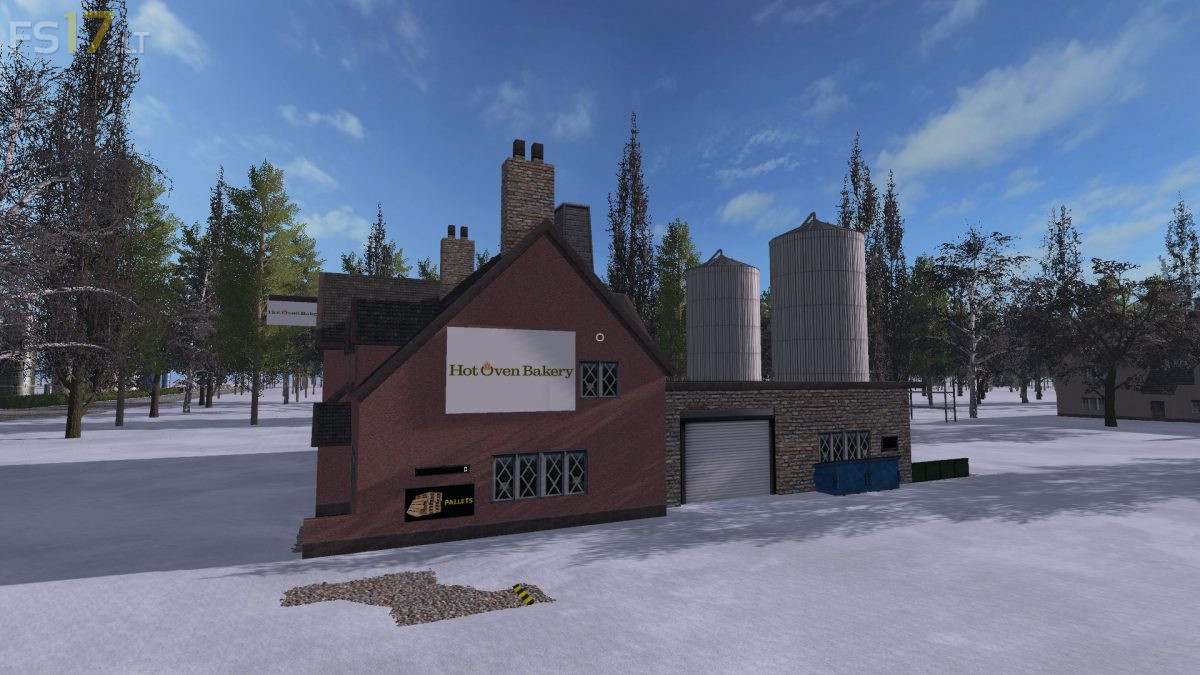

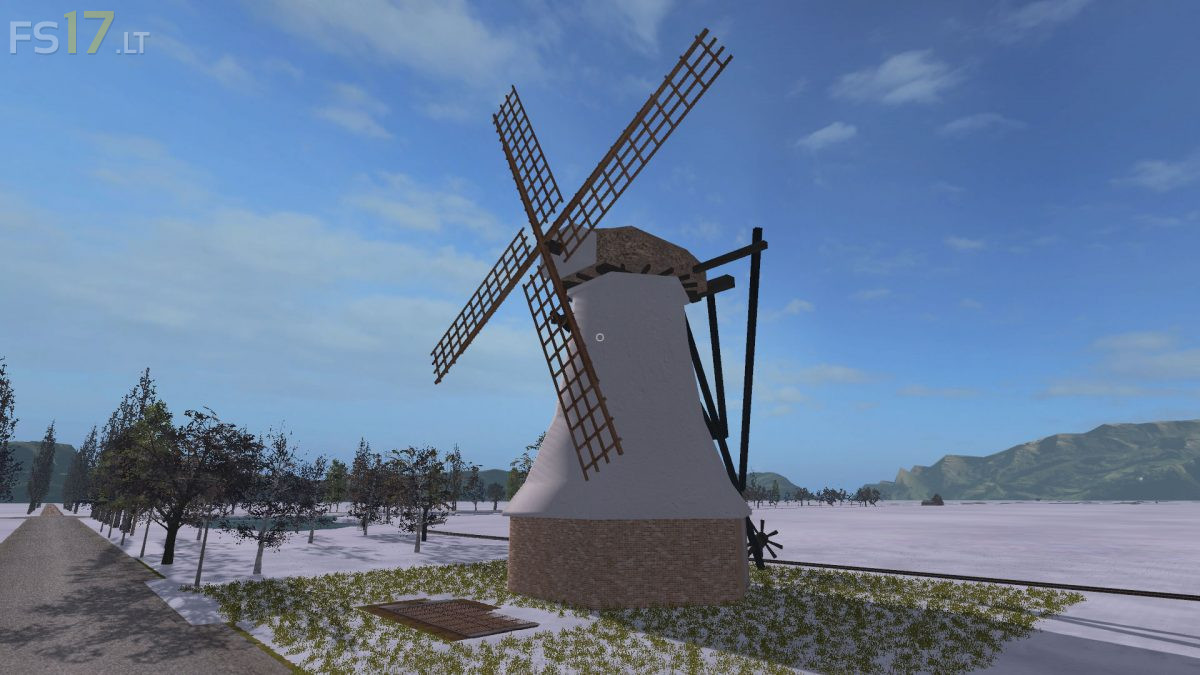
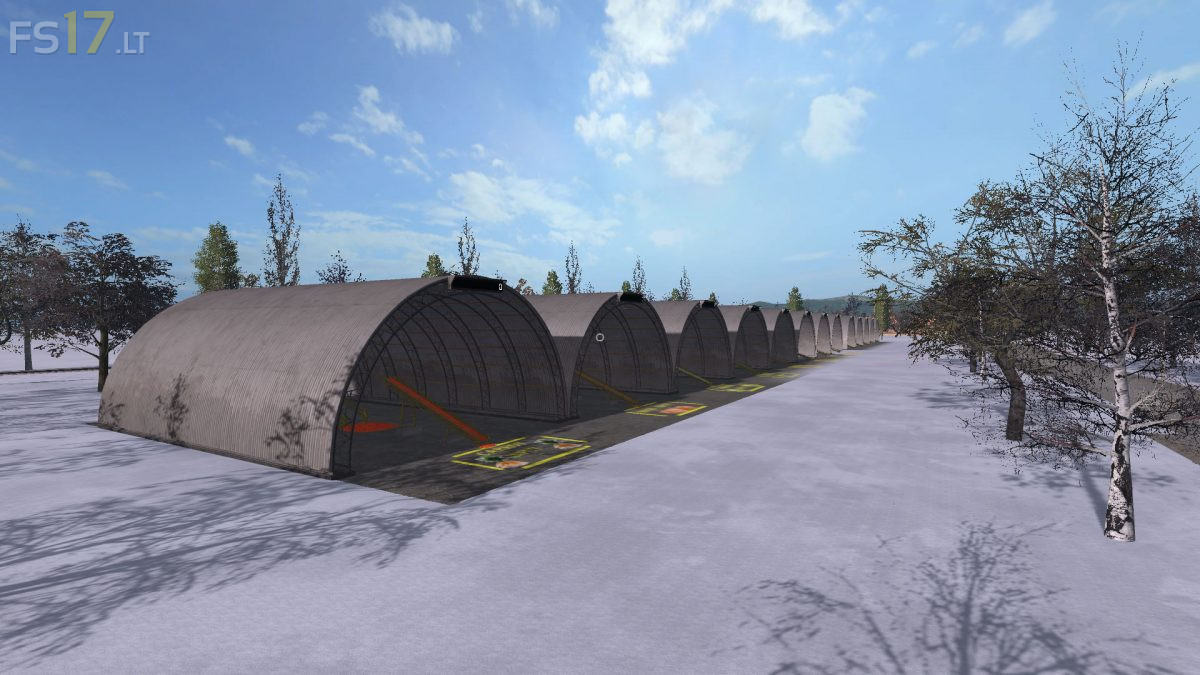
Mavericks Multifruit Map v 1.0.6
About the mod:
Version 1.0.6:
* Removed bunkers and replaced it with 6 fermenters
* Rye/oat had reverse textures (solved)
* Drive over the water (solved)
* Grass spots in some fields (solved)
* Sillo trigger mainfarm higherd for CP
* Speeded up some productions
* Conveyor problem for manure (solved) wasn’t a map issue but the ingame conveyor, modded one that gonna work better
* Tweeked the balloons to only 1 instead 4/6, caused fps drops for some players and tuned down the noise
* Sugar sale points fixed
* Fixed some collisions and minor issue’s
* Updated some displays so they’re easier to read
* Fixed field 22 to be seen as a field (but for that you need a new savegame, if you don’t care you can just play on)
Credits:
Maverick74, BDBSSB
When+i+make+new+save+with+this+map+i+get+bug,+everything+is+dark,+i+cant+move/jump+(only+looking+around),+cant+pause+etc.+what+can+be+problem?+my+pc+is+i5+3470,+gtx1060+6gb,+8gb+ddr3,+win10+64bit+(i+dont+know+if+theres+even+32bit+version)
Here’s link to screenshot from what i can see:
https://imgur.com/a/kGeTj
slaughterhouse don t work