

Meindorf Map v 1.5

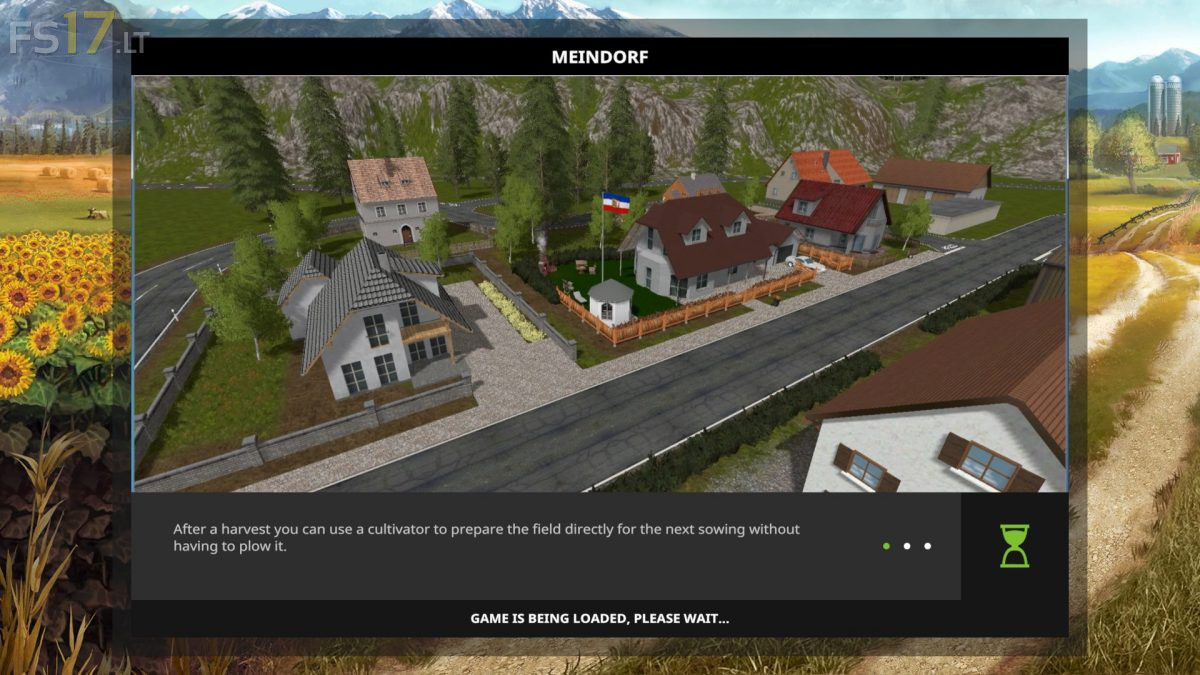
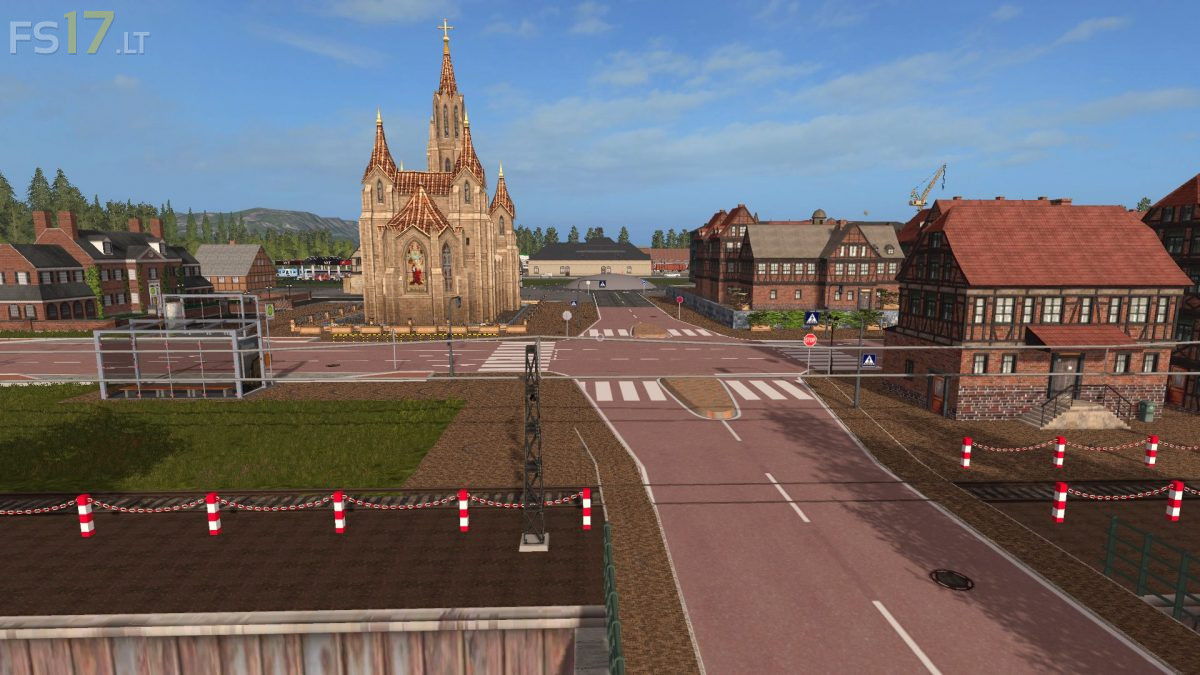
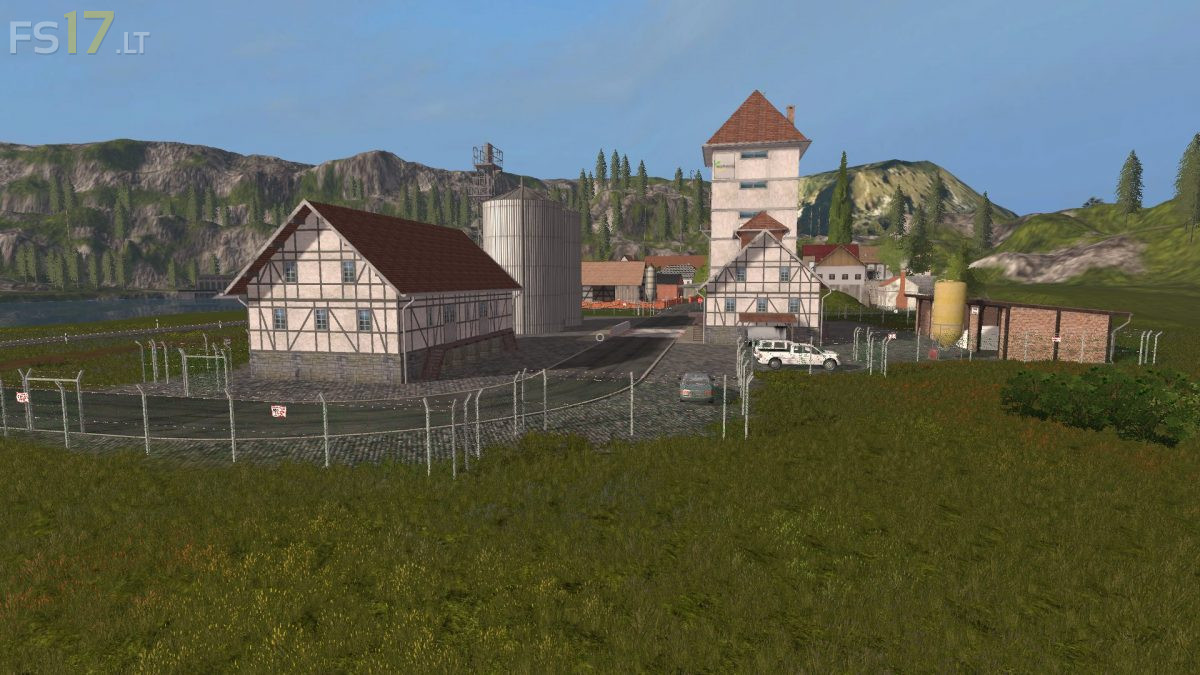
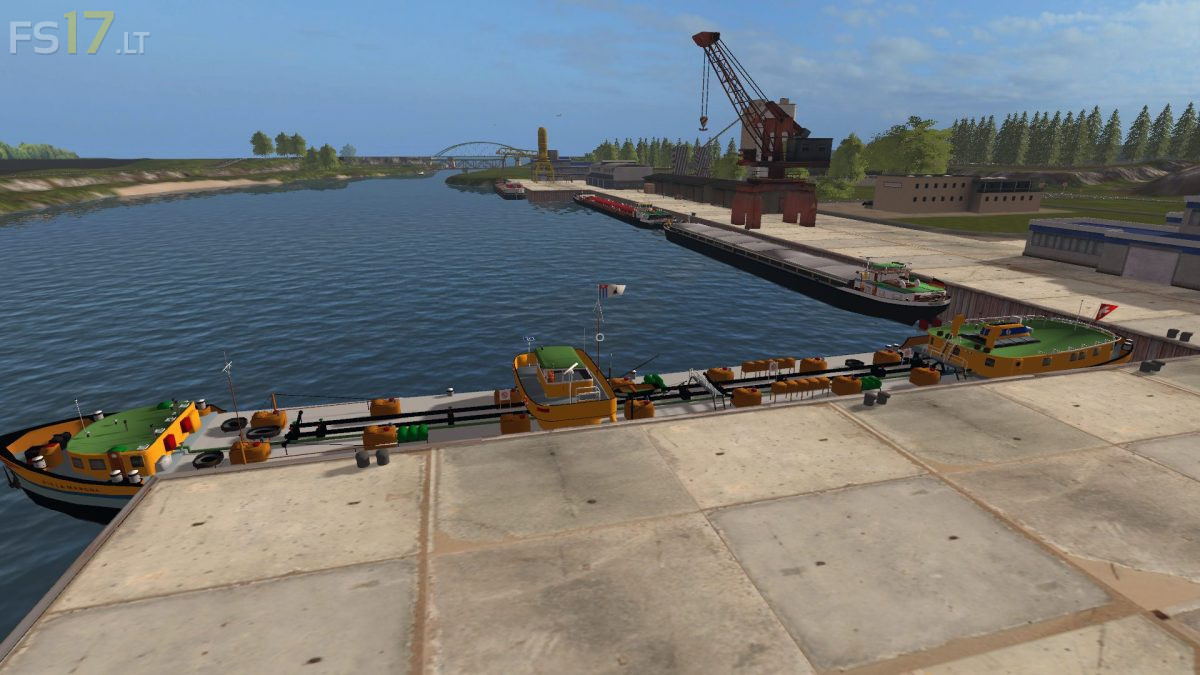


Meindorf Map v 1.5
Fleet:
You start with a feasible vehicle fleet, does not mean too much but not too little.
Fields:
At the beginning of the game you have three fields (2,5,10) ready to harvest, 21 fields are available from 7 ha to 165 ha.
With the size of some fields, except for the fields (1, 12, 13, 15, 19 21), a field mission was used.
Sold at:
The following points of sale (Agravis, Raiffeisen, sugar factory, grain Werner, Edeka, castle, country store Itzehoe, cooperative Horst, port and Sesster Mill) for Const.
Gold Nuggets:
A gold treasure is also hidden since the search is not quite easy, all nuggets deposited together in an old mining gallery, to find him are on the map hint points which will lead you to the mine.
However, the tunnel entrance has been spilled by an explosion. The opening is however without devices feasible.
Egg sale:
The eggs can be sold at the land trade Itzehoe.
Straw:
It can be sold straw at the bale circus.
Water:
There is a water removal point directly at the farm pond, construction site as well as near the sojamilch factory.
Sawmill:
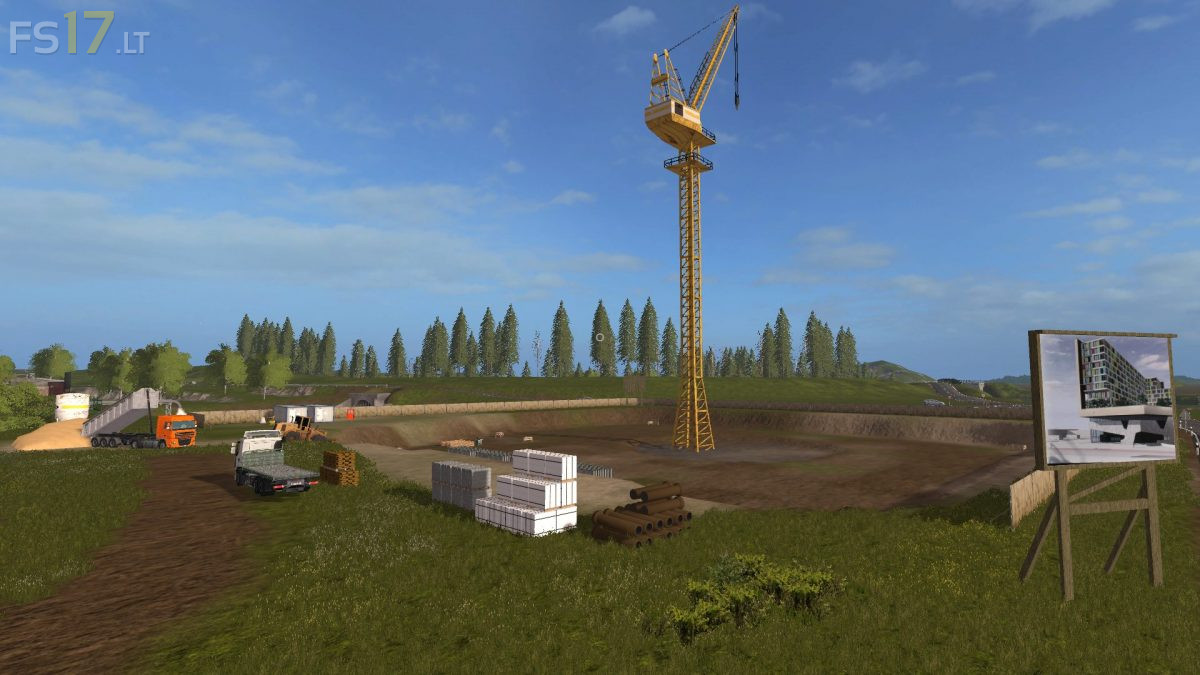
In order to achieve something at the beginning of start-up capital is possible with a harvester felling trees and to befödern directly via a chute into the pond.
The harvester has to be bought but it is a long-term purchase.
The sawmill produces cuttings on pallets, which do not have to be removed because they are loaded directly on site on an LKw.
However, it is also possible to produce wood chips directly at the wood chopper to sell them to the BMKW.
Milk:
The milk from the farm is automatically picked up the milk from the soybean production can be sold at the dairy or Edeka.
WWTP:
The resulting compost can be sold either in the nearby building market or at the tree nursery,
Fertilizer can be sold at GetreideWerner or stored at the farm.
Version 1.5:
* Tor Horse coupling is fixed to the start of the game
* New tank built for liquid fertilizer
* Wood chopper inserted into the sawmill as well as adapted to the landscape area
* Unloading point BMKW redesigned
* Spline
* Small tree group at the fermenter
* Clip distances at the court corrected for better performance
* Filling speeds of various objects according to my ideas
* Shepherd completely renewed
* Airport
* Sports airfield installed
* Castle installed with unloading point for wheat and barley
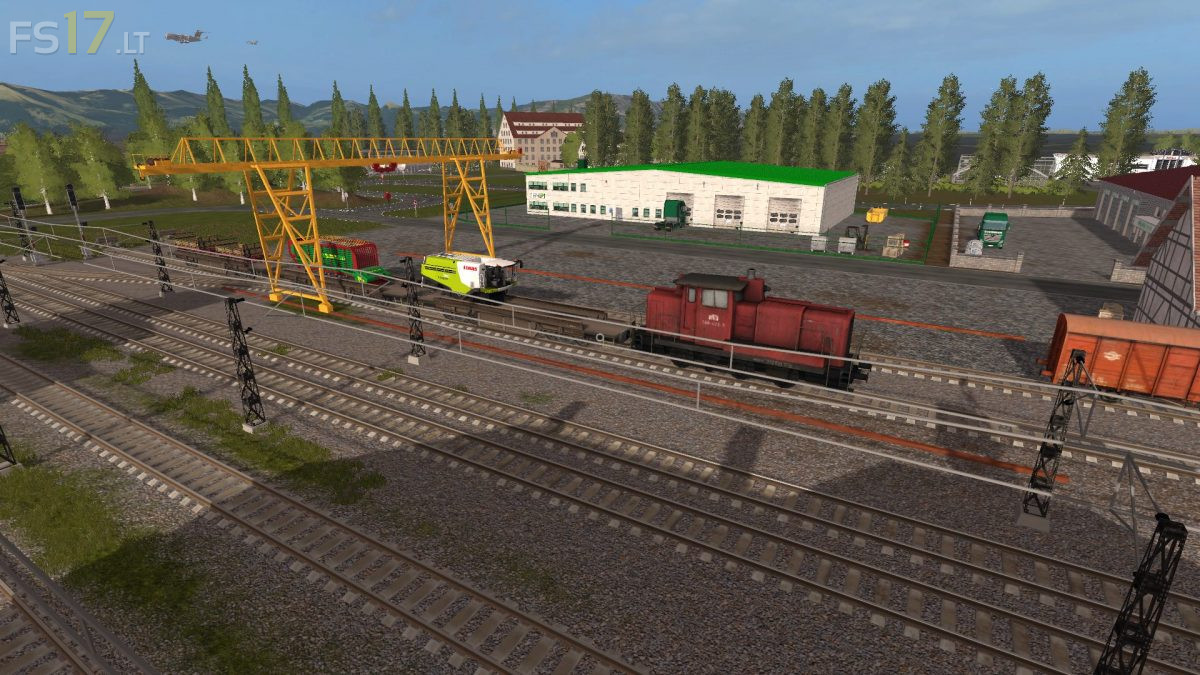
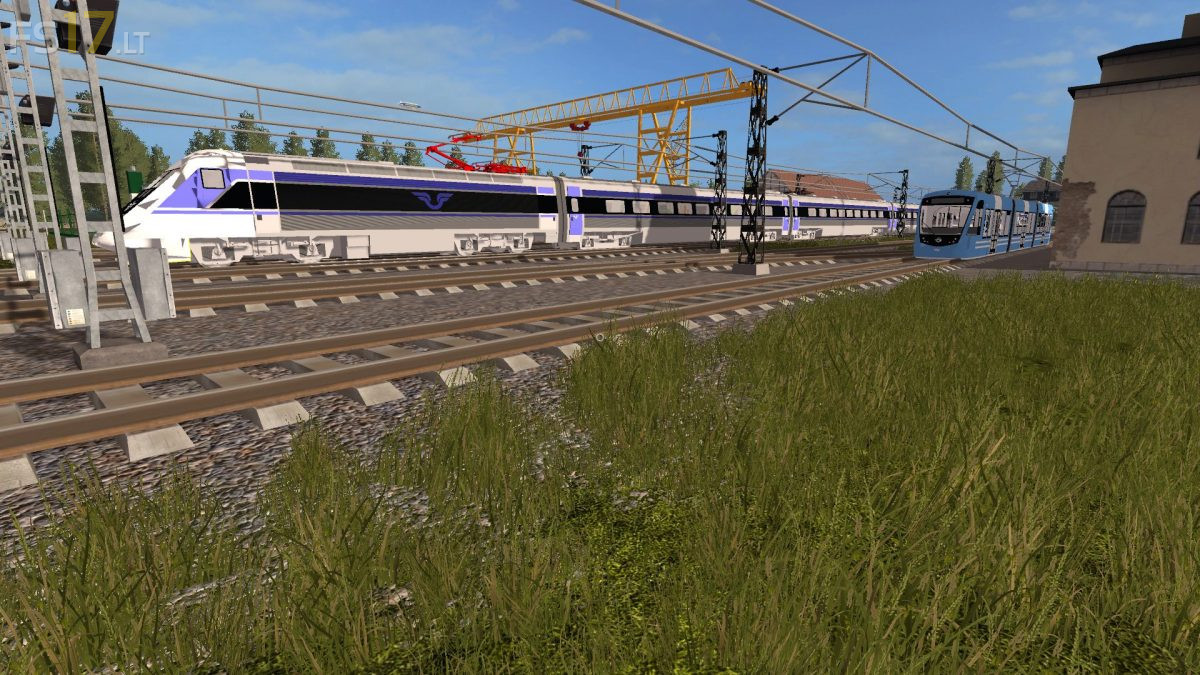
* Original train distance removed and Deco train stretch inserted
* This causes various terrain changes