Mercury Farms Map v 1.0

FS19 mods

About the mod:

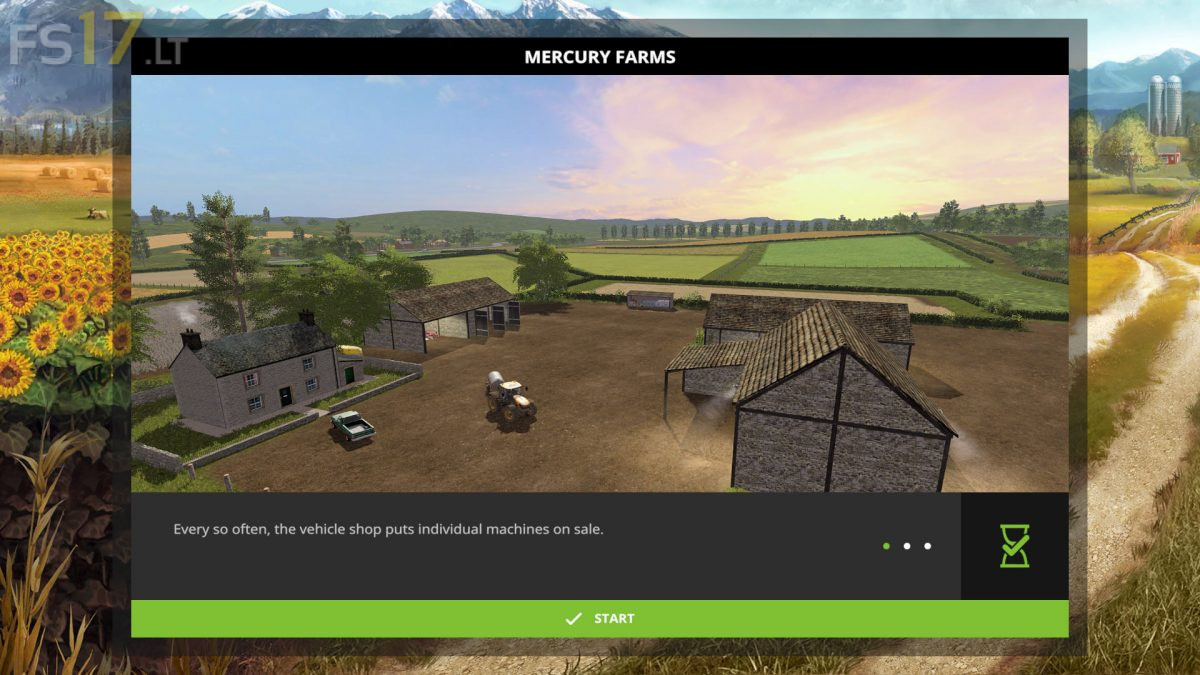
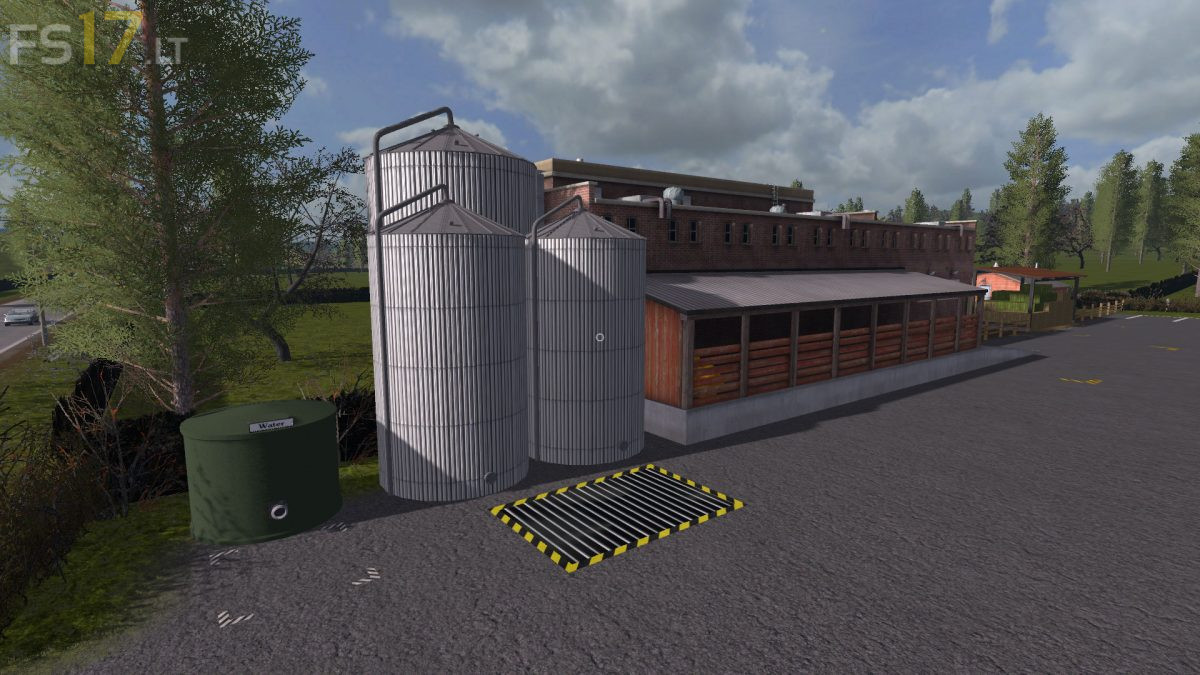
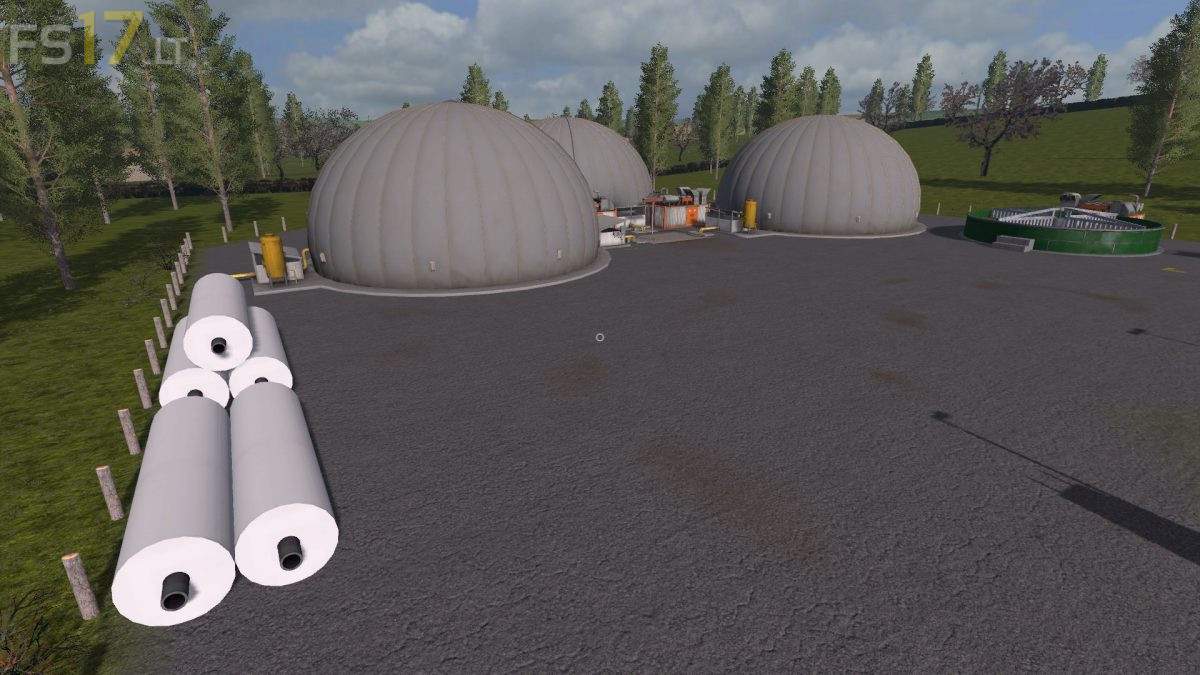
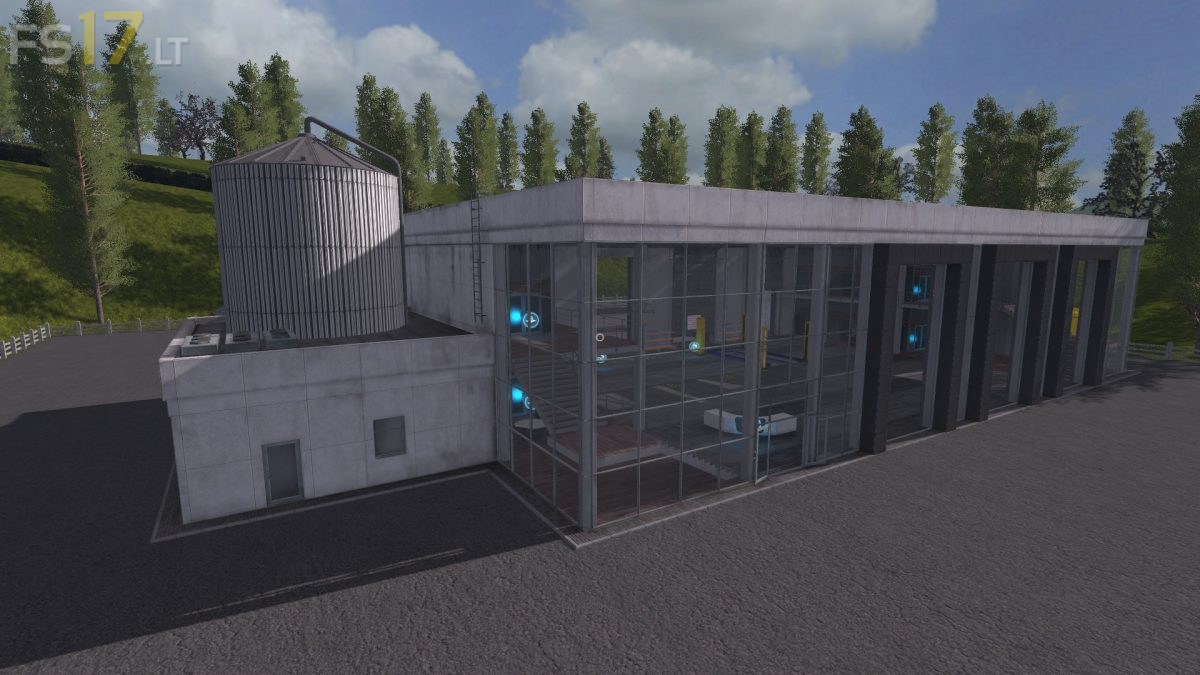
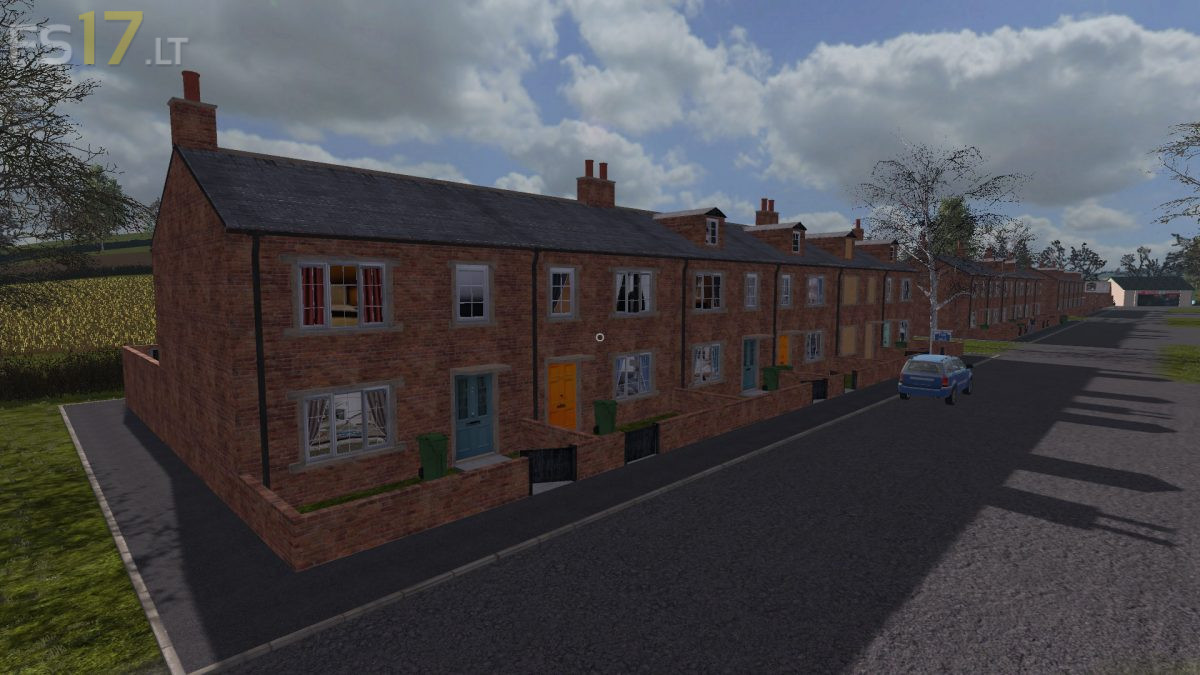
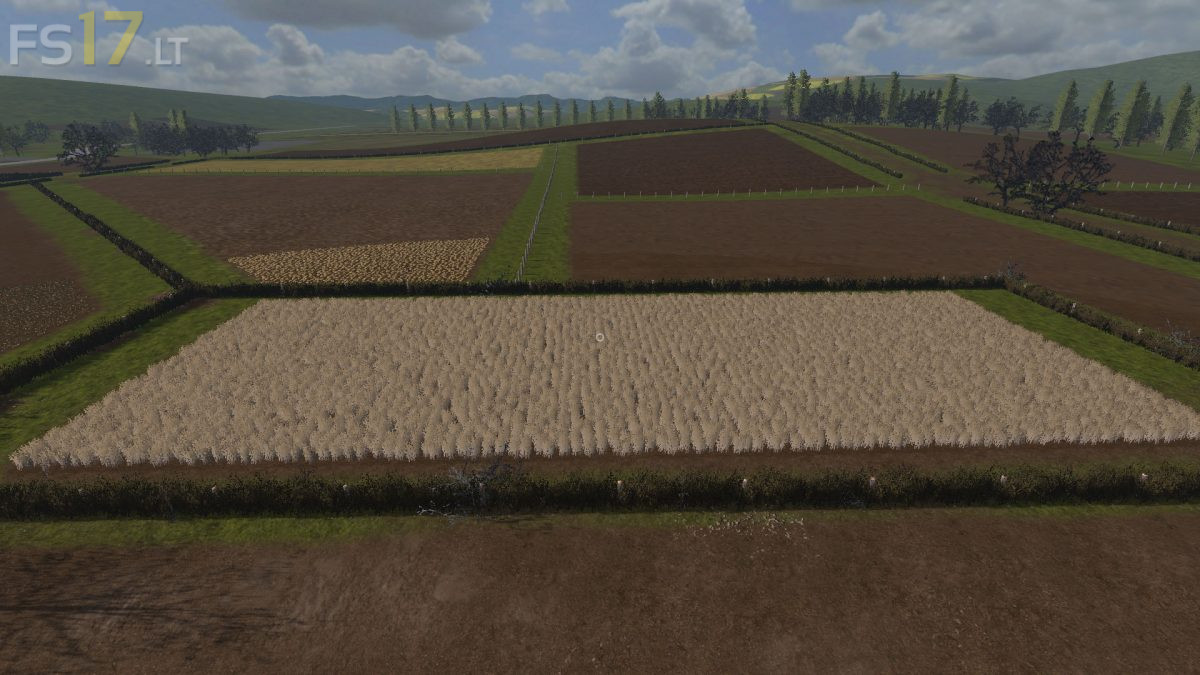
Mercury Farms with 60 fields that can be reshaped, cut down any or all hedges and barbed wire fences with a chainsaw giving you room to join reshape the fields to your own liking.
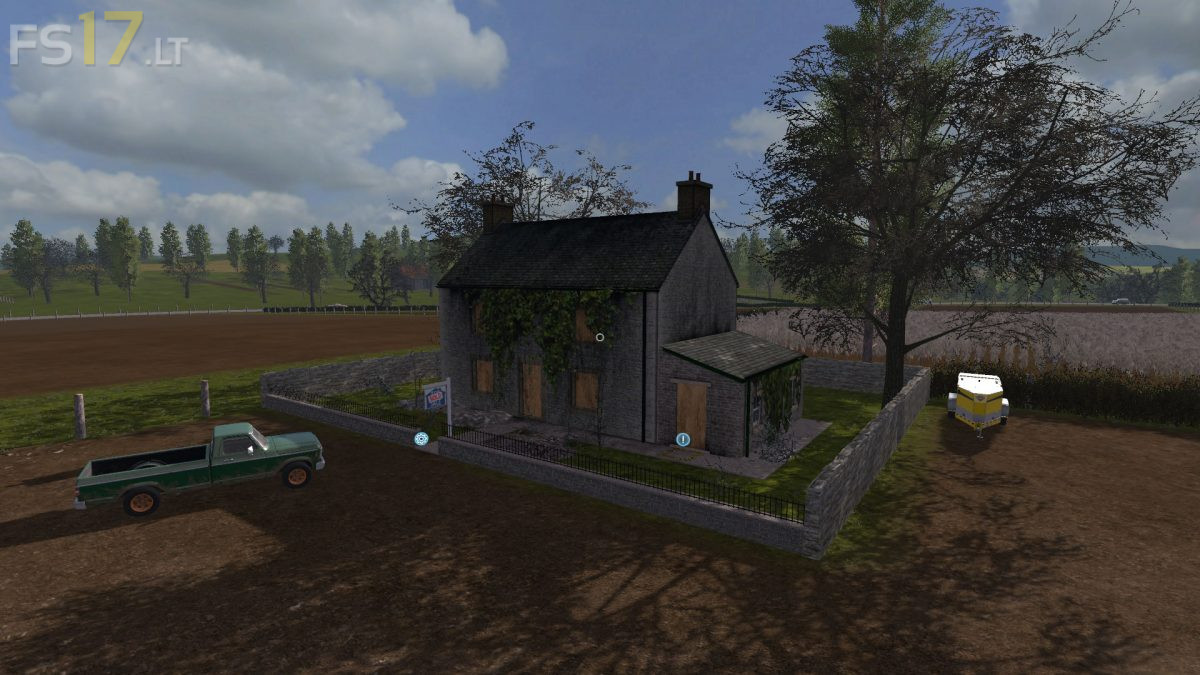
Option to build vehicle shelters using the build icons or simply build your own farm yard’s up using your preferred placeables.
Option to build up one, two or all 3 animal buildings or plow and turn the area into fields for those that don’t want to take care of animals.

Credits:
ALiEN JiM

How to install FS17 mods?

Firstly find a mod which you like and want to download. Then download a mod to your PC. Mods are usually in .zip format file. But sometimes it can be in .rar. If a mod file is a .zip format no needed additional actions. If a file is in .rar, then you must unarchive mod with software like WinRar or Zip7. Windows 10 users no need to use software for archives, Win10 itself has a feature to unarchive files.

The next step is to find mods folder in your PC. Usually, it is in Documents/My Games/Farming Simulator 17/2017. Open the "mods" folder and put downloaded .zip archive or unarchived .rar file to this folder.

Last step. Enjoy of FS17 mods!

2 thoughts on “Mercury Farms Map v 1.0”

  • fayucu says:
    2018-11-21 at 18:41

    un mapa excelente es una pena el fallo de los palet de las ovejas ,no salen por ningun lado

    • fayucu says:
      2018-11-23 at 07:38

      por favor saca una modificacion del mapa mejorando algunos fallos ,como el de no salir los palets de las ovejas

Leave a Reply

Your email address will not be published. Required fields are marked *