

Michurin Map v 4.2

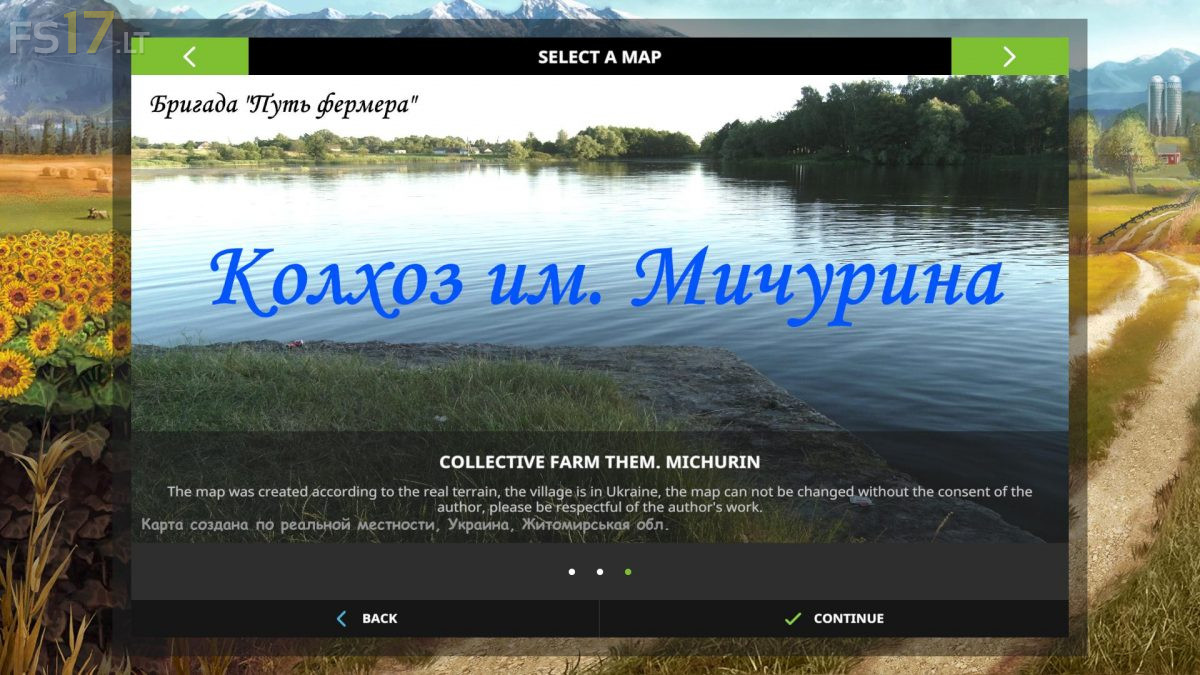


Michurin Map v 4.2
The Map was created according to the real terrain, the village is in Ukraine.
– The map is based on a real territory
– There are factories for the production of oil, fabric, digestate, seeds, fertilizers and fish caviar
– There is a boiler room, a dryer, storage rooms for grain and straw, fish farming and so on.
– On the fish farm, the trigger of maize is turned in the other direction, so that the direction of discharge is one way
– Fixed the texture of the barrel with oil (was without textures, white)
– The demand for pallets in greenhouses and chipboard has been reduced (the chipboard capacity has been increased)
– Increased the speed of production of pallets and boards in the sawmill
– Reduced fuel consumption on the composter
– Fixed water triggers on the greenhouses, now you can fill up any barrel
– Most of the plants have removed the need for pallets
– At the meat processing plant, the need for soy is added
– Added: signs on the production of oil
– The Map now shows the point of storage of grain
– Added sounds of nature