

Miropolye Map v 1.0

Miropolye Map v 1.0
– What immediately catches the eye is the wide variety of field sizes
– The map includes around one hundred fields, each significantly different from the others
– Need a small garden (approx. 0.1 hectares) for potatoes? No problem
– Huge fields of up to 150 hectares are available
– The developer has integrated a multi soil system: After plowing, the soil appears vibrant and not like a monotonous texture
– The map offers diverse economic opportunities
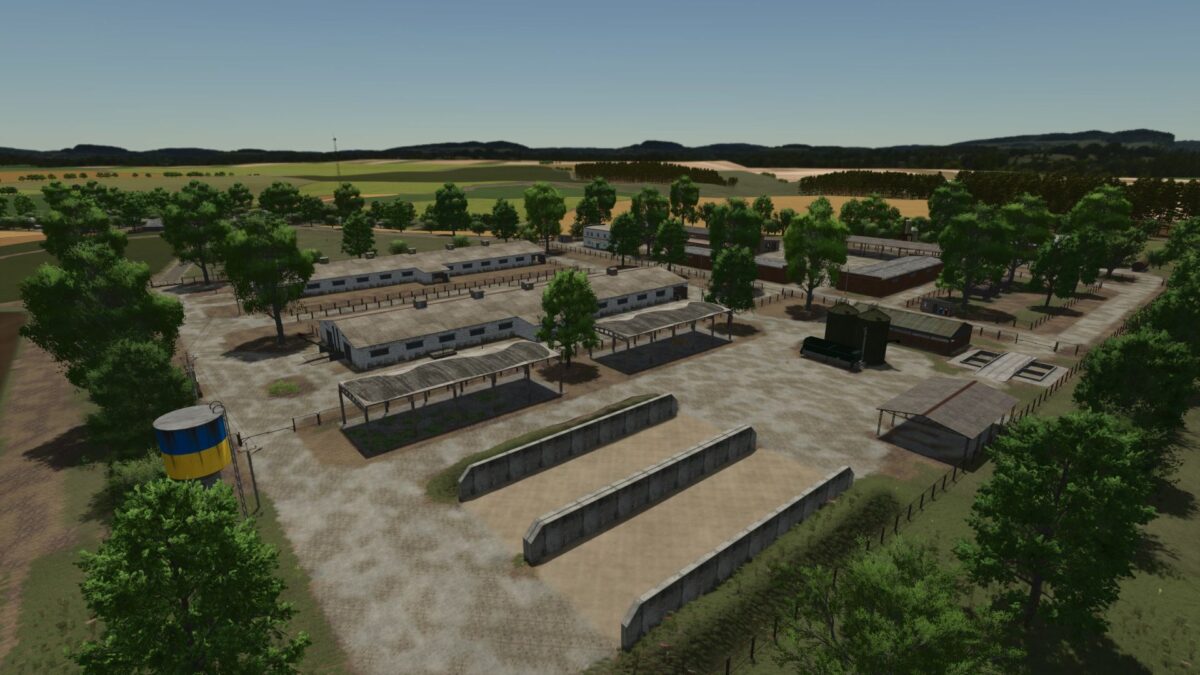
– At the start, you can choose between two houses and settle on one of two large farms
– Two grain cleaning plants are available for grain processing
– The production chain is already impressive: dairy, cream factory, flour mill, sawmill, fertilizer mixing plant, and seed processing plant
– The option to rent factories is particularly noteworthy
– This is an excellent starting feature: you don’t have to invest millions immediately to buy everything, but can produce goods on other companies’ facilities for a percentage share
– Animal husbandry includes the standard animals (cows, pigs, sheep, chickens, and horses)
– Timber trucks can travel through forested areas, and a railway line crosses the map
– While the train currently serves only as a visual element, it greatly enhances the landscape
– What you should be prepared for: The creator explicitly points out that the map is still under active development and is not the final version
– Fruit varieties: Currently, only the standard fruit varieties (vanilla) are available
– The creator cannot yet add their own crops, but has already adjusted the growth periods