

MMZ Semi Trailer v 1.2

MMZ Semi Trailer v 1.2
About the mod:
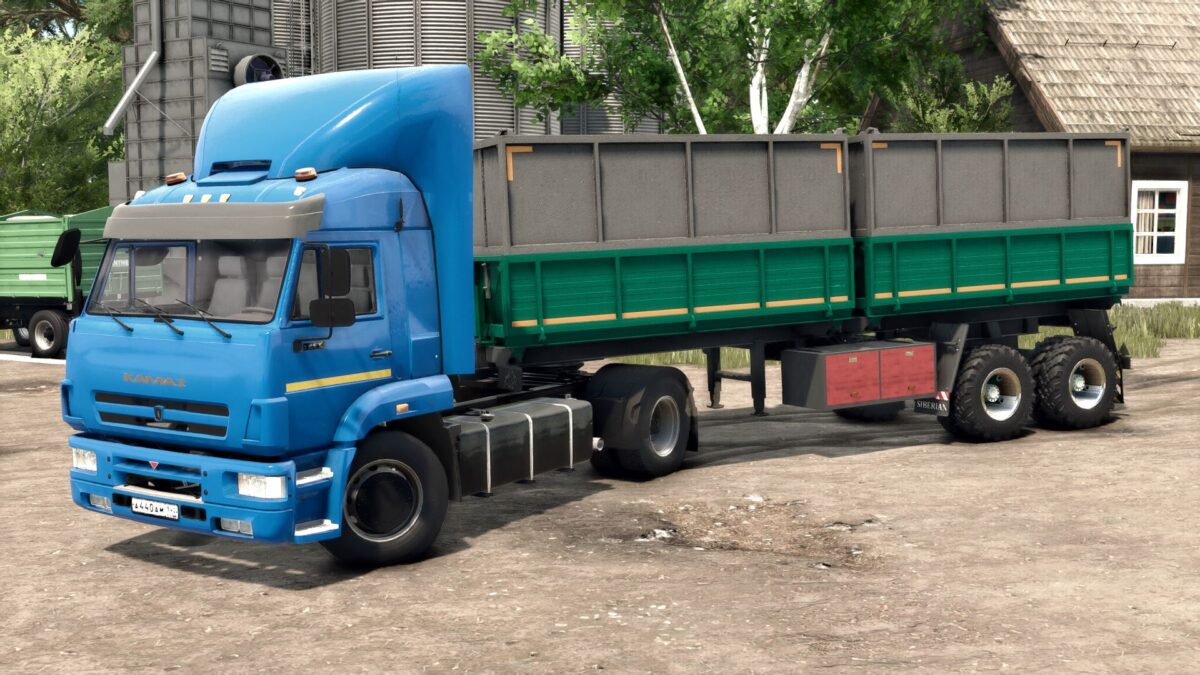
The MMZ semitrailer is designed for transporting agricultural goods.
Animated chassis, good physics. It gets dirty, it gets old, it gets wet.
In general, it is made according to all fs 25 standards.
Separate unloading of bodies, as well as separate loading of crops.
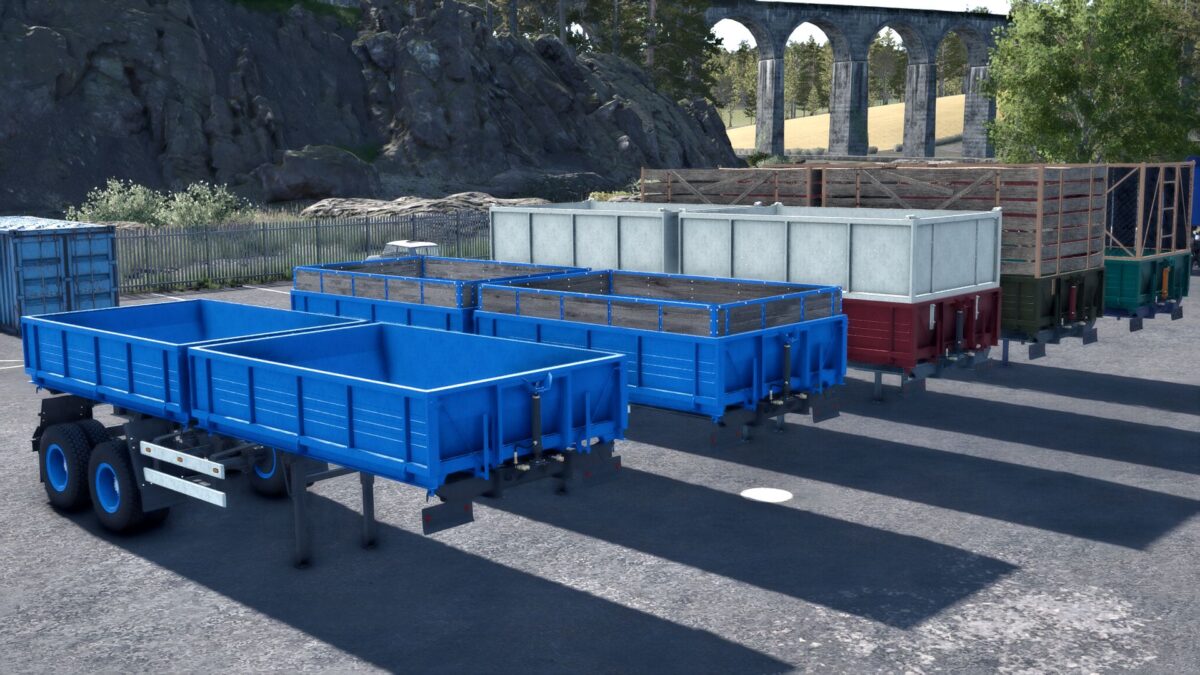
Selection in store
Stripes
Wings
Mudguards
Wheels
Various tuning
Painting in the store
Body
Stripes
Krylyev
Cylinders
Discs, hubs, wedges
Important: the trailer is in a separate category in the Yasnaya Polyana store
Version 1.2:
* The error on the script of a separate category in the store has been removed
* Fixed the color of silo patches, which were reset to the default color after saving and reentering the game
Credits:
Siberian, TYOMATY