

Moro Raptor Exa Ploughs Pack v 1.0.0.2

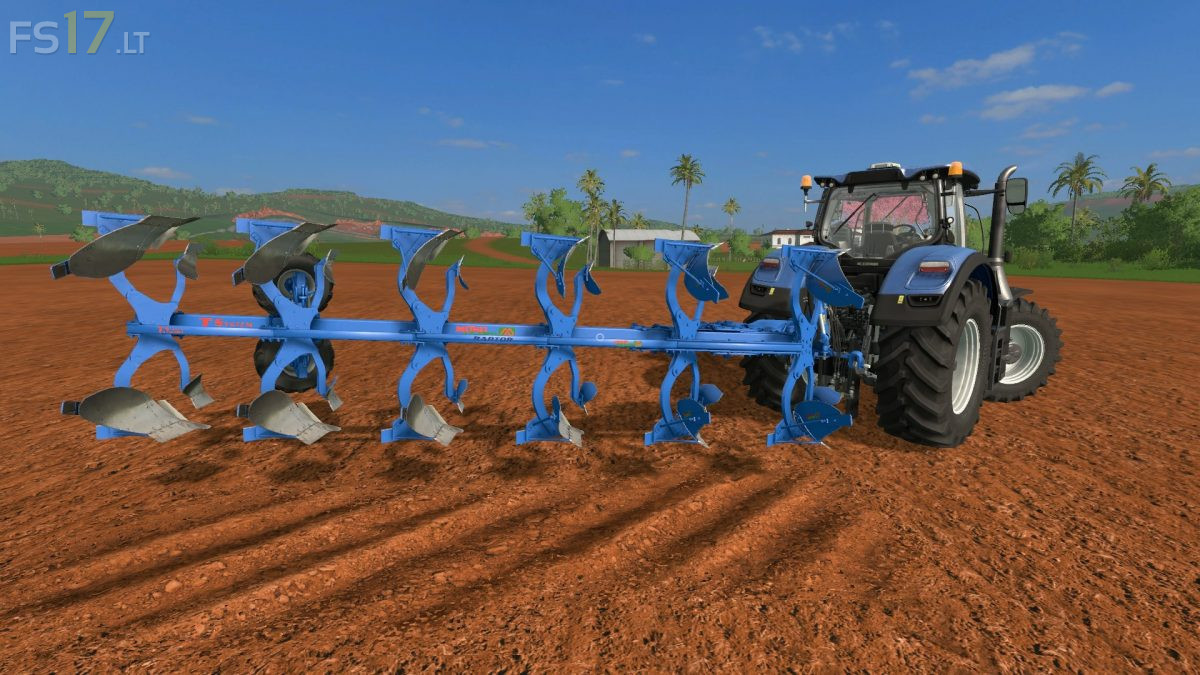
Moro Raptor Exa Ploughs Pack v 1.0.0.2
About the mod:
3 Moro Raptor Exa Ploughs:
– Moro Raptor Exa 14A
– Moro Raptor Exa 18A
– Moro Raptor Exa 20A
Features:
– Working width 4.9 meters
– Selectable Design
– Dimensions and real weights
– Realistic animations
– Selectable machining, inside or outside the groove
– Compatible with Dynamic Hoses
– Dyeable versions
– Selection of the type of shaper
– Additional working cam
– Standard and MR version, automatic dialing
– Choice of Color
– Dirt / washable
Version 1.0.0.2:
* Corrected working width and power required in Mr.
* Other minor fixes
Credits:
Ago Modding