

Muething Mulcher MU-Farmer F / H v 1.0

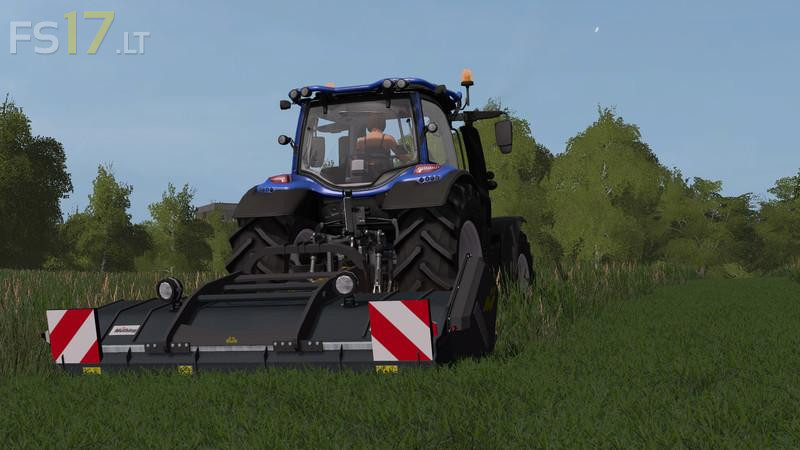
Muething Mulcher MU-Farmer F / H v 1.0
About the mod:
– Color selection (complete palette)
– Light package selectable (without, small light package, large light package incl. Warntafeln) -> for front or rear mounting
– Functional selection -> Mowing (as a mulcher without swath storage + fertilization), cultivator, dough milling or roller function
– Dynamic Hoses
– Helper ready
– For missions
– All functions now configurable in the shop -> no longer everything active at the same time
– Position lights, work lamps and warning signs
– Rotation sound also for roller and cultivator
Credits:
namreh78, Johni_6530, chrisu70, Ifko[nator], Zetor6245, HoFFi
Hello+What+NH+is+here+on+picture?+interesting+led+lamps…
Standard Valtra N