Multi Storage Shed v 1.0

FS19 mods

multi-storage-shed-1 multi-storage-shed-3 multi-storage-shed-2

About the mod:

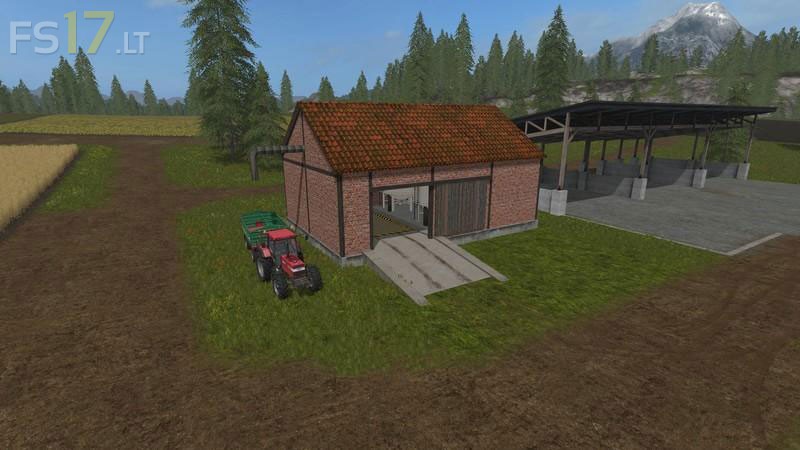
This is a small Multi Storage Shed. This small Building can hold 250000 liters of each of the following products: potato, sugarbeet, woodchips, straw, grass, hay, and forage.
Output is via the spout on the outside of the building and is used the same way as the normal farm silo. All the products totals added to this shed, except the Forage (this is displayed at fill trigger) will be displayed in the standard Esc menu as a total.
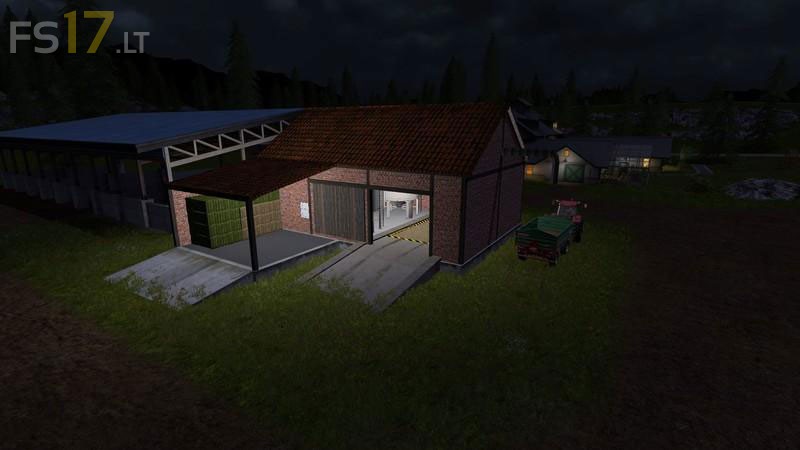
The building does also contain lights so it looks swish in the night also.
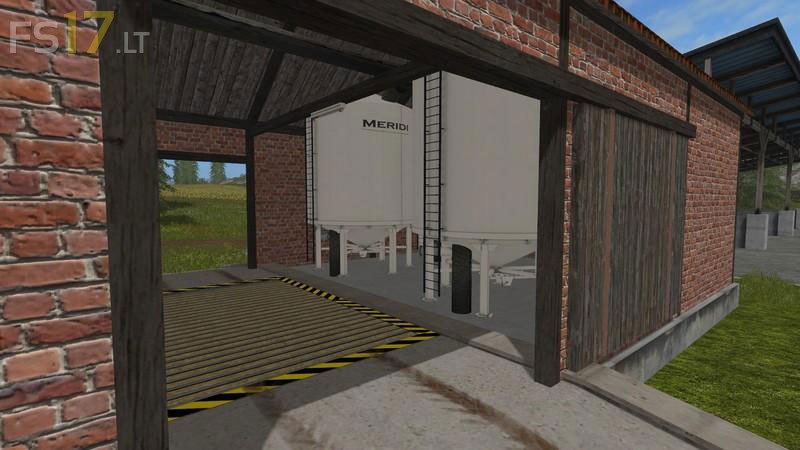
The Tip Trigger inside does reach to the doors on both sides so if you have a modded tipper that does not fit you can reverse up to the door and tip that way.
The building is slightly taller then displayed in the pictures so it now allows larger trucks to drive through.

Credits:
Giants, GTX Mods

How to install FS17 mods?

Firstly find a mod which you like and want to download. Then download a mod to your PC. Mods are usually in .zip format file. But sometimes it can be in .rar. If a mod file is a .zip format no needed additional actions. If a file is in .rar, then you must unarchive mod with software like WinRar or Zip7. Windows 10 users no need to use software for archives, Win10 itself has a feature to unarchive files.

The next step is to find mods folder in your PC. Usually, it is in Documents/My Games/Farming Simulator 17/2017. Open the "mods" folder and put downloaded .zip archive or unarchived .rar file to this folder.

Last step. Enjoy of FS17 mods!

Leave a Reply

Your email address will not be published. Required fields are marked *