

Multifarm Map v 2.0.5.0

Multifarm Map v 2.0.5.0
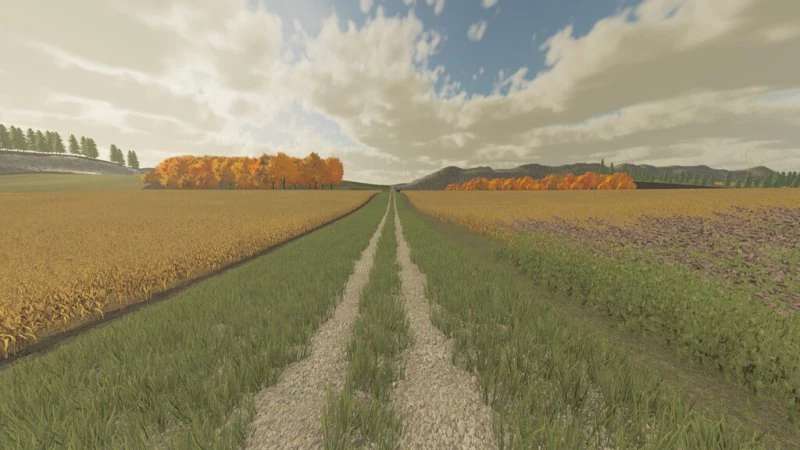
– A large 4x map, optimized and prepared for multiplayer gameplay
– It has 13 building plots with attached meadows for the construction of farms
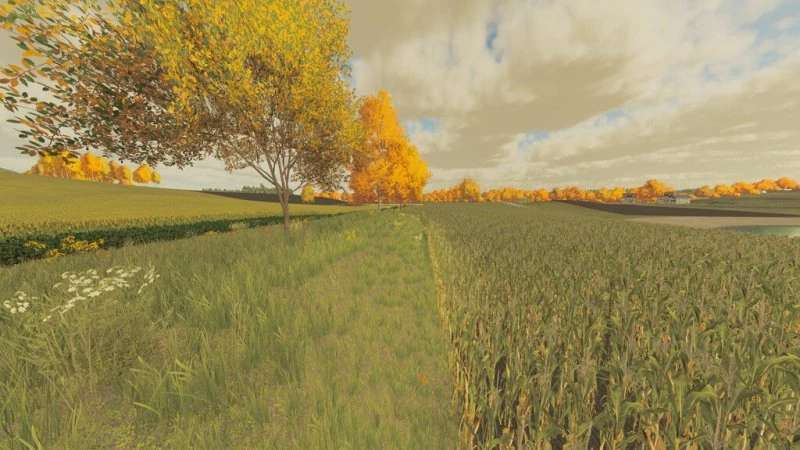
– The map has 234 fields and 2 forest plots
– The fields vary in size, shape and soil quality (Precision Farming)
– Meadow missions are available
– The purchases are programmed for many modes such as processed meat, soya drink, tomato juices and goat milk
– Product prices have been optimized based on income and input per hectare of cultivation (there is no point in sticking to realistic prices if their cultivation in the game has no realistic costs and there are crops that are completely unprofitable)
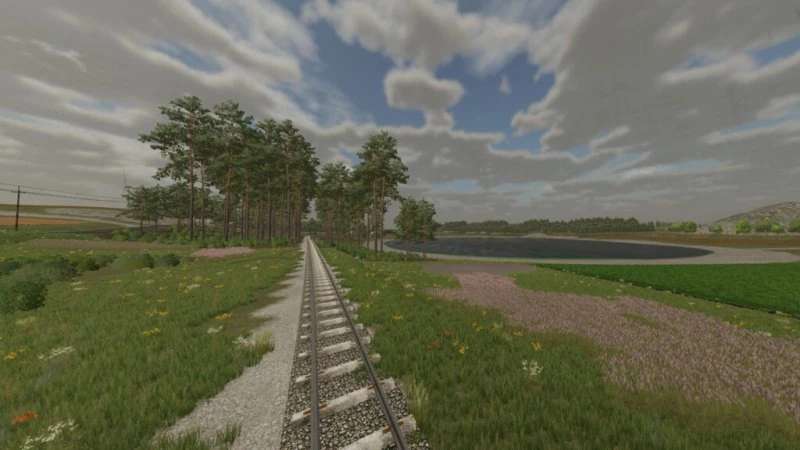
– There is a system of trains and stone sales, there are places to buy supplies and fuel cheaper, and there is a special place for loading goods onto wagons without the need to use reloading trailers
– The purchase of wood and wooden products has also been added