

Multiplayer Game Sound Expansion v 1.0.0.1

Multiplayer Game Sound Expansion v 1.0.0.1
About the mod:
This script enhances the multiplayer gaming experience with sounds that were previously only available to single-player gamers:
Air compressors on vehicles.
Blowoffs.
Operating noises from vehicles, attachments, trailers, and tools.
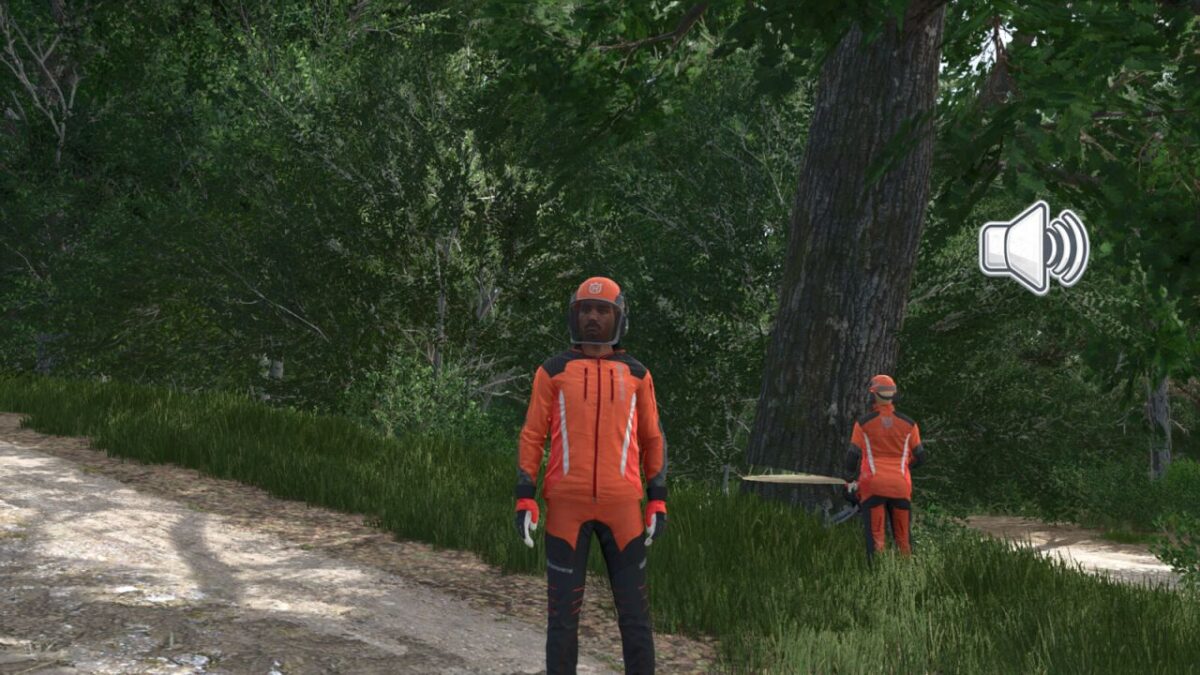
Falling tree sounds.
New features for single and multiplayer:
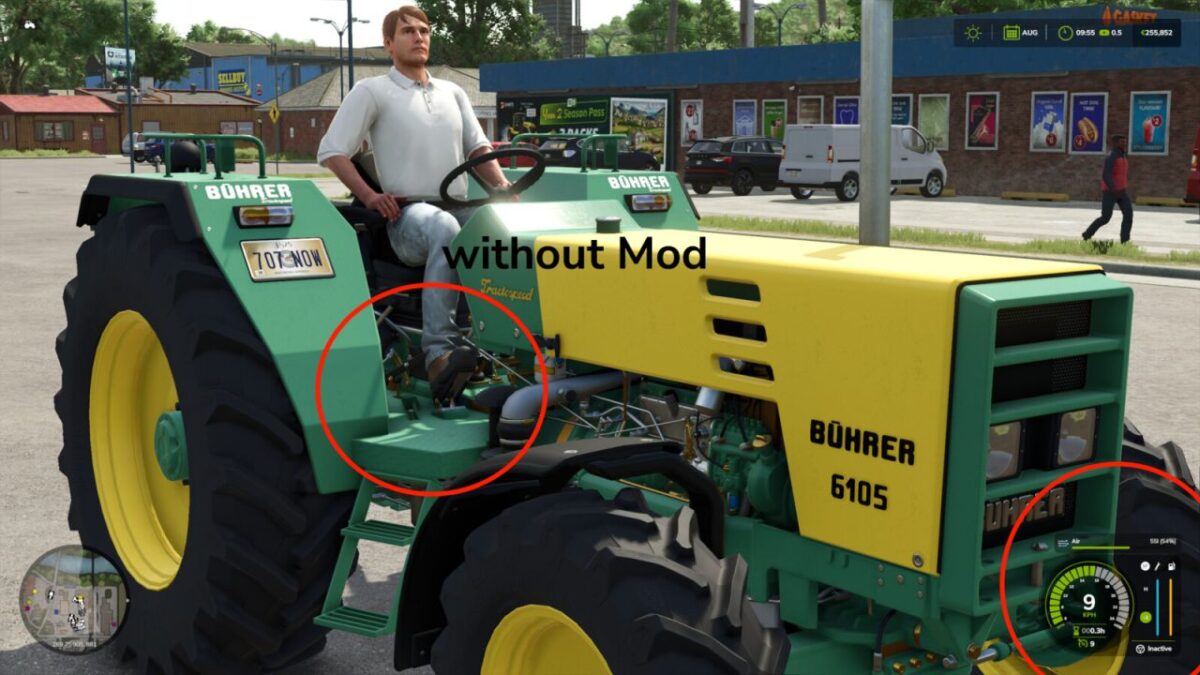
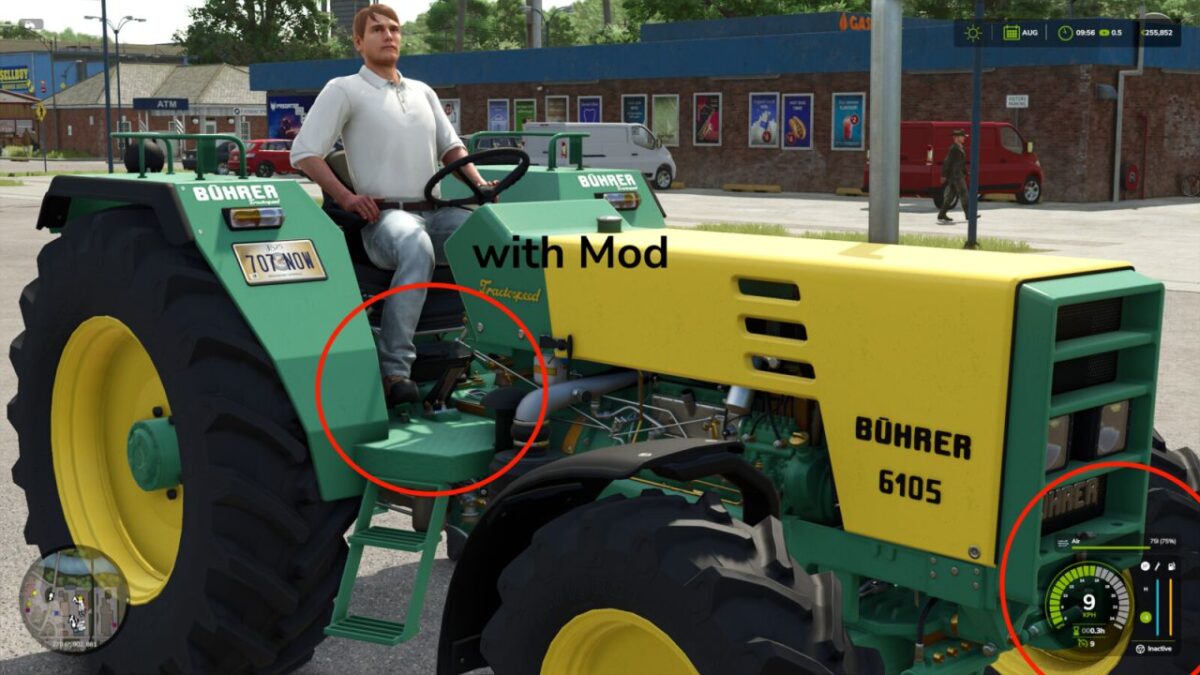
The player avatar now uses the accelerator pedal in all transmission settings, even when reversing, and no air is consumed when reversing.
Version 1.0.0.1:
* Fixed the issue of duplicate tree felling sounds when operating the harvester
Credits:
[Weekend Farmers]