

Myropillya Map v 1.1.1

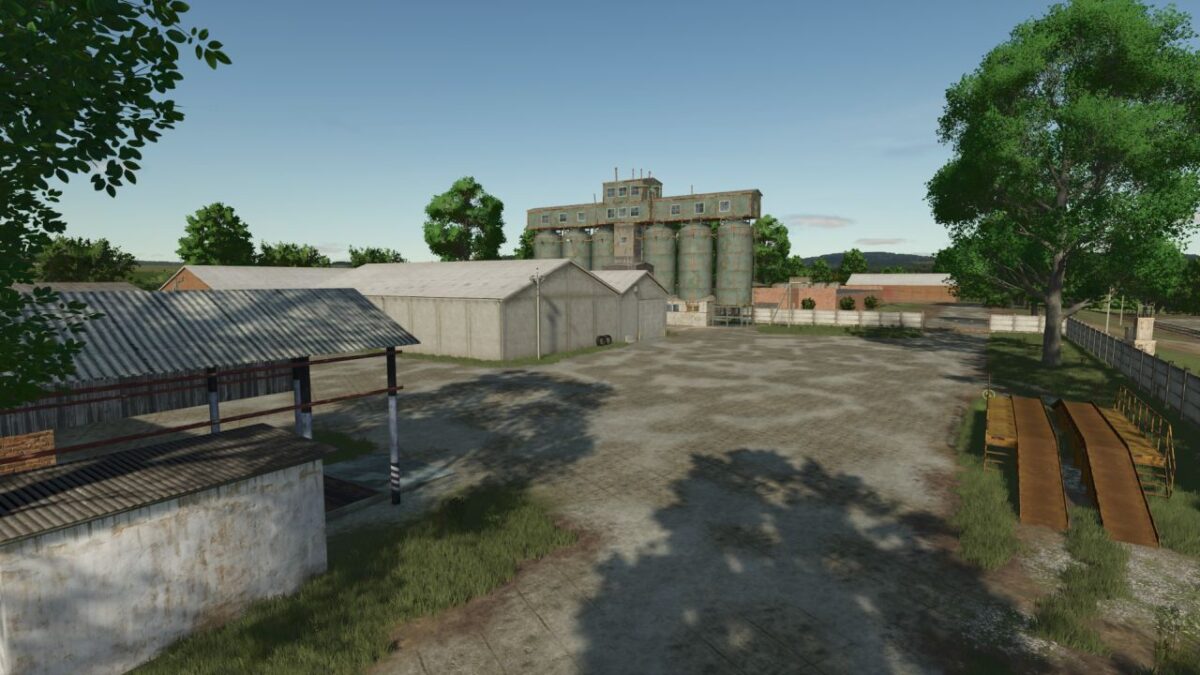
Myropillya Map v 1.1.1
– 2 settlements (the village of Koshmak and the village of Myropyllya)
– About 100 gardens and fields, with an area of 0.10 ha to 150 ha
– 2 houses to choose from
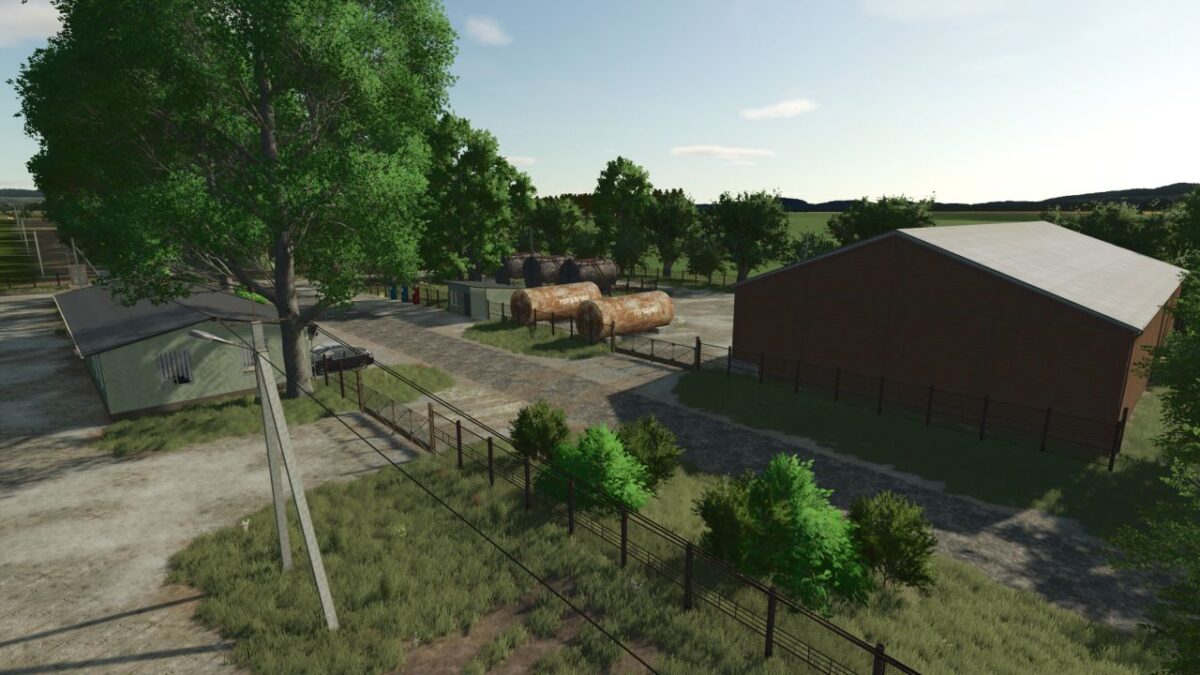
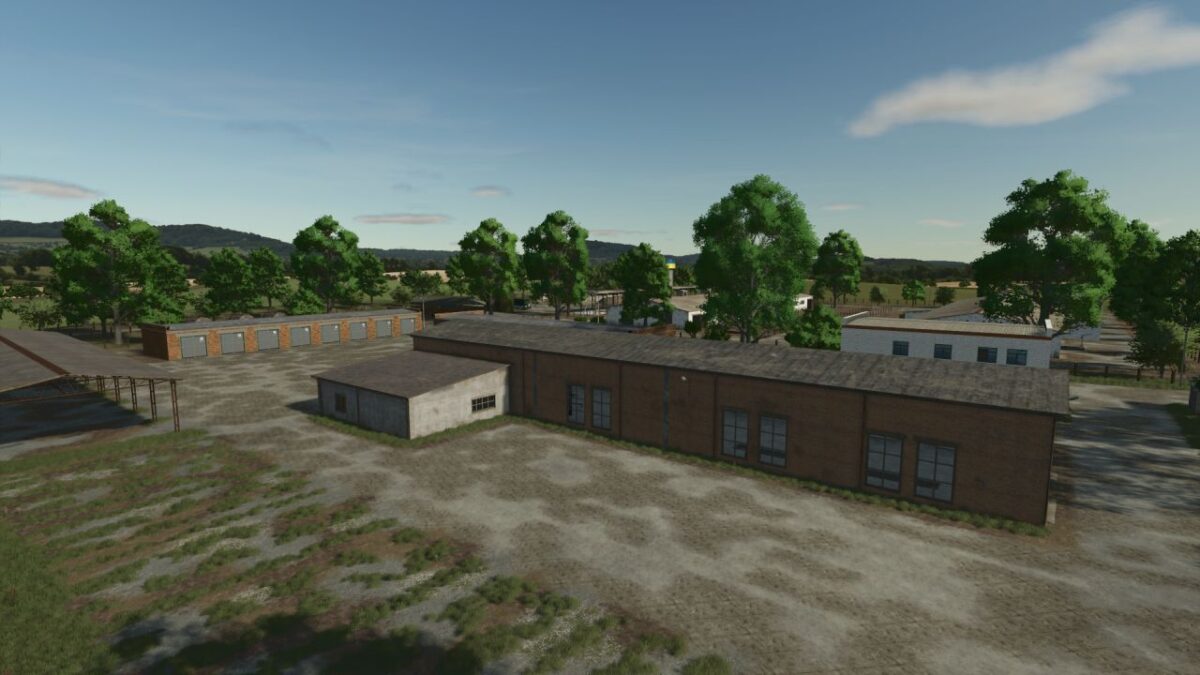
– 2 large farms
– 2 grain cleaning complexes
– Animals: cows, pigs, sheep, horses, chickens
– Culture default
– Changed crop growth periods
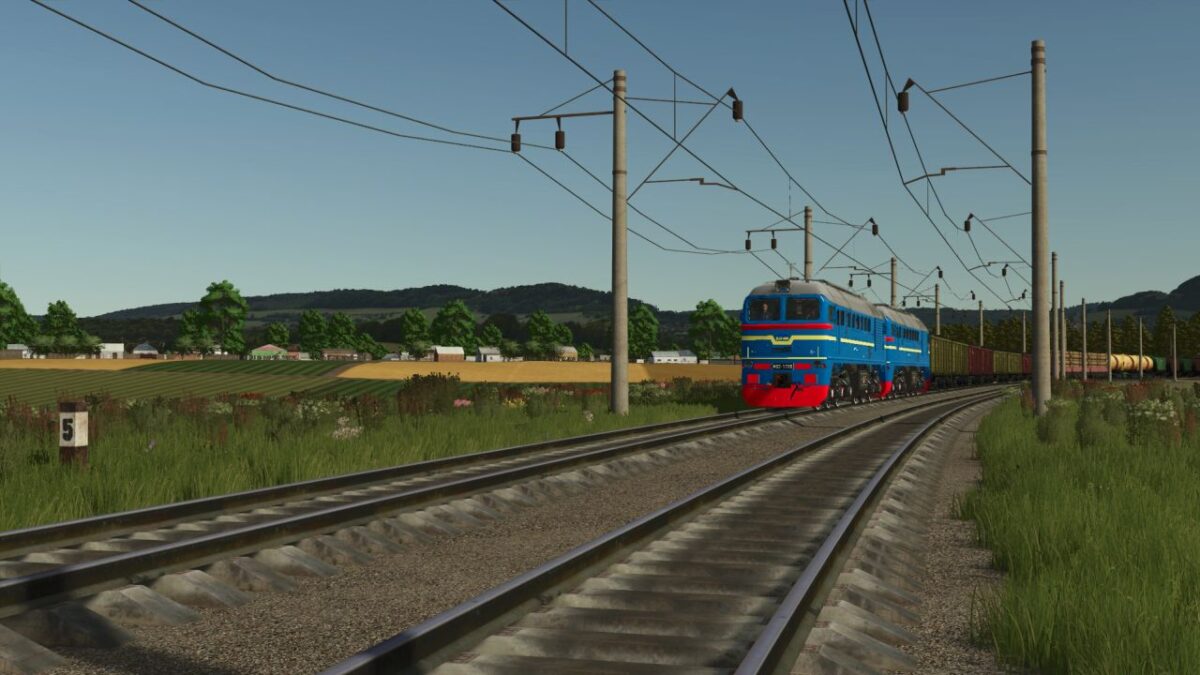
– Train (for now only as traffic)
– Forest areas
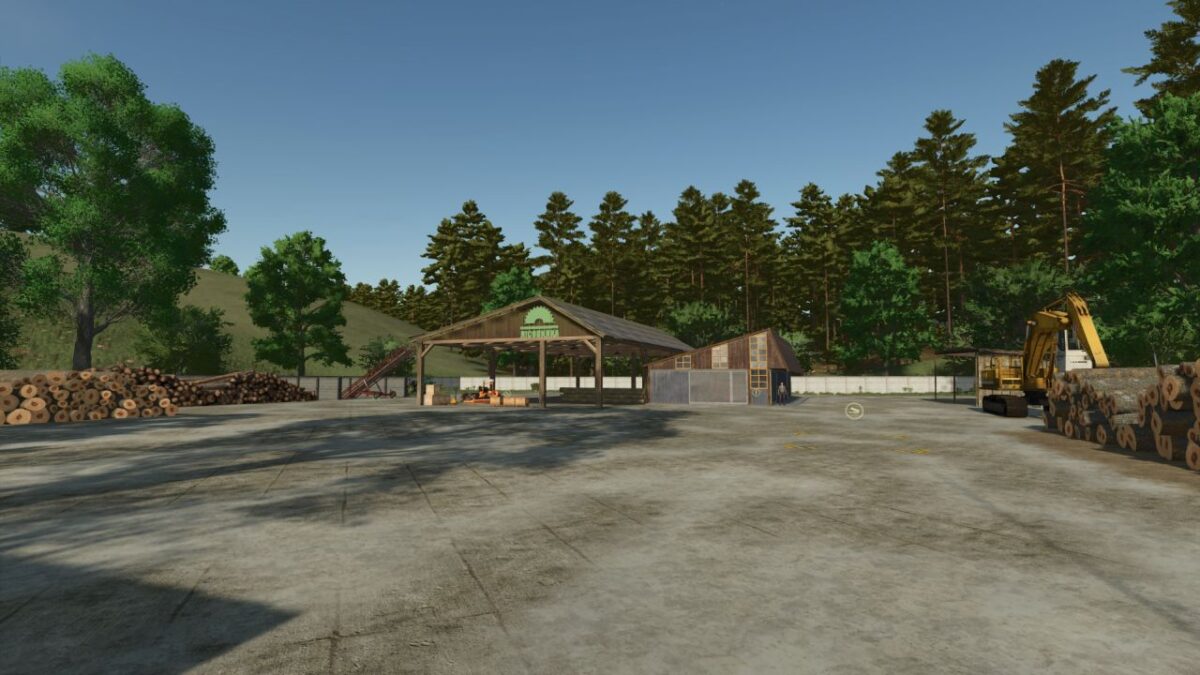
– Production: grain cleaning, dairy, oil mill, mill, flour packaging, mixing of fertilizers and herbicides with water, seed treater, sawmill. A meat processing plant and a sugar factory will also be added
– The possibility of renting production facilities
– Multi ground
Version 1.1.1:
* Fixed signs on buildings
* Added Hungarian translation
* Triggers on storages
* Replaced all textures of crops that need to be cleaned + new textures of some crops
* Reworked road textures
* Retextured many objects
* In the fields it will be possible to remove collisions on poles
* New types of fertilizers and herbicides for mixing with water. For correct operation, sprayers must have the fill type fillTypeCategories=”sprayer”, and barrels for transportation fillTypeCategories=”liquid”, only as a visual
* Barrels for mixing are on bases and eurocubes near houses