

New Holland T7 LWB PLMI v1.2.0.2

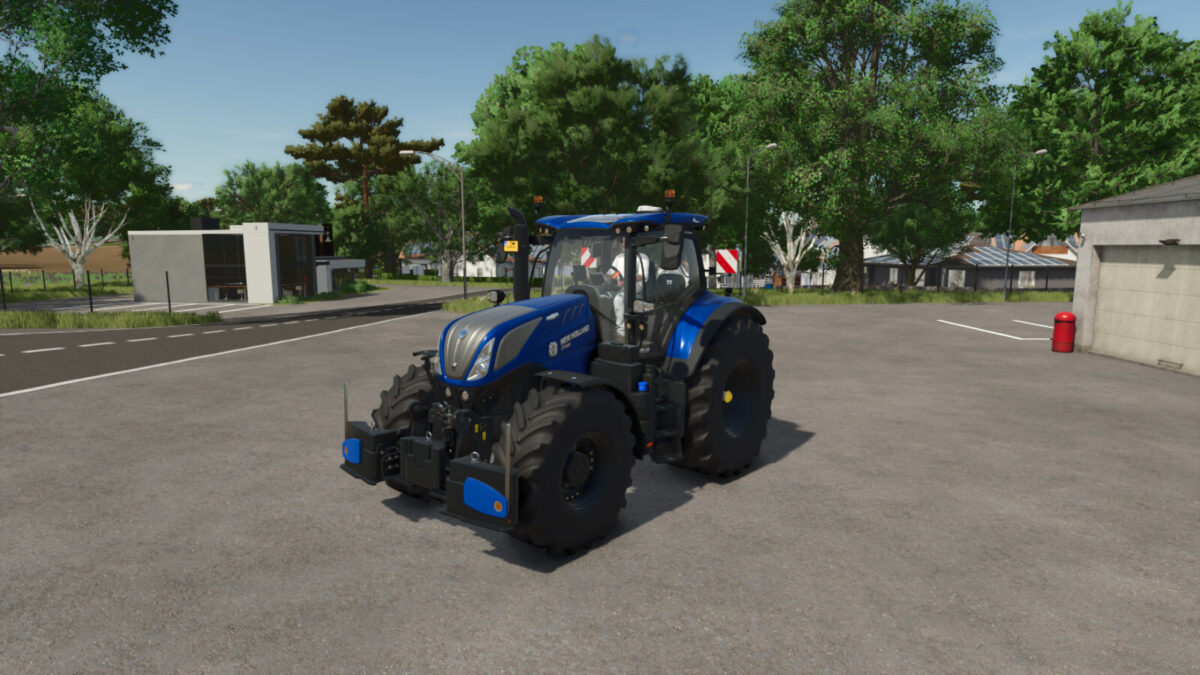
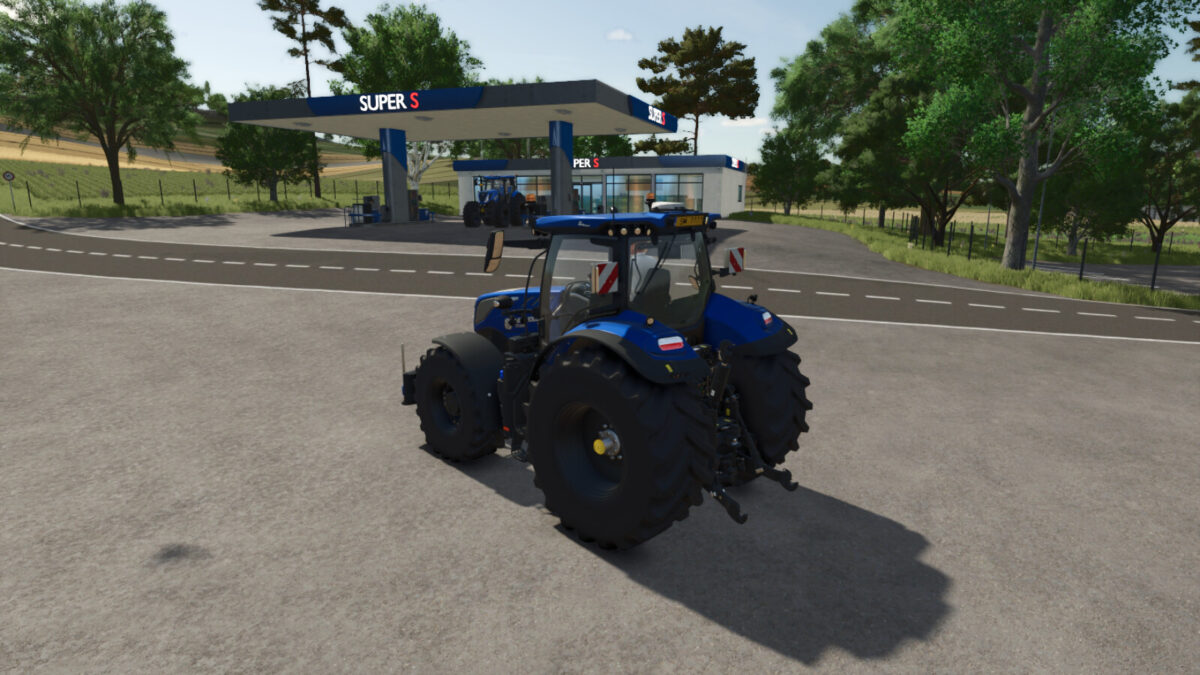
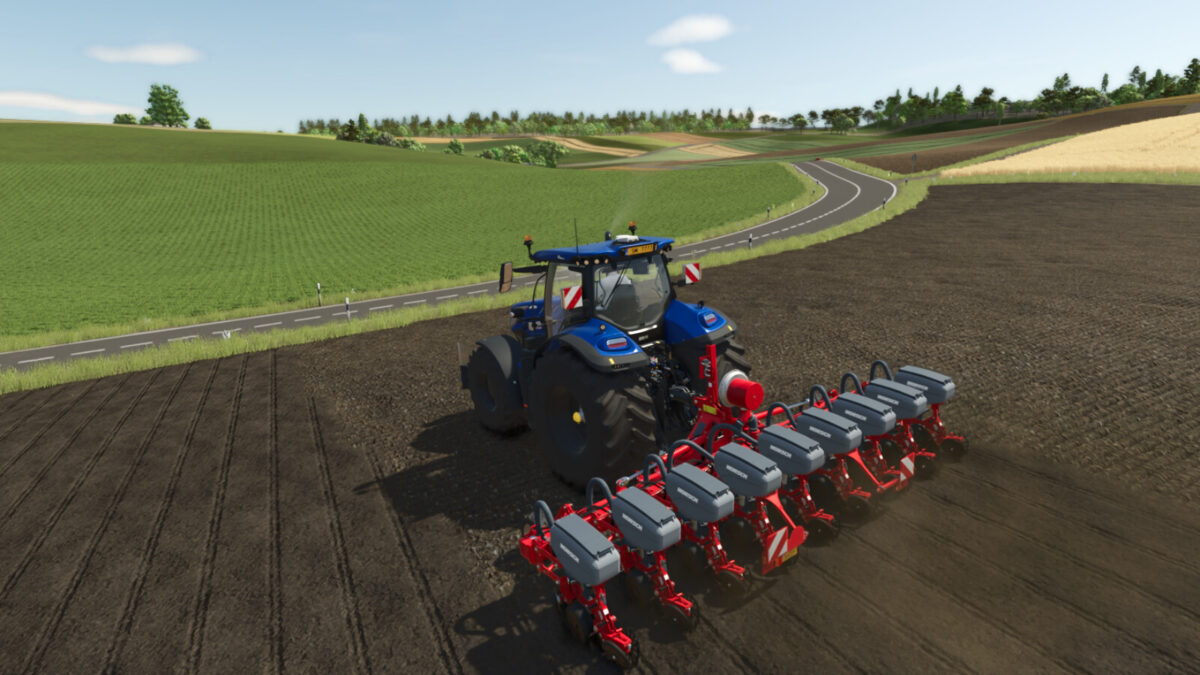
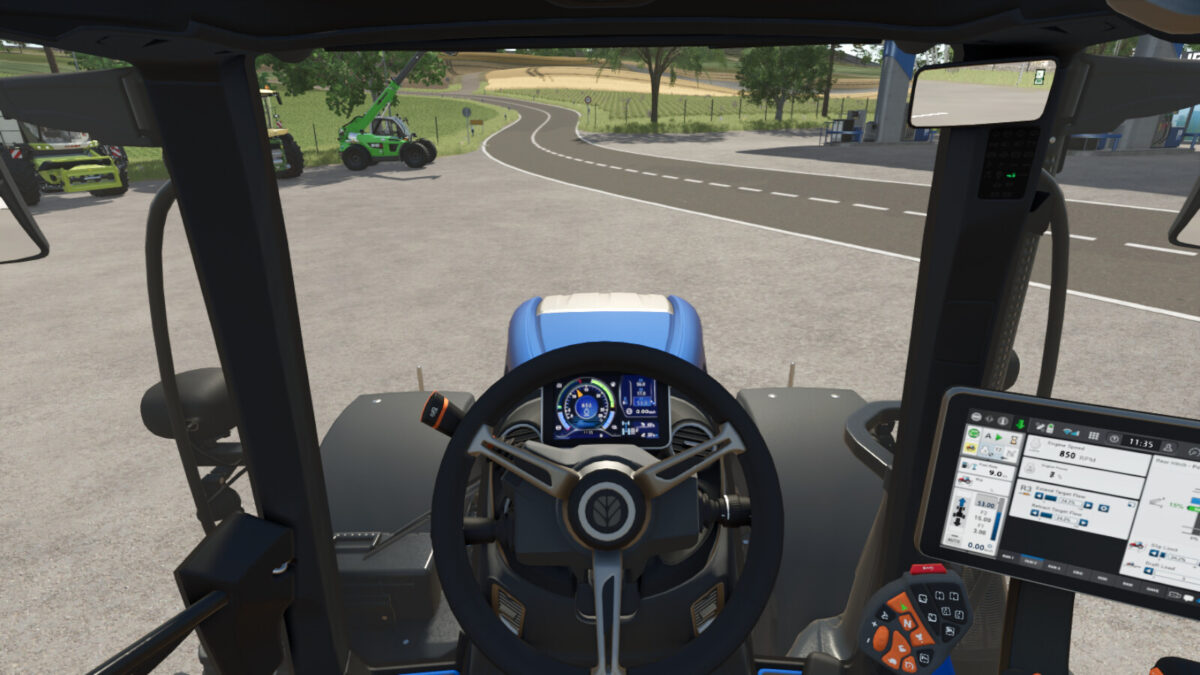
New Holland T7 LWB PLMI v1.2.0.2
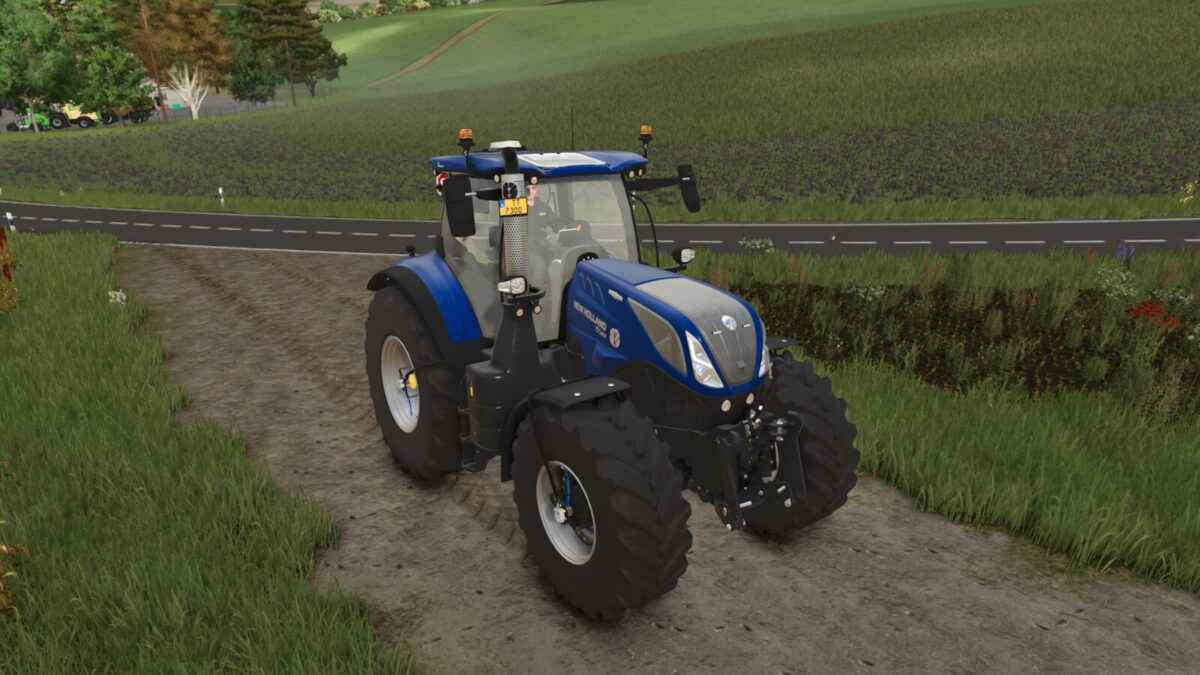
New Holland T7 LWB PLMI
The new five model T7 Long Wheelbase with PLM Intelligence™ range is packed with even more features and is bristling with upgrades. An all-new, super spacious Horizon™ Ultra cab. Even bigger 2.05m tyres. An all new, range topping 300hp model. New axles, upgraded Auto Command™ transmission and proven Power Command™ full powershift transmission. And engineered with reliability and simplicity in mind. Improve your Performance Density with the new generation of T7 Long Wheelbase.
Category: medium tractor
Price: $236,300-275,100
Power: 225-302 hp
Max. speed: 50 kph
+ Color configuration for main color and rims
+ Configuration for black interior
+ Configuration for steering wheel display position
+ More wheel options
+ New sounds
+ Transmission selection between Power Command™ and Auto Command™
+ Complete physics adjustment for weight, chassis, and front/rear hydraulics
+ IC animations added (Interactive Control by Vertex Dezign required)
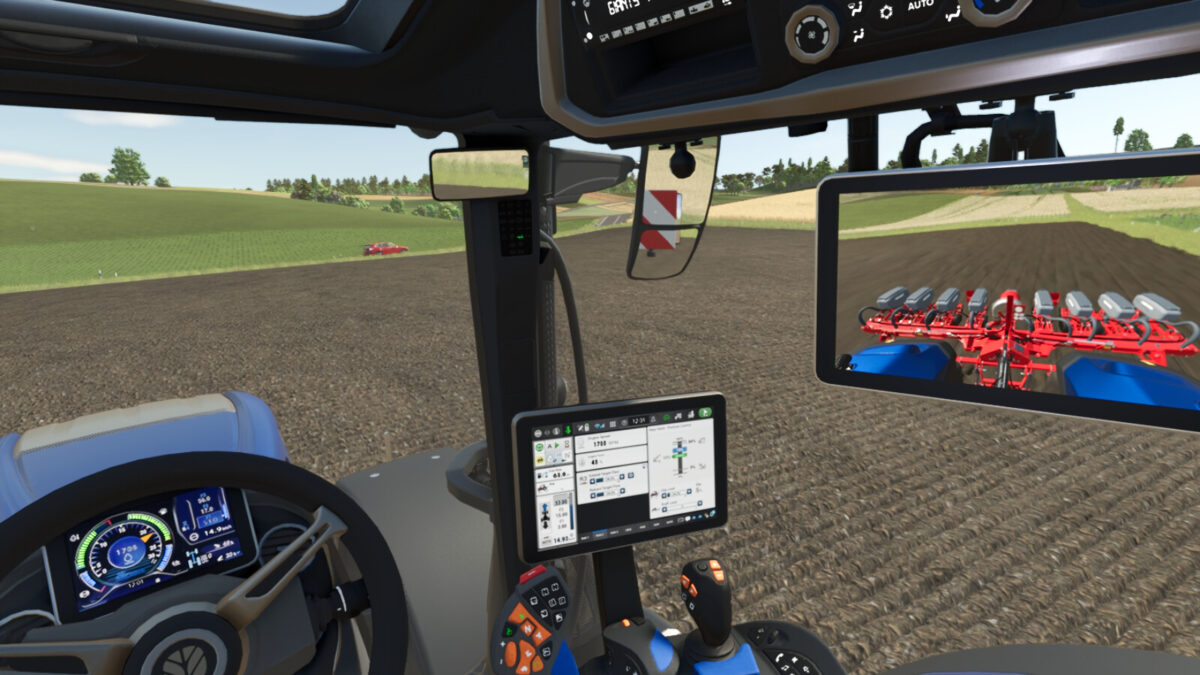
+ Front and rear cameras (Mercedes-Benz Truck DLC required)
Special thanks to:
– jonas6804 for the realistic sounds
– Finanzamt31er for providing the PTG system
– Kaymara for the MICHELIN Man
Changelog 1.0.0.1:
– Camera display completely rearranged (now both cameras can be viewed simultaneously even without IC)
– Animations of door and rear window now also controllable without IC
– Auto Command decal adapted to transmission selection
Changelog 1.0.1.0:
– Hub cover texture fixed
– Display configuration added
– Configuration for Isaria crop sensors added (Precision Farming DLC)
– Passanger seat added
– Flickering displays for high FOV fixed
– LED flash lights added
Changelog 1.1.0.0:
– Warning sign configuration added
– Light signature complete rework
– CTIS configuration added (prepared for Variable Tire Pressure script by HotShotPepper)
– Seat color configuration added
– Added chrome exhaust grid configuration
Changelog 1.2.0.0:
– Added air horn configuration
– Added light bar configuration (turned on with high beams)
– Added MICHELIN Man configuration
– Added IC points to control the front and rear hydraulics
– New engine characteristic curves
– French translation added
– Fixed decal flickering on the rear fenders
Changelog 1.2.0.1:
– Light bar configuration adjusted (choose between high beam or work light)
Changelog 1.2.0.2:
– Spelling mistake in configuration corrected
– General weight adjustment, as well as weight adjustments based on the engine and transmission
– New engine characteristic curves
– CTIS brand renamed LIZARD