

Niva SK-5 Breeze Pack v 1.0

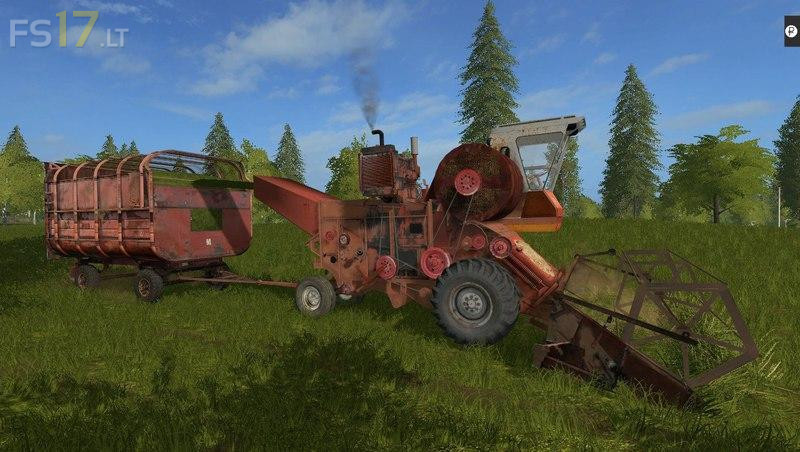
Niva SK-5 Breeze Pack v 1.0
An old combine harvester based on SK-5, converted to a selection of hay. But since it’s still a game, he picks up not only hay, but also grass, here is also present, and the reaper immediately mowing the grass, which in life was not in the wind, since in life it worked only with a pick-up.
1) Well, the first mode is the breeze itself, a combine harvester based on the Niva SK-5 (in the section of forage harvesters).
2) The second mode is the trailer for wind PTS. Please note that for the breeze only this trailer will fit, in others it will not load, except standard (in the section of cargo trailers).
3) The third mode is a pick-up, taken from the Don680 mode (in the header section of the harvester for the forage harvester).
4) The fourth mode, another picker (yes yes) well this one is similar to the more real one that was near the breeze (you will find in the section different).
5) Well, 5 modes, another header, which immediately mows the grass, reworked from the original reaper ZHVN-4 for the bevel of grass (section of harvesters for forage harvesters).