

No Overtake Splines v 1.0

No Overtake Splines v 1.0
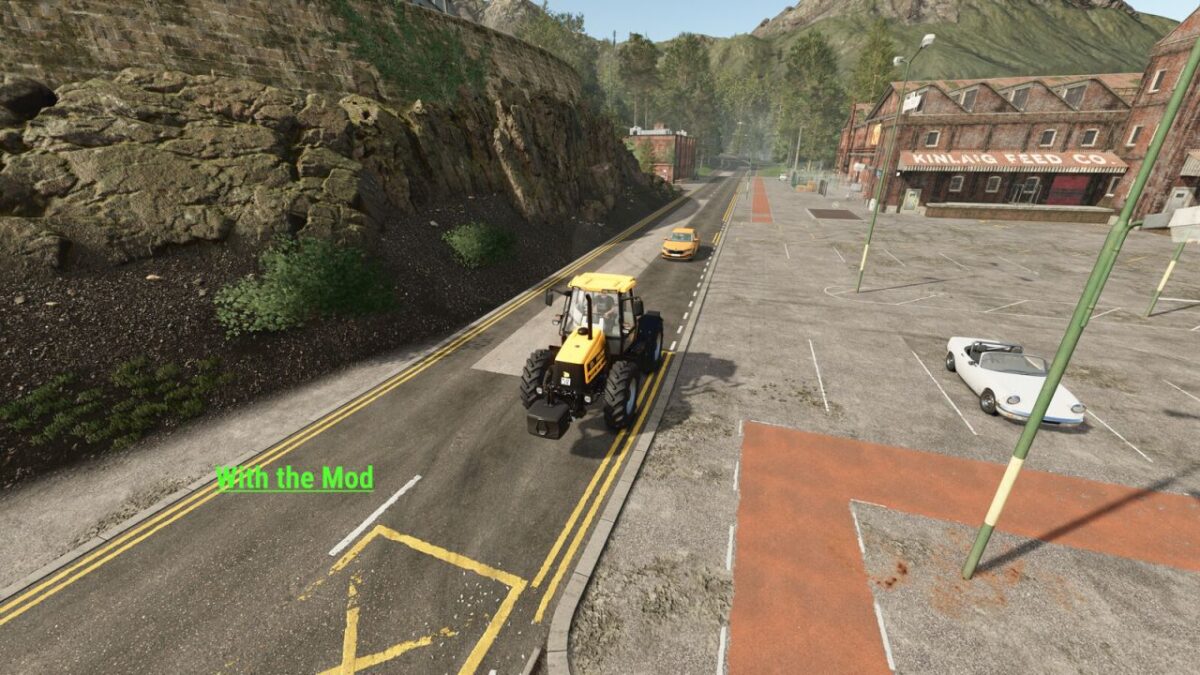
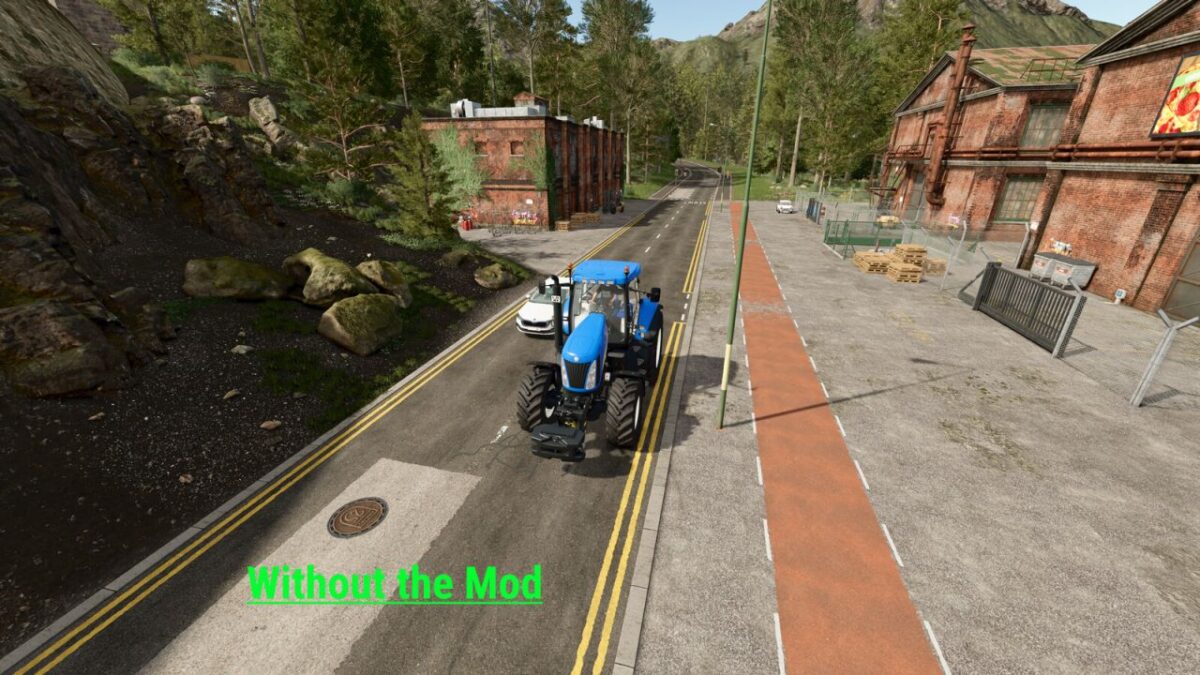
With No Overtake Spline, AI traffic in Farming Simulator 25 is enhanced with no-passing zones on selected road sections.
As a result, traffic behaves much more realistically on prepared maps. Especially in towns, on roads with no-passing zones or in areas with limited visibility,
AI vehicles will stay behind slower road users instead of attempting risky overtaking maneuvers.
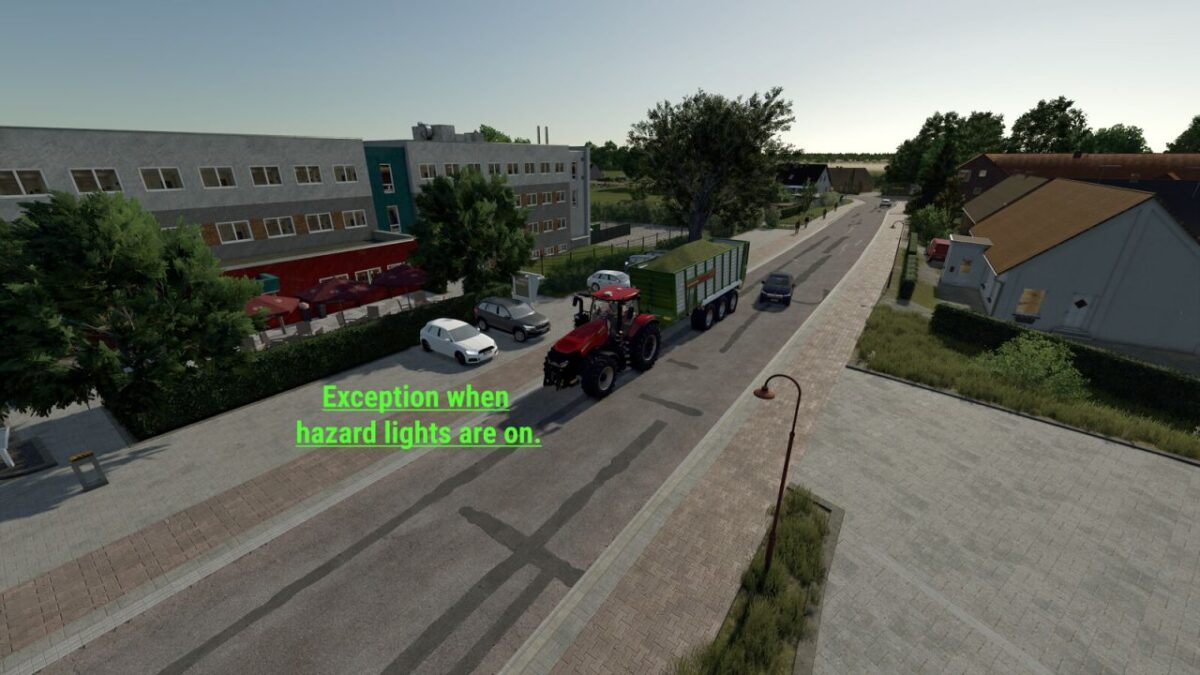
The mod also includes an exception for vehicles using their hazard lights. If a vehicle is stopped at the roadside with its hazard lights activated,
the no-passing restriction in that area is temporarily lifted, allowing AI traffic to safely pass the stationary vehicle.
Please note that AI traffic in Farming Simulator cannot always behave completely predictably.
If you stop at the roadside with your hazard lights enabled while several AI vehicles are directly behind you,
unexpected overtaking behavior may occur in rare situations. A dedicated handling system has been implemented for this,
but it cannot guarantee perfect behavior in every possible scenario. Whenever possible,
it is recommended to stop only when no AI vehicles are directly behind your vehicle.
Supported GIANTS maps with prepared no-passing zones:
Riverbend Springs
Hutan Pantai
Zielonka
Highlands Fishing
Important notes:
– Mod maps are only supported if they have been prepared for No Overtake Spline.
– Installation instructions for mappers are included in the mod as README.txt.
– The mod works in both Singleplayer and Multiplayer on all supported maps.
No Overtake Spline provides more realistic and safer AI traffic behavior and helps to prevent problematic overtaking maneuvers
on narrow or difficult road sections.