

Nordheide Map v 1.0

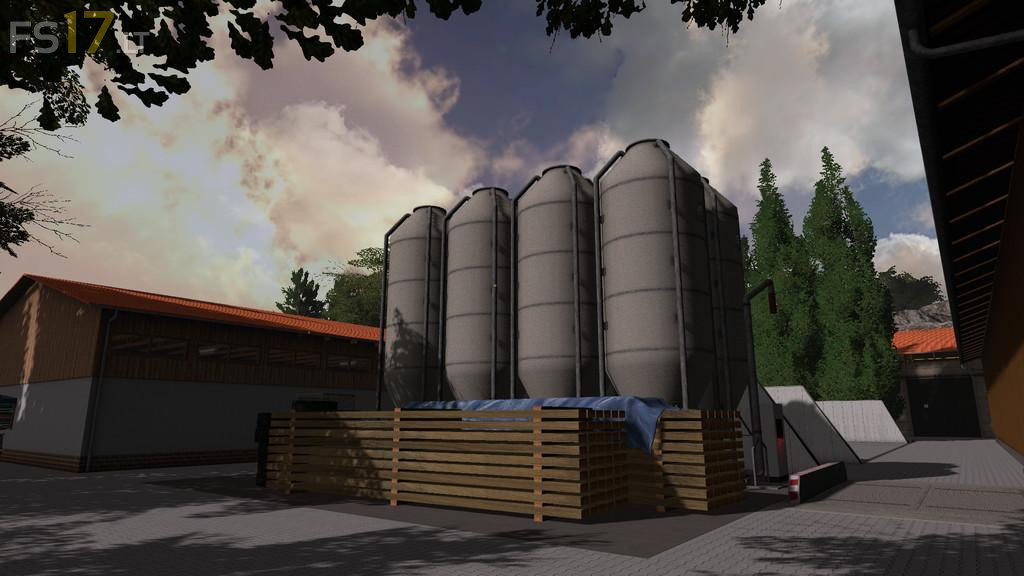


Nordheide Map v 1.0
About the mod:
Nordheide is a hilly and forest rich area that has great agricultural opportunities. You have the option to create a big farm with different kinds of cattle. You can also take up forestry work and manage a biogasplant. Have fun in Nordheide.
– This map includes all Farming Simulator 17 features.
– Custom textures, including sky textures.
– Muck out your Cattle shed to keep it clean.
– Animated gates, doors, and lights.
– Multiterrain angle.
– Seasons ready.
– Chopped straw ready.
– Hose system ready.
– Sugarcane ready.
Credits:
Fendt-vario, Dutch Modding Incorporated
can anyone give the cows water because i can’t
i can’t water my cow, do you know where i can give them water?