North Brabant Map v 1.0

FS19 mods

north-brabant-1 north-brabant-6 north-brabant-3 north-brabant-2 north-brabant-5 north-brabant-4

About the mod:

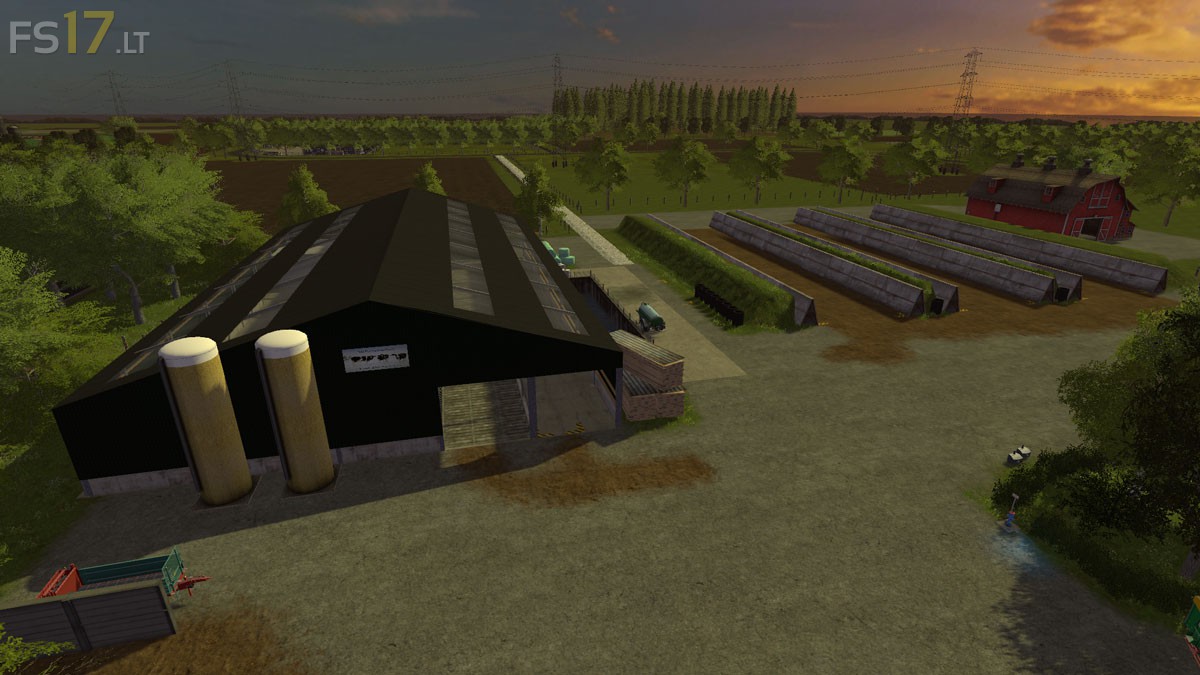
– 3 Farms
– BGA
– Village
– Agricultural Machinery Dealers
– Sawmill
– Forestry
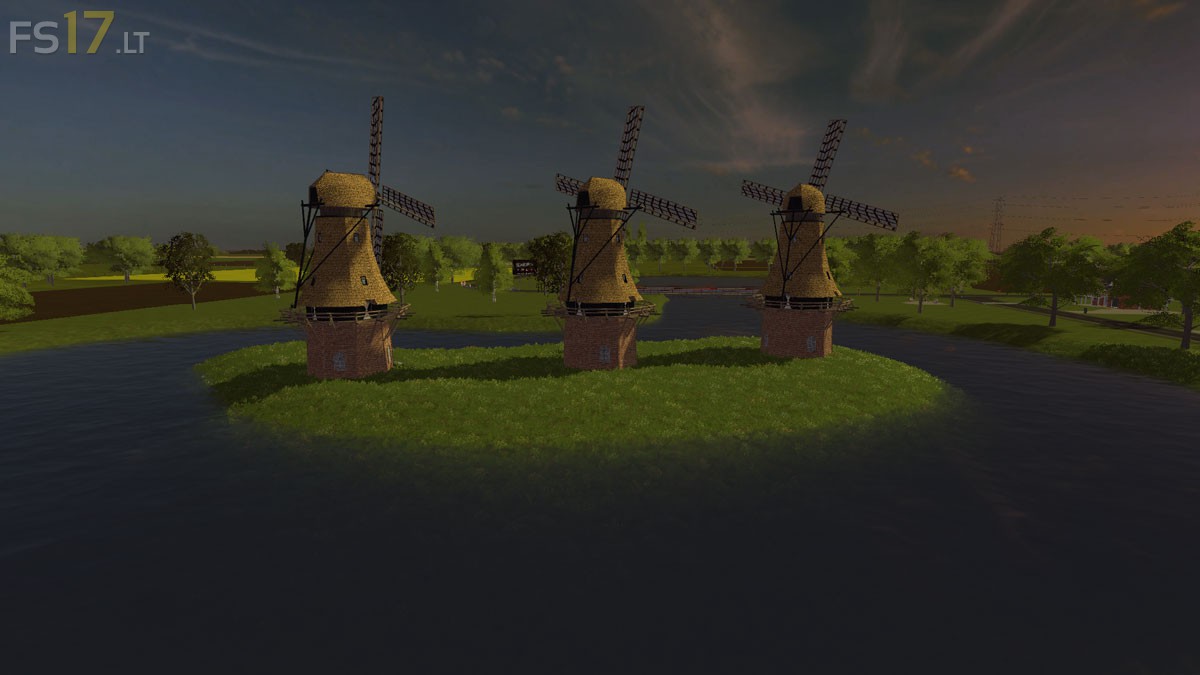
– Very beautiful Landscape
– A lot of Fields and some already in your possession
– Cows, chickens, pigs
– No Traffic, still try to figure it out has changed
– PDA Map
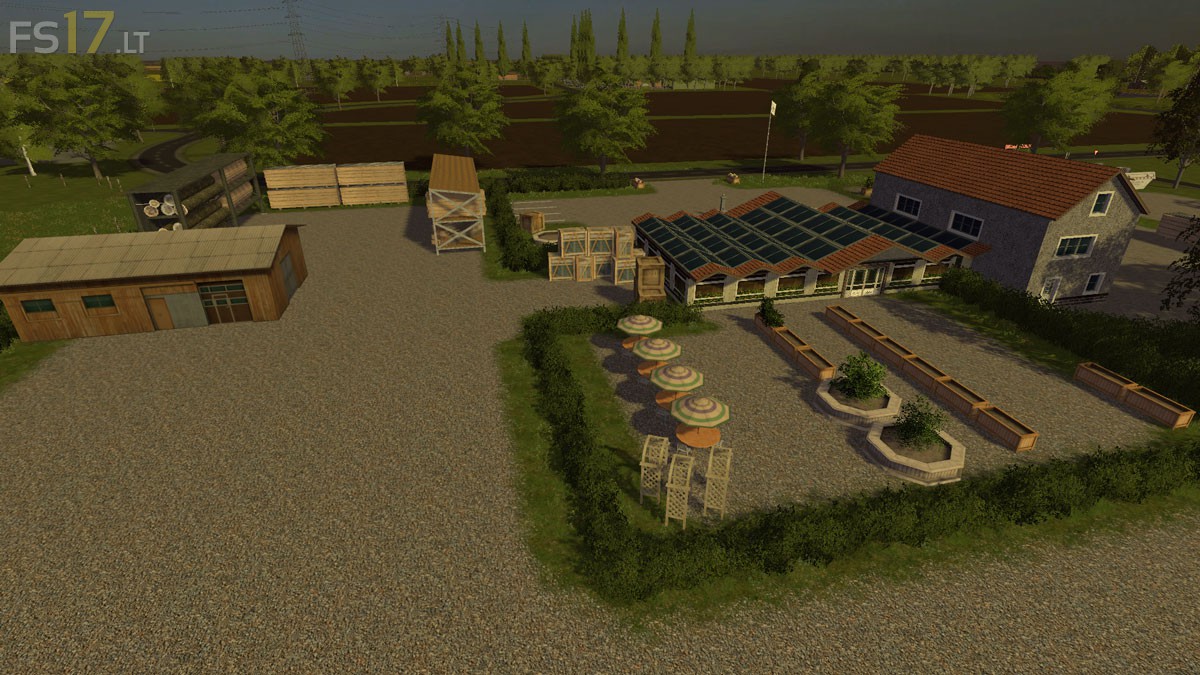
– Garden Center
– Camping

Credits:
Mike (Mike-Modding)

How to install FS17 mods?

Firstly find a mod which you like and want to download. Then download a mod to your PC. Mods are usually in .zip format file. But sometimes it can be in .rar. If a mod file is a .zip format no needed additional actions. If a file is in .rar, then you must unarchive mod with software like WinRar or Zip7. Windows 10 users no need to use software for archives, Win10 itself has a feature to unarchive files.

The next step is to find mods folder in your PC. Usually, it is in Documents/My Games/Farming Simulator 17/2017. Open the "mods" folder and put downloaded .zip archive or unarchived .rar file to this folder.

Last step. Enjoy of FS17 mods!

One thought on “North Brabant Map v 1.0

  • ponpon says:
    2016-11-13 at 11:50

    La map est sympa mais les arbres en colision planter quasiment dans le champ c’est trop galère ; alors que les cloture n’ont pas du tout de colision ; ça serais cool de revoir ça

Leave a Reply

Your email address will not be published. Required fields are marked *