

North Frisian March Map v 1.7



North Frisian March Map v 1.7
Version 1.7:
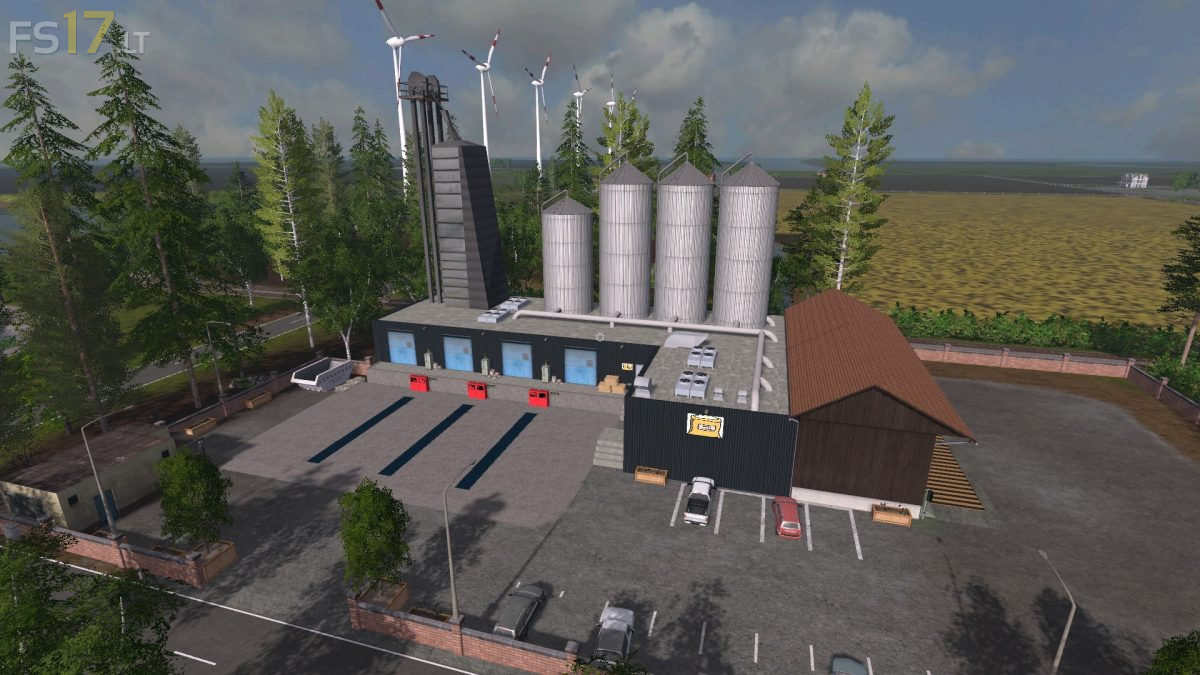
* Beehive production in wood industry
* Bees for honey in several places of the map
* Mc Donalds on the map as a sales station
* Prices for diesel, milk, seed, compound feed, pig feed, fertilizer and liquid fertilizer are displayed
* Commodity Price mod adapted for all new sales stations
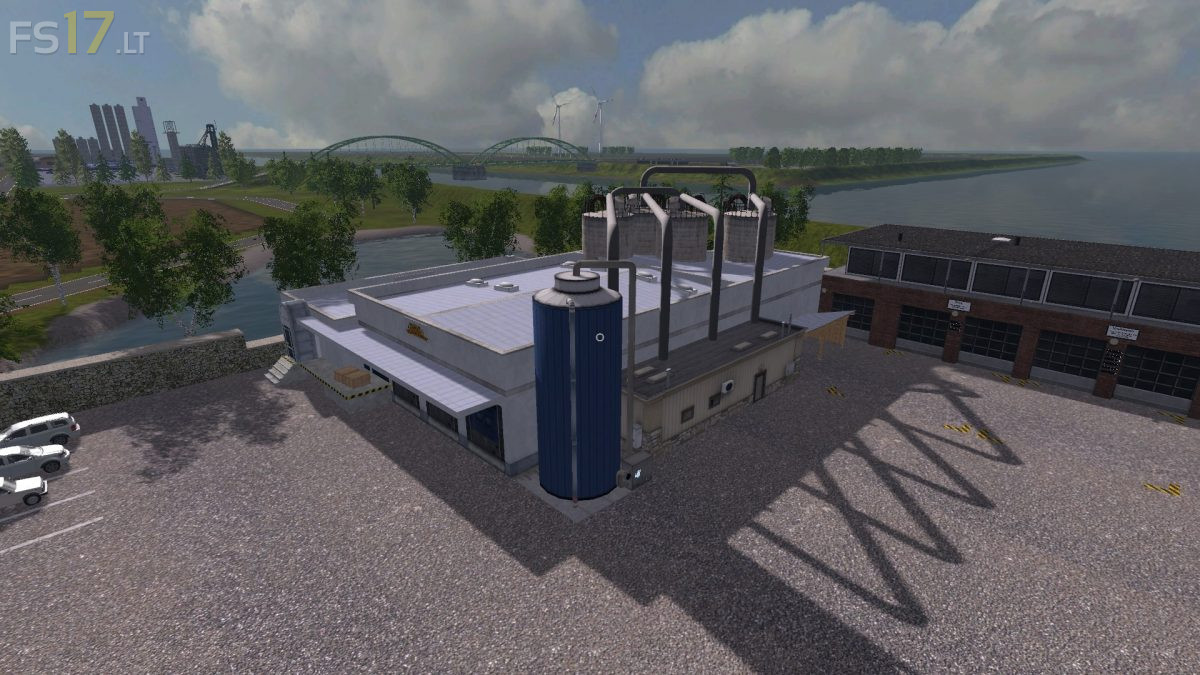
* Printing house for newspaper and packaging production
* Newspaper to be sold at the supermarkets and stadium
* Packaging sold at Mc Donalds
* Floor marking for heating plant
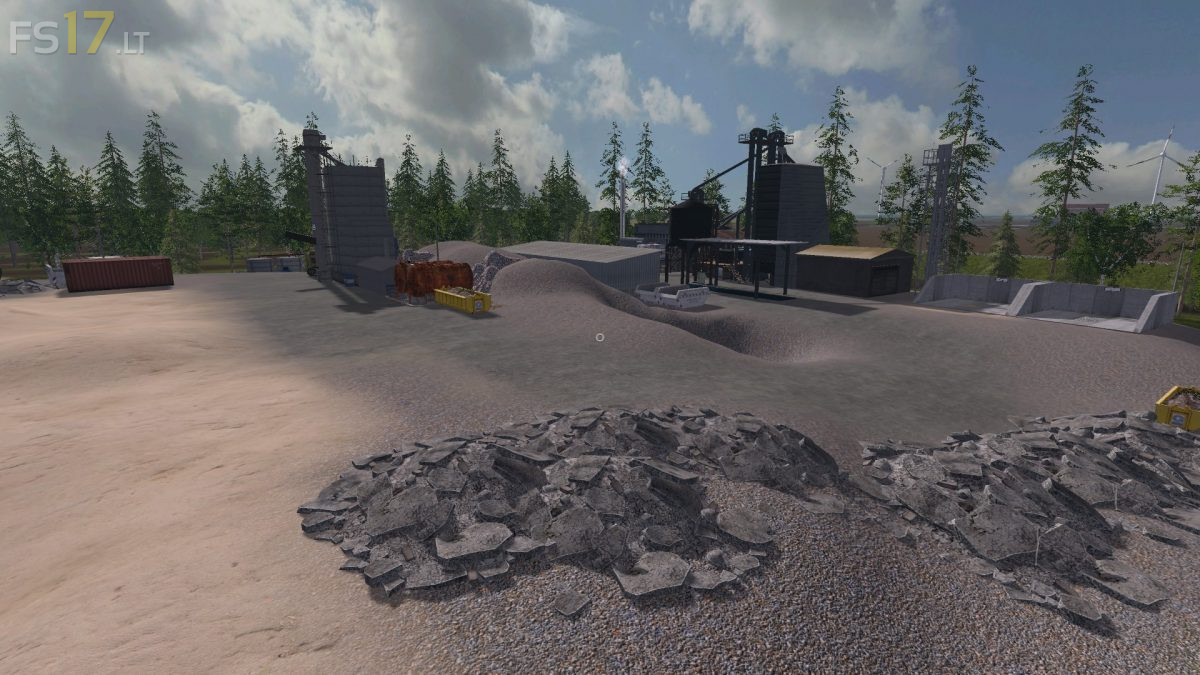
* Wooden trunk pallets are now also accepted by the wood chipper
* Stadium now also buys mayo and ketchup
* Fixed Bump smoothed at the entrance to the straw power plant
* Fixed Horse farm is no longer displayed twice
* Fixed Corner at Feld36 adjusted slightly
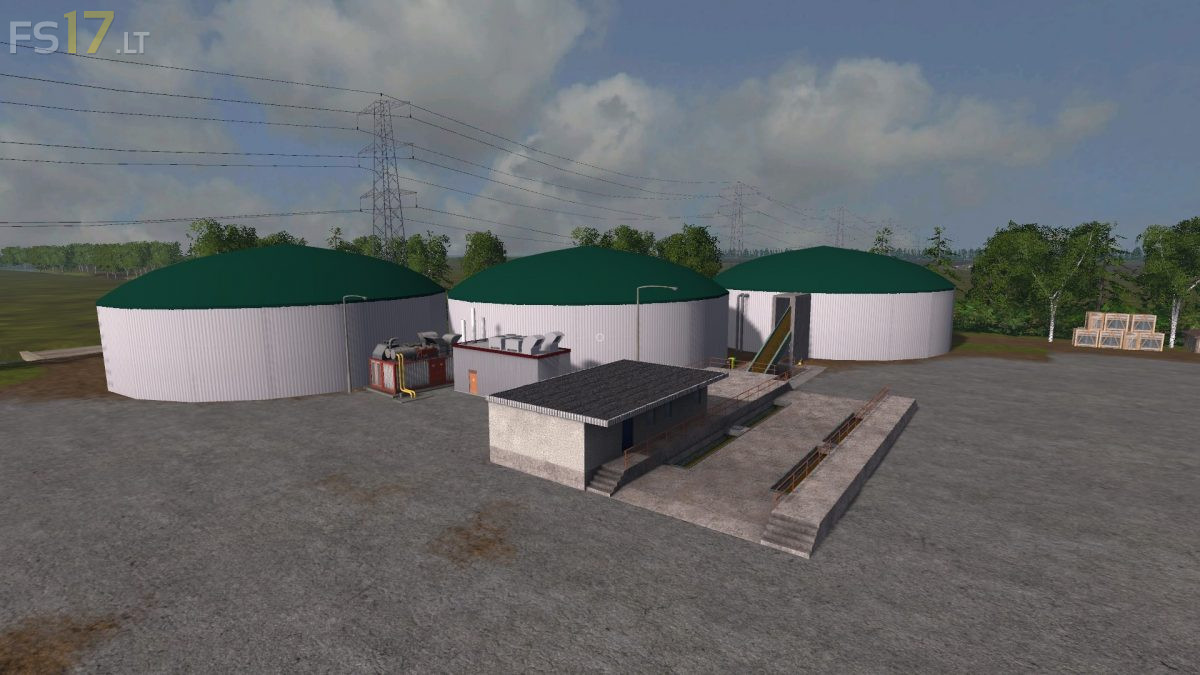
* Fixed Wrong direction scores deleted at BGA North
* Fixed Shovel trigger in the cow and pigsty set even lower
* Fixed Cattle sheds produce 50% more manure
* Tomato farming produces faster