

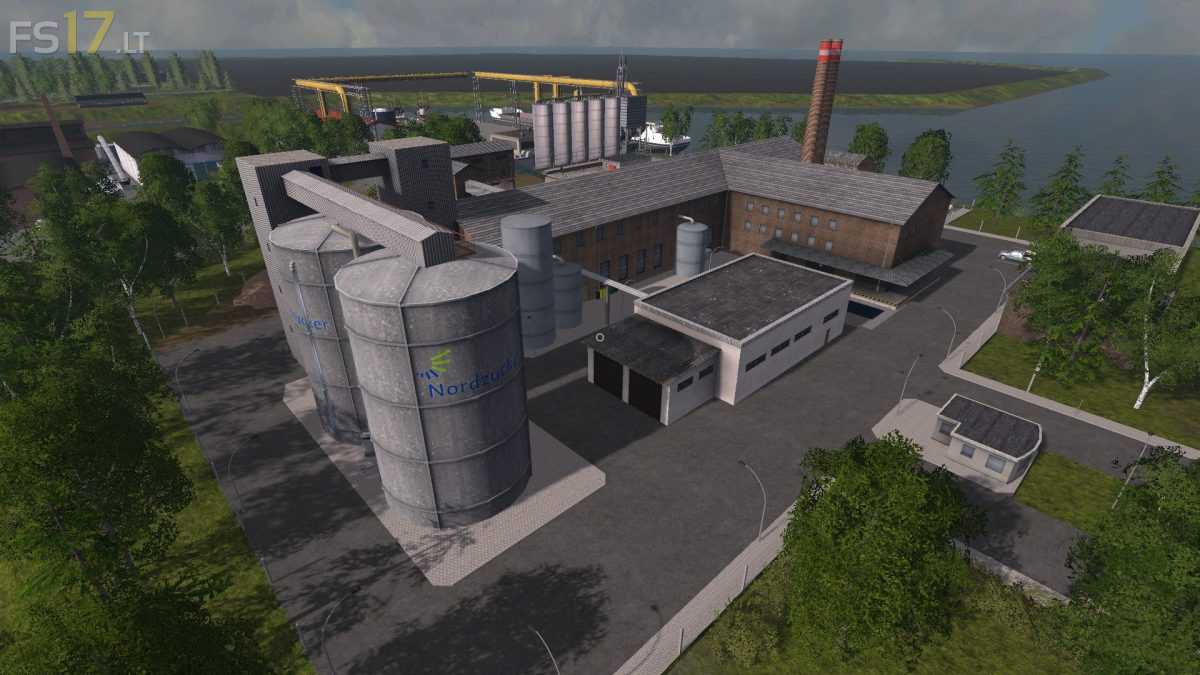
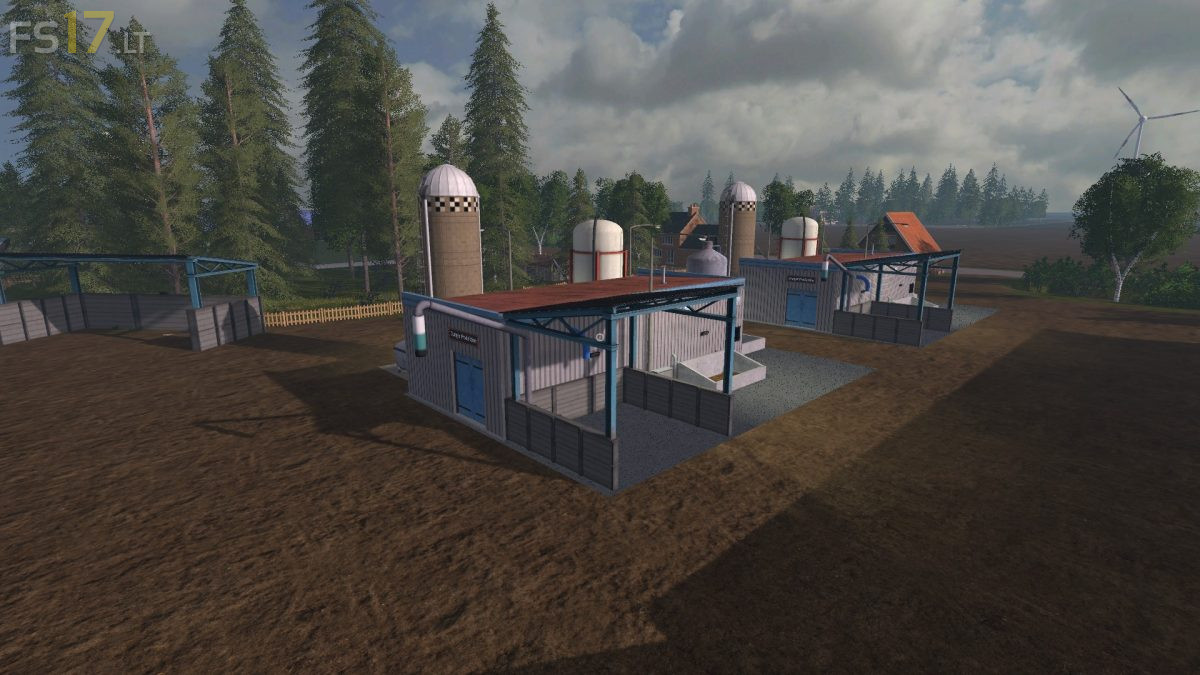
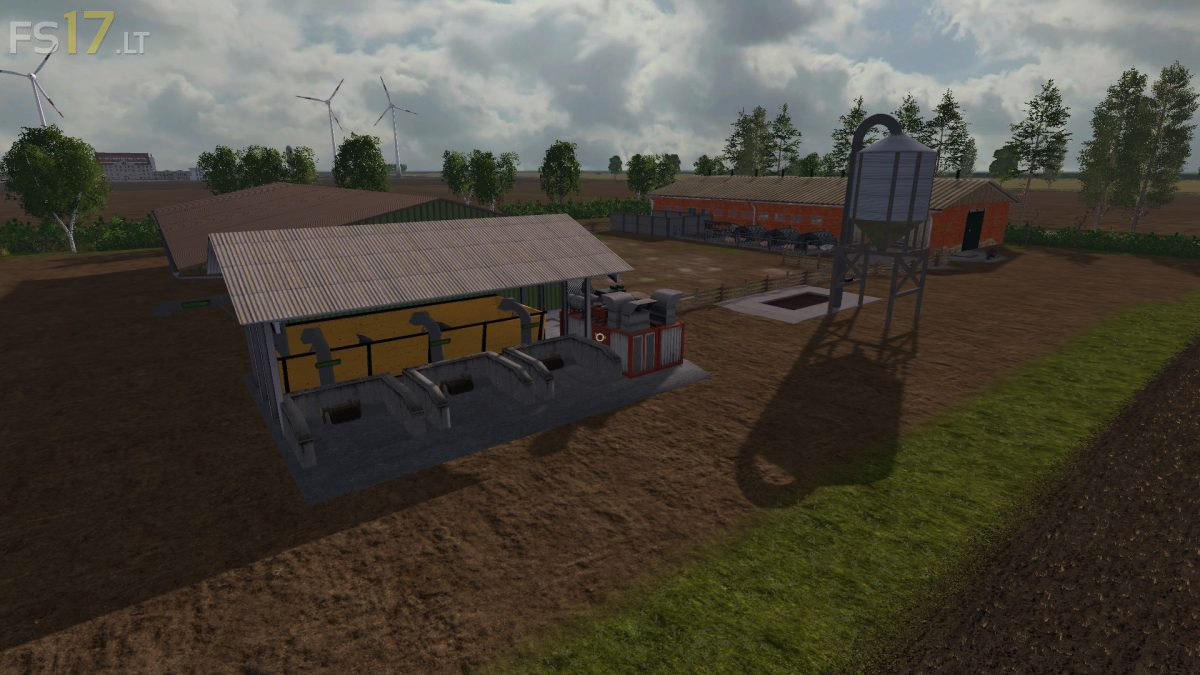
North Frisian March Map v 2.0

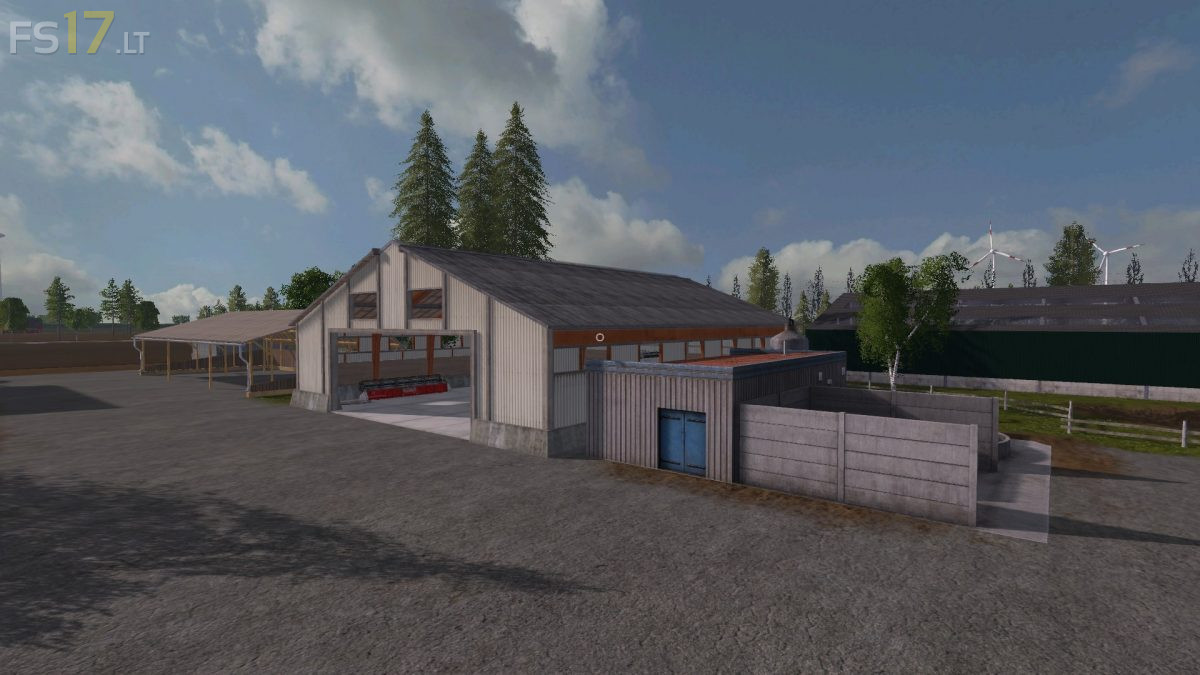
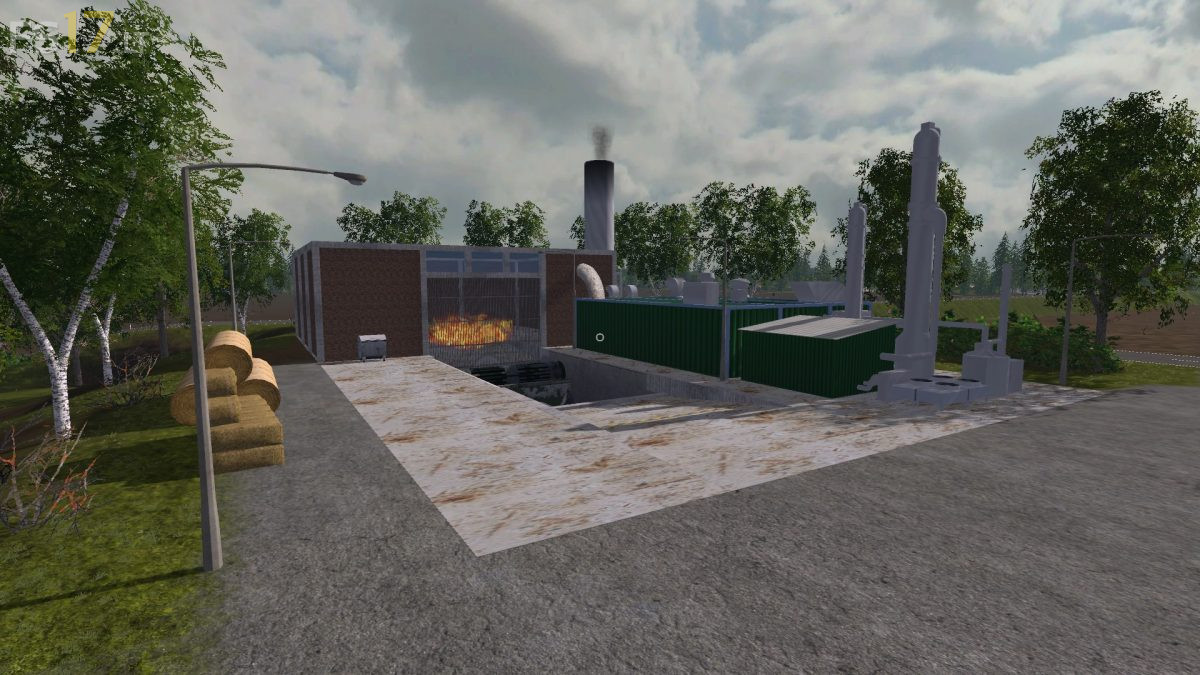
North Frisian March Map v 2.0
Version 2.0:
* Pallet warehouse 2.0
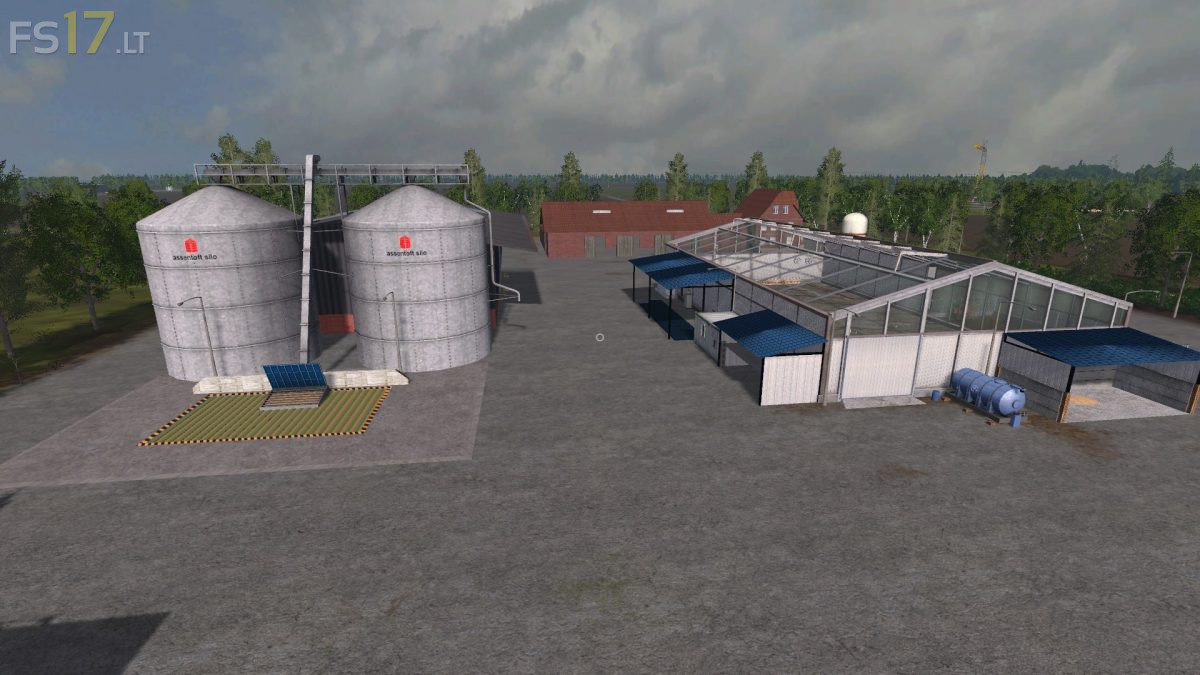
* Water storage on the farm, Rinderhof and Eierhof
* Liquid fertilizer storage on the farm, Rinderhof and Eierhof
* Many product displays in the PDA map improved
* Visibility of all pallets reduced for better performance
* Large ball store for square bales and round bales at the Rinderhof
* Large bale storage at the Composter for straw square bales
* Trigger to open the side door on the cowshed moved / reduced
* Outsourcing the bales at the dairy cowshed is now working in full
* Sugarbeet heap deleted under the bakery
* Less seed consumption in tomato farming but more water needed
* Named grass field 10 again
* The construction site sign at bridge construction now without collision
* Faulty Bale trigger found and moved
* Field 8 smoothed towards Aral Boden
* Trigger compound feed slightly enlarged
* At the Rinderhof, a tool shed no longer floats at the wedge silo and yard silo
* The bakery building now has collision
cool la map !! good.