

North German Country v2.0.0.3

North German Country v2.0.0.3
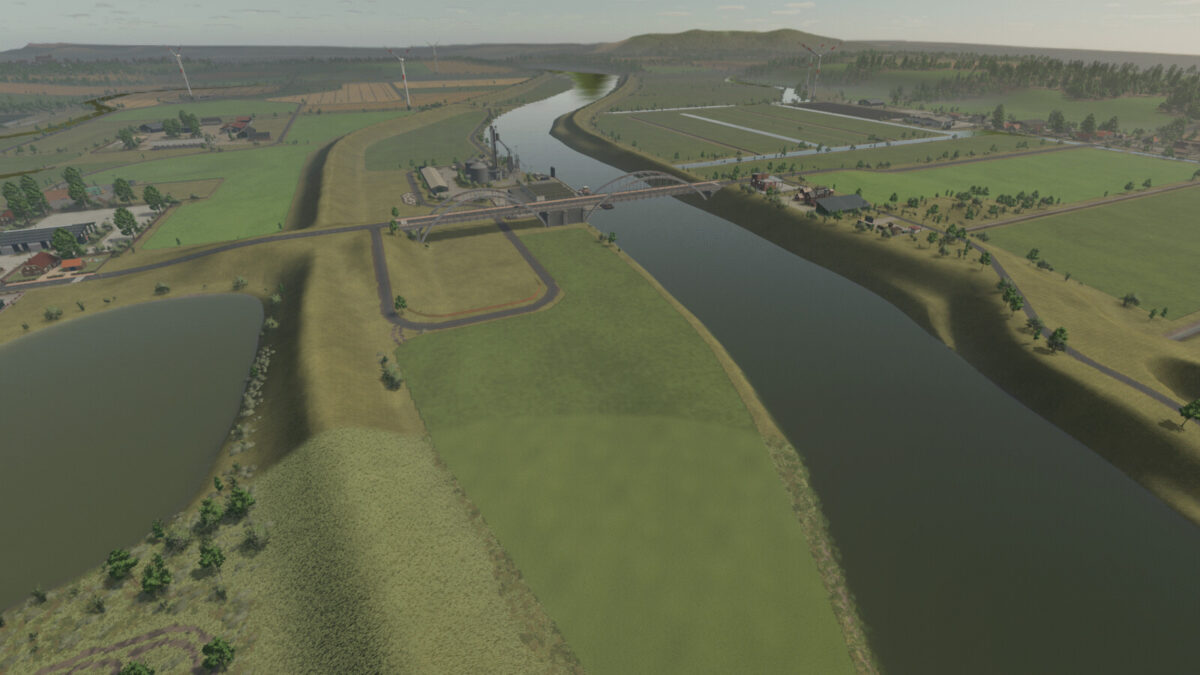
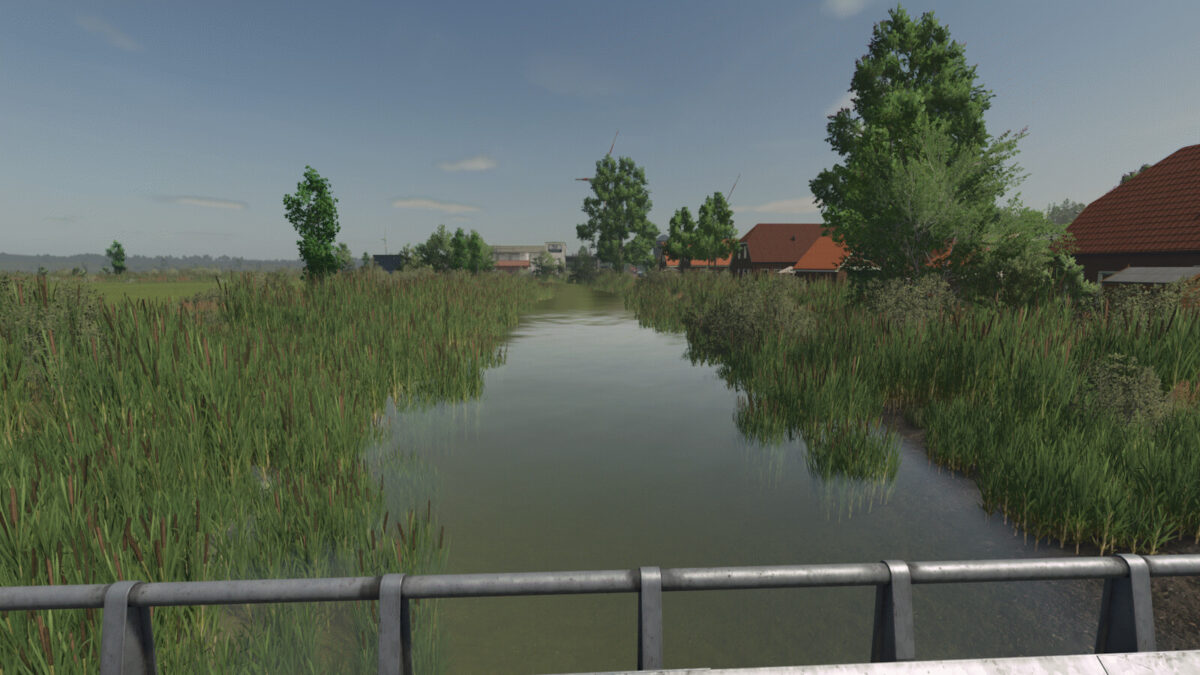
Welcome to the North German Country map.
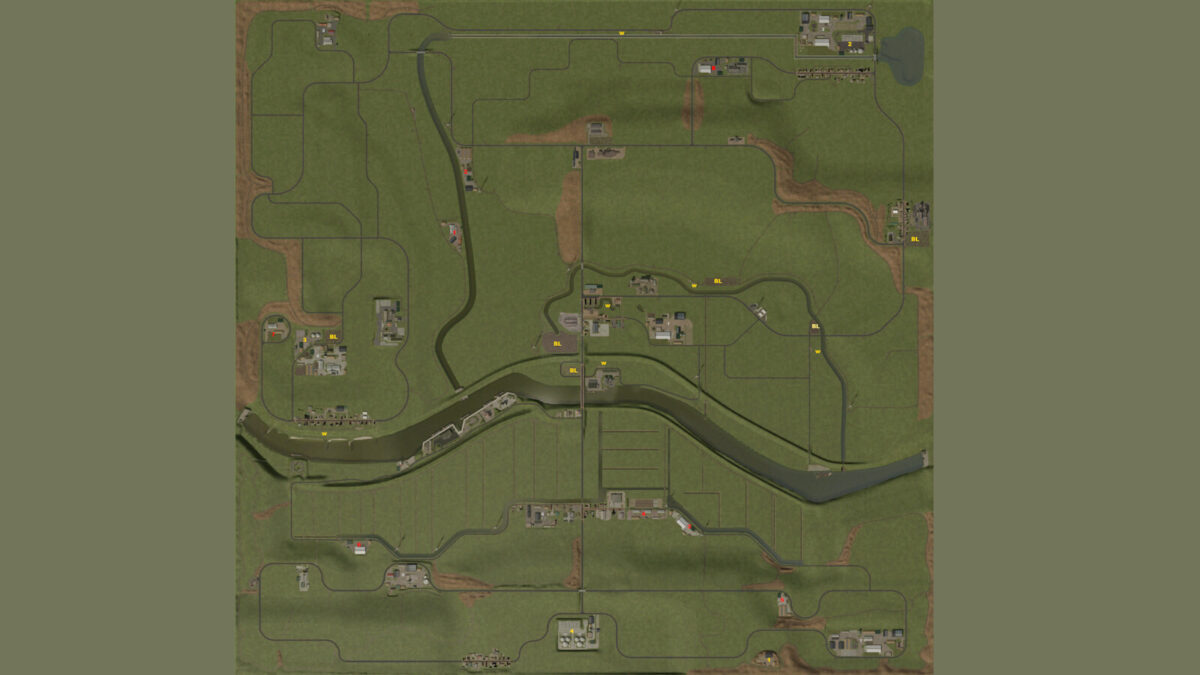
This is a fictional, four-way map of northern Germany.
Key features:
– 152 fields, mostly grassland.
– 33 forest areas.
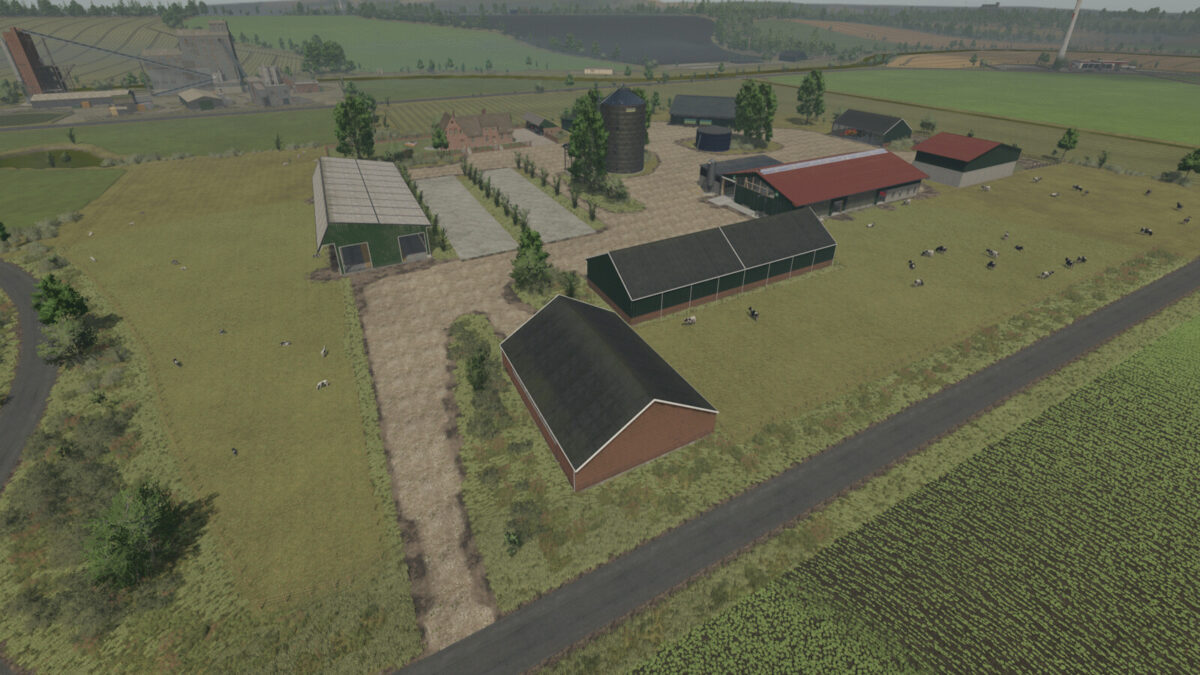
– 7 farms with farmhouses.
– 8 isolated farms.
– 5 building plots, leveled but overgrown with vegetation.
– Several cow pastures.
– Several sheep pastures.
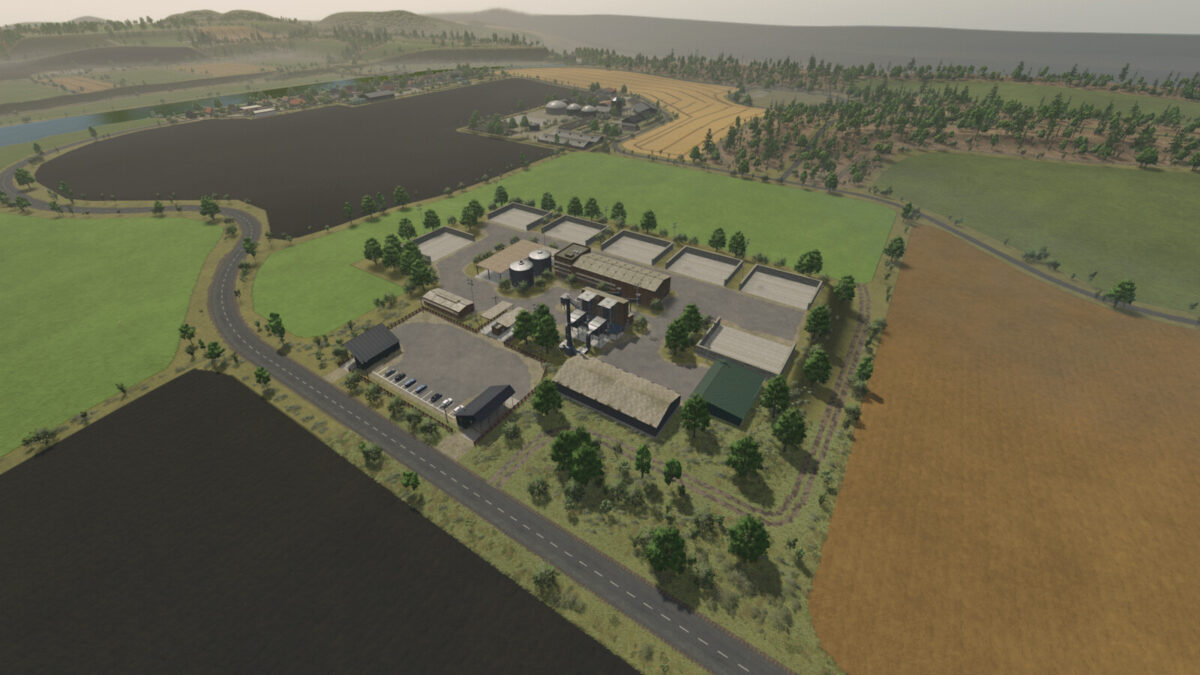
– At the sugar factory, there are four bulk storage bunkers, available for purchase via farmland, for storing sugar beets.
You also get more input materials such as lime, sugar beet pulp, stones, and raw compost.
– A custom soil map for precision farming.
– A fully equipped starting farm with pre-owned machinery.
– Many charming little details.
– Numerous production facilities and points of sale.
– Crop and stubble destruction.
– Farmyard decorations, including curbs, fences, etc., can be removed by selling the doghouse.
– Multifruits: 8 additional crops: Rye, Triticale, Spelt, Green Rye, Vetch Rye, Field Grass, Humus Active, and Mustard.
– 32 soil angles.
– Pastures can be bought and sold via the farmland.
– All pastures also have some water and fodder.
– One biogas plant only appears in the price list and in field missions; the others are purely production facilities.
– Buildings that you want to demolish now cost a demolition fee.
– Custom script for more pastures with a limit of 128.
– Many custom textures and decorative plants.
– Many soil textures, plants, and trees in the build menu.
– Changelog 2.0.0.0:
– Fixed occluders cache, improved performance.
– Changed terrain density.
– Ground angle reduced to 32°
– Row planting implemented for crops such as corn, potatoes, and sugar beets.
– Some narrow sections made more Autodrive-friendly.
– Weather data adjusted.
– Ground textures added to the map XML.
– Grass areas minimized.
– Grass and weeds removed from buildings.
– Water levels adjusted for improved performance.
– Field, forest, and farm prices adjusted.
– Many minor bugs fixed.
– Multi-crop removed from the Fed missions.
– All farms redesigned.
– Fewer forests.
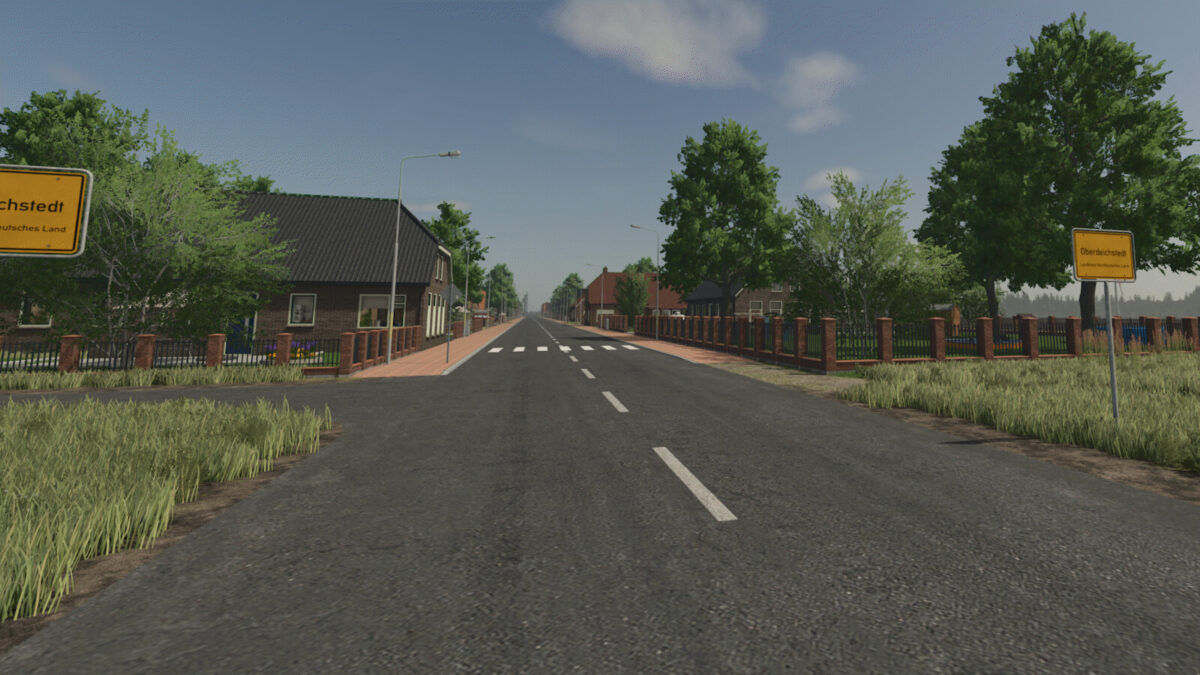
– Road signs and guideposts added.
– Building land added.
– Some productions yield raw compost, which can be fermented into compost in a special drive-through silo. Compost can be fertilized with a manure spreader, with or without Precision Farming.
– Lime works added.
– Clip distances adjusted for improved performance.
– The map is compatible with all DLCs.
– Unfortunately, you will need a new save file.
– Very important: please remove your old mods from version 1.0.0.0 of the map, as they may cause problems.
– Changelog 2.0.0.1:
– Digestate can be sold.
– Adjusted yields of fruits, straw, and grasses.
– The 1MW biogas plant now appears in field missions.
– Fixed multi-fruit silos, they no longer store anything from the surrounding area.
– You do not need a new save file.
– Changelog 2.0.0.2:
– Grass and field grasses regrow after mulching.
– You do not need a new save file.
– Changelog 2.0.0.3:
– NO new savegame required!
– Rain, hail, snow, and dust effects updated for compatibility with game patch 1.24