

NPC Favor Living Neighborhood Mod v 1.2.7.0


NPC Favor Living Neighborhood Mod v 1.2.7.0
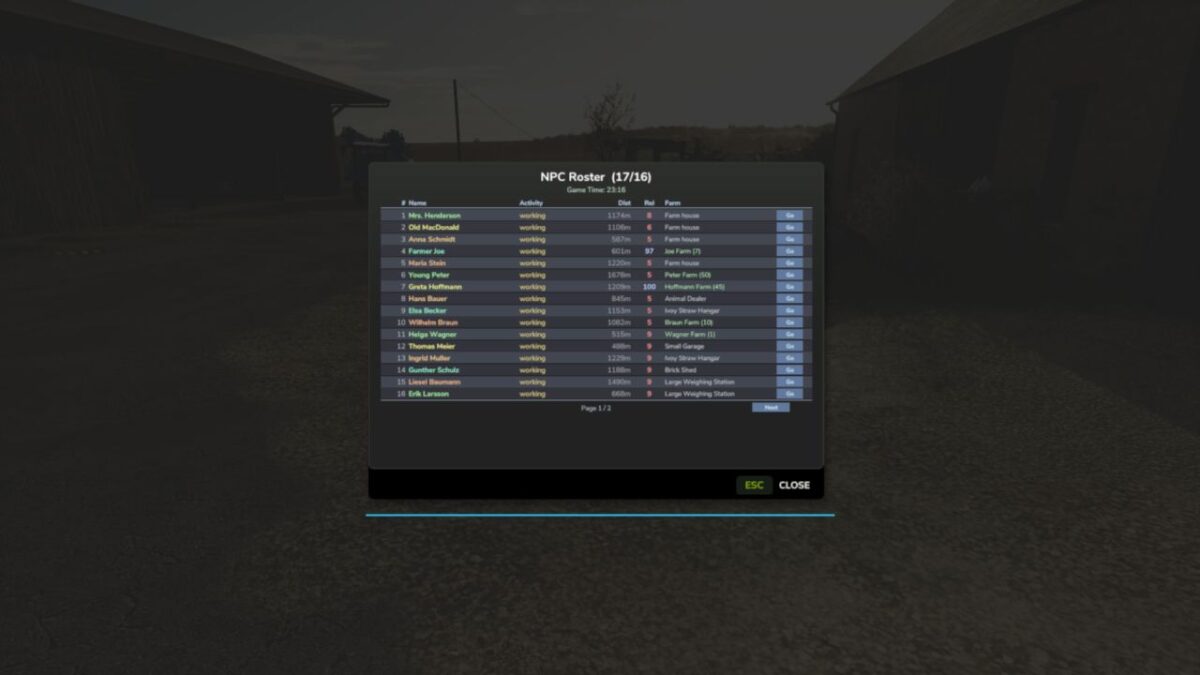
AI driven neighbor farmers that live and work around your map.
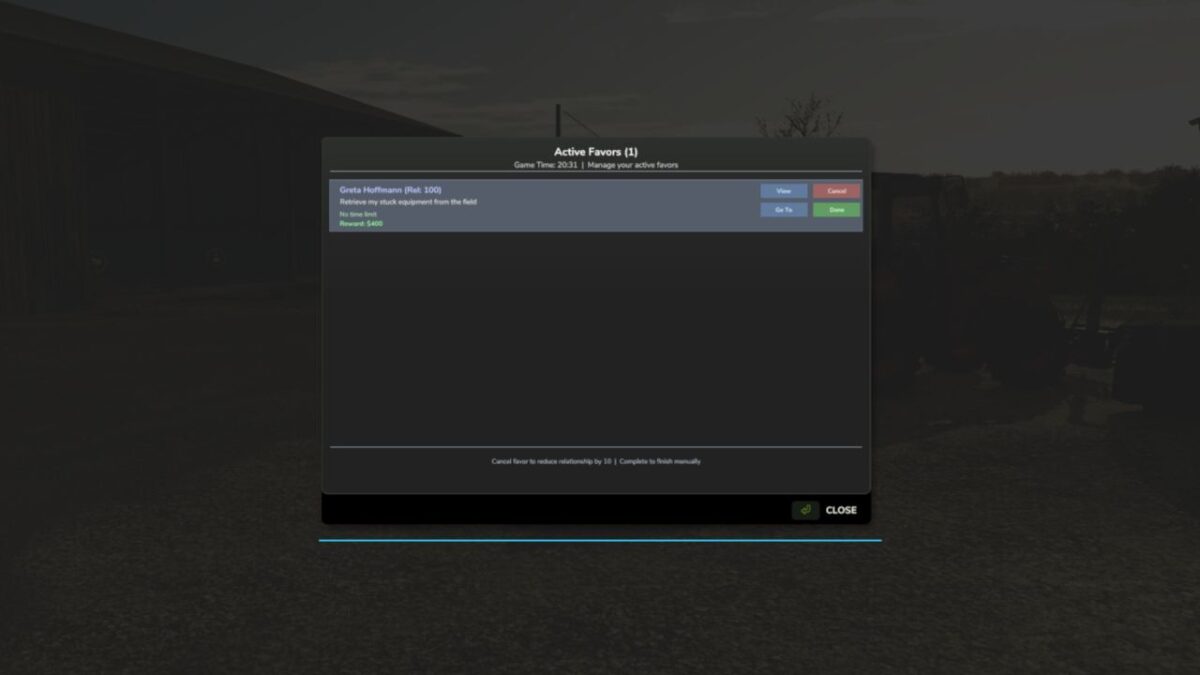
They follow their own daily routines, build a friendship with you over time, and ask for favors you can complete for cash and better relationships.
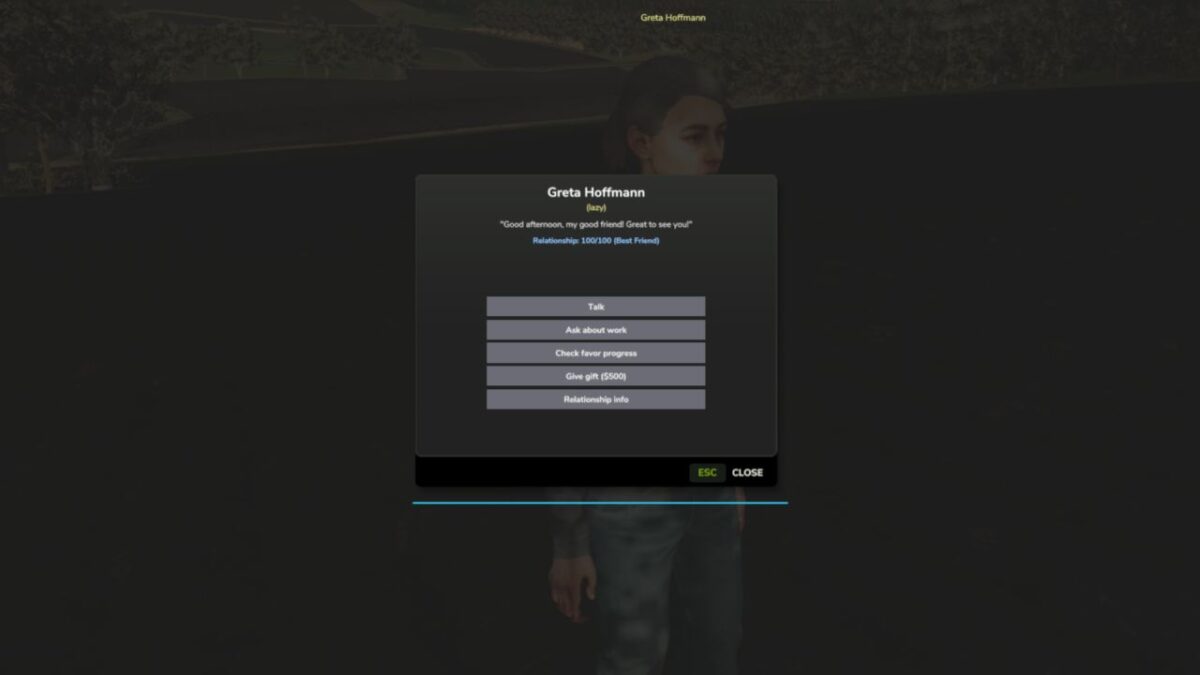
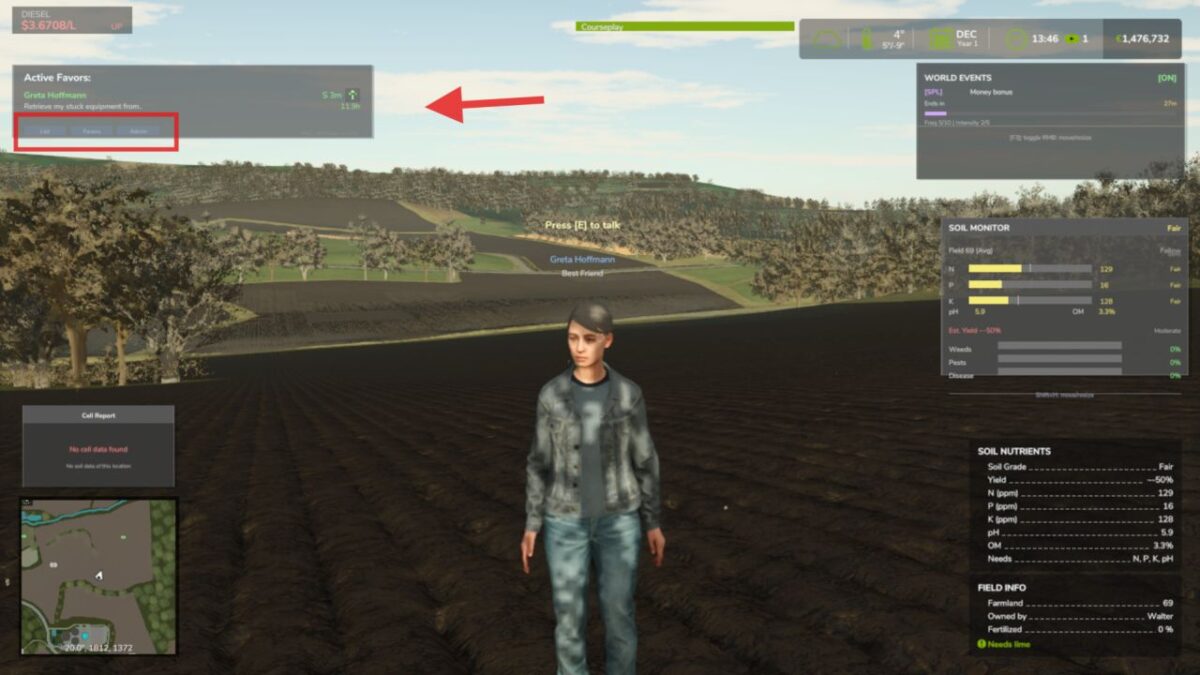
Walk up and press E to talk, no clunky menus.
Features
– Living Neighbors
– Relationship & Favor System
– Walk-Up Interaction
– Fully Configurable
Controls
– Interact with an NPC: E
Note that NPCs follow a daily schedule. They head out to their fields, take breaks, and return home, so where you meet them depends on the time of day
Version 1.2.7.0:
NPC FIELD WORK (NEW)
– Real base-game AI tillage: an NPC’s tractor and implement runs a genuine
field-work job and actually tills the ground.
– Full job-to-field matching: each NPC gets a role and the matching gear –
till (tractor + plow/cultivator), sow (tractor + seeder), or harvest
(combine + header). The AI job only runs when the field state matches.
– Crop safety: NPCs read the field’s real crop and growth state and never
plow or cut a growing crop. Harvesters only go to fields that are ripe.
– Fallbacks: if the game AI cannot run (no implementation, hire limit reached),
the NPC drives its combo with base-game pathfinding or a visual pass, so
it always looks busy without errors.
ON-DEMAND EQUIPMENT
– Equipment now spawns on demand at the field edge the moment an NPC starts
working, matched to the field’s current need, and despawns when they stop.
This removes stale gear (like a plow left on a field that had since grown
a crop). A growing field simply gets no equipment and the NPC visits on foot.
– If an NPC leaves work while their vehicle is still loading, the load is cancelled before the implement spawns, so nothing is created just to be deleted.
FIXES
– Fixed a VehicleCharacter crash from a wrong argument order.
– Fixed 5 no-op vehicle deletions that left stranded units behind.
– Fixed a map-marker overlay render flood (“Unknown entity id …”) by
sharing one overlay across all NPC markers.
– Fixed harvester headers never attaching (the New Holland combo pointed at
a header as its combine, so two headers were paired). It now uses the real
combine and the header attaches and harvests.
– Silenced the “Can’t change money of spectator farm” log spam: NPC AI job
cost is zeroed, NPC vehicles keep their fuel topped, and Worker Costs (when
installed) drops any charge aimed at the spectator farm.
AI BEHAVIOUR, MULTIPLAYER, EDGE CASES
– Added the “loner” personality to the daily schedule.
– Schedule-aware commute speed boost so NPCs running late move quicker at
any time of day, not just the evening.
– Group gatherings now show a speech bubble even with no partner nearby.
– Reduced NPC-to-NPC social pairing distance to 50m for more natural pairing.
– Preserved mood-based movement speed correctly across walk and run modes.
– Cleared stale gathering data when an NPC sleeps, and unified scheduled
activity lookups into one code path.
– Client-side orphan-vehicle cleanup in multiplayer, so stranded NPC vehicles
are removed on clients too.
NEW CONSOLE COMMAND
– npcDeleteVehicle [radius]: delete the nearest vehicle/implement to you
(cleanup for stranded units). Never deletes the vehicle you are in.