Number of Players on Servers v 1.0
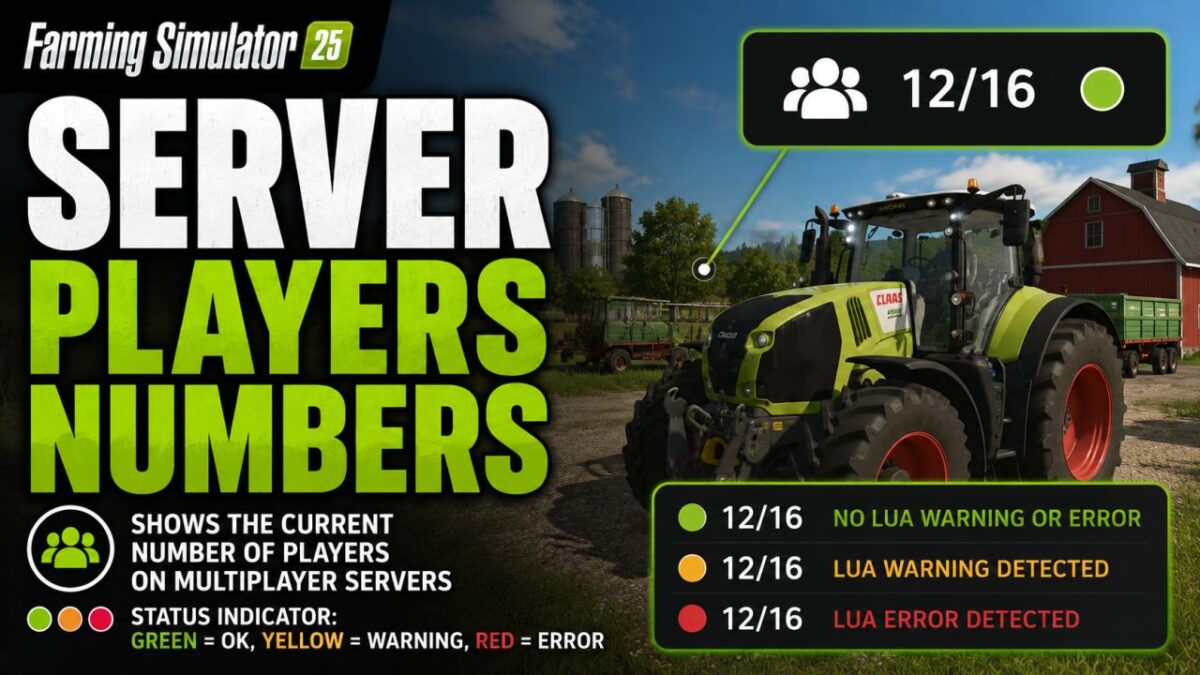
Displays the current number of players directly in the HUD on multiplayer servers.
The display consists of a compact player count with a status indicator:
Green: no Lua warning or Lua error detected
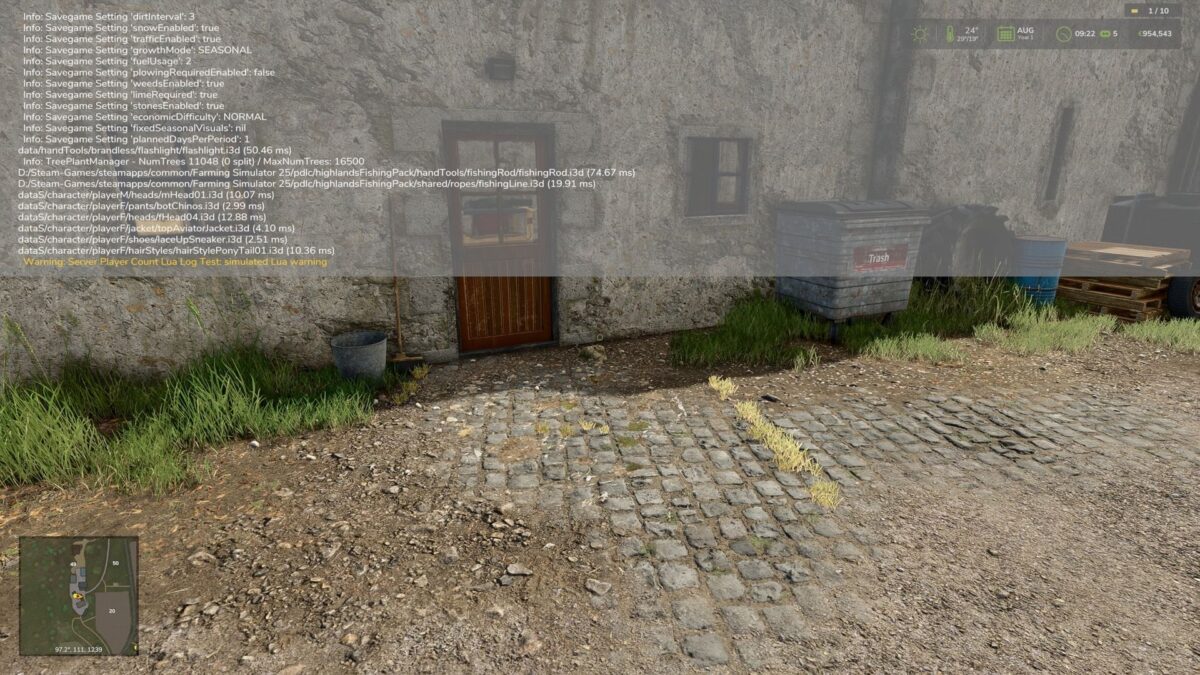
Yellow: Lua warning detected
Red: Lua error detected
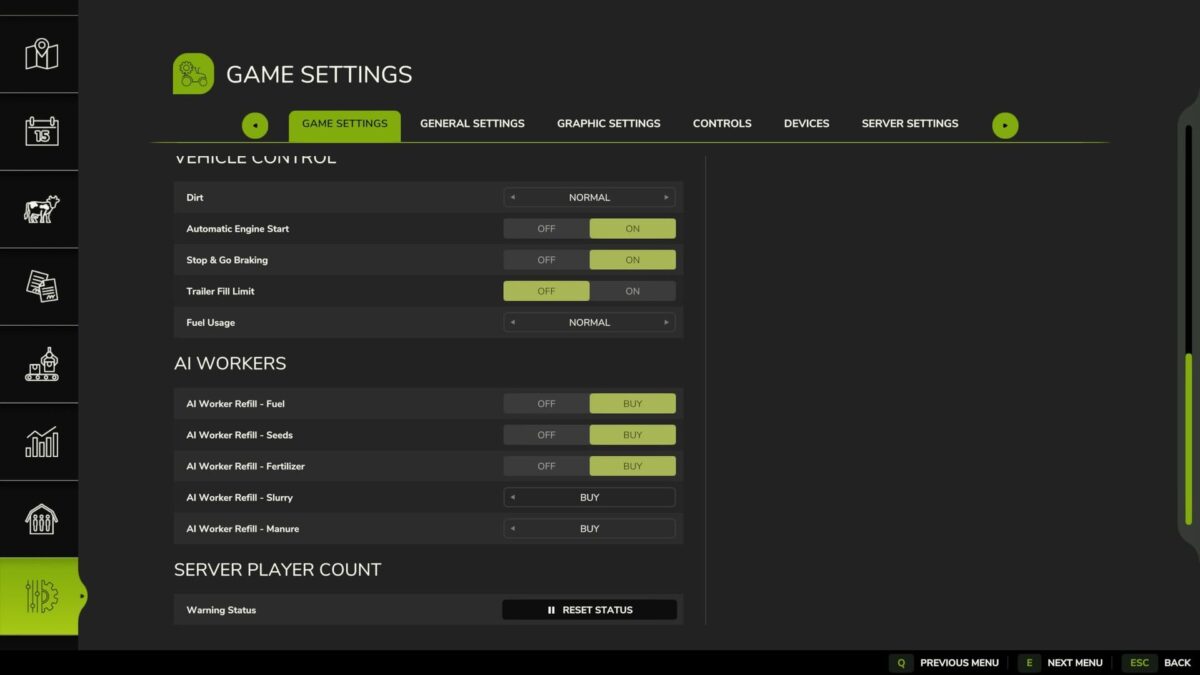
The status point can be reset in the game settings if a detected message has been reviewed and is non critical.
Note: In single-player mode, the HUD display will be automatically hidden if the mod was accidentally activated there.
Further detections may be added later if log data can be analyzed more cleanly in the game.
Nalathan
How do I install Farming Simulator mods?
Find a mod that you like and want to download first. Then, on your PC, download a mod. Mods are typically in.zip format. However, it is sometimes in.rar format. If the mod file is in.zip format, no additional actions are required. If a file is in.rar format, you must unarchive it using software such as WinRar or Zip7. Windows 10 users do not need to use archive software; Win10 includes an unarchive feature.
The next step is to locate the mods folder on your computer. It is typically found in Documents/My Games/Farming Simulator [Your FS game version, e.g. 2022]. Open the "mods" folder and place the downloaded.zip archive or unarchived.rar file there.
The final step. Have fun with Farming Simulator mods!